Create
Choose what to make: Somssii Shorts, Somssii Image, or Somssii Series. For images, upload just one and get 10 in a few minutes.
Examples
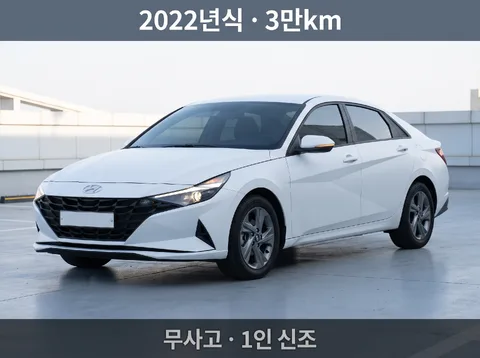
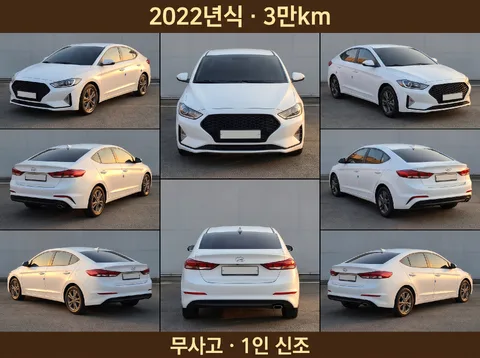
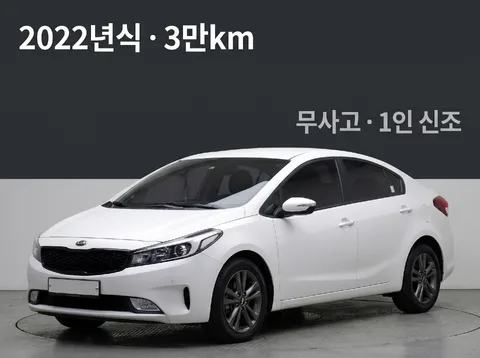
How it works
- 1
Upload one photo No photo? One sentence works too
- 2
Sign up free Get 30 free credits (3 sets) · No credit card needed
- 3
Ready in minutes Credits for images that fail are refunded automatically
Pressing Create takes you to sign-up. After you sign up and verify your email, your photo and choices (kept for 24 hours) are filled back in on this page, so one more tap submits it. Sign up for 30 free credits (enough for 3 sets), no credit card needed. Sign up or Log in
After you submit, the AI comes up with ten concepts (1–3 min) and generates 10 images at once. It usually takes 4–8 minutes; you can close the window and we'll email you when it's done. Engine queue right now: 10 jobs.
By uploading an image or entering a URL, you agree to our Terms of Service. See our Privacy Policy for how we handle personal information.
Ten images, split three ways
Composition · Palette · Style are reshuffled every time to make ten images. Subject, product, brand, and text stay the same.
Composition 30types
What goes where — placement of subject and text, and how the frame is divided.
- Front three-quarter
- Full side profile
- Rear three-quarter
- Car front view
- Driver's cabin view
- Instrument cluster
- Seat condition
- Wheel · Tire
- Hood open
- Trunk open
- Doors open shot
- Scratches as they are
- Odometer screen
- Car keys and papers
- Indoor studio
- Outdoor roadside
- Headlights on
- Whole car from above
- Emblem close-up
- Car photo · Info halves
- Price emphasis
- Six-cell listing
- Before and after wash
- With a person
- Driving shot
- Handles · Details
- Shoulder line emphasis
- Gear console
- Lit lamp close-up
- Condition chip strip
Color palette 10types
Which colors to use — the color combination for background, panels, badges, and text.
- Studio gray
- Cool asphalt
- Sunset drive
- Night garage
- White showroom
- Green road
- Urban concrete
- Cold snow
- Dark info panel
- Amber lamp
Style 10types
Which texture and light to finish with — the character of materials, lighting, and typefaces.
- Dealer photo
- Studio auto
- Real road
- Paint macro
- Night specular
- Flat info card
- Panning motion
- Documentary listing
- High-key auto
- Hard contrast
Ingredient names are just the assignment sheet; the AI studies your original and writes fresh instructions for each image. Name an ingredient in your extra instructions to lock that axis.
Need multiple connected pages instead of picking from ten?
Series mode creates ordered outputs — Product detail page · Carousel · Landing page · Event page · Catalog · Picture book · Company profile · Proposal · Short-form storyboard. You use every page you make.