Features · Series
Features · Use cases
Create multi-page outputs like detail pages, carousels, landing pages, and catalogs from a one-line topic. Colors and finish are unified across pages, and depending on the type, we join them into a single page or bundle them into a PDF.
01
Series types
TYPES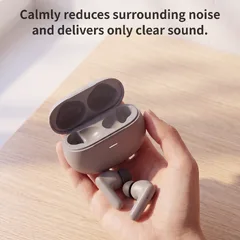


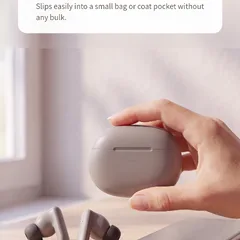 Product detail page
4–8 pages · Joined into one page · Builds sections from the hero shot to close-up details and in-use scenes, then stitches them into one long page. Drop it straight into your online store's product detail page.
Product detail page
4–8 pages · Joined into one page · Builds sections from the hero shot to close-up details and in-use scenes, then stitches them into one long page. Drop it straight into your online store's product detail page.

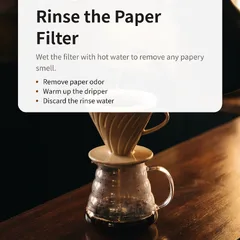 Carousel
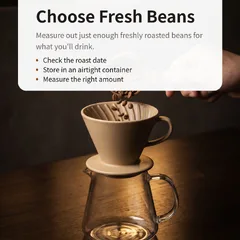
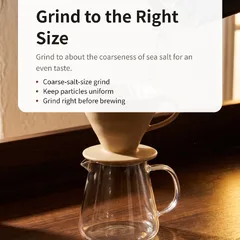
3–10 pages · Individual slides · Just give us a one-line topic and we'll create multiple slides. Post them straight to Instagram or your blog.
Carousel
3–10 pages · Individual slides · Just give us a one-line topic and we'll create multiple slides. Post them straight to Instagram or your blog.


 Landing page
3–5 pages · Joined into one page · Builds sections along a persuasive flow, from relating to the problem through to sign-up, then stitches them into one long page.
Landing page
3–5 pages · Joined into one page · Builds sections along a persuasive flow, from relating to the problem through to sign-up, then stitches them into one long page.



 Event page
3–5 pages · Joined into one page · Stitches together a single event announcement page that walks through the perks, how to join and the dates, in order.
Event page
3–5 pages · Joined into one page · Stitches together a single event announcement page that walks through the perks, how to join and the dates, in order.

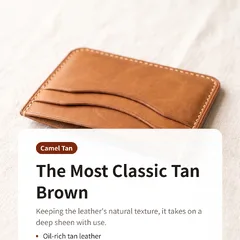
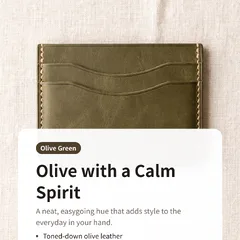
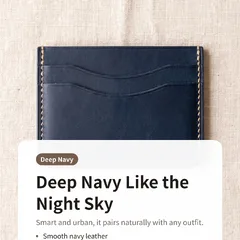 Catalog
4–10 pages · Bundled as a PDF · From cover to closing page, one item per page, bundled into a print-ready PDF.
Catalog
4–10 pages · Bundled as a PDF · From cover to closing page, one item per page, bundled into a print-ready PDF.


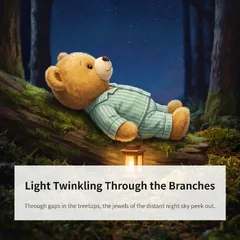
 Picture book
4–10 pages · Bundled as a PDF · One line per scene, turned into a picture book PDF with a story that flows from page to page.
Picture book
4–10 pages · Bundled as a PDF · One line per scene, turned into a picture book PDF with a story that flows from page to page.

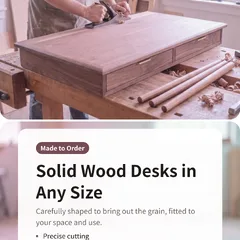
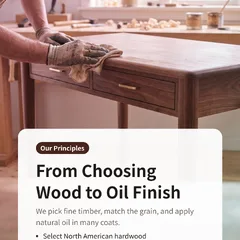
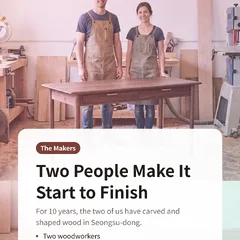 Company profile · Proposal
4–10 pages · Bundled as a PDF · From cover to contact details, each page shows one side of your company, bundled into a PDF for print or email.
Company profile · Proposal
4–10 pages · Bundled as a PDF · From cover to contact details, each page shows one side of your company, bundled into a PDF for print or email.

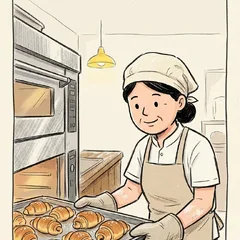
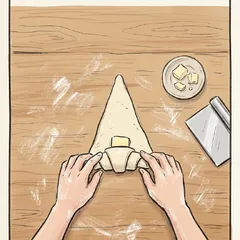
 Short-form storyboard
15·30·60 sec · Bundled as a PDF · One line in: a shooting storyboard PDF for a 15, 30 or 60-second short — scenes, camera, captions, sound and cut sketches.
Short-form storyboard
15·30·60 sec · Bundled as a PDF · One line in: a shooting storyboard PDF for a 15, 30 or 60-second short — scenes, camera, captions, sound and cut sketches.
02
How a series is made
PIPELINE
01
Pick a type
Choose one: product detail page, carousel, landing page, event page, catalog, picture book, or company profile.
02
One-line topic
Write what you want to present and, if you have one, upload a product photo too. You set the number of pages here as well.
03
Flow design
From cover to closing, each page gets a role and copy, with colors and finish unified across pages.
04
Get the final output
Once all pages are done, they're joined into one page or bundled into a PDF, and you can download all the individual pages at once.
03
Real series
GALLERY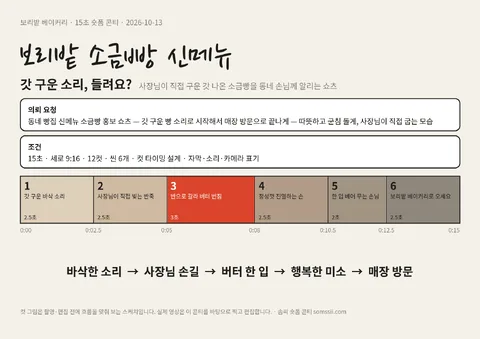
Done 12/12
Short-form storyboard
보리밭 소금빵 신메뉴

Done 6/6
Company profile · Proposal
Woodworking Studio Company Profile

Done 3/3
Landing page
Hand Cream 1+1 Special Moisturizing Set
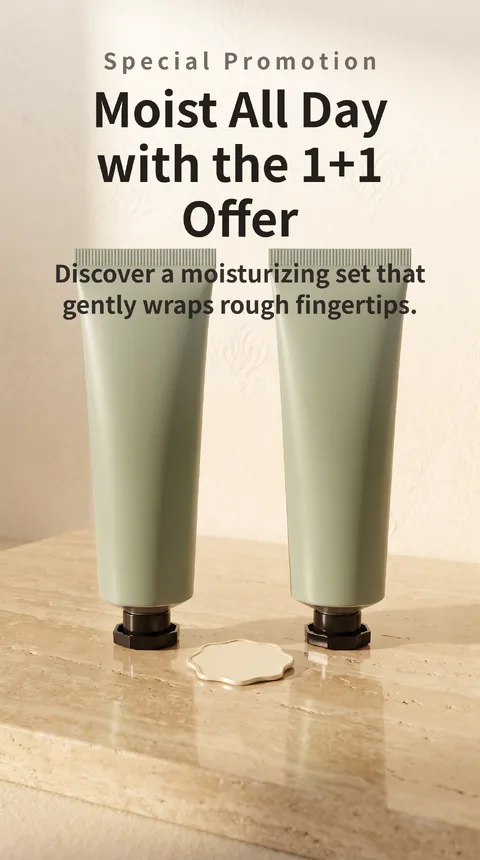
Done 4/4
Landing page
Hand Cream 1+1 Special Moisturizing Set

Done 4/4
Landing page
Hand Cream 1+1 Special Moisturizing Set
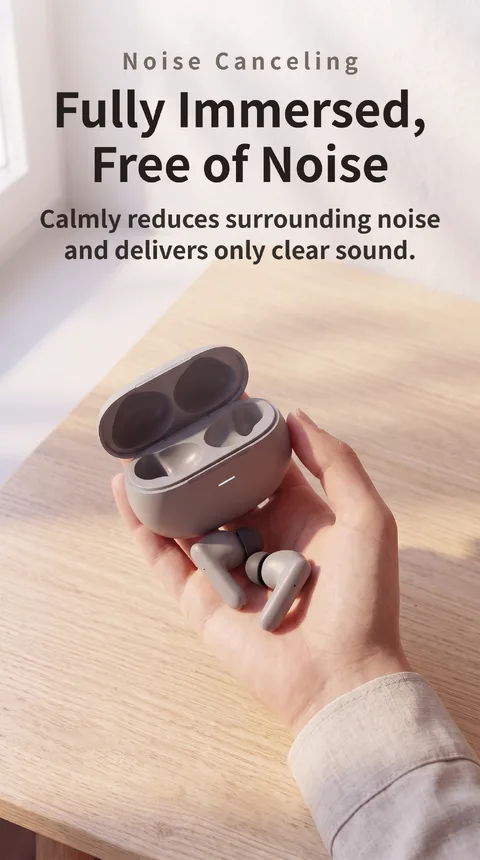
Done 6/6
Product detail page
Noise-Canceling Wireless Earbuds with Charging Case

Done 6/6
Catalog
Handmade Leather Card Wallet Catalog in 5 Colors
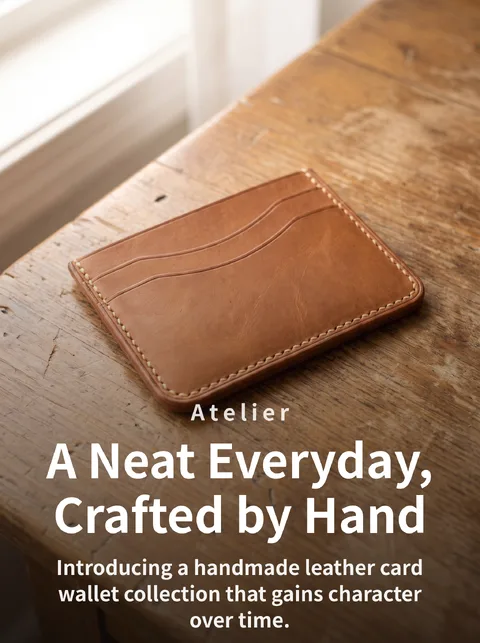
Done 6/6
Catalog