One image in, ten creative takes out
One line in, Shorts & Reels out
One banner or product photo gets you ten images with different compositions, palettes, and moods; one line gets you a 9:16 vertical video complete with captions, music, and narration.
Pick a use case and upload one photo (or write one line), and within minutes we'll make ten images with different compositions, palettes, and moods while your subject and text stay intact. Below are real results.
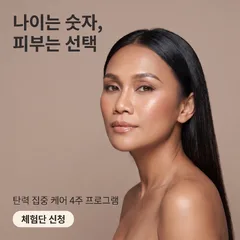
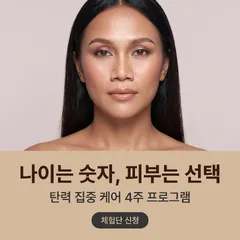
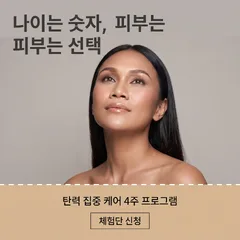
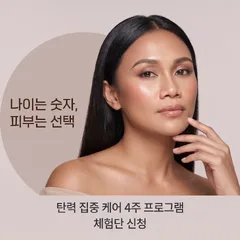 Ad bannerTen banners with different composition and color palette, using the same copy and product. Make versions for each channel and season in one go, then pick the best performer.
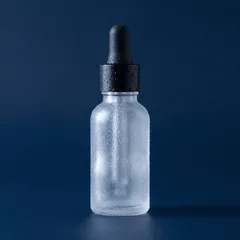
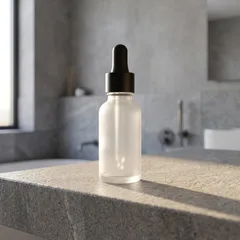
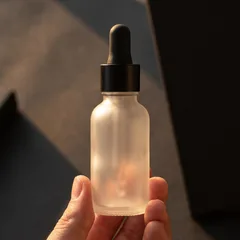
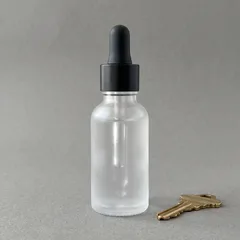 Product photoThe product stays the same; only the background, lighting and mood change, ten ways. Get shots for product detail pages and marketplace thumbnails without a reshoot.
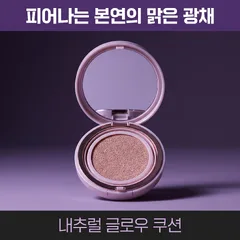

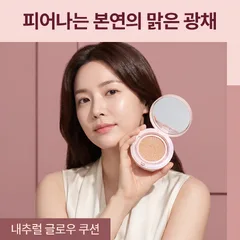
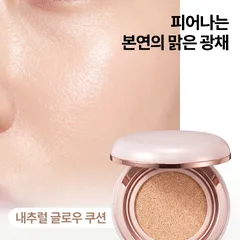 Cosmetics photoProduct-only shots and shots of a model using it, together. The formula, packaging and model's face stay the same; only the background, lighting and mood change, ten ways.
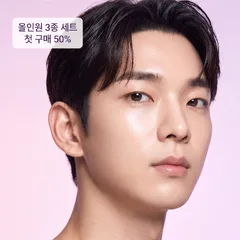
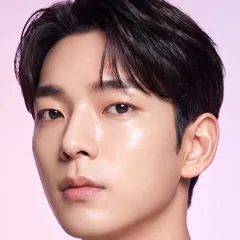
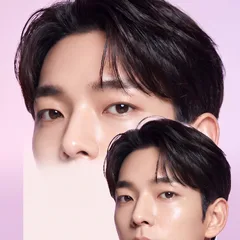
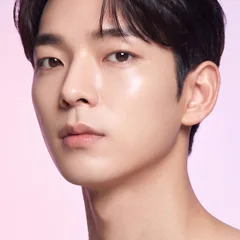 Social media contentTonal variations for feeds and stories. Keep your brand look while posting something that feels different every time. Seasonal and campaign versions, too, all at once.
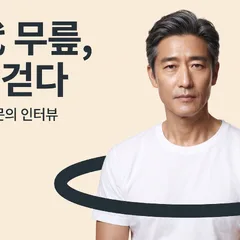
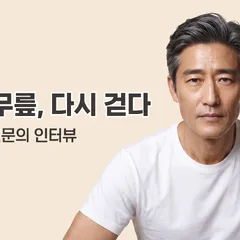
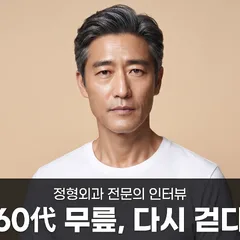
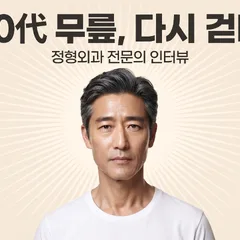 ThumbnailTen YouTube, blog or product thumbnails for click-through A/B testing. The text stays the same; only the composition and color palette change.
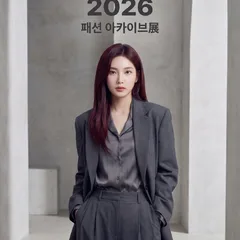
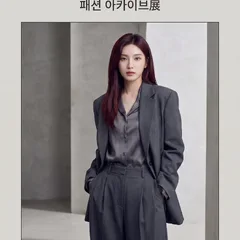
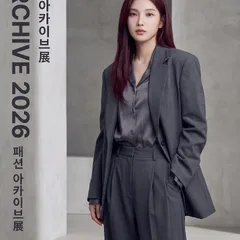
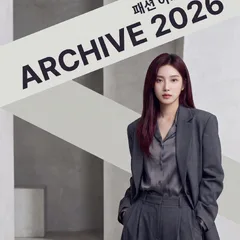 Poster · PrintGenerate drafts of event posters, leaflets and in-store POP in ten moods and pick one. In the exact print ratio.
10 images per set for 10 credits · Automatic refunds for images we can't make
Pick a topic and write one line about what to make, and we'll deliver a finished 9:16 vertical video, from planning to captions, music, and narration.
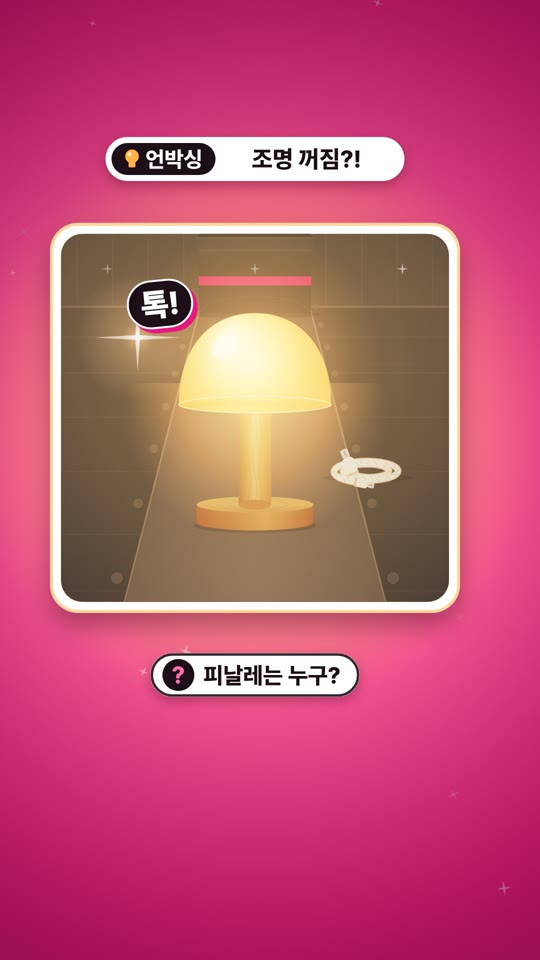 Shopping ShortsShorts that showcase products and drive purchases.
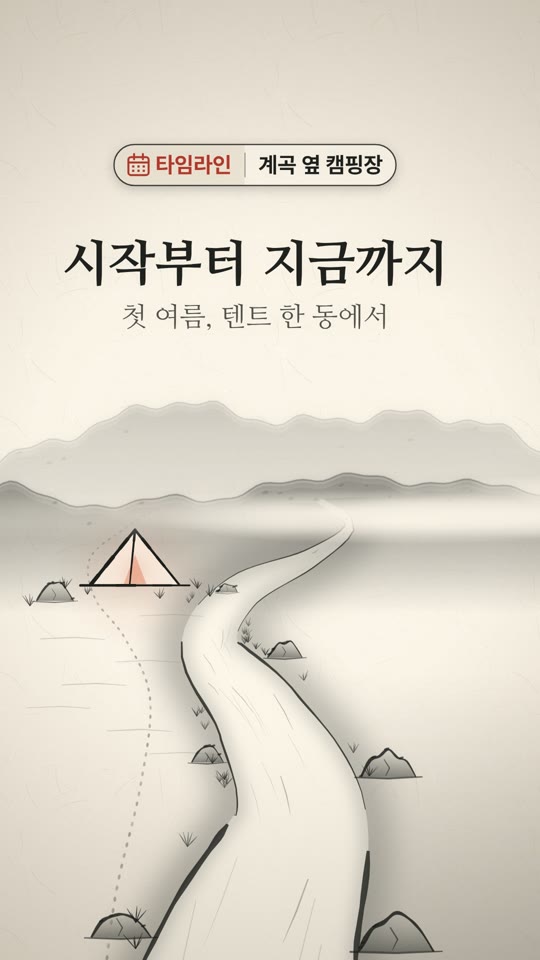 Business promoPromo videos that spread the word about your store or brand.
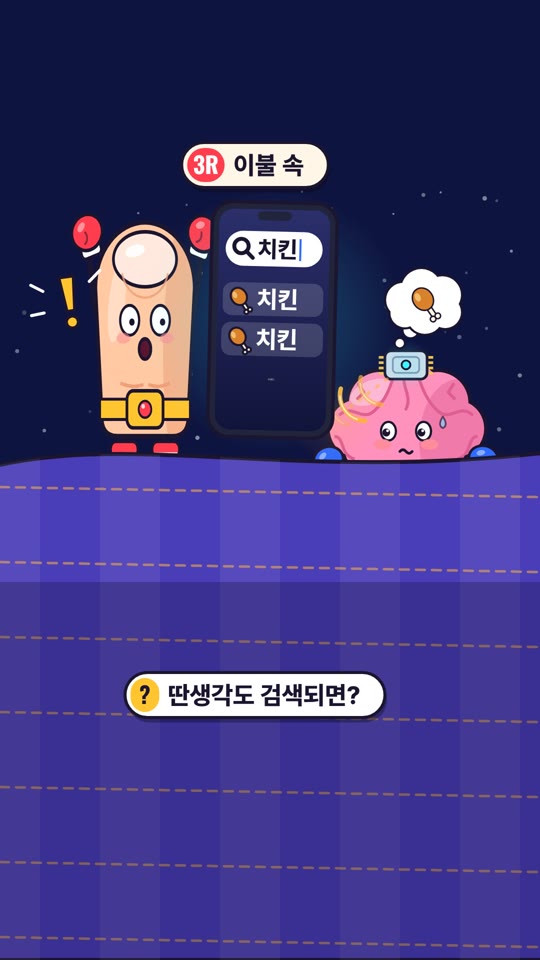 Instagram contentContent for Instagram Reels and Stories.
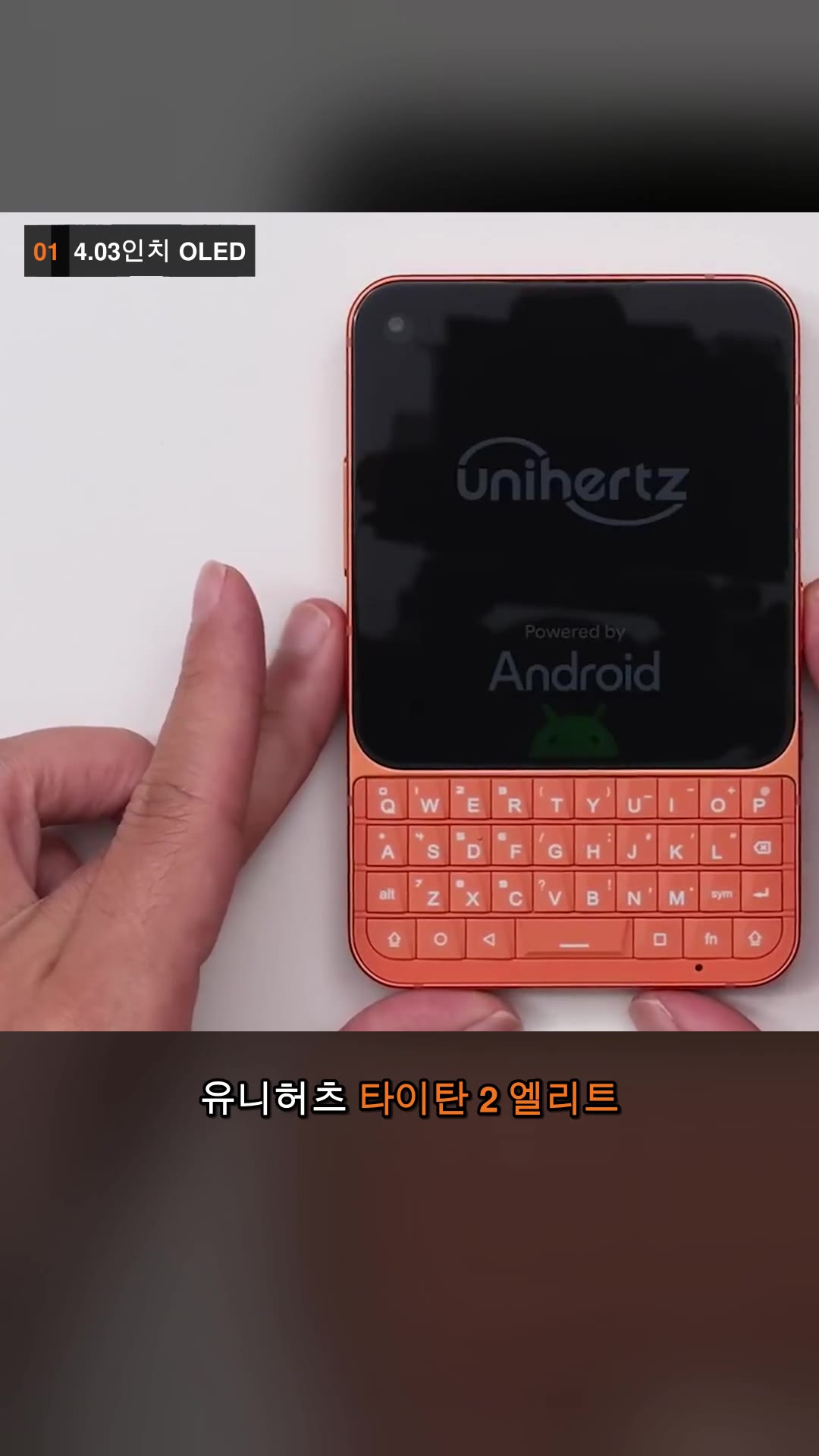 YouTube highlightsNew Shorts built from the key points of a YouTube video or channel.
![[Live 풀영상] 👩🍳 매콤 낙지볶음 by.815요리사랑 — 하이라이트](https://rebeauty.design/video-farm/47a7749ad25f6db1/posters/01-edit.jpg) Live ShortsNew Shorts built from live stream content.
Live ShortsNew Shorts built from live stream content.
25 credits per video · Automatic refunds for videos we can't make
One line in, the storyboard you need before shooting comes out as a PDF — scenes, camera, captions, sound and cut sketches. Shoot it yourself or hand it to your videographer.
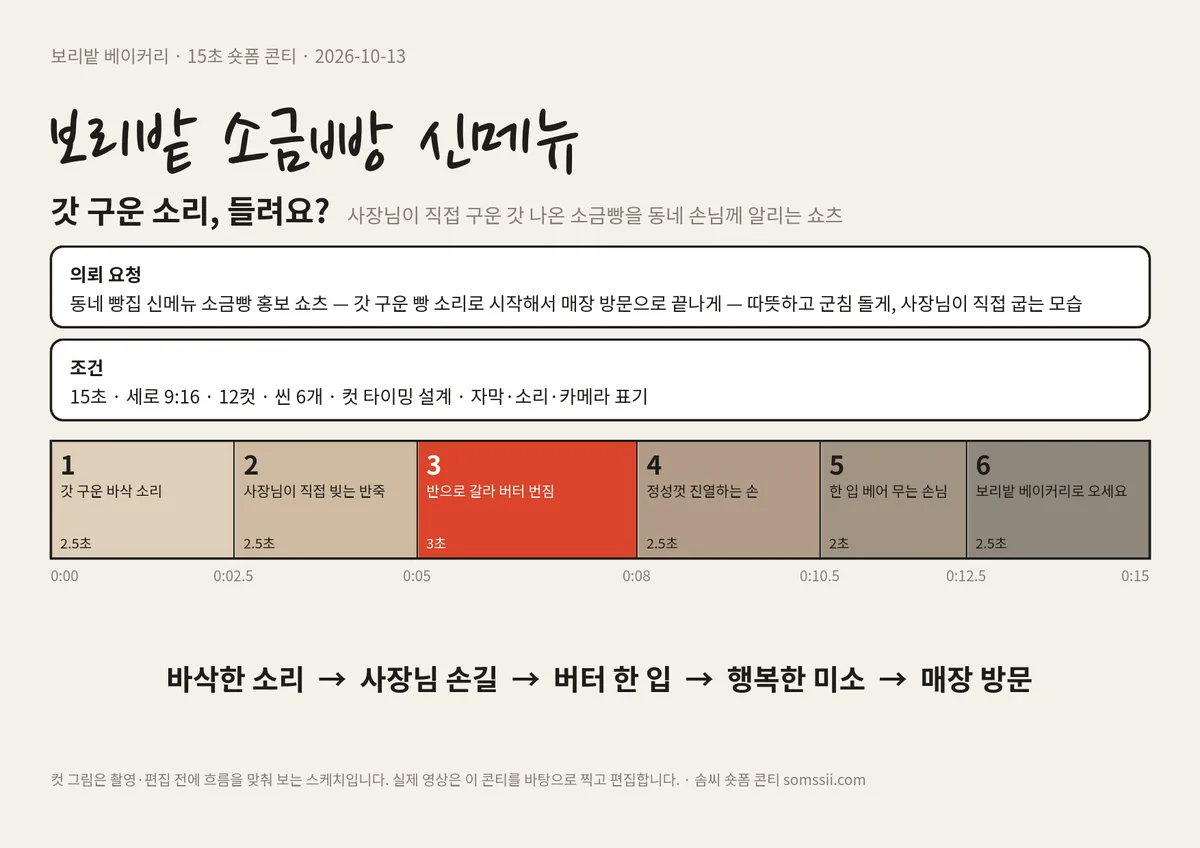
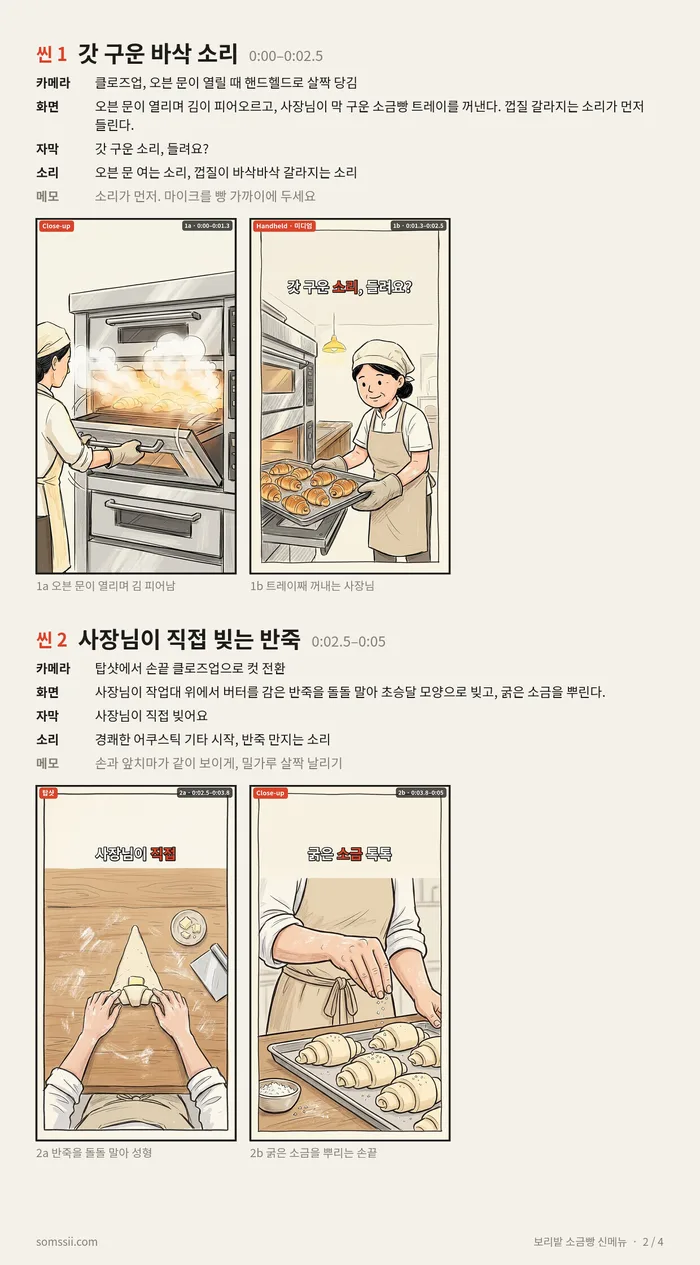
Sample: “보리밭 소금빵 신메뉴” — pages 1 and 2 of a real storyboard PDF made with Somssii
From 30 credits for 15 sec · try one free with the 30 credits you get at sign-up
Pick a type and give us a one-line topic (or one photo). We'll give each page a role, plan the flow, add the text, and deliver it as a single joined page, slides, or a PDF. Below are real results.
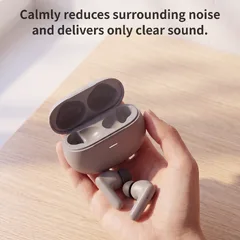
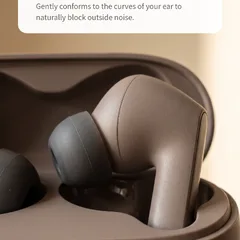
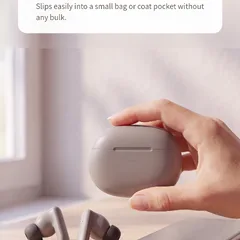 Product detail pageBuilds sections from the hero shot to close-up details and in-use scenes, then stitches them into one long page. Drop it straight into your online store's product detail page.
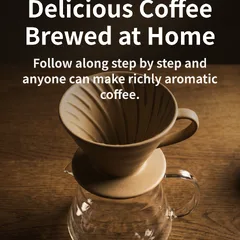
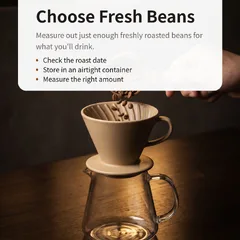
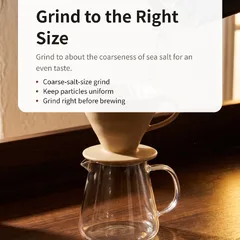
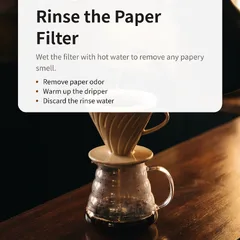 CarouselJust give us a one-line topic and we'll create multiple slides. Post them straight to Instagram or your blog.
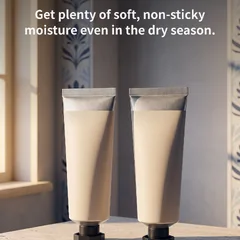
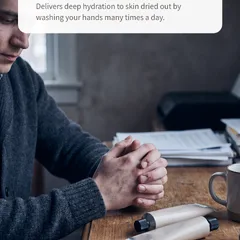
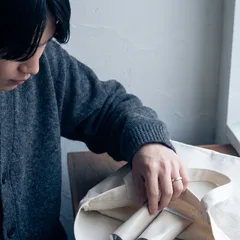 Landing pageBuilds sections along a persuasive flow, from relating to the problem through to sign-up, then stitches them into one long page.
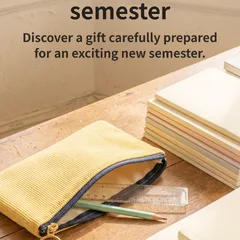
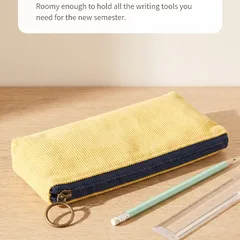
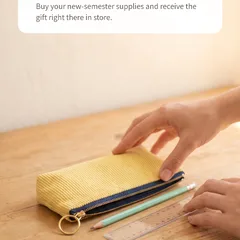
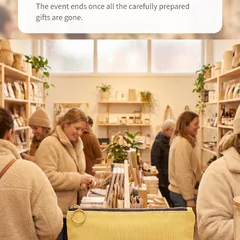 Event pageStitches together a single event announcement page that walks through the perks, how to join and the dates, in order.
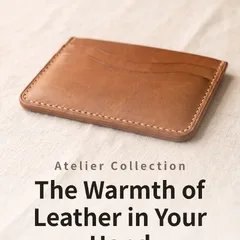
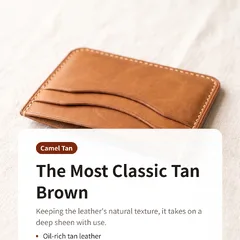
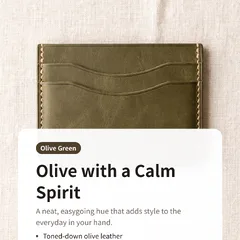
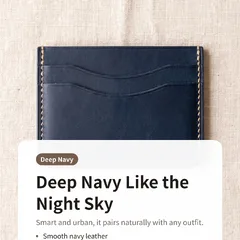 CatalogFrom cover to closing page, one item per page, bundled into a print-ready PDF.
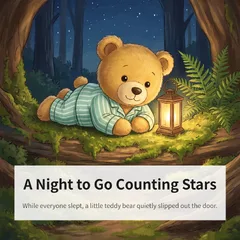
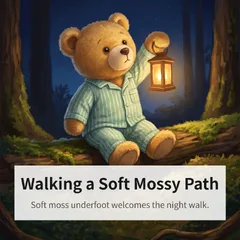
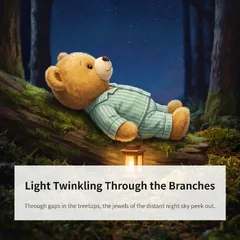
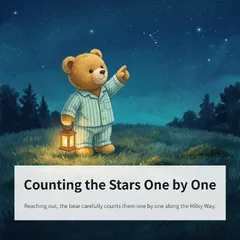 Picture bookOne line per scene, turned into a picture book PDF with a story that flows from page to page.
 Company profile · ProposalFrom cover to contact details, each page shows one side of your company, bundled into a PDF for print or email.
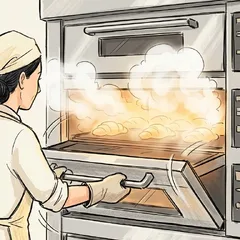
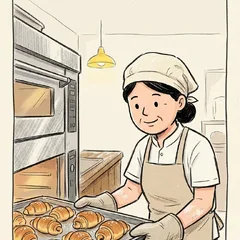
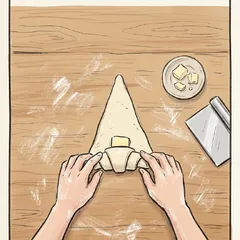
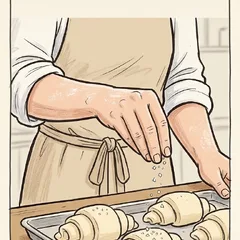 Short-form storyboardOne line in: a shooting storyboard PDF for a 15, 30 or 60-second short — scenes, camera, captions, sound and cut sketches.
1 credits per page · 3–10 pages · Automatic refunds for pages we can't make
The rules that turn one image into ten
Not just "varied" — each image gets its own composition and style, locked in up front. The pack you choose decides how the ten images differ.
Mix · 10 looks
Mixes all three (composition, color palette and style) so all ten images look different. New here? Start with this one.
- Diagonal color block · Neon gradient · Paper
- Full bleed · Cream champagne · Bold pop
- Magazine cover · Monotone · Clean minimal
- Text left · Dark gold · Crisp corporate
- Modular grid · Coral blush · Film grain
- Typography-led · Neutral beige · Glassy
- Split screen · Pastel · Glossy premium
- Subject top · Deep navy · Editorial
- Card in card · Vivid primaries · Soft high-key
- Arch frame · Clean white · Foil
Palette · 10 looks
Keeps the original's composition and style, and changes only the colors, in ten ways.
- Deep navy
- Coral blush
- Vivid primaries
- Clean white
- Cream champagne
- Pastel
- Dark gold
- Monotone + Accent
- Neon gradient
- Neutral beige
Composition · 10 looks
Keeps the original's colors and style, and changes only the layout and framing.
- Magazine cover
- Split screen
- Full bleed + Gradient
- Modular grid
- Card in card
- Diagonal color block
- Typography-led
- Text left · Subject right
- Subject top · Text bottom
- Arch frame
Style · 10 looks
Keeps the original's colors and composition, and changes only texture, lighting and typeface.
- Glossy premium
- Paper · Kraft
- Glassy
- Crisp corporate
- Foil · Emboss
- Bold pop
- Clean minimal
- Film grain
- Editorial
- Soft high-key
Why doesn't just saying "make it varied" work?
Ask an image model for "10 varied images" and you get 10 similar ones. That's why Somssii writes a different instruction for each image.
Concepts are locked in up front
Each variation gets one of 10 compositions · 10 palettes · 10 styles, assigned so none overlap — e.g. #1 is "text left · clean minimal" and #2 is "arch frame · film grain". The order is reshuffled for every set, and only ingredients that suit the content you're making are used.
The AI studies your original and writes the instructions
Gemini reads your original and extracts the subject, brand, and visible text exactly as written, then writes a different generation instruction for each image to match its assigned concept. That's why text never gets changed or dropped.
All ten are made at once
All ten images go into the generation queue at the same time, 4–5× faster than one by one, and failed images are retried automatically. You get credits back for any images we couldn't make.
Download results one by one from the set page or all at once as a ZIP, and remake only the images you want.
Browse real sets
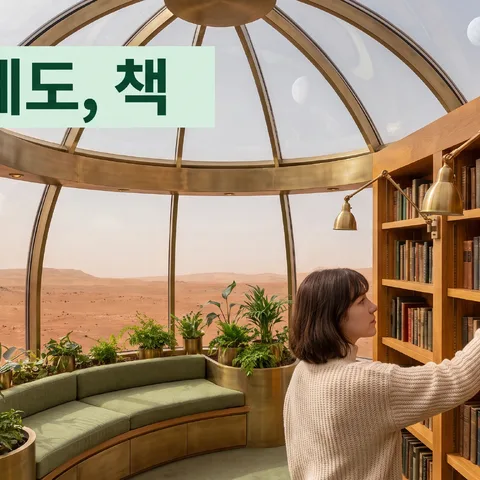
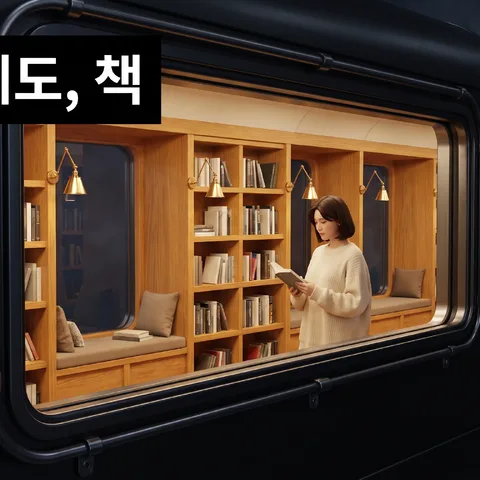
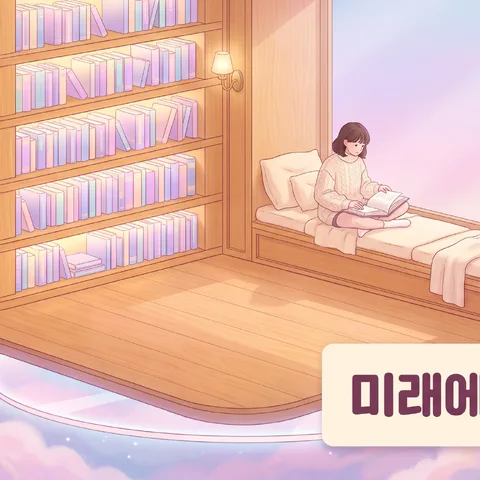
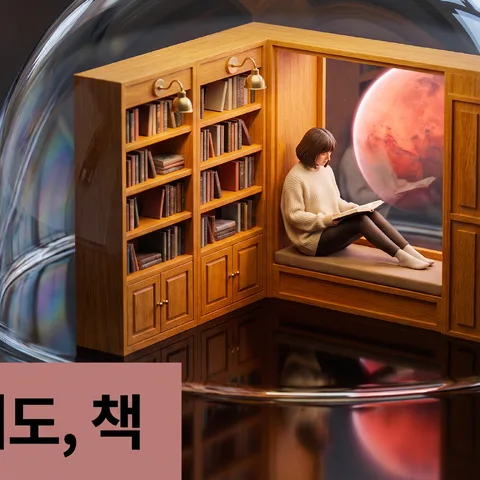
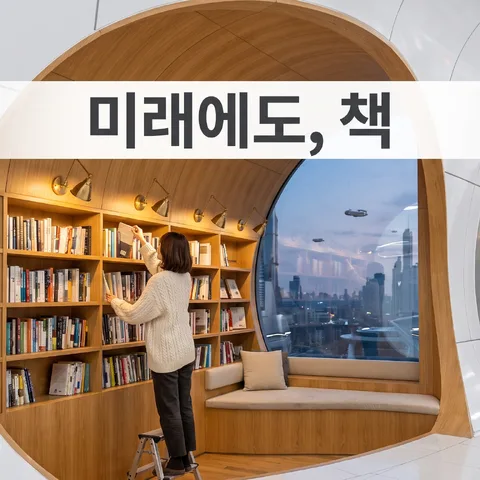
A small neighborhood bookstore — wooden bookshelves, window seats and people choosing books
The Neighborhood Bookstore of the Future
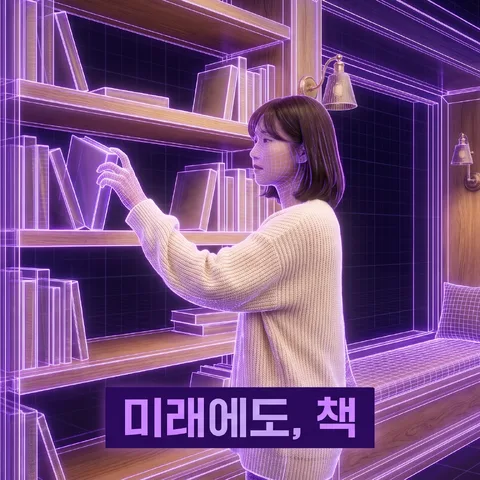
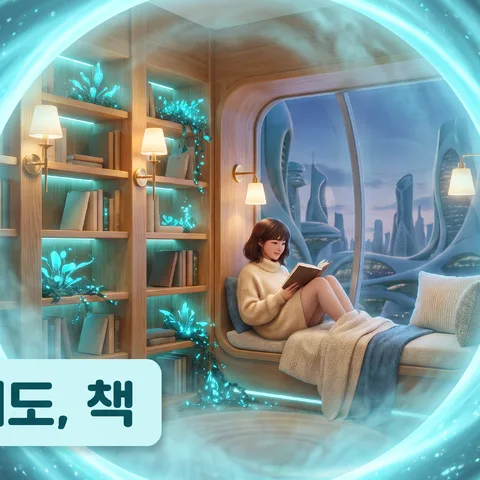
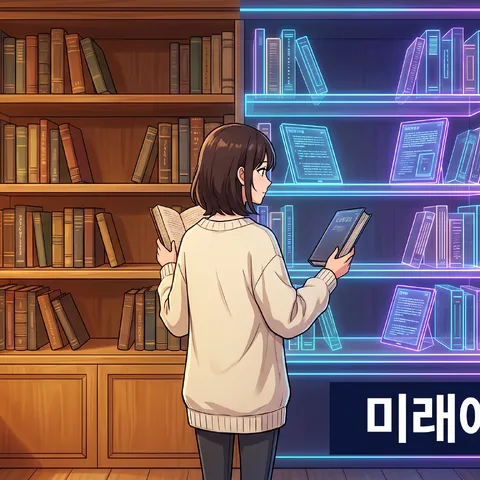
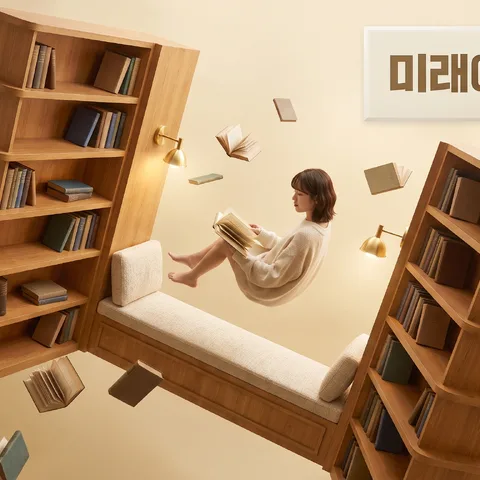
One line becomes a vertical video
Shopping · business promo · Instagram · YouTube highlights · live — we make Shorts & Reels for your goal, from planning to captions, music, and narration. Below are real videos made and shared.
9:16
Shopping Shorts조명은 셀프!
9:16
Business promo족자 한 폭, 물가에서 별까지
9:16
Instagram contentThumb vs Brain Chip
9:16
YouTube highlights펀딩 대성공 ㅋㅋ 돈 안 아까운 쿼티폰 타이탄 2 엘리트 — 하이라이트
9:16
Live Shorts[Live 풀영상] 👩🍳 매콤 낙지볶음 by.815요리사랑 — 하이라이트
 9:16
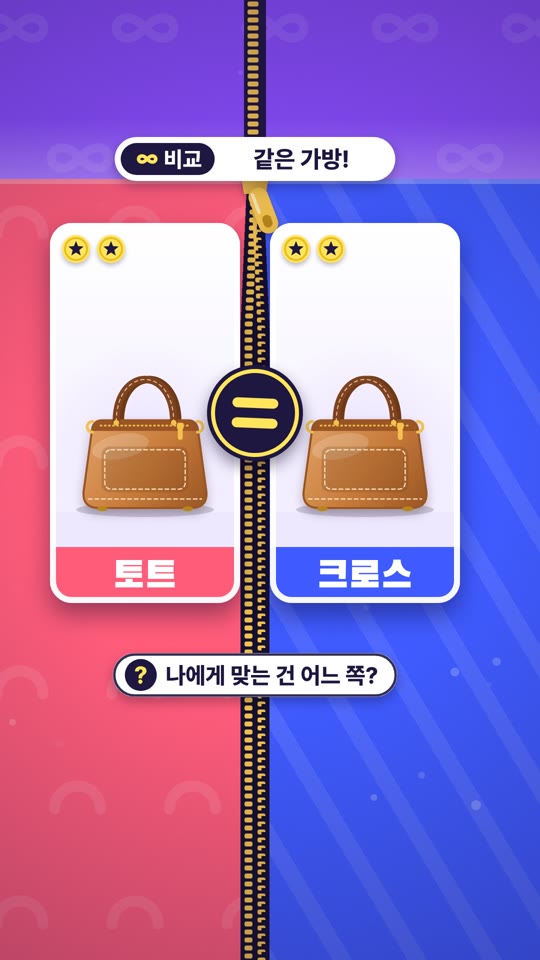
Shopping ShortsCarry or Sling?
9:16
Shopping ShortsCarry or Sling?
 9:16
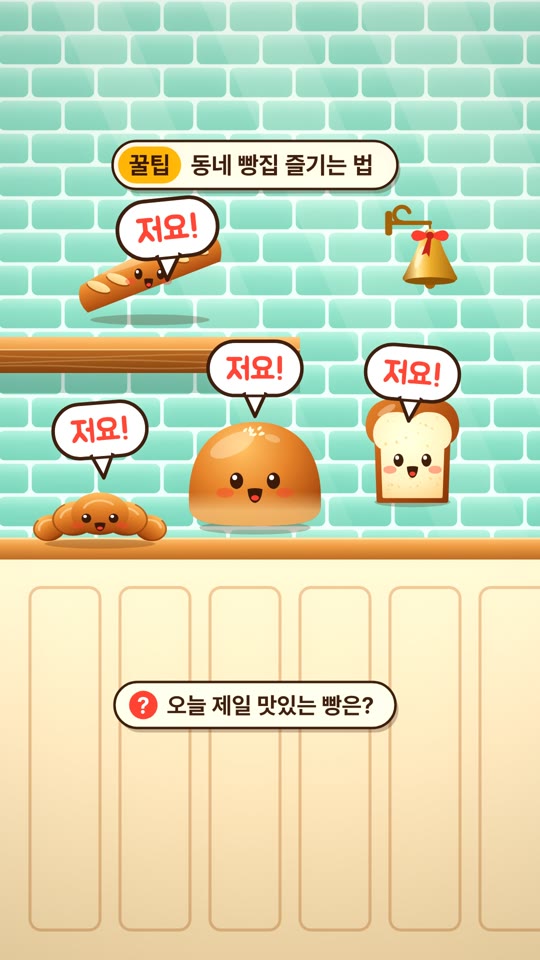
Business promo빵들이 알려 주는 꿀팁
9:16
Business promo빵들이 알려 주는 꿀팁
 9:16
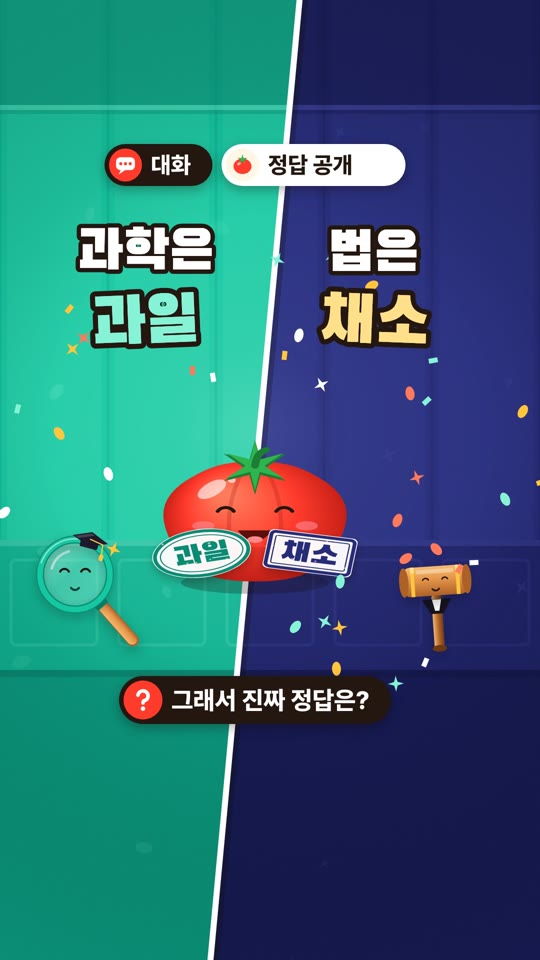
Instagram contentIs a Tomato a Fruit?
9:16
Instagram contentIs a Tomato a Fruit?
 9:16
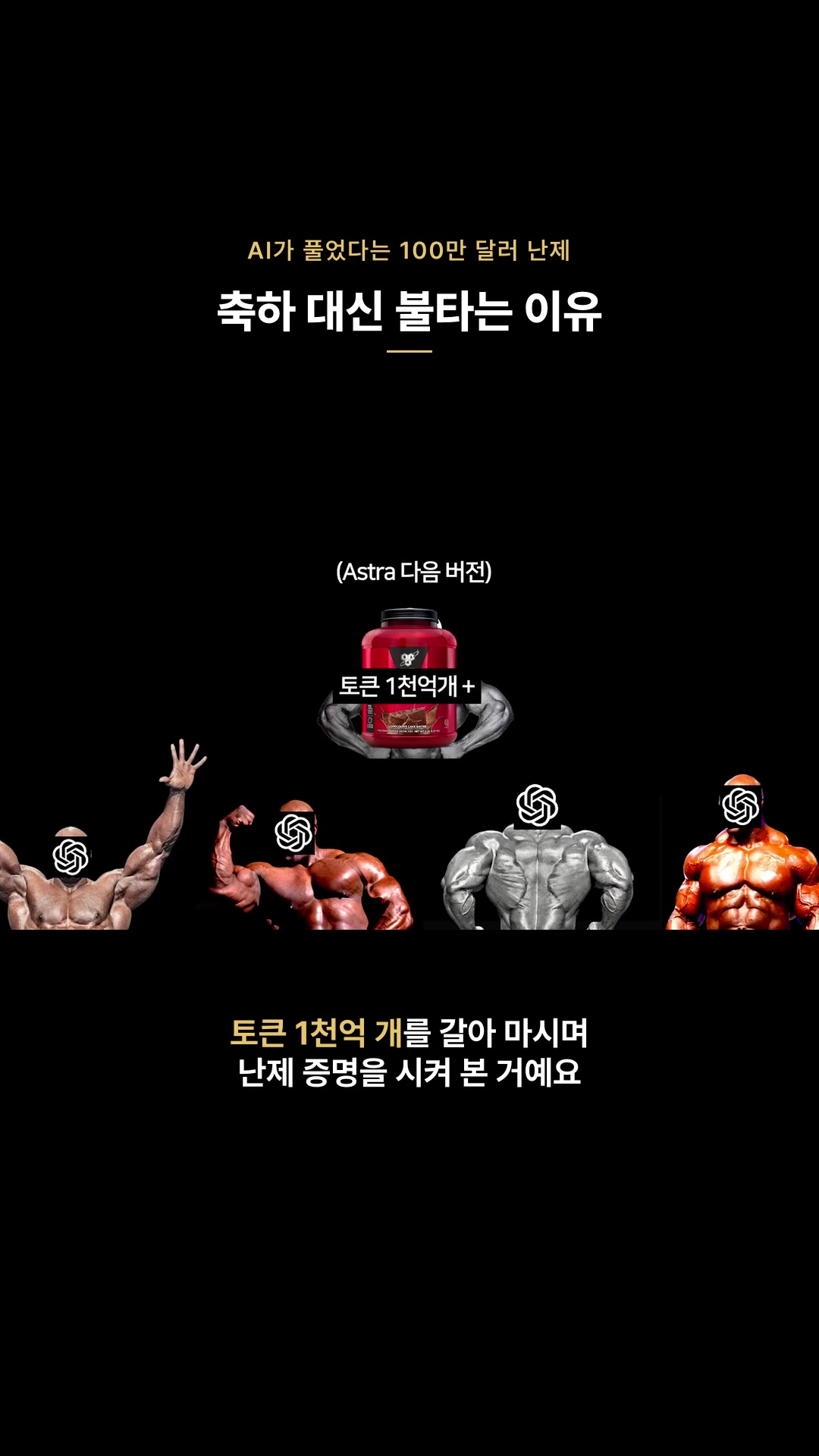
YouTube highlights나비에 스토크스 난제로 불타는 이유 — 하이라이트
9:16
YouTube highlights나비에 스토크스 난제로 불타는 이유 — 하이라이트
 9:16
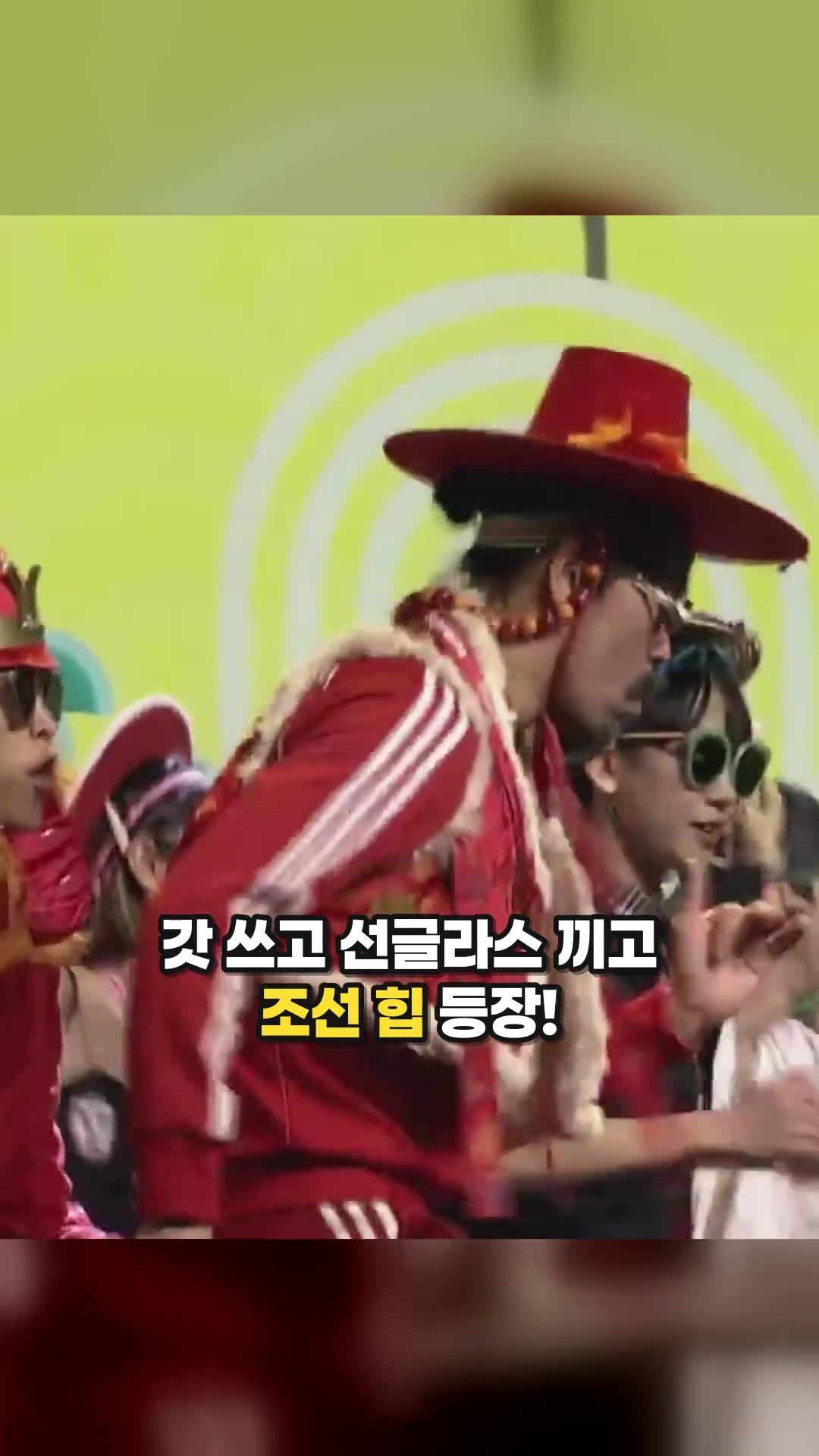
Live ShortsFeel the Rhythm of Korea : IYKoong Studio — Highlights
9:16
Live ShortsFeel the Rhythm of Korea : IYKoong Studio — Highlights
 9:16
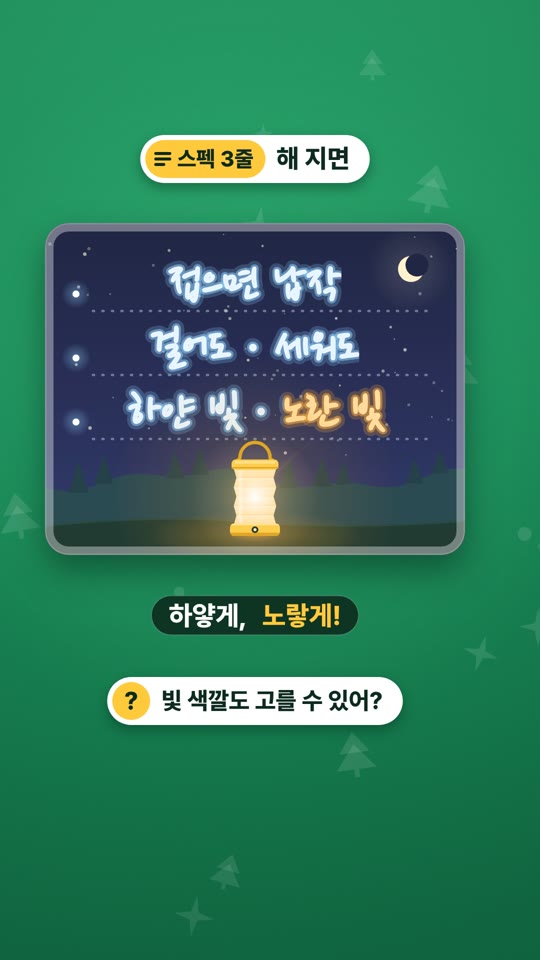
Shopping ShortsA Three-Line Summary Written with a Lantern
9:16
Shopping ShortsA Three-Line Summary Written with a Lantern
 9:16
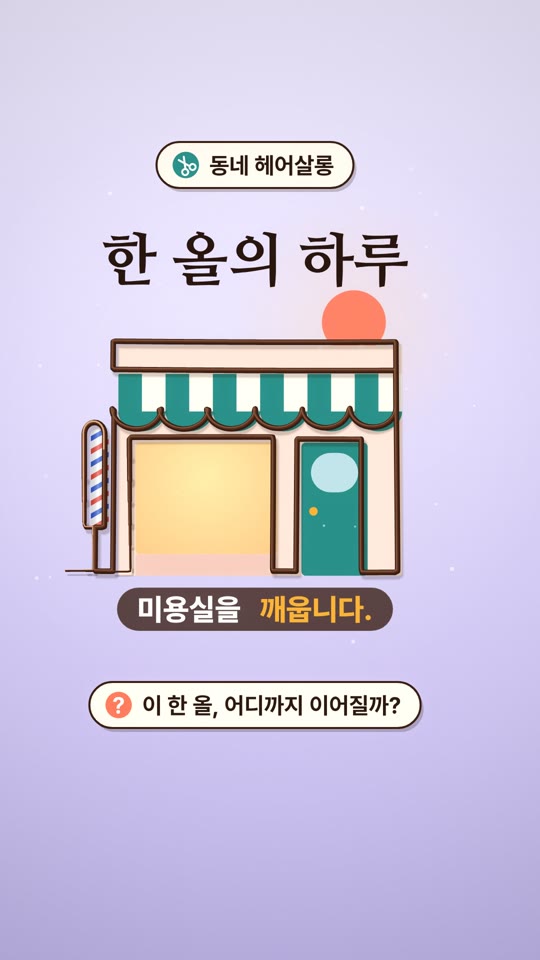
Business promoA Day in a Single Strand
9:16
Business promoA Day in a Single Strand
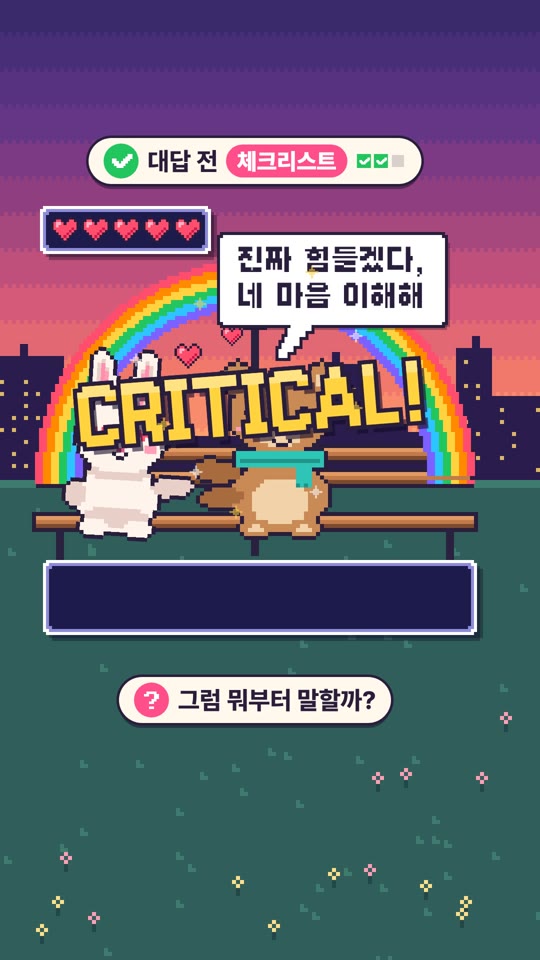 9:16
Instagram contentChecklist Before You Reply
9:16
Instagram contentChecklist Before You Reply
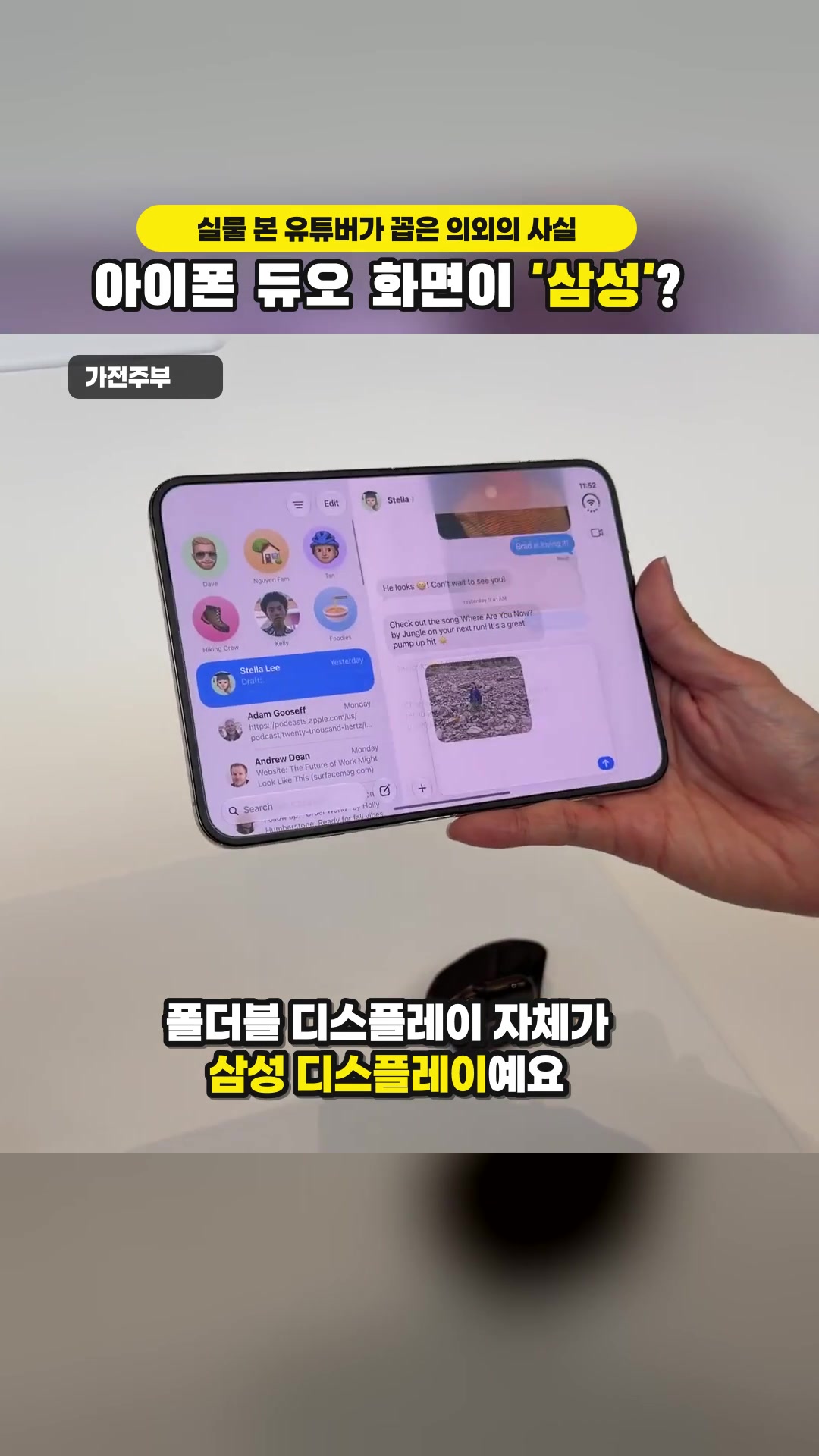 9:16
YouTube highlightsiPhone Duo and iPhone 18 Pro in person: what did the YouTubers who saw them pick? | We'll decide what you should buy!!! — Highlights
9:16
YouTube highlightsiPhone Duo and iPhone 18 Pro in person: what did the YouTubers who saw them pick? | We'll decide what you should buy!!! — Highlights
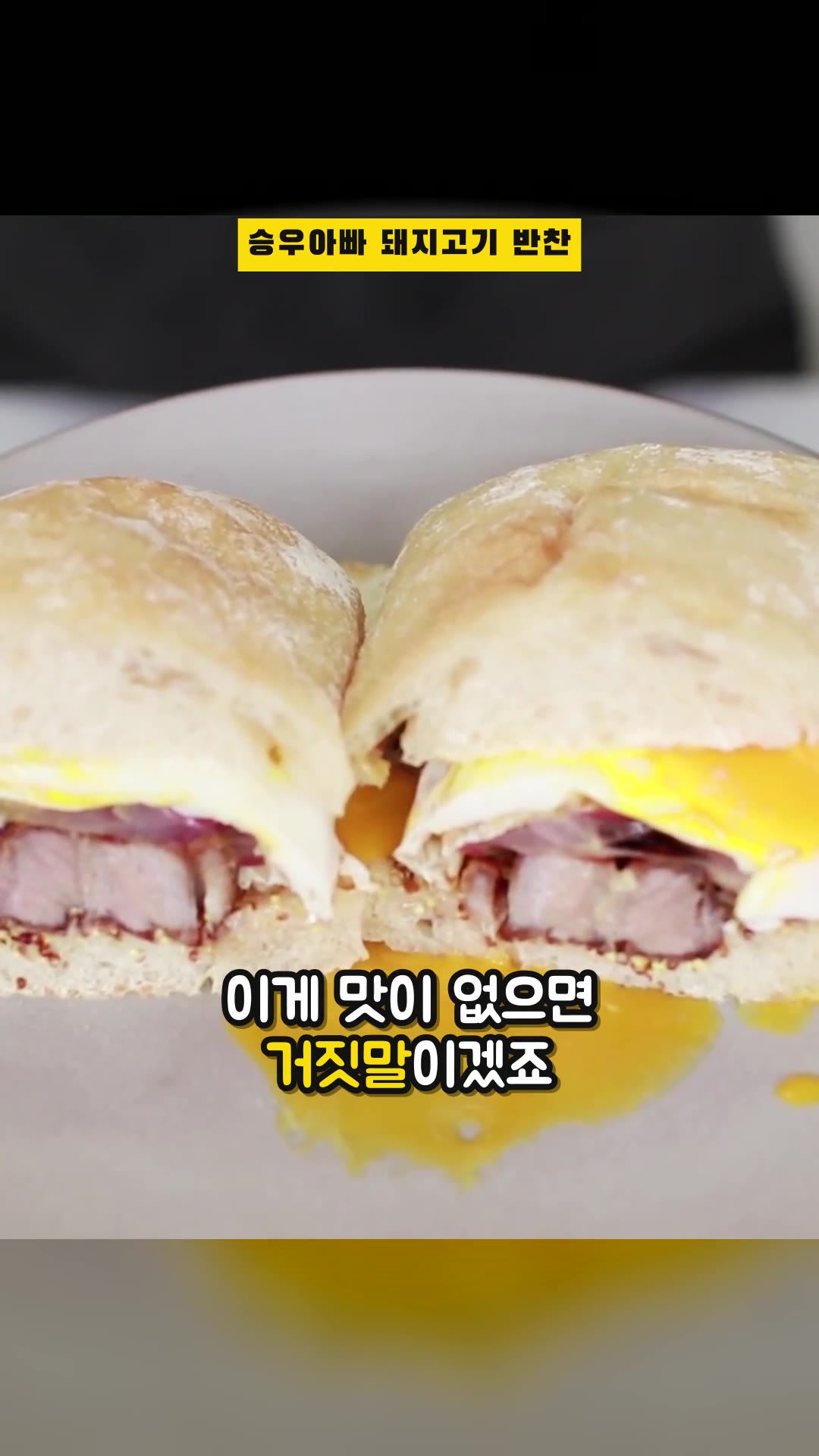 9:16
Live Shorts4 Easy Meat Side Dishes — Highlights
9:16
Live Shorts4 Easy Meat Side Dishes — Highlights
 9:16
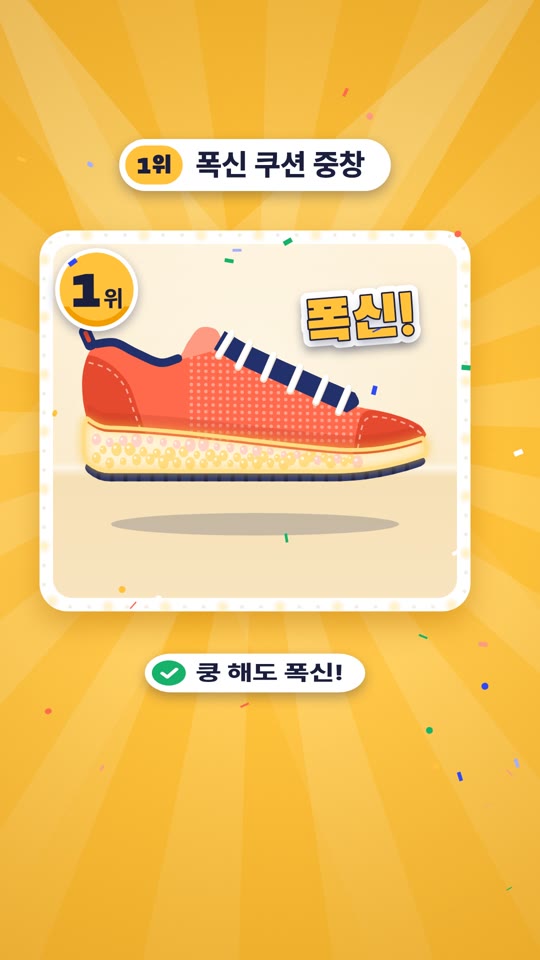
Shopping ShortsRockets Are Out! Sneakers TOP 5
9:16
Shopping ShortsRockets Are Out! Sneakers TOP 5
 9:16
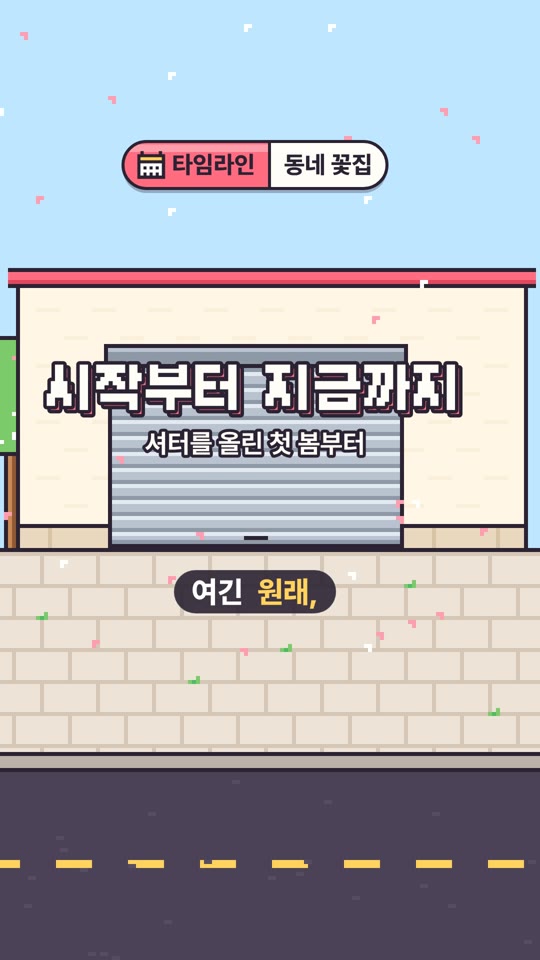
Business promoDay-One Pot's Flower Shop Tour
9:16
Business promoDay-One Pot's Flower Shop Tour
 9:16
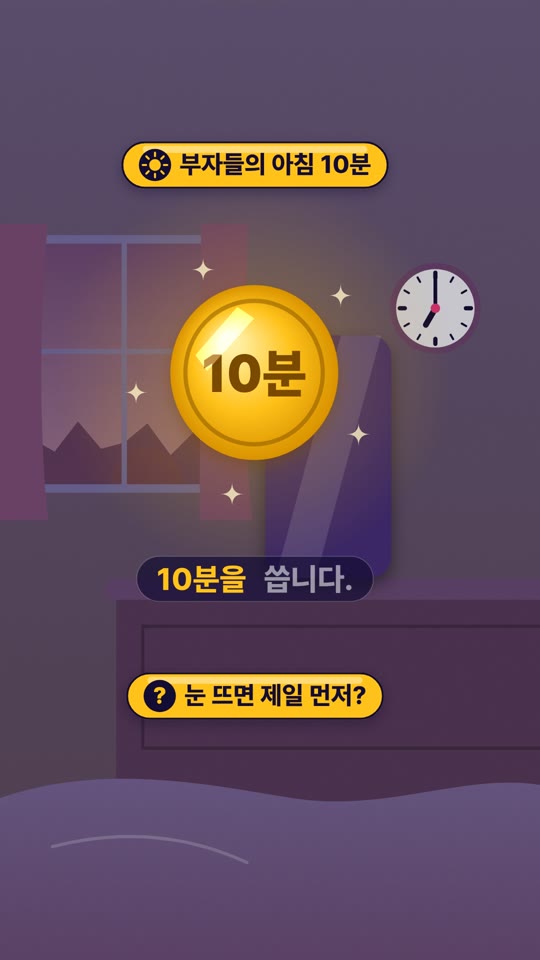
Instagram contentThe Same Morning, Twice
9:16
Instagram contentThe Same Morning, Twice
 9:16
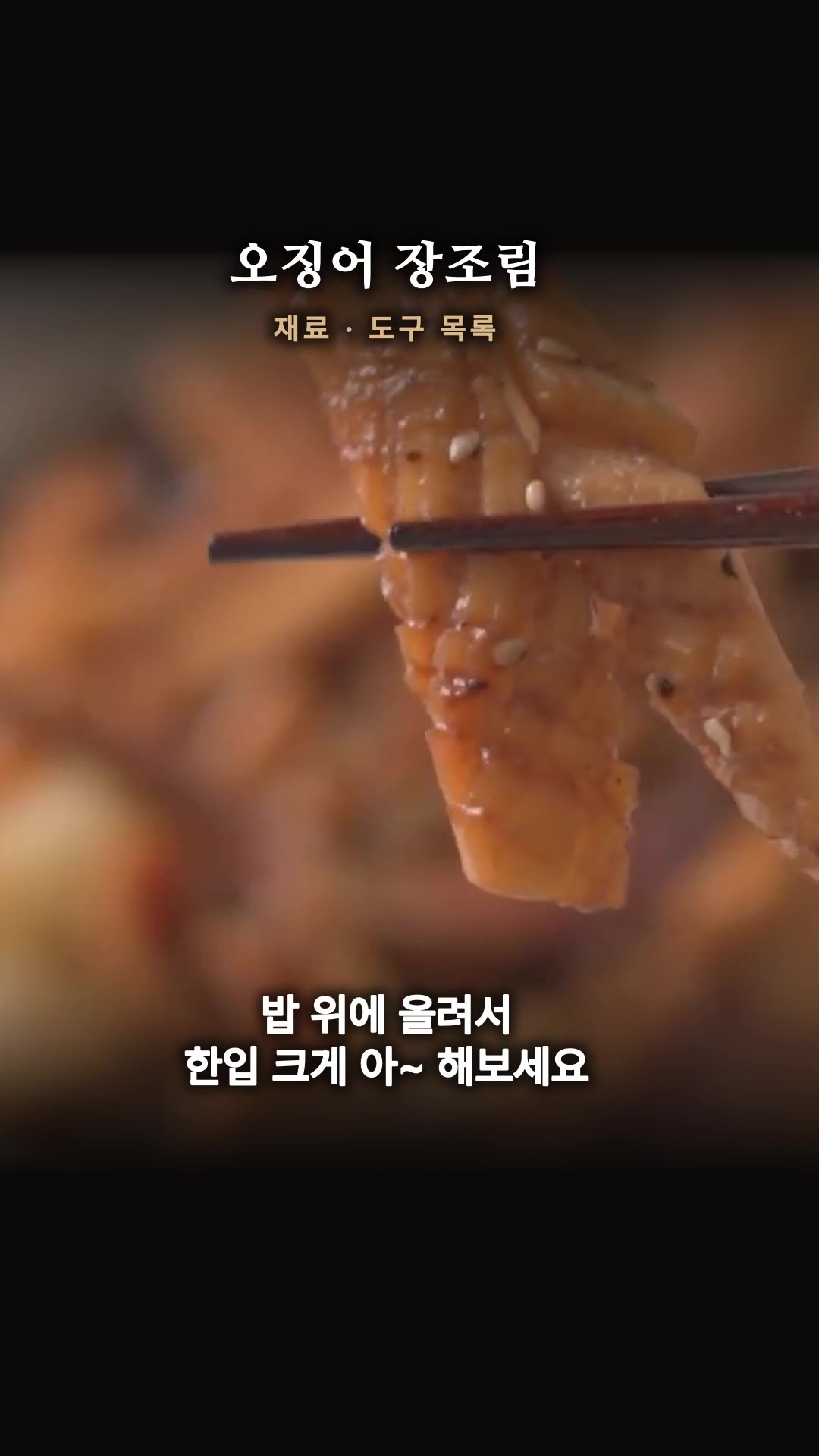
YouTube highlightsFound the Perfect Rice-Stealer Side Dish!! — Highlights
9:16
YouTube highlightsFound the Perfect Rice-Stealer Side Dish!! — Highlights
![[Pirates LIVE] Is It Really Autumn Now? 🌊 _Miu Stream — Highlights](https://rebeauty.design/video-farm/139b32f0ef66546e/posters/01-edit.jpg) 9:16
Live Shorts[Pirates LIVE] Is It Really Autumn Now? 🌊 _Miu Stream — Highlights
9:16
Live Shorts[Pirates LIVE] Is It Really Autumn Now? 🌊 _Miu Stream — Highlights
Hover over a video to preview it
- 01Pick a topic
Shopping, promo, Instagram, YouTube, or live — whichever fits your goal
- 02One-line request
What to make and how it should feel — plus reference URLs like product pages or YouTube
- 03Planning · Production
Planning 20–40 min, 25–90 min per video — continues even if you close the window
- 04Done · Share
Play instantly · Fix captions and scenes in the editor · Share to gallery
Need connected outputs? Try Series
If a set is about picking from ten images, a series is about using every page you make. Create ordered outputs like carousels, detail pages, and catalogs in one go.
Product detail page
Builds sections from the hero shot to close-up details and in-use scenes, then stitches them into one long page. Drop it straight into your online store's product detail page.
4~8pages · 9:16 · 4~8credits
Carousel
Just give us a one-line topic and we'll create multiple slides. Post them straight to Instagram or your blog.
3~10pages · 3:4 · 3~10credits
Landing page
Builds sections along a persuasive flow, from relating to the problem through to sign-up, then stitches them into one long page.
3~5pages · 9:16 · 3~5credits
Event page
Stitches together a single event announcement page that walks through the perks, how to join and the dates, in order.
3~5pages · 9:16 · 3~5credits
Catalog
From cover to closing page, one item per page, bundled into a print-ready PDF.
4~10pages · 3:4 · 4~10credits
Picture book
One line per scene, turned into a picture book PDF with a story that flows from page to page.
4~10pages · 3:4 · 4~10credits
Company profile · Proposal
From cover to contact details, each page shows one side of your company, bundled into a PDF for print or email.
4~10pages · 3:4 · 4~10credits
Short-form storyboard
One line in: a shooting storyboard PDF for a 15, 30 or 60-second short — scenes, camera, captions, sound and cut sketches.
15·30·60 sec · PDF · 30~90credits
Anything, ten ways
From ad banners and product photos to lookbooks, marketplace main images, job postings, vinyl banners, real estate listings, used cars, pets, logos, Instagram comics, price lists, signboard mockups, portfolios, makeup, cakes, vehicle wraps, food sizzle shots, mood boards, paper-cut art, Korean folk paintings, subway ads, flyers, movie posters, commemorative stamps, seasonal banners, and brand timelines — 107 use cases. No original design files needed.
Ad banners
Ten banners with different composition and color palette, using the same copy and product. Make versions for each channel and season in one go, then pick the best performer.
Create ten images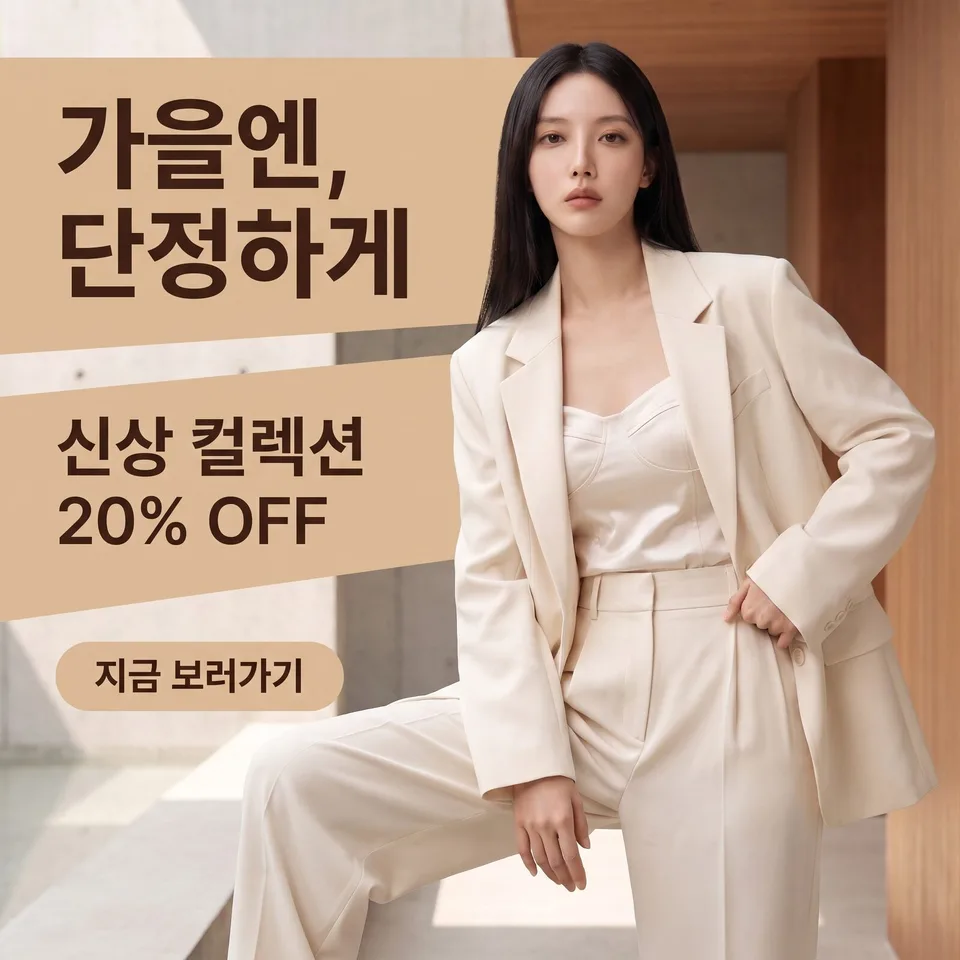 Ad bannersExample for this use case
Product photos
The product stays the same; only the background, lighting and mood change, ten ways. Get shots for product detail pages and marketplace thumbnails without a reshoot.
Create ten images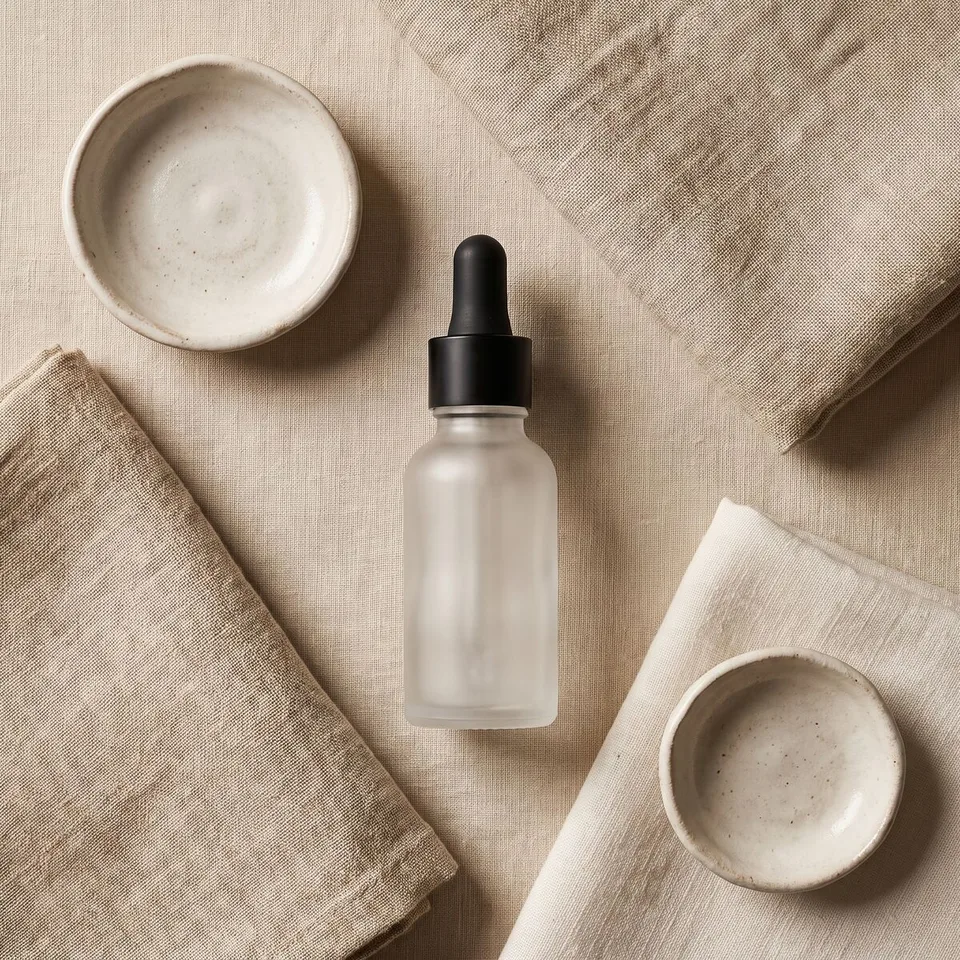 Product photosExample for this use case
Cosmetics photos
Product-only shots and shots of a model using it, together. The formula, packaging and model's face stay the same; only the background, lighting and mood change, ten ways.
Create ten images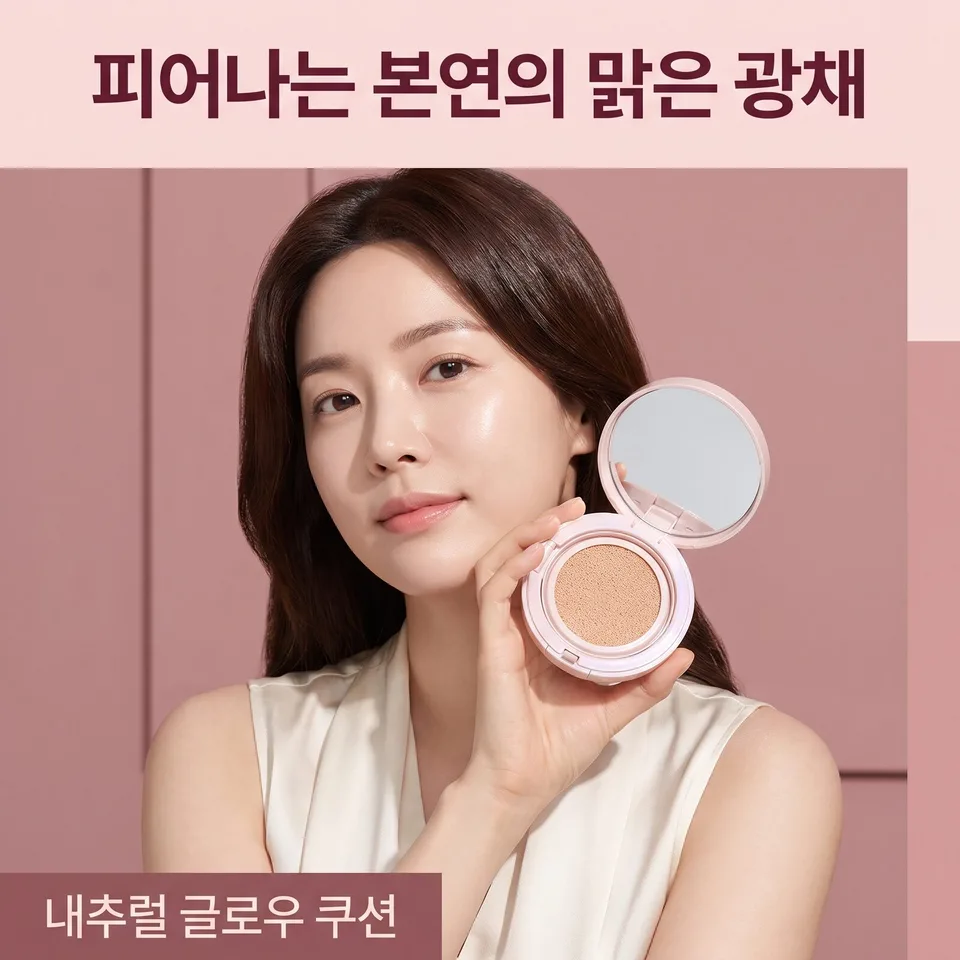 Cosmetics photosExample for this use case
Social media content
Tonal variations for feeds and stories. Keep your brand look while posting something that feels different every time. Seasonal and campaign versions, too, all at once.
Create ten images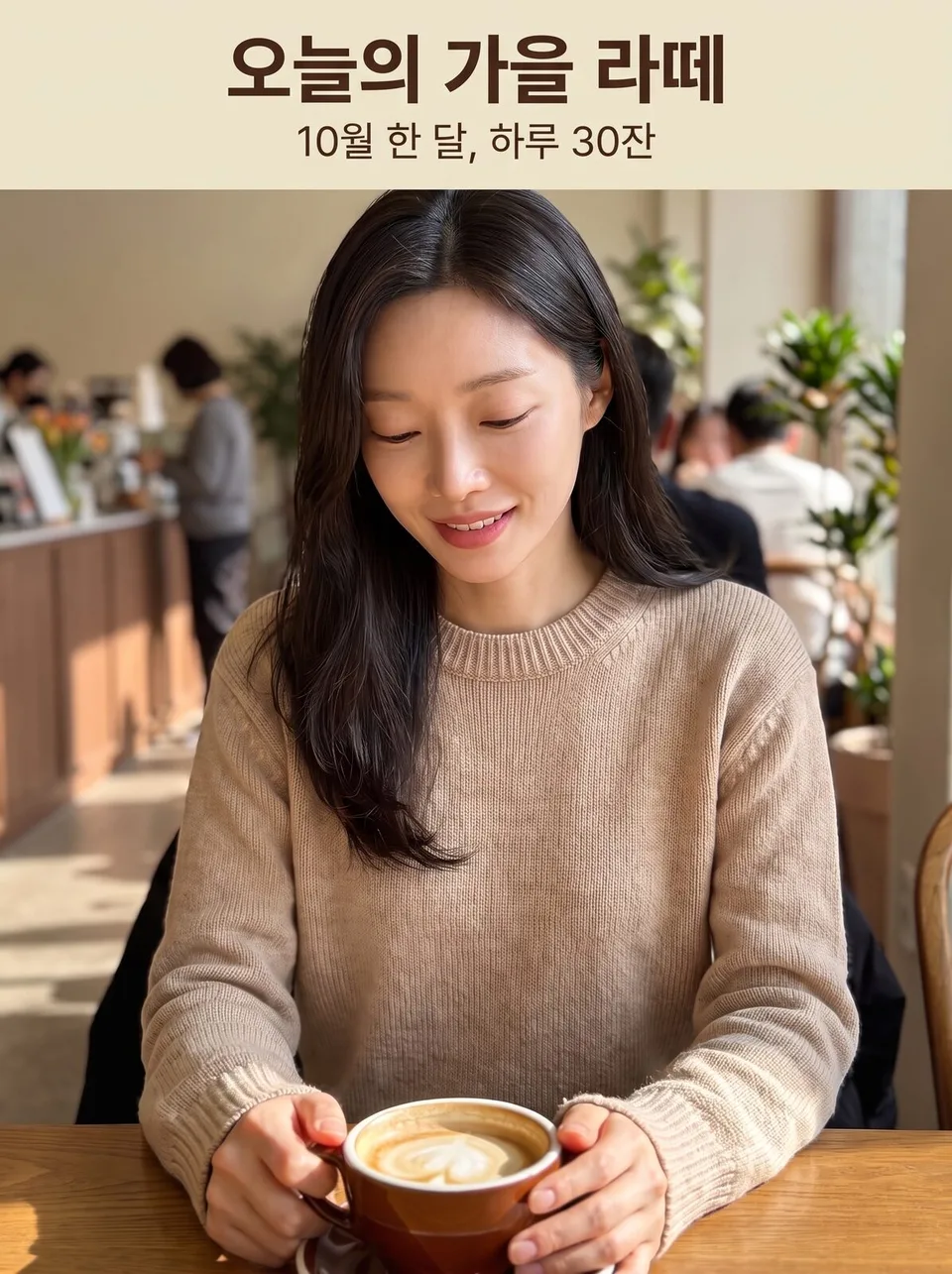 Social media contentExample for this use case
Thumbnails
Ten YouTube, blog or product thumbnails for click-through A/B testing. The text stays the same; only the composition and color palette change.
Create ten images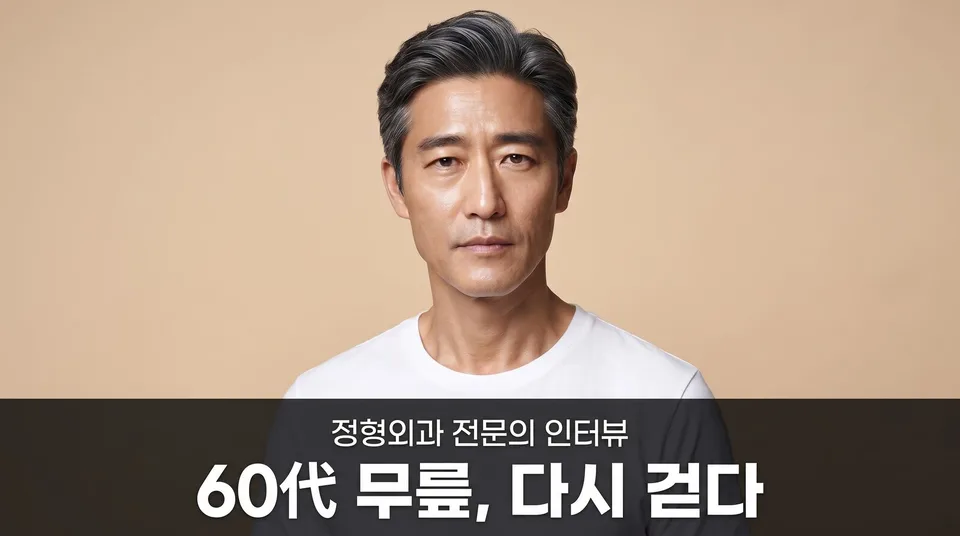 ThumbnailsExample for this use case
Posters · print
Generate drafts of event posters, leaflets and in-store POP in ten moods and pick one. In the exact print ratio.
Create ten images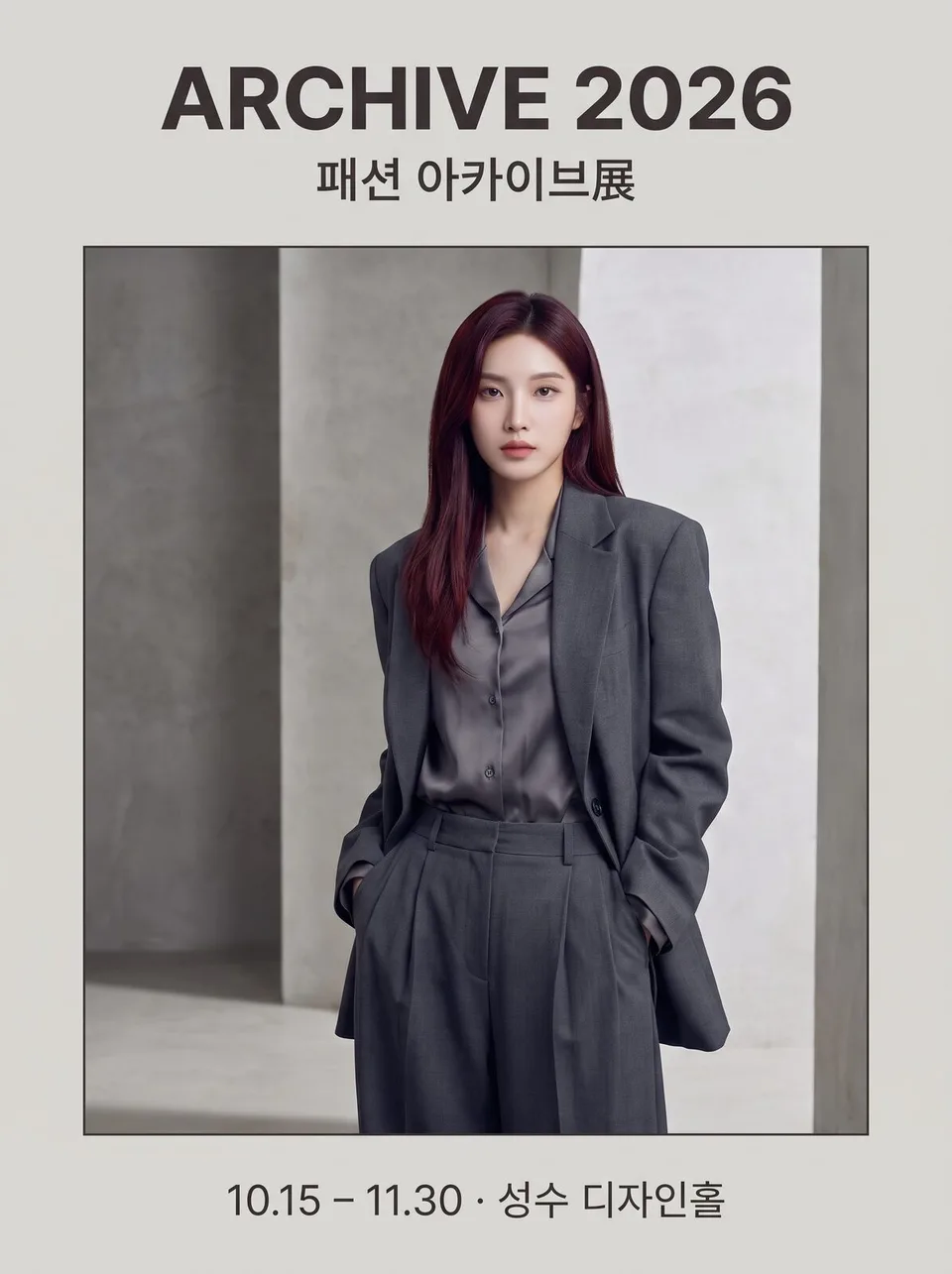 Posters · printExample for this use case
Fashion lookbooks · on-model shots
The model and clothes stay the same; only the angle, crop and background change, ten ways. Full-body, detail and flat-lay shots — a whole shoot's worth in one go.
Create ten images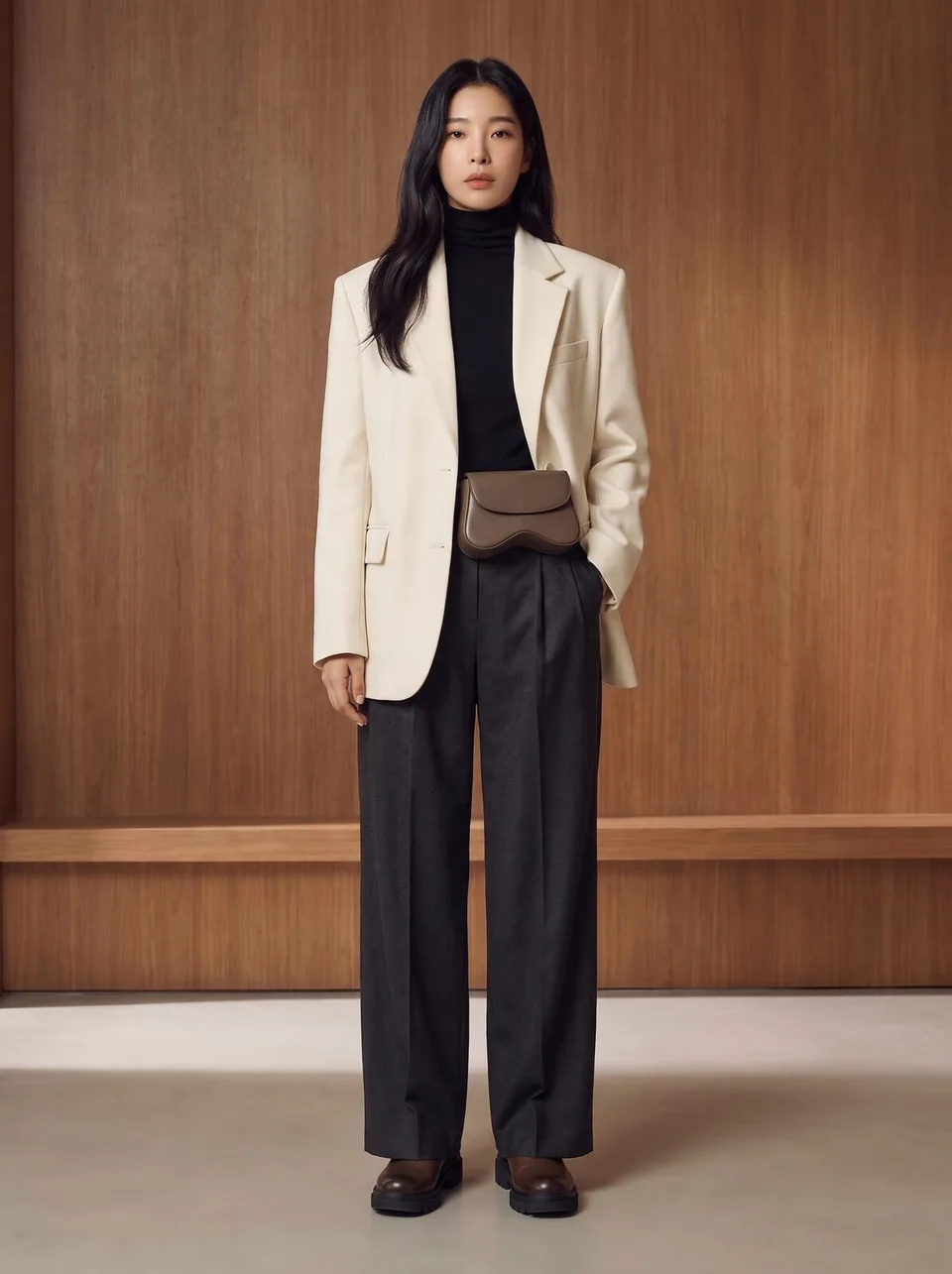 Fashion lookbooks · on-model shotsExample for this use case
Marketplace main images
Ten square main images that stand out in listings. White background, big product, short text — legible even when shrunk to thumbnail size.
Create ten images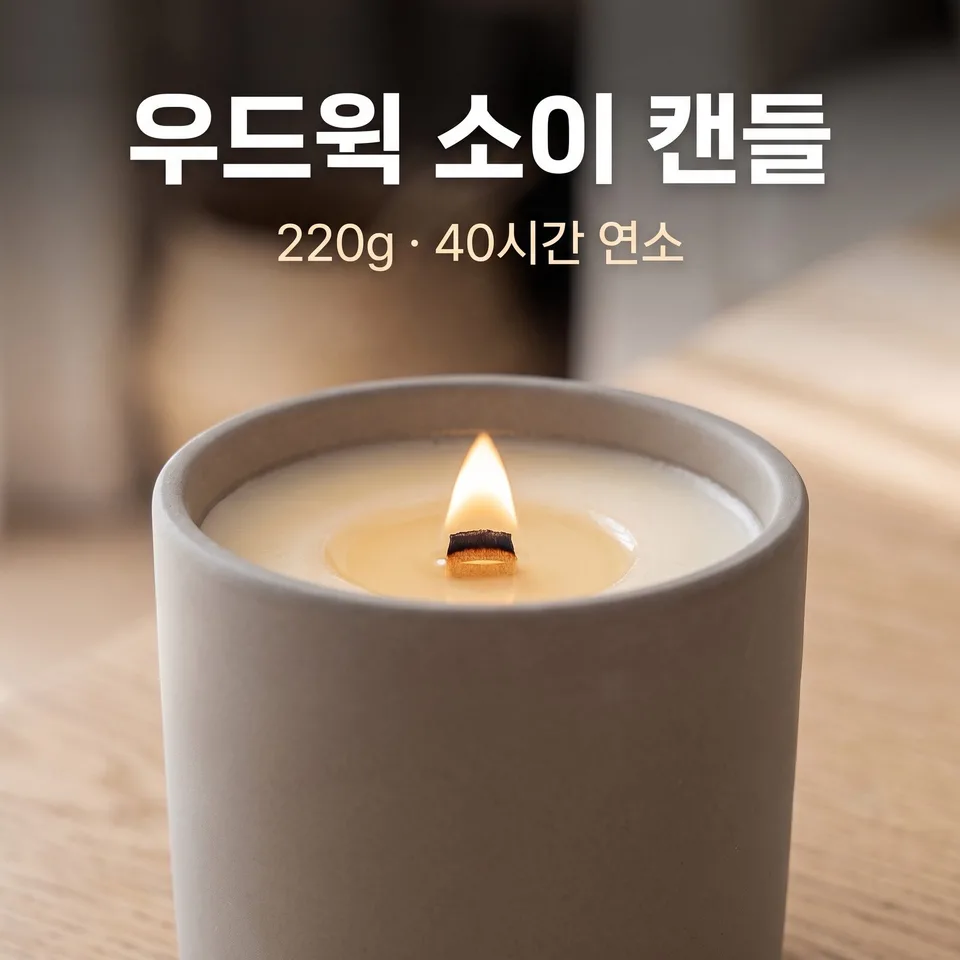 Marketplace main imagesExample for this use case
Clinic · hospital brand shots
Ten shots of doctor profiles, specialties and patient information in one consistent tone. No before-and-after comparisons or guaranteed-results claims.
Create ten images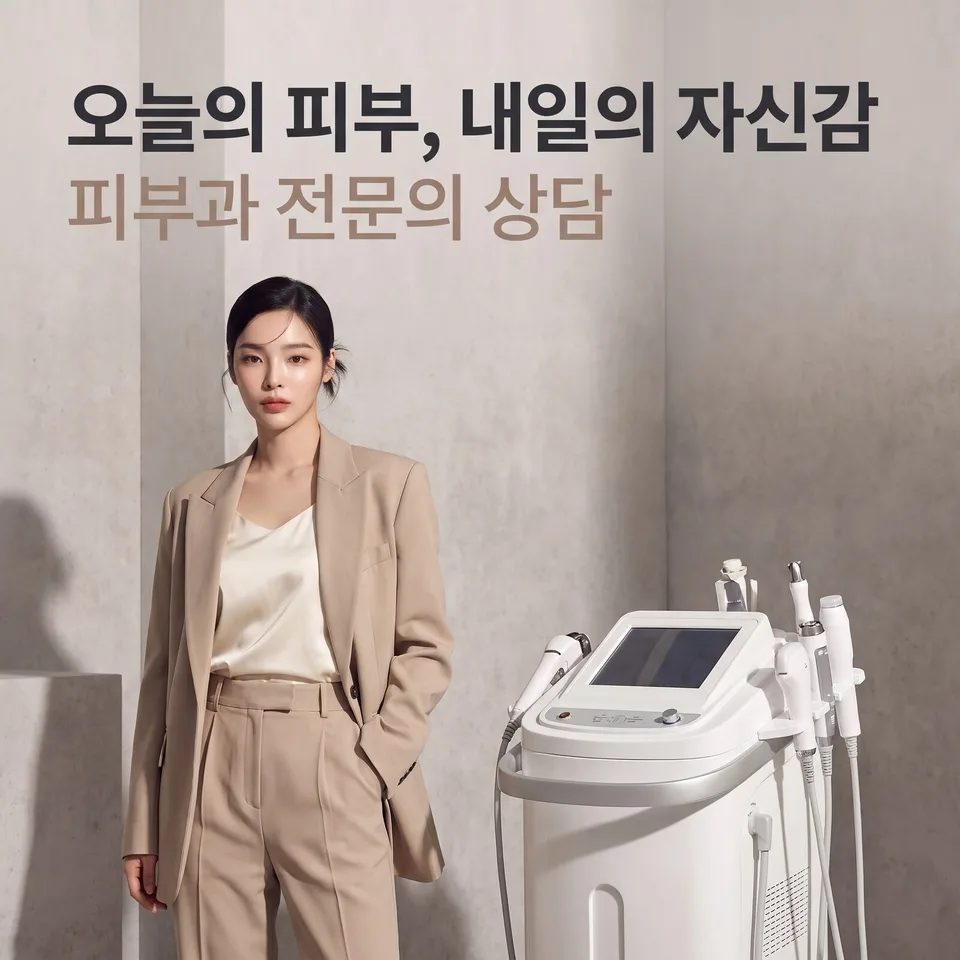 Clinic · hospital brand shotsExample for this use case
Job posting cards
The job title and conditions stay the same; only the layout changes, ten ways. Post the same opening on Wanted, Instagram and internal notices, each with a different face.
Create ten images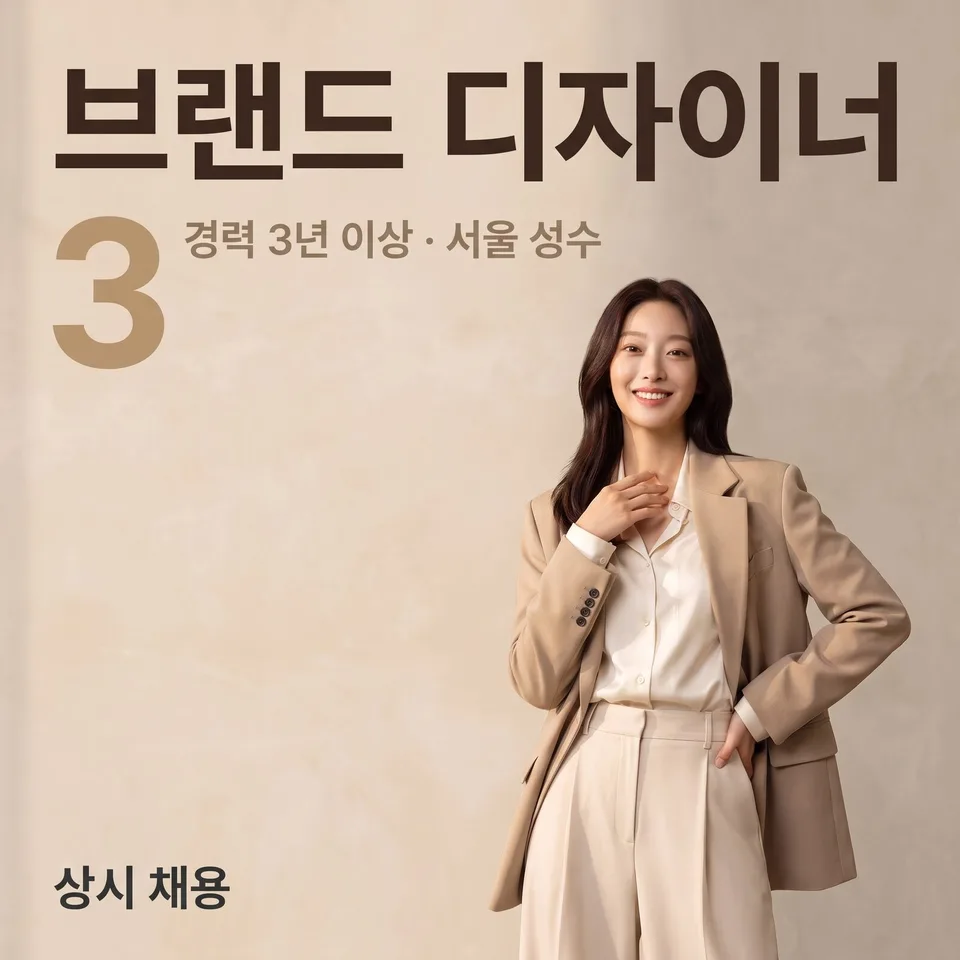 Job posting cardsExample for this use case
Hanging banners · X-banners
One big block of text that reads from 3m away. Ten drafts of banners for clinic openings, store launches and events, plus X-banner stands.
Create ten images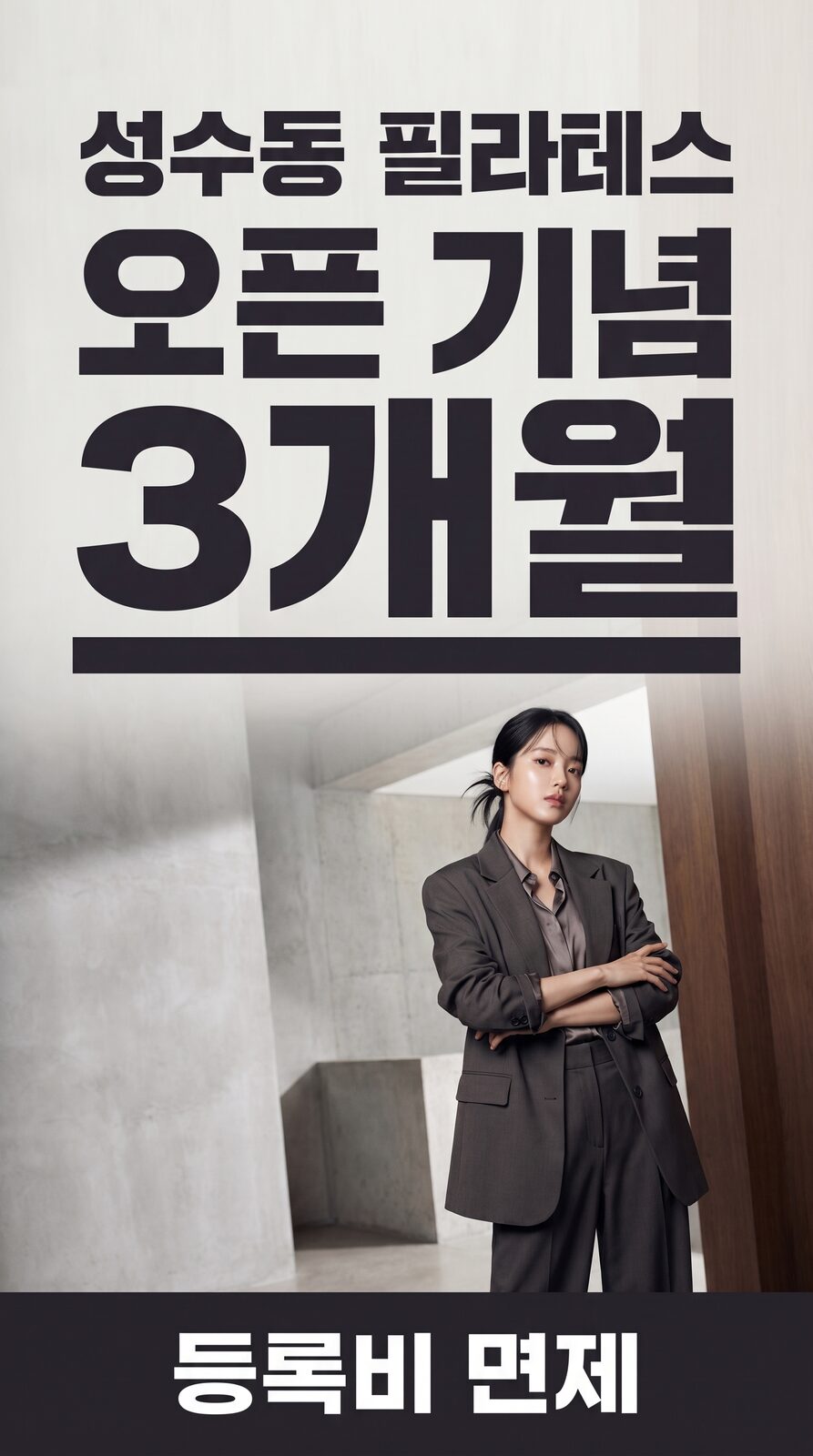 Hanging banners · X-bannersExample for this use case
App Store screenshots
As many as the store requires, one feature per screenshot. The screens stay the same; only the layout and background change.
Create ten images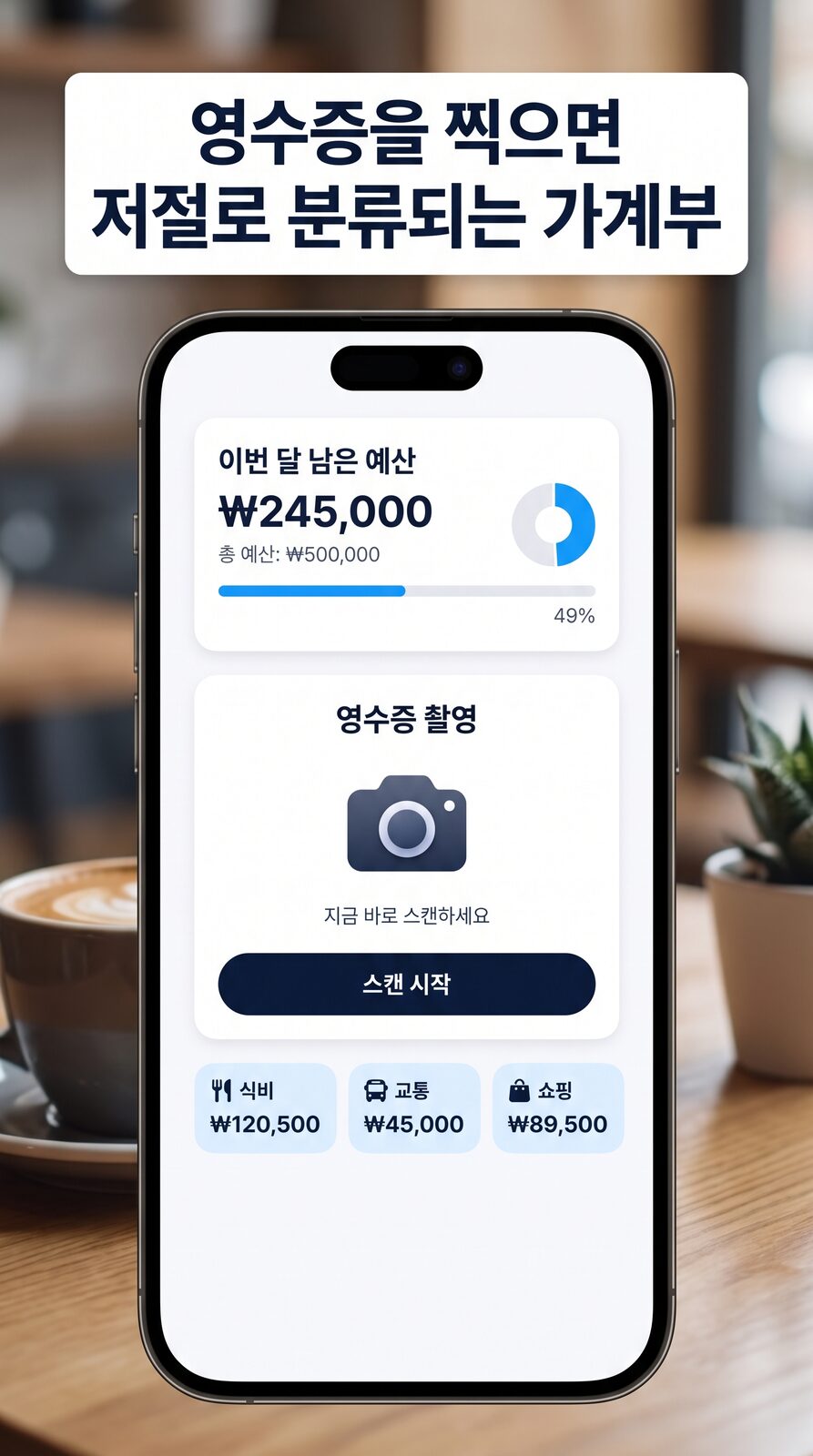 App Store screenshotsExample for this use case
Menu boards · menu shots
The dish stays the same; only the angle, lighting and background change, ten ways. Get shots for both your menu board and delivery apps without a reshoot.
Create ten images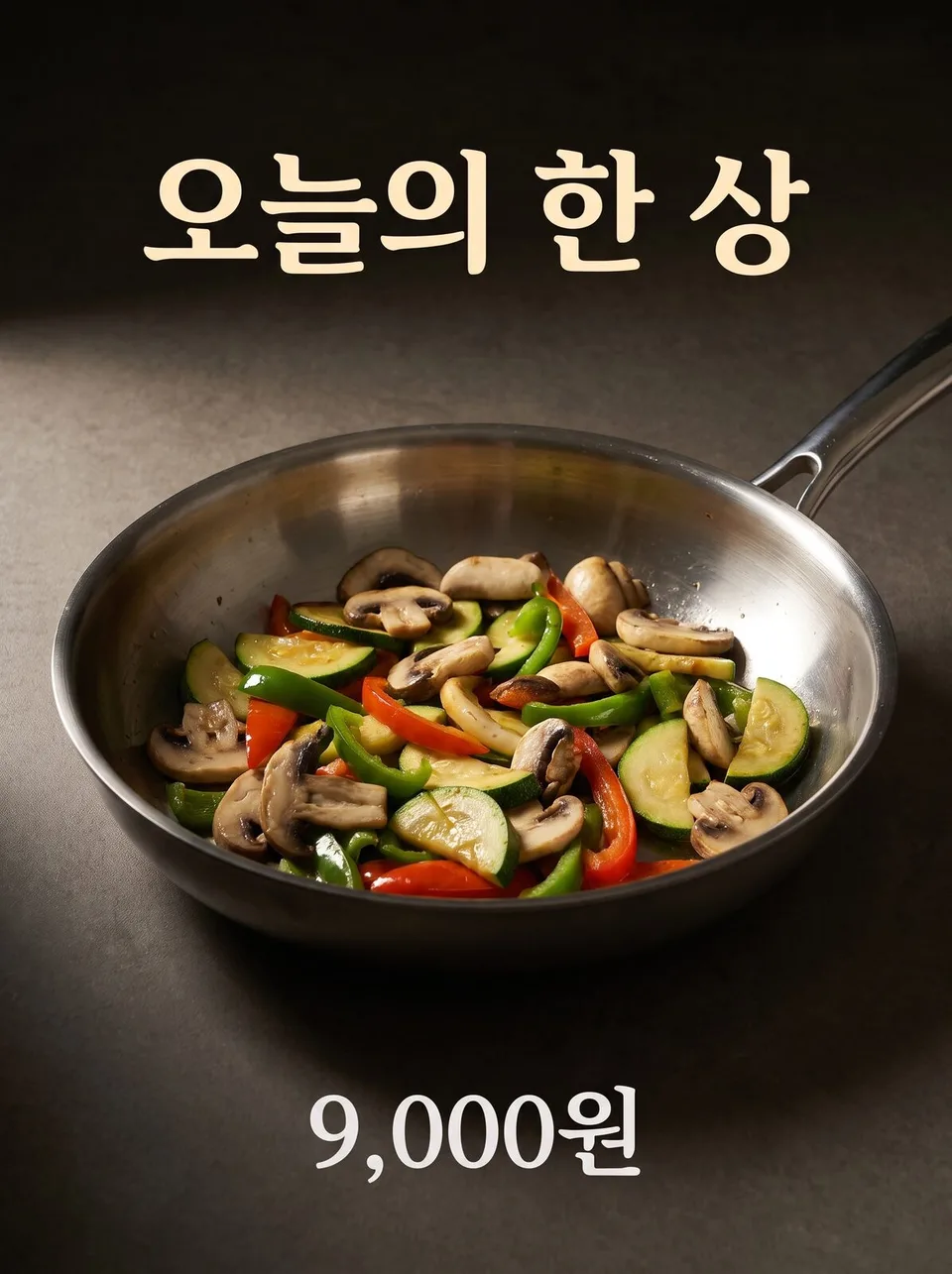 Menu boards · menu shotsExample for this use case
E-book · resource covers
Ten covers whose titles stay legible even when shrunk. No source photo needed — a single sentence is enough.
Create ten images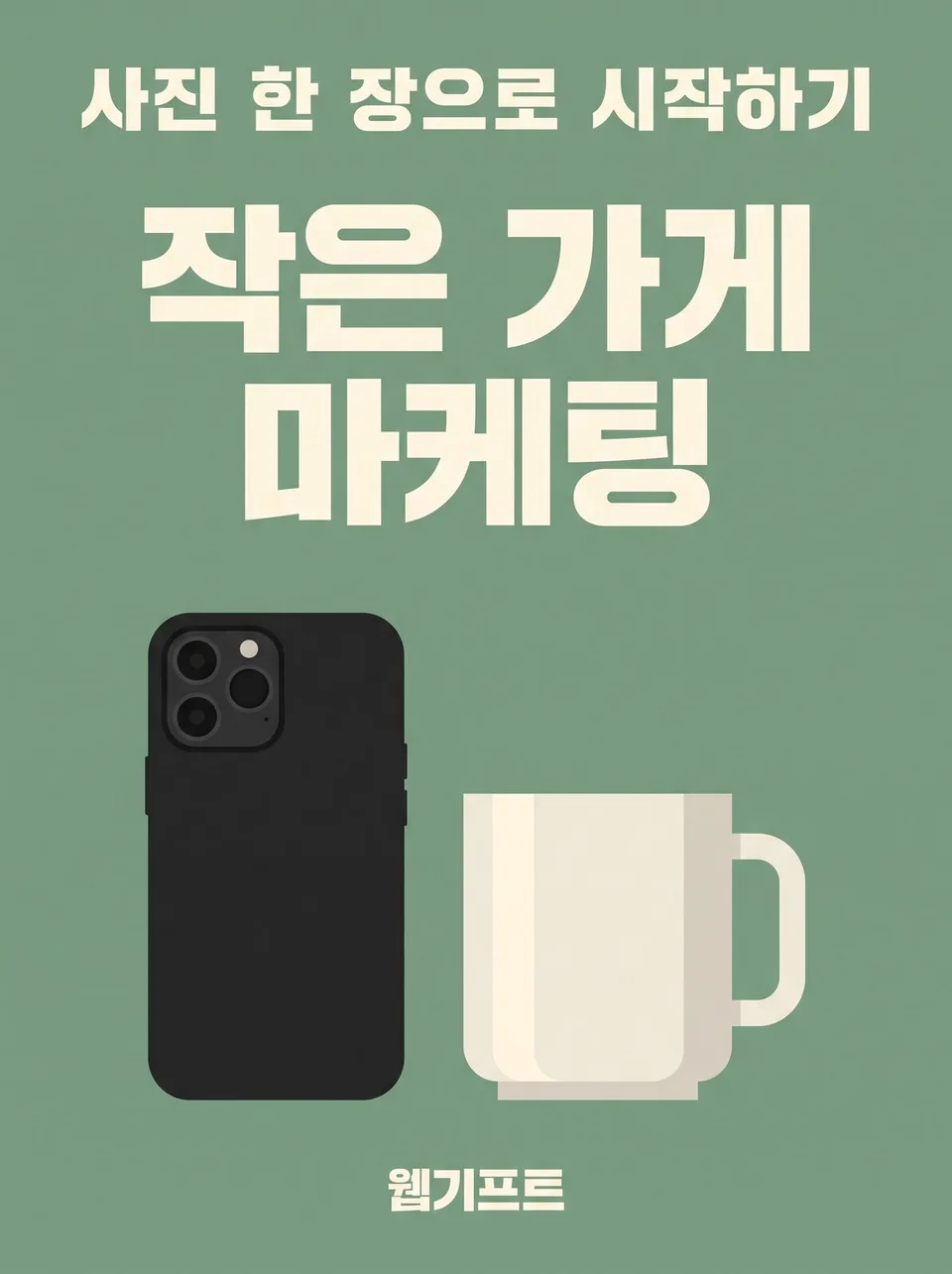 E-book · resource coversExample for this use case
Holiday · seasonal greeting cards
Ten greeting cards for Seollal (Lunar New Year), Chuseok and the year-end. The greeting stays the same; only the seasonal feel changes, so you can reuse it every year.
Create ten images Holiday · seasonal greeting cardsExample for this use case
Wedding invitations · invitations
Names, date and venue stay the same; only the typesetting and mood change, ten ways. Drafts for wedding invitations, first-birthday parties and opening invitations, all at once.
Create ten images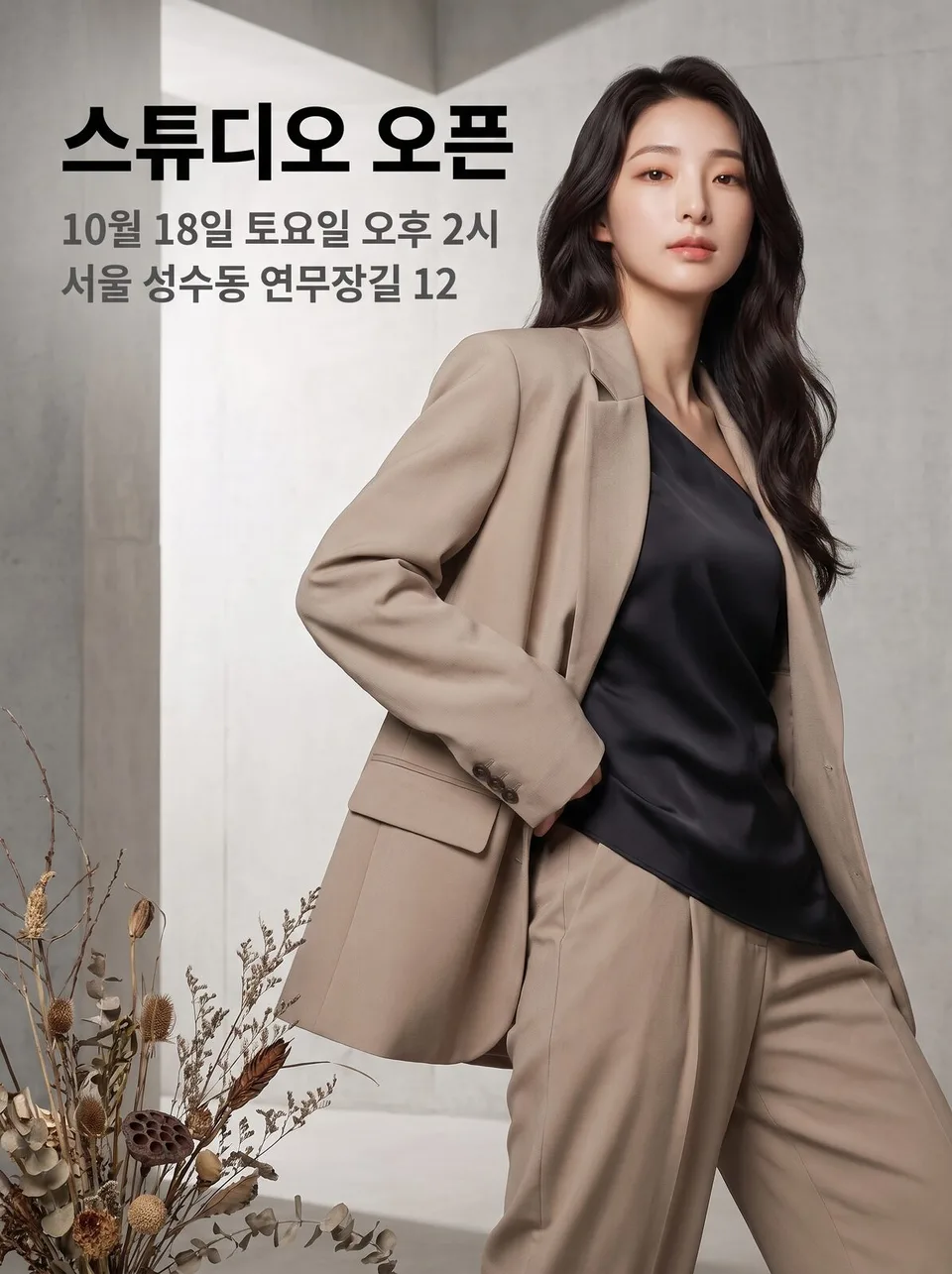 Wedding invitations · invitationsExample for this use case
Business cards · brand cards
Name and contact details stay the same; only the typesetting changes, ten ways. Lay out ten versions and pick one before sending to print.
Create ten images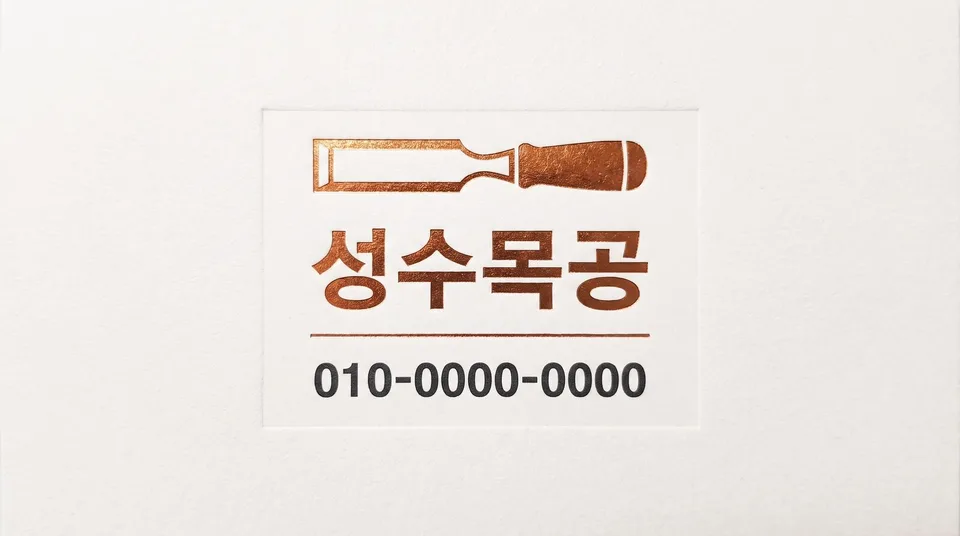 Business cards · brand cardsExample for this use case
Packaging · labels
Shows the packaging, not the contents. The label text stays the same; only the way the panels are laid out and presented changes, ten ways.
Create ten images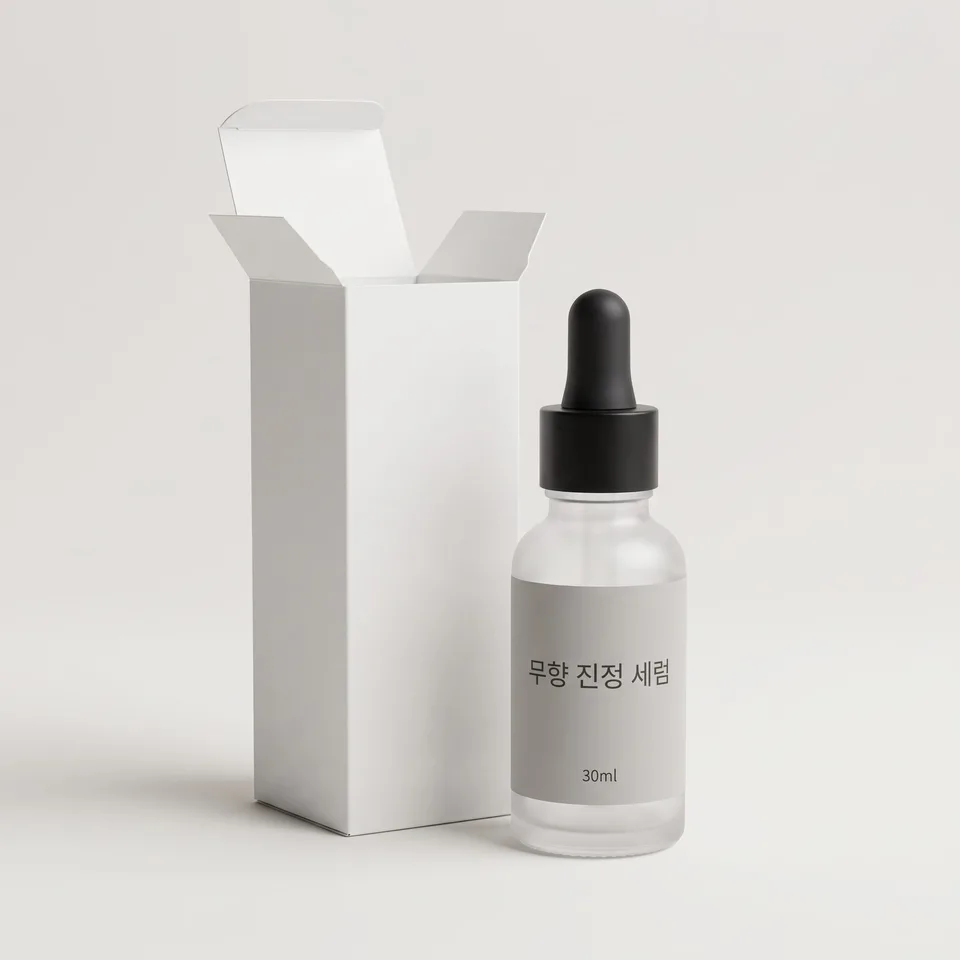 Packaging · labelsExample for this use case
Real estate listing cards
The same property, with a different face on Danggeun (Karrot), Naver Real Estate and Instagram. Floor area and deposit appear exactly as written.
Create ten images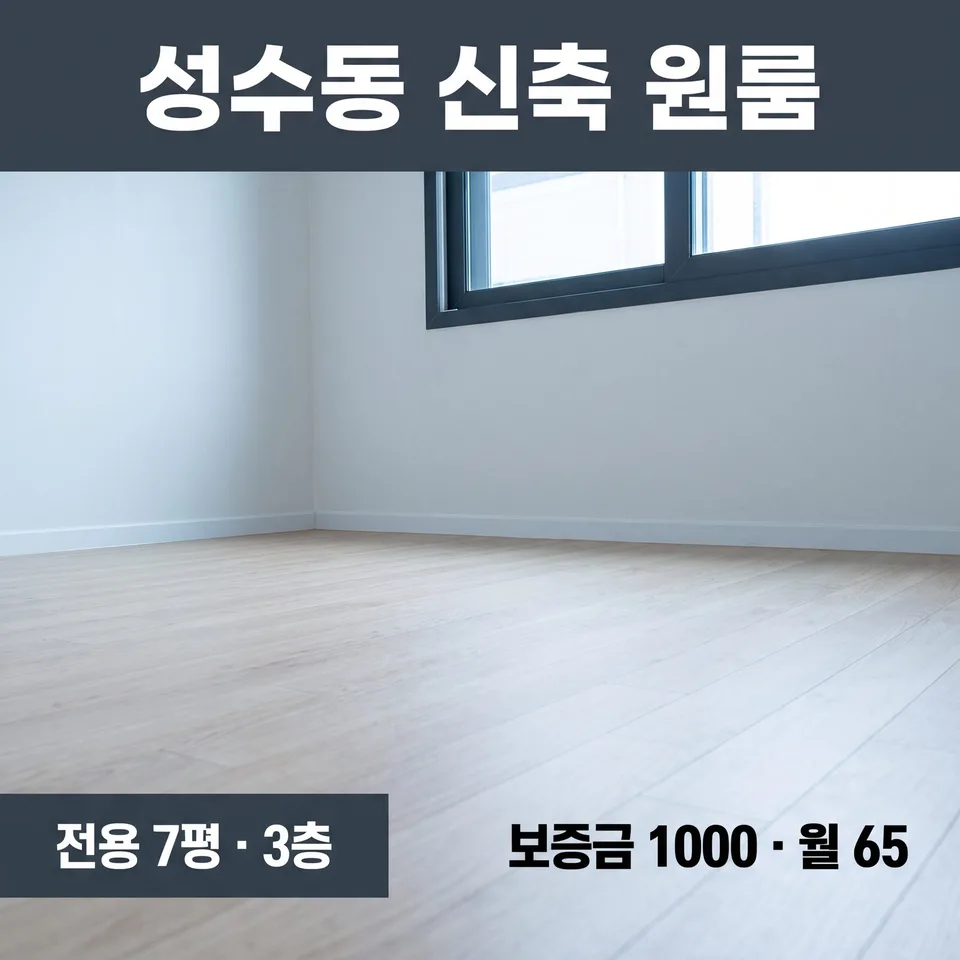 Real estate listing cardsExample for this use case
Interior renovation case studies
Ten images that put what changed front and center. Before-and-after comparisons, finishing details, the construction process and materials come as one set.
Create ten images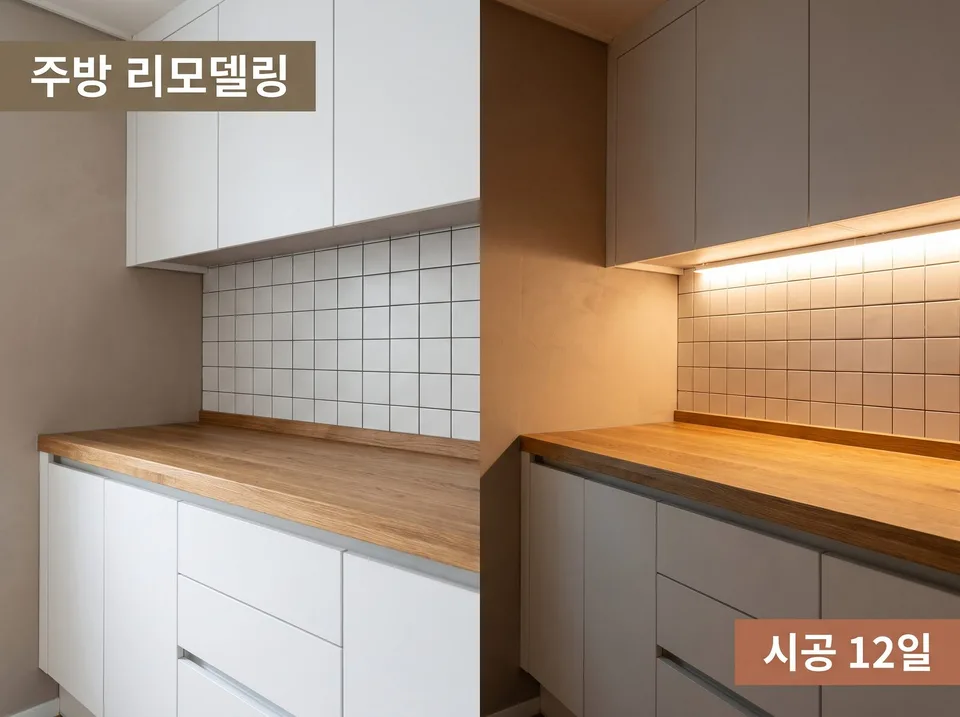 Interior renovation case studiesExample for this use case
Classes · course recruitment
The instructor and curriculum stay the same; only the layout changes, ten ways. For academies, one-day classes and online course recruitment.
Create ten images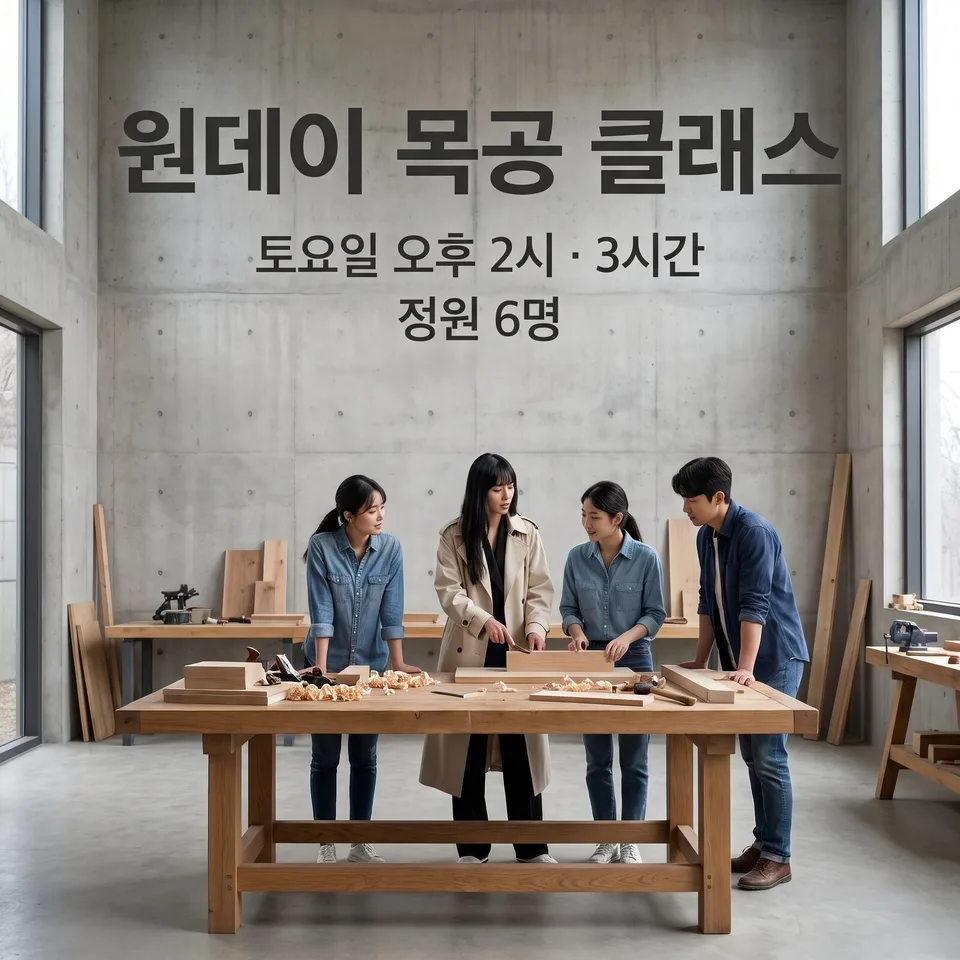 Classes · course recruitmentExample for this use case
Used cars · vehicle listings
Ten shots in the standard order of a listing photo shoot. Front, side, interior, dashboard and even the tires, all at once.
Create ten images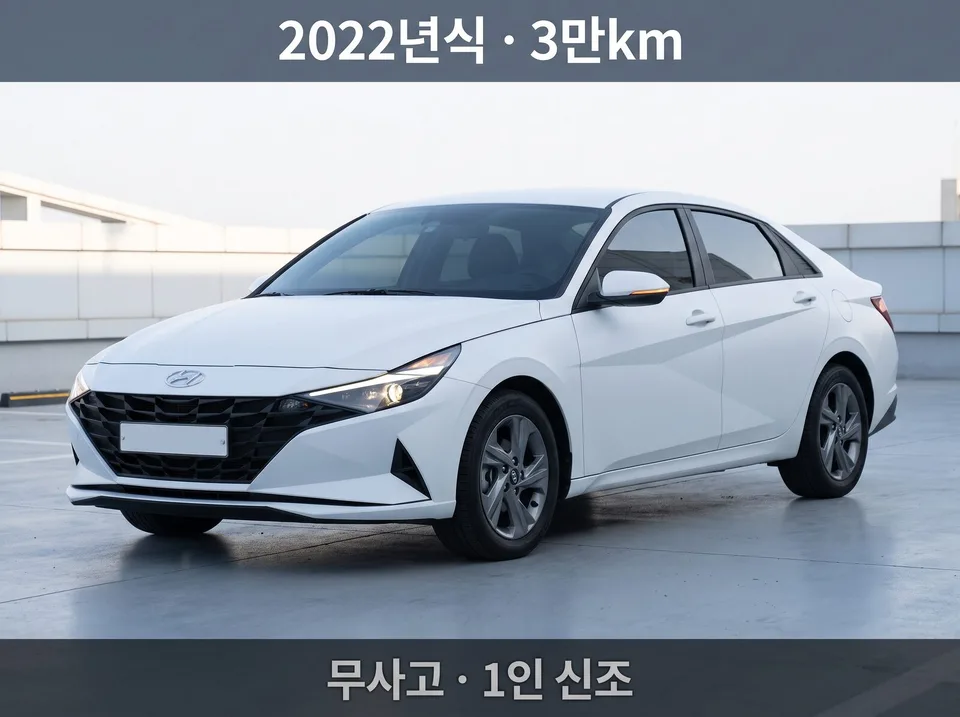 Used cars · vehicle listingsExample for this use case
Album · single covers
One square image that sells an impression, not a description. Recognizable even when shrunk to the size of a fingernail.
Create ten images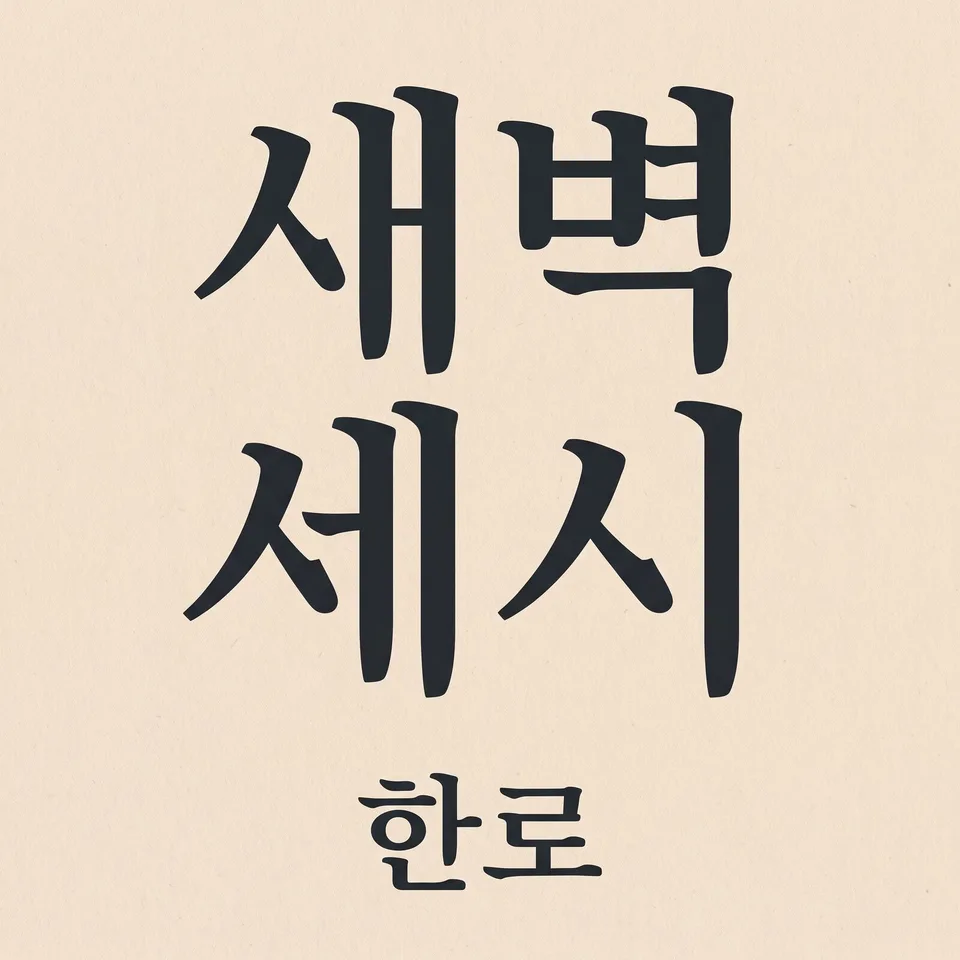 Album · single coversExample for this use case
Event · conference key visuals
One set for web banners, on-site backdrops, presentation covers and social media. Designed to survive being cropped to any ratio.
Create ten images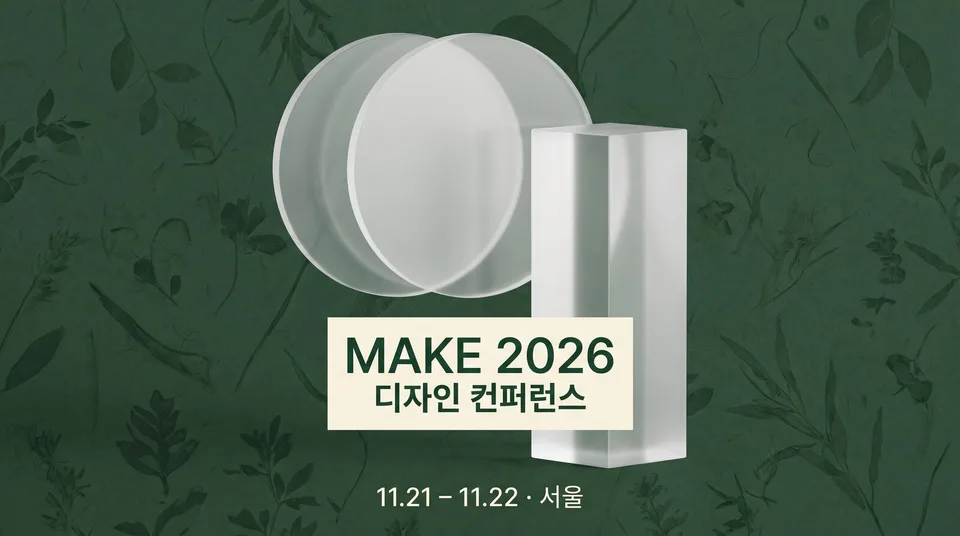 Event · conference key visualsExample for this use case
Merchandise mockups
The same print on eco bags, mugs, stickers and T-shirts — ten images. See the design before you produce the merch.
Create ten images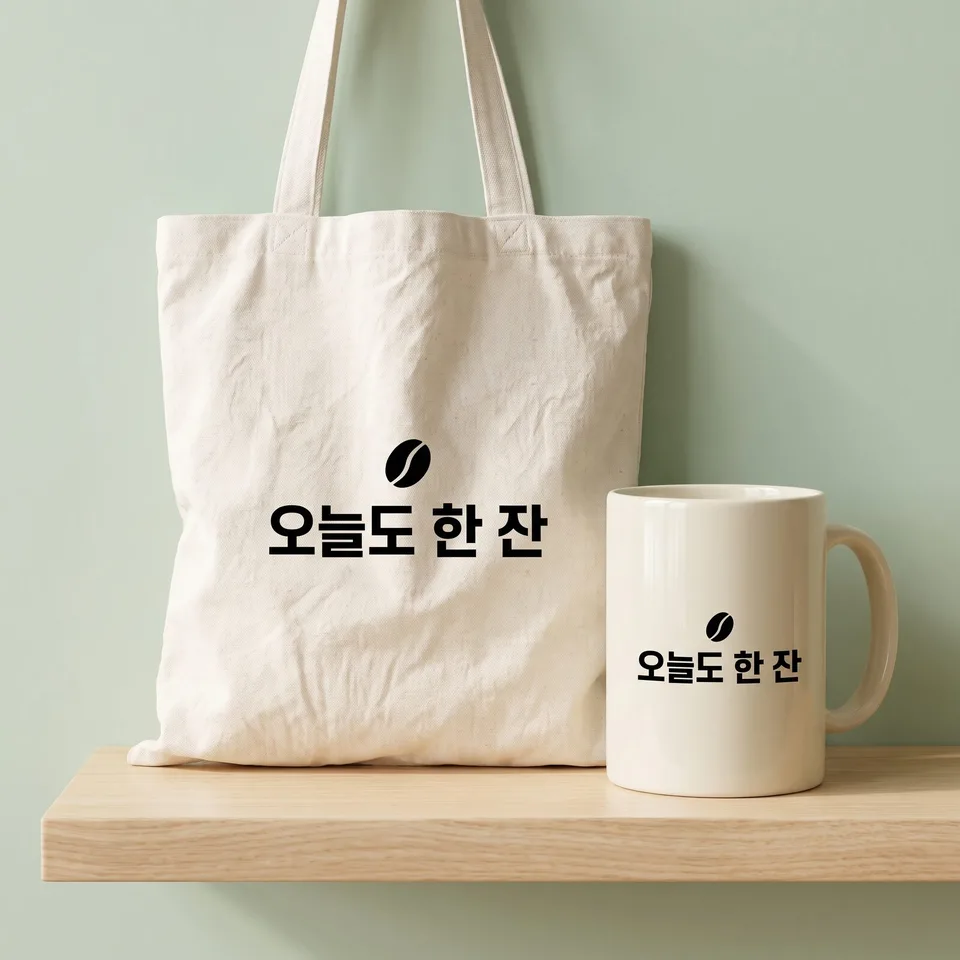 Merchandise mockupsExample for this use case
Profile · intro shots
One image that sells a person. Ten profile shots for instructors, writers, CEOs and creators, changing only the distance and expression.
Create ten images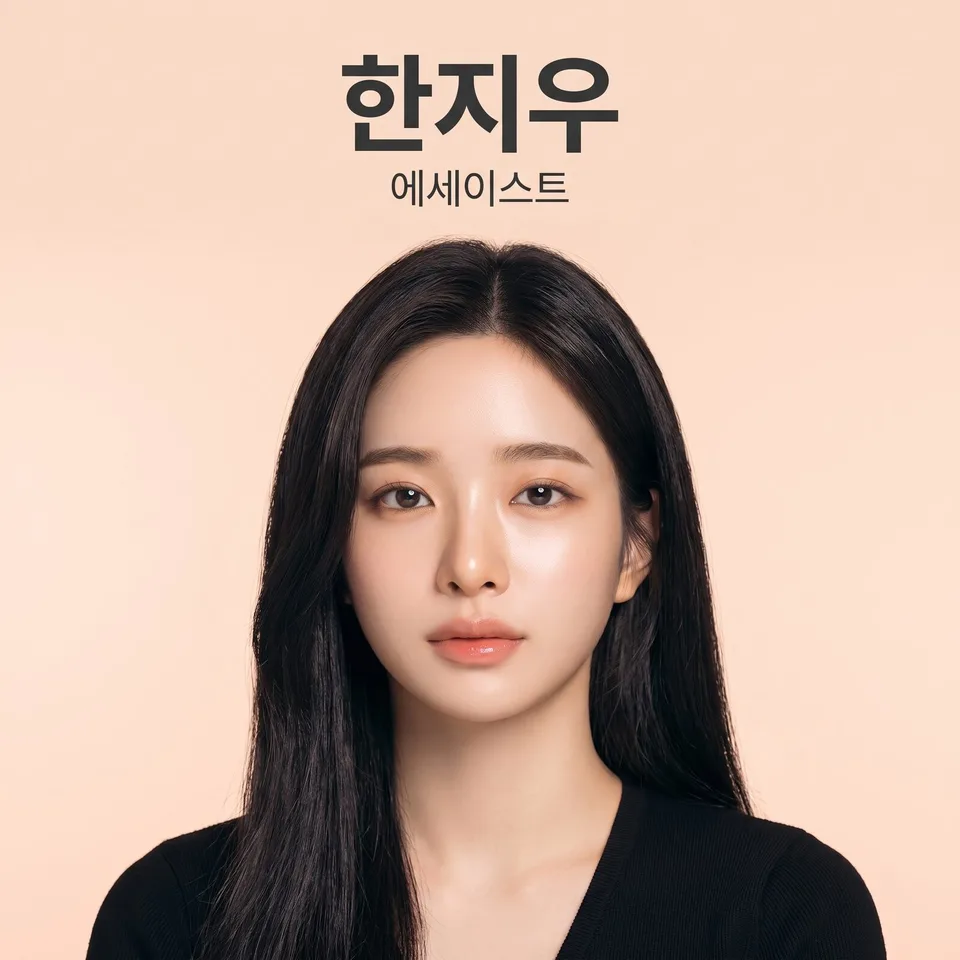 Profile · intro shotsExample for this use case
Pets · pet shops
Fur color and features stay the same; only the setting and styling change, ten ways. For pet shop, treat, grooming and veterinary clinic ads.
Create ten images Pets · pet shopsExample for this use case
Travel · accommodations
Ten images that show «a day spent here», not a price list. For introducing guesthouses, hotels and stays.
Create ten images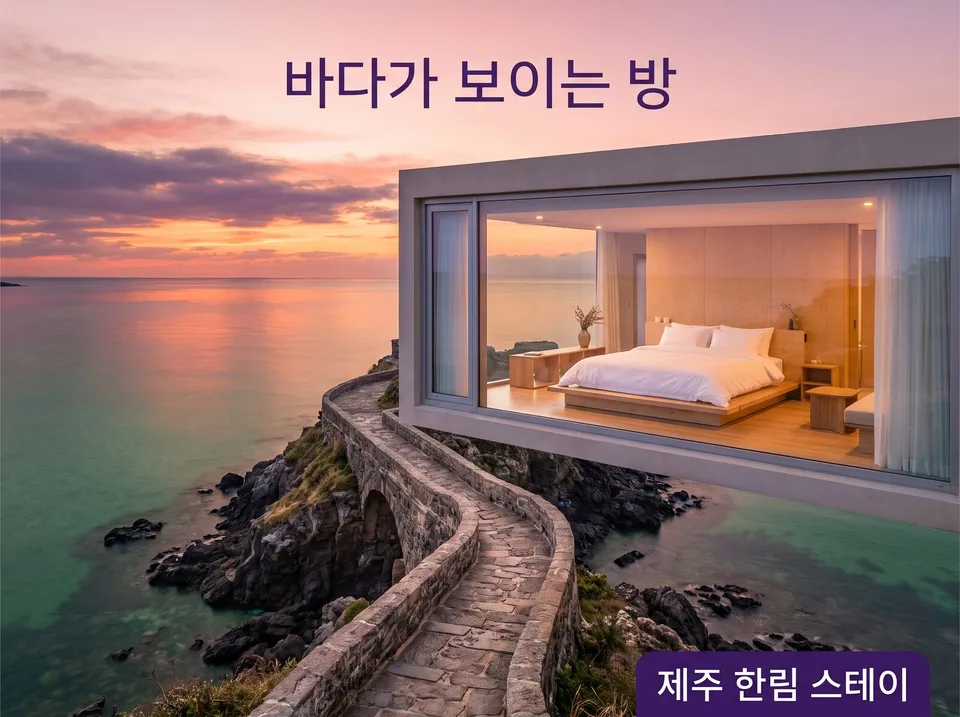 Travel · accommodationsExample for this use case
Fitness · workouts
One moment of a movement, ten ways. Member recruitment images without before-and-after body comparisons or weight-loss figures.
Create ten images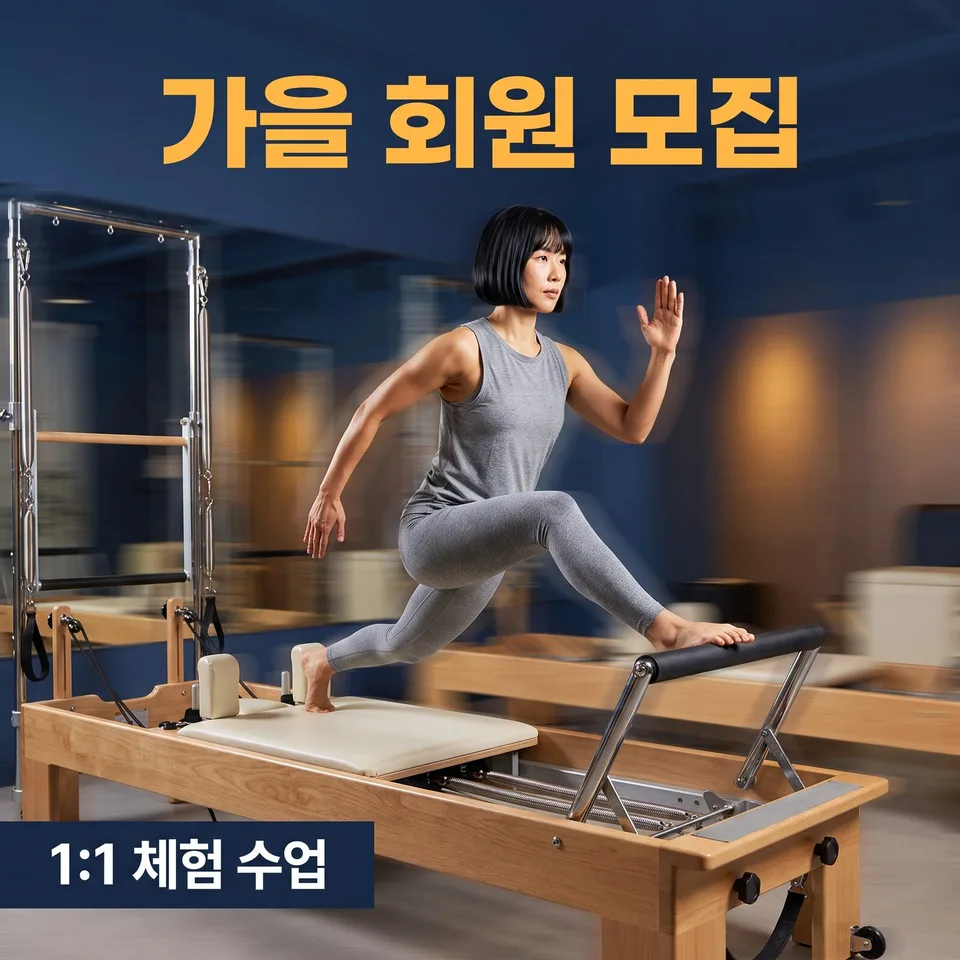 Fitness · workoutsExample for this use case
Infographics · number cards
Only the numbers you give, shown big — the charts follow those numbers. Ten number cards that never make up figures.
Create ten images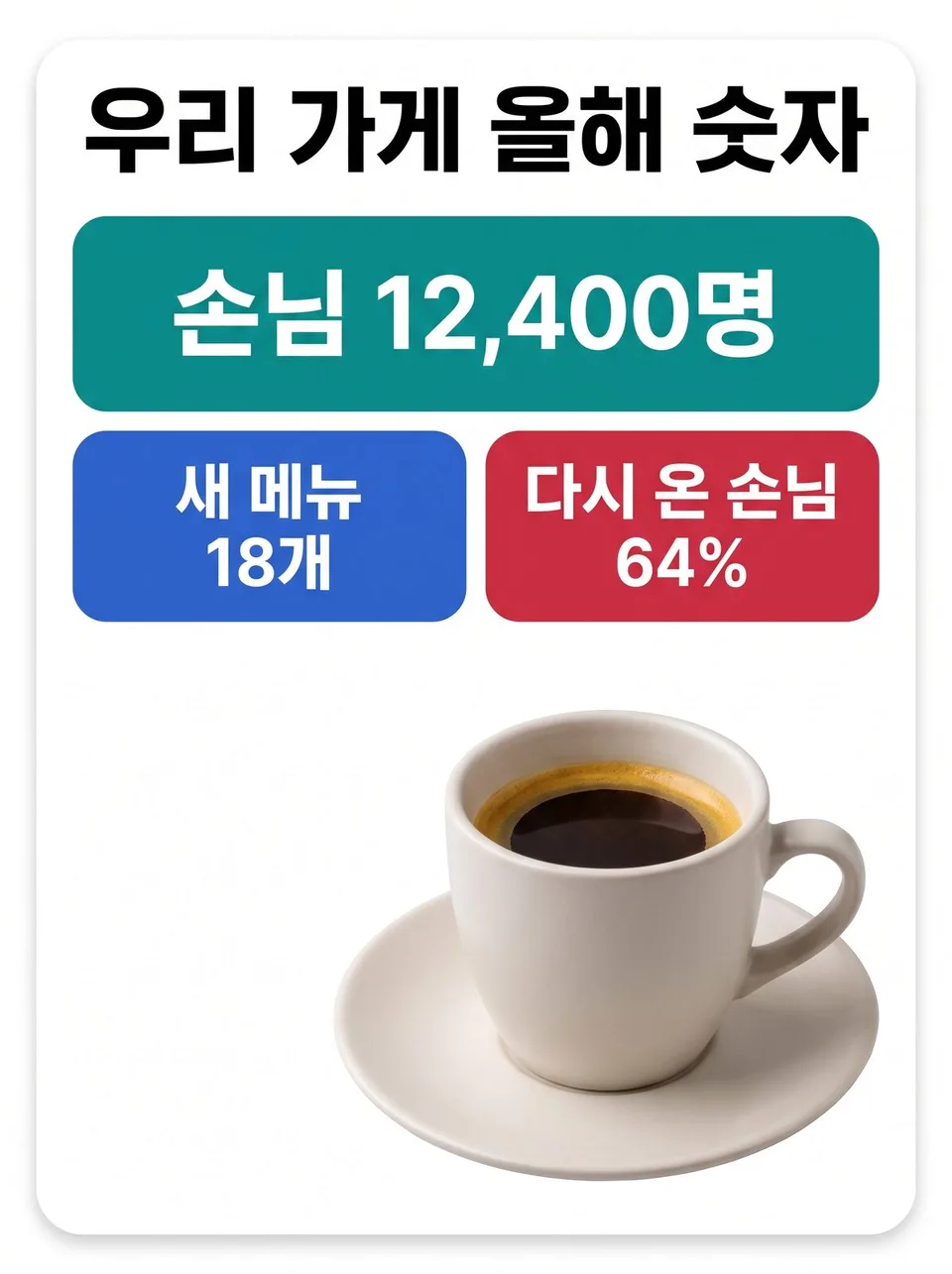 Infographics · number cardsExample for this use case
Notices · announcements
One fact you need to announce — a closure, a move, a price change — in ten different looks. Dates appear exactly as written.
Create ten images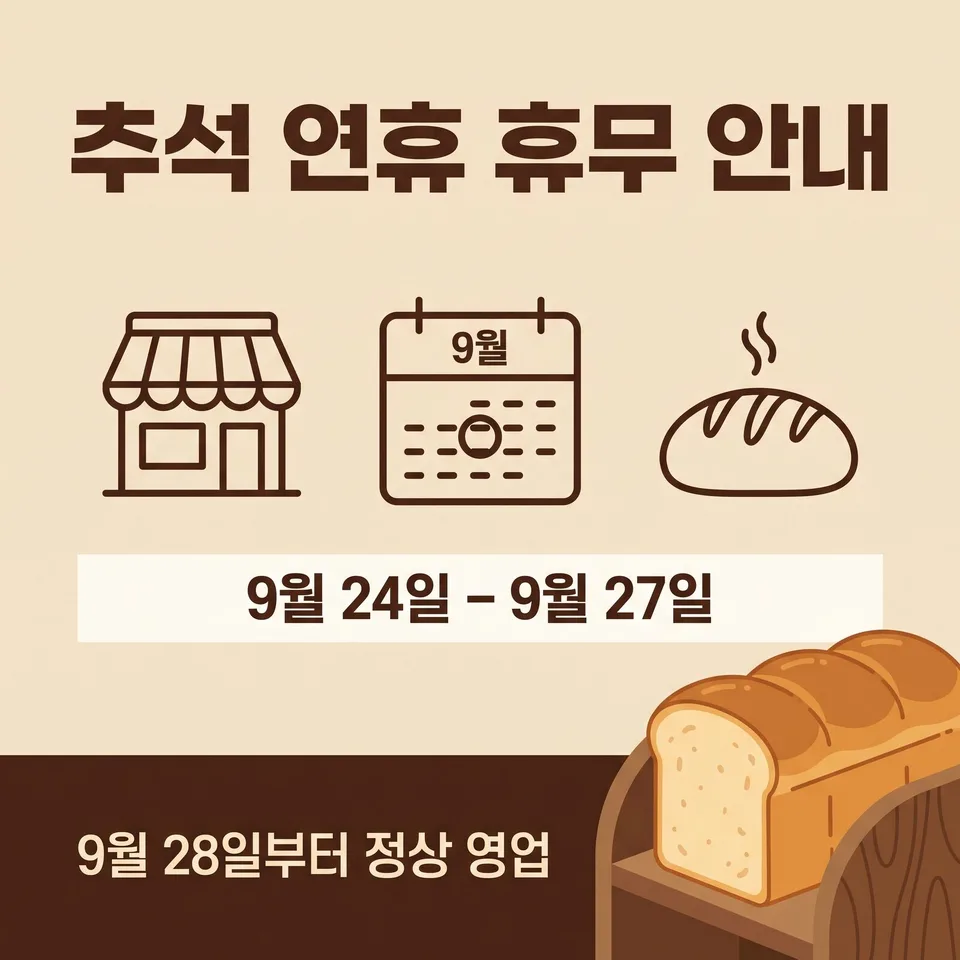 Notices · announcementsExample for this use case
Coupons · gift vouchers
The amount and expiry date shown biggest. The barcode area is left blank; only the coupon design changes, ten ways.
Create ten images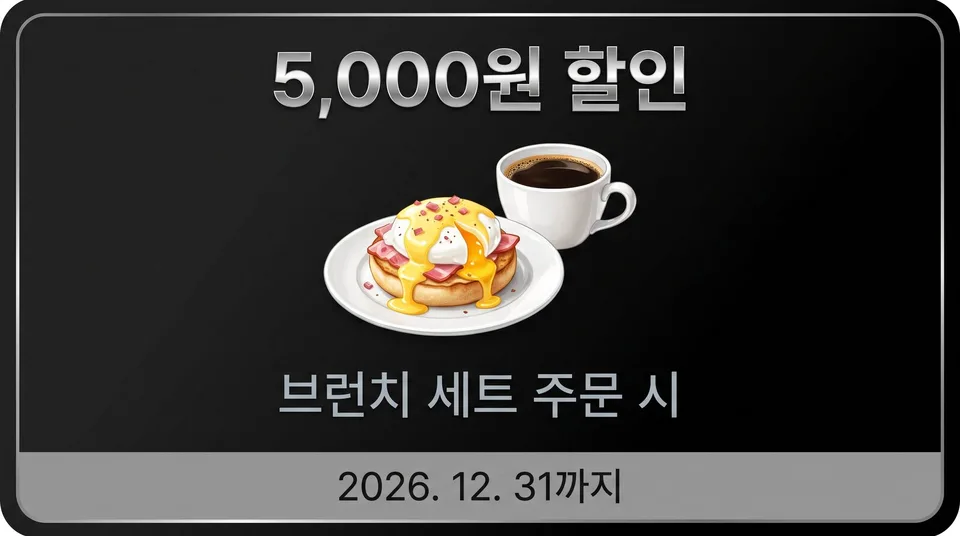 Coupons · gift vouchersExample for this use case
Characters · mascots
One character's pose, expression and drawing style, ten ways. Its features and props stay the same in every image.
Create ten images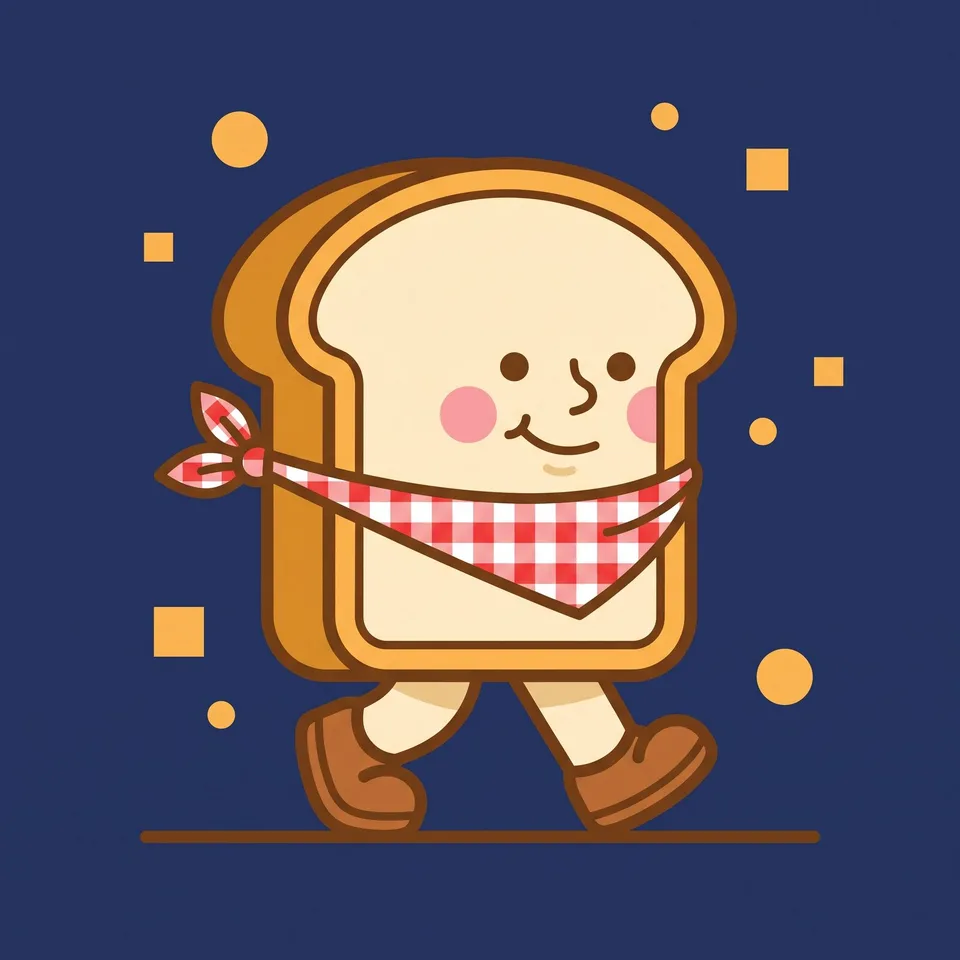 Characters · mascotsExample for this use case
Instagram comics · comic strips
Ten short comics split into two, three or four panels. The characters look the same in every panel.
Create ten images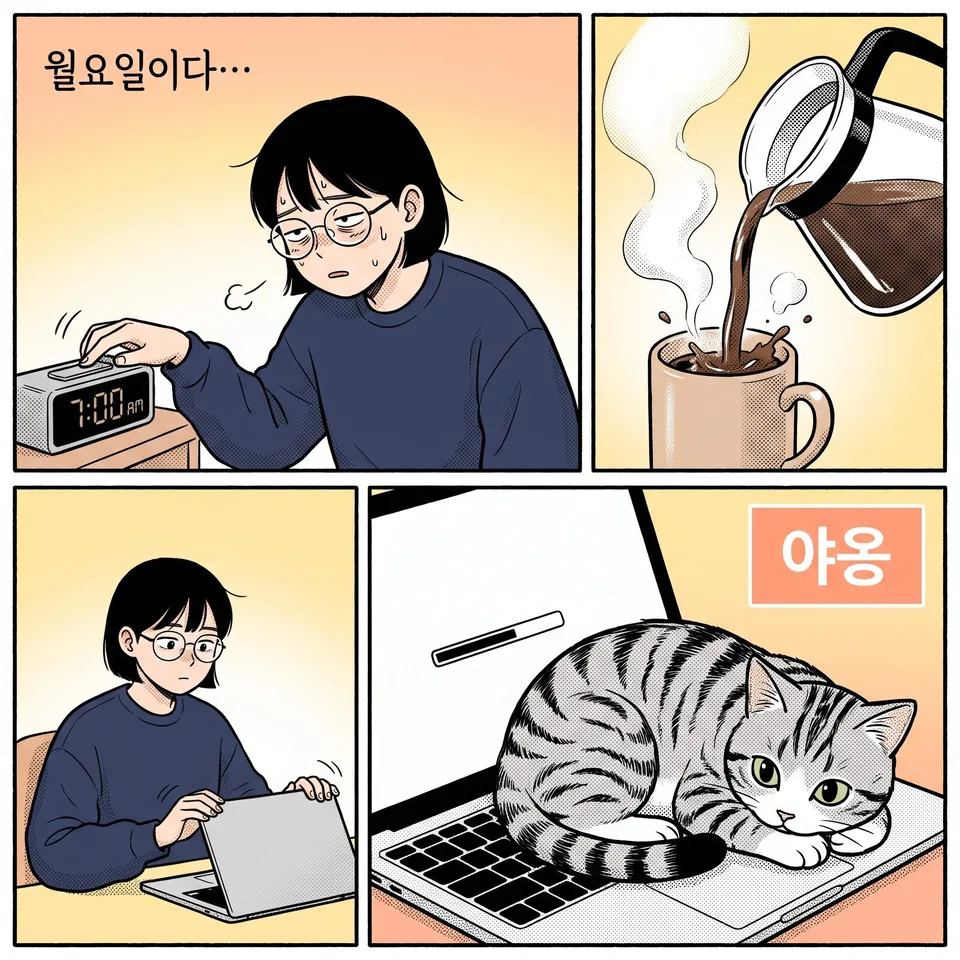 Instagram comics · comic stripsExample for this use case
Logo · symbol drafts
The business name's spelling stays the same; ten drafts showing the mark on white, on black, on a business card and on a sign.
Create ten images Logo · symbol draftsExample for this use case
Patterns · backgrounds
Ten repeating patterns for wrapping paper, wallpapers and package backs. Filled so no seams show when tiled.
Create ten images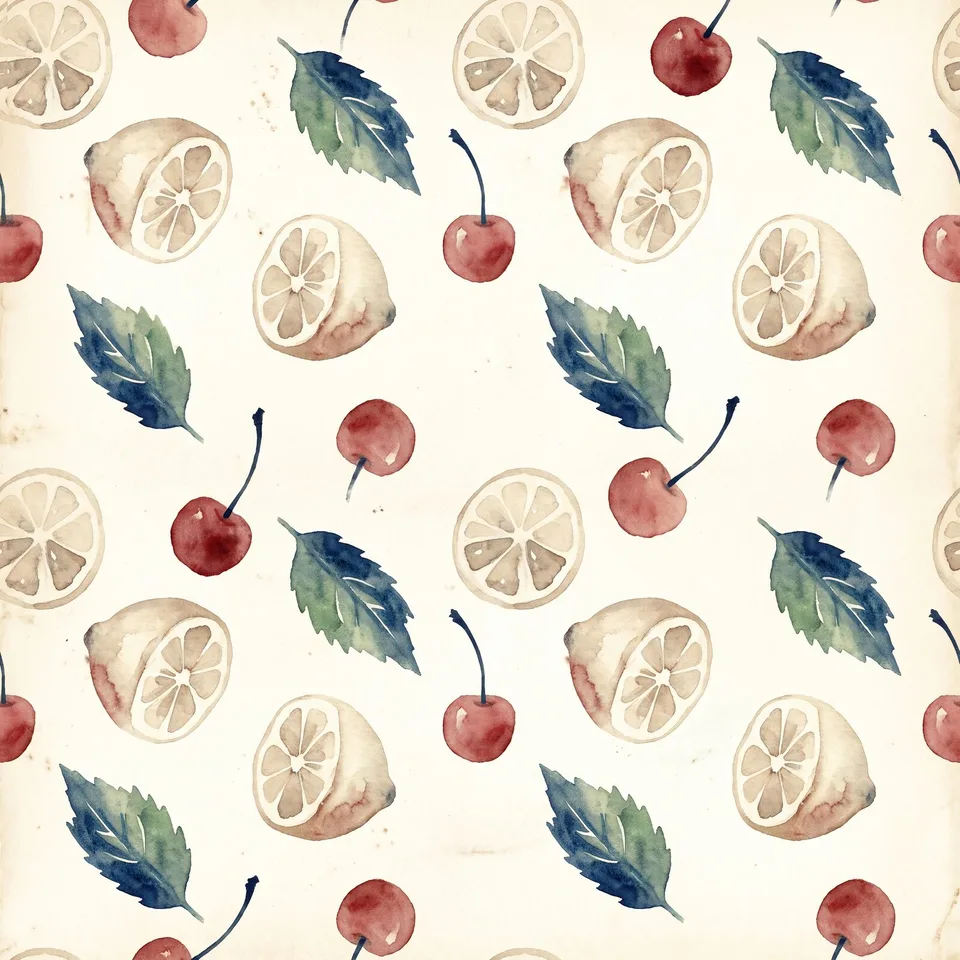 Patterns · backgroundsExample for this use case
Website hero banners
The first screen of your website, ten ways. The text and button positions stay put; only the people, white space and layout change.
Create ten images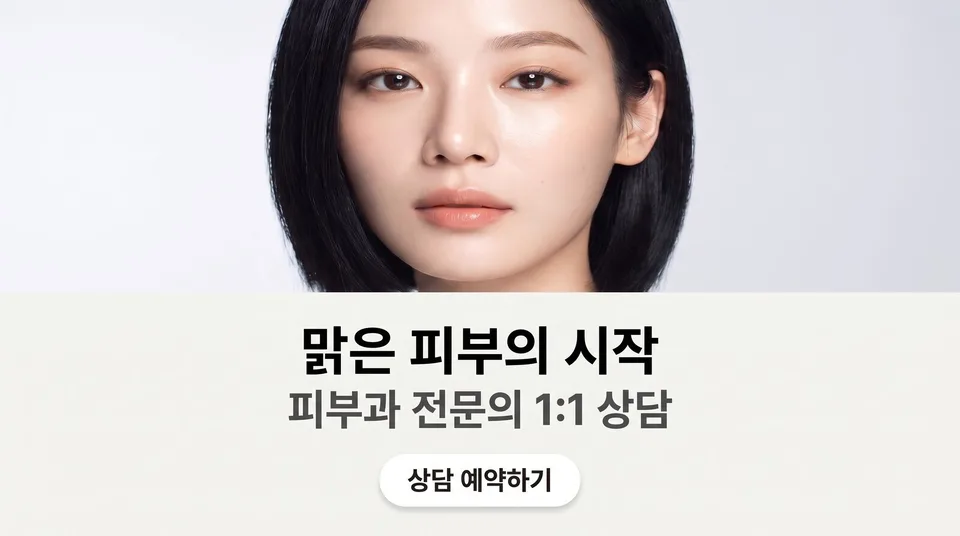 Website hero bannersExample for this use case
Hairstyle books
Ten shots of one person's hairstyle — front, side, back, down to the ends. Ready for your salon's style book and Instagram.
Create ten images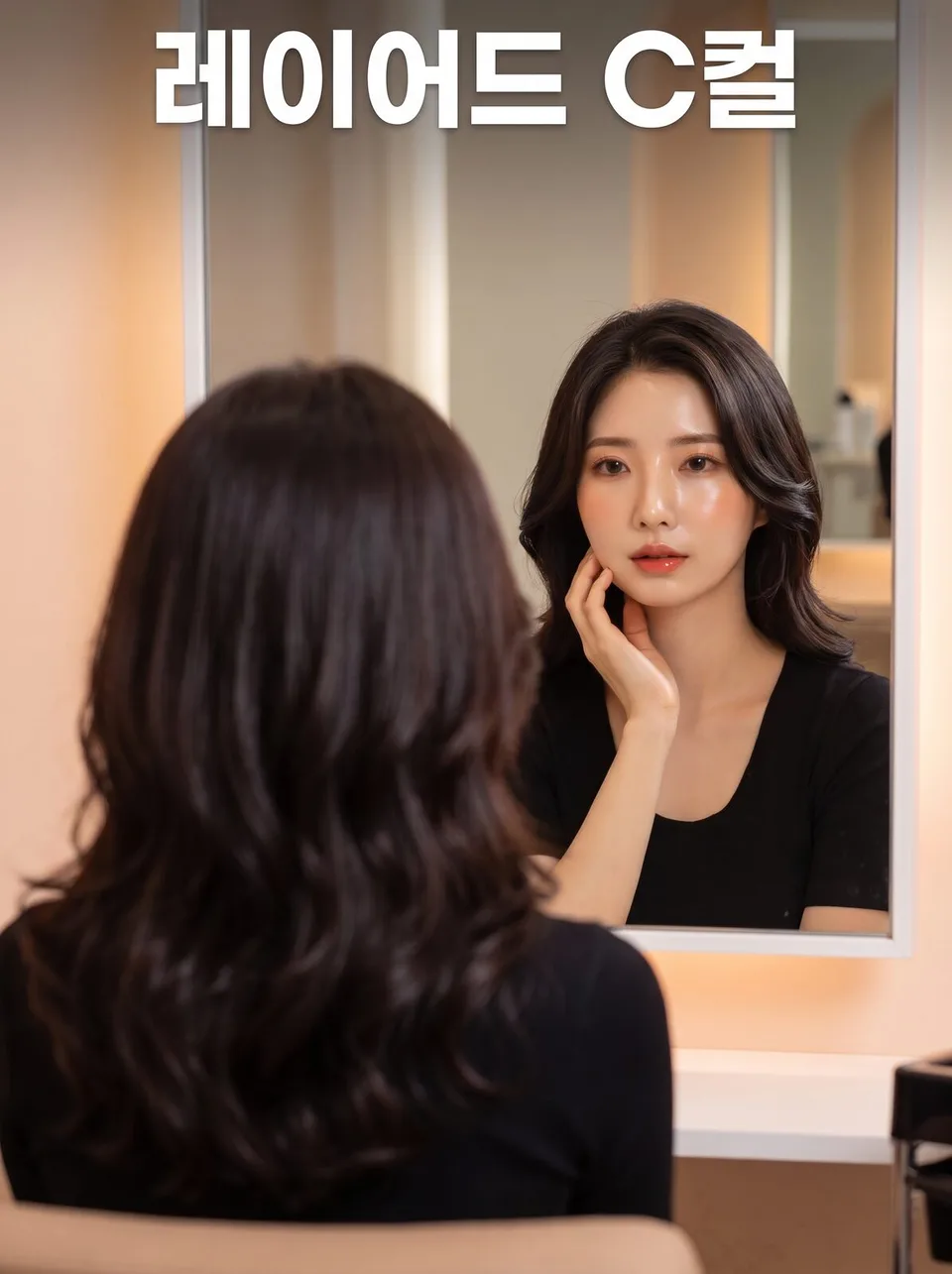 Hairstyle booksExample for this use case
Price lists · rate cards
Items and prices exactly as written; only the layout changes, ten ways. Choose a price list to put up on your store wall, beside the mirror or at the counter.
Create ten images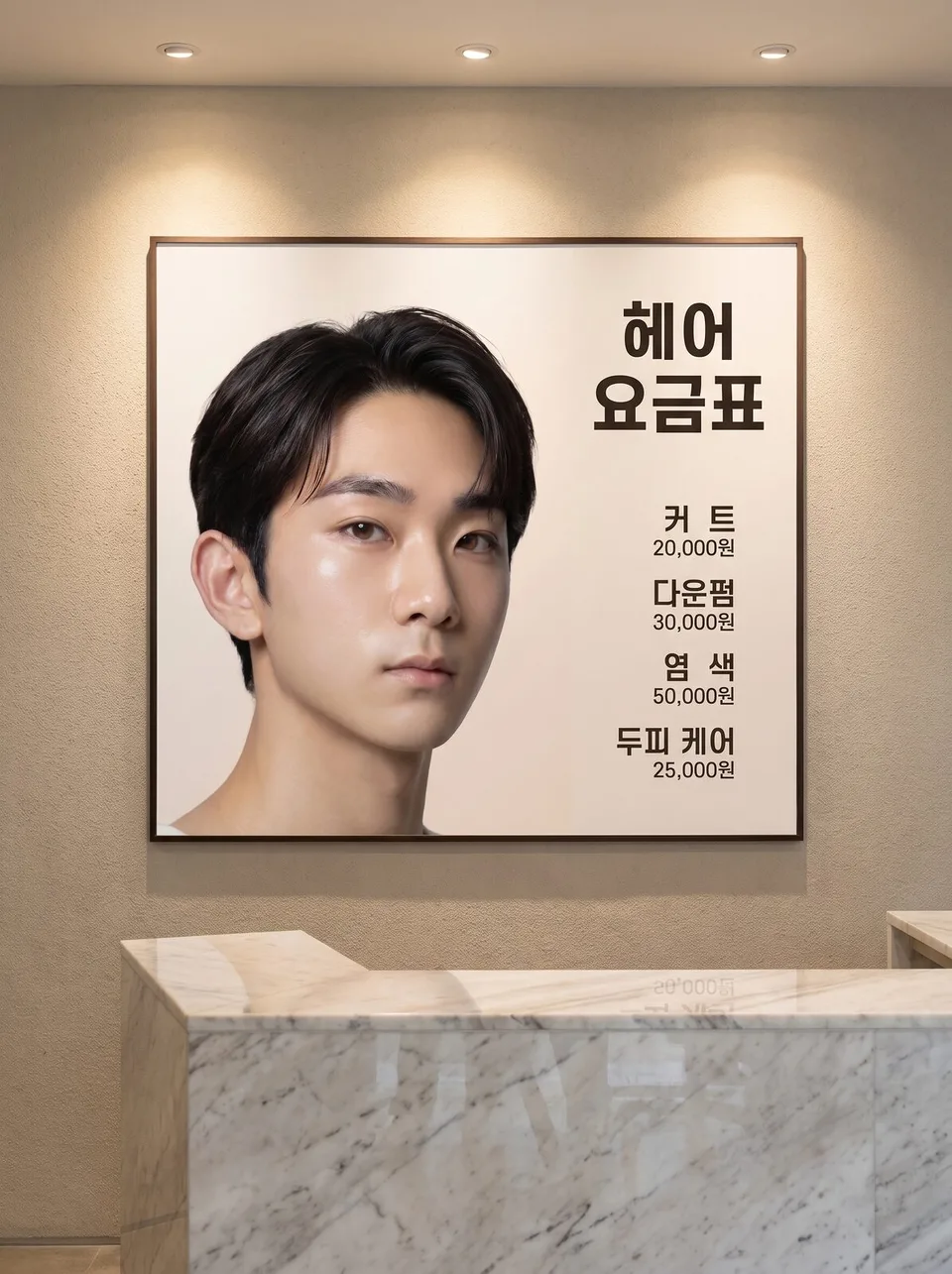 Price lists · rate cardsExample for this use case
Quote · saying cards
Ten ways to make one sentence readable. Change only the lettering, paper and light to make cards for social media.
Create ten images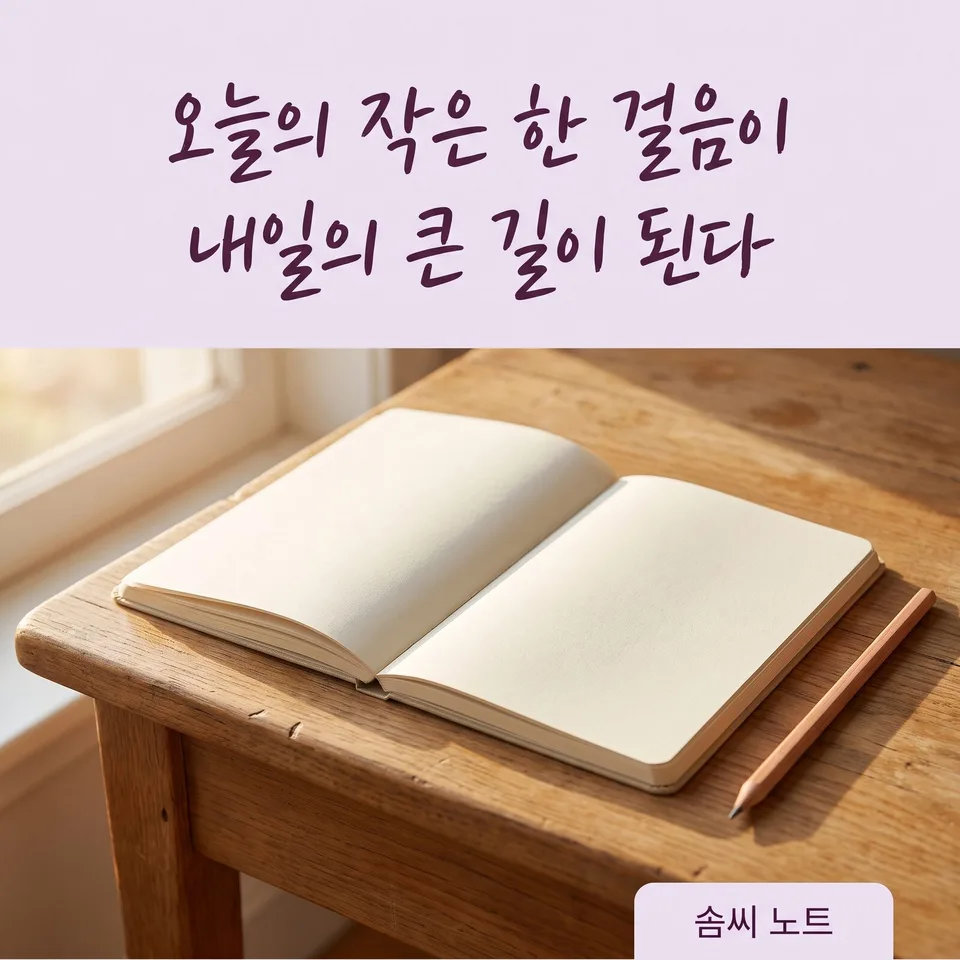 Quote · saying cardsExample for this use case
Recipe cards
The dish name and one-line intro stay the same; the table setting and composition change, ten ways. For blogs, delivery apps and Instagram.
Create ten images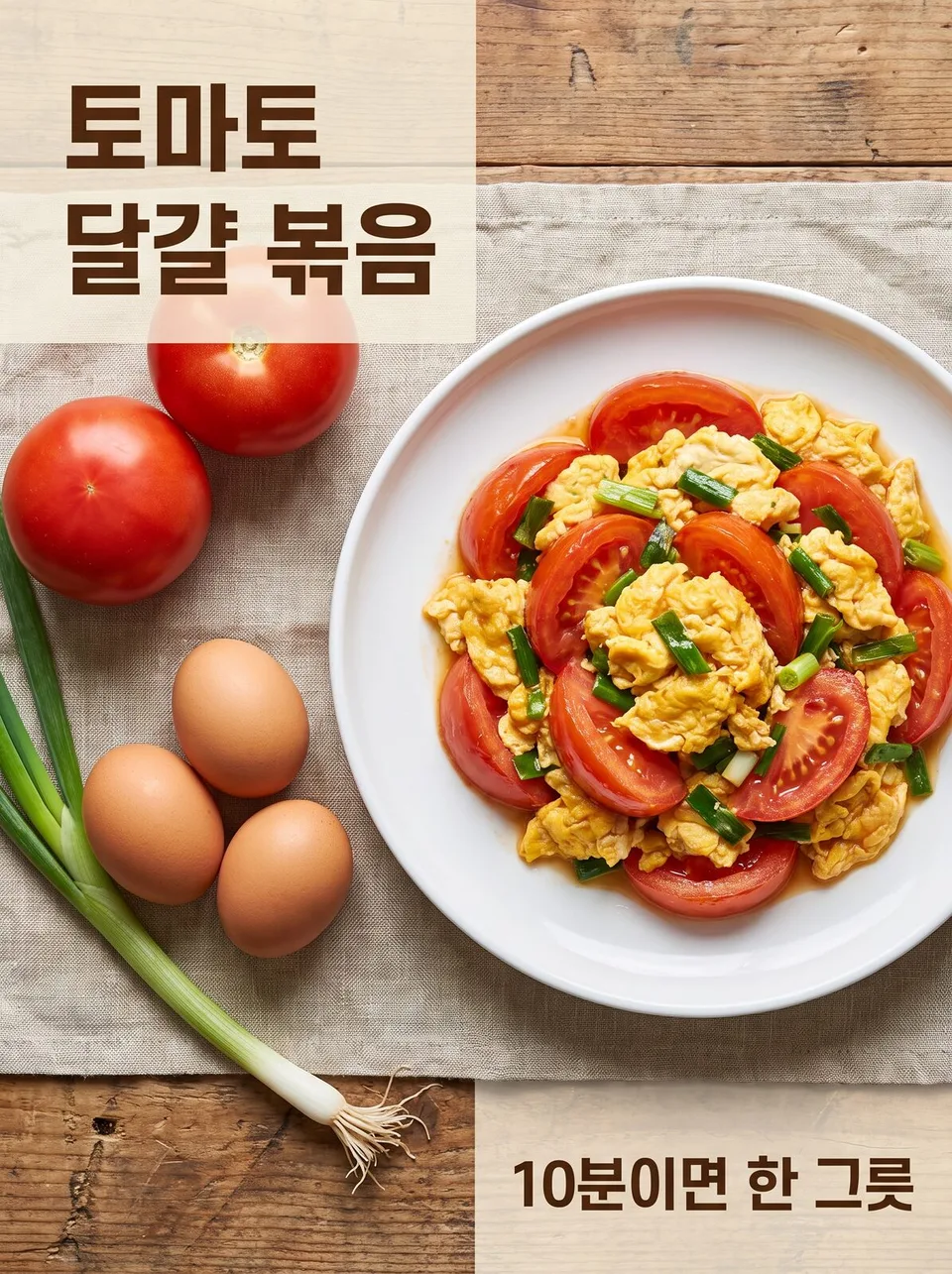 Recipe cardsExample for this use case
Signage · storefront drafts
Put your store name on the sign and see the storefront ten ways. Preview day, night and materials before construction, then choose.
Create ten images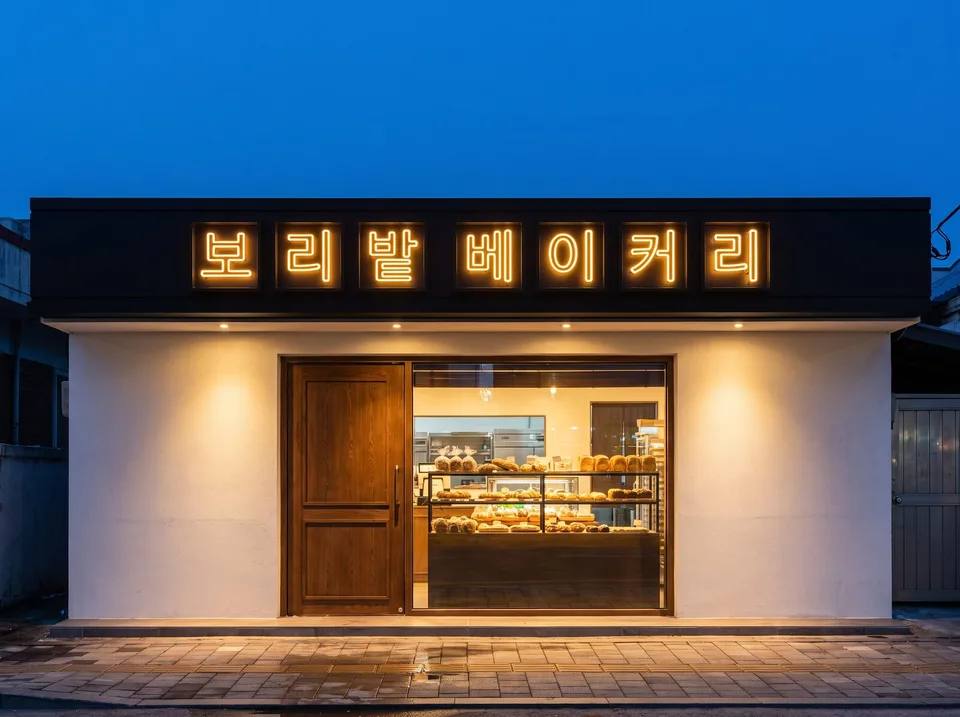 Signage · storefront draftsExample for this use case
Sports match · versus posters
The two team names and the match date and time stay the same; the face-off composition changes, ten ways. For clubs, leagues and broadcast announcements.
Create ten images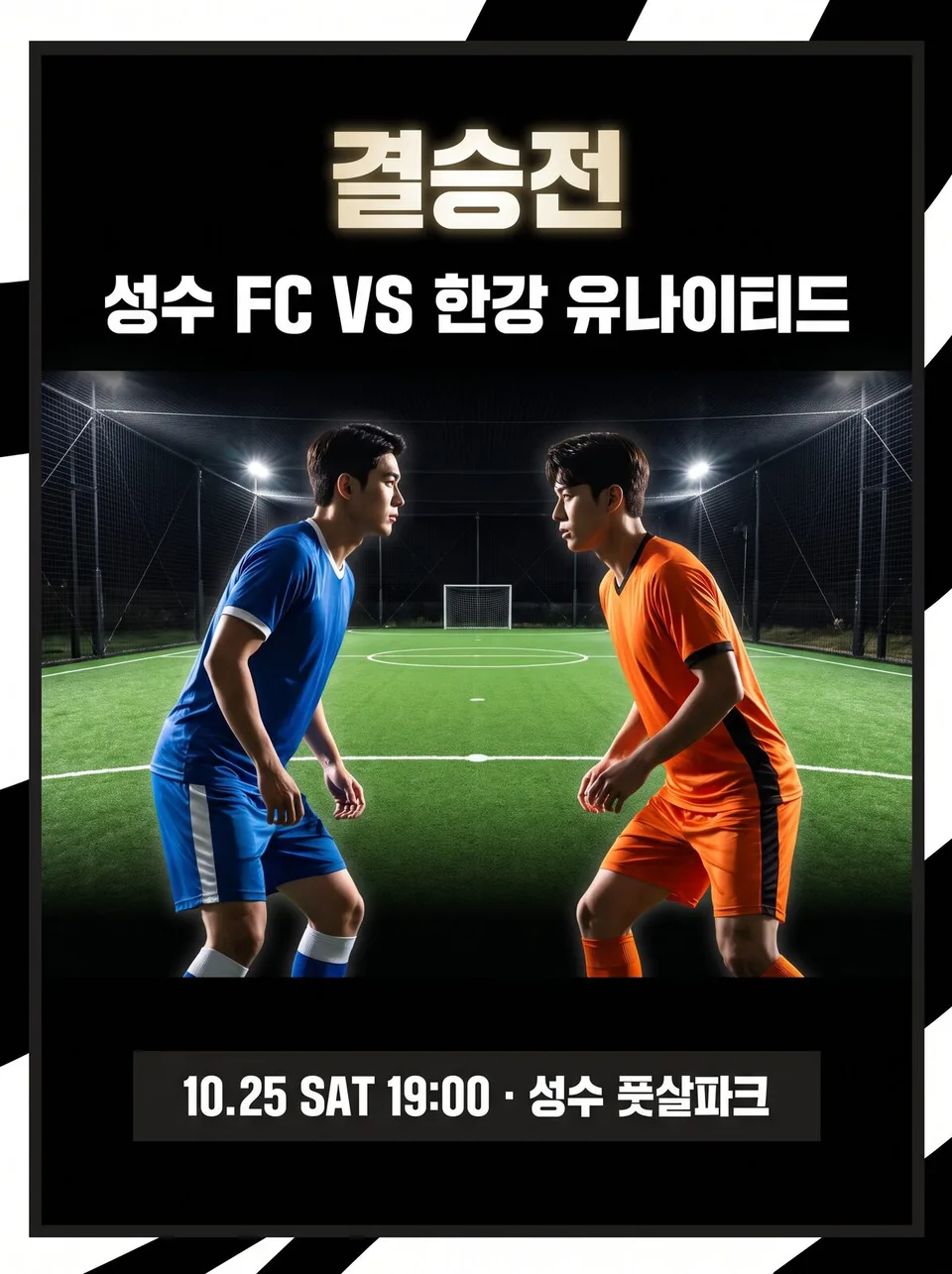 Sports match · versus postersExample for this use case
Highlight · icon sets
Instagram highlight and menu icons, in ten complete sets. Line weight and color match within each set.
Create ten images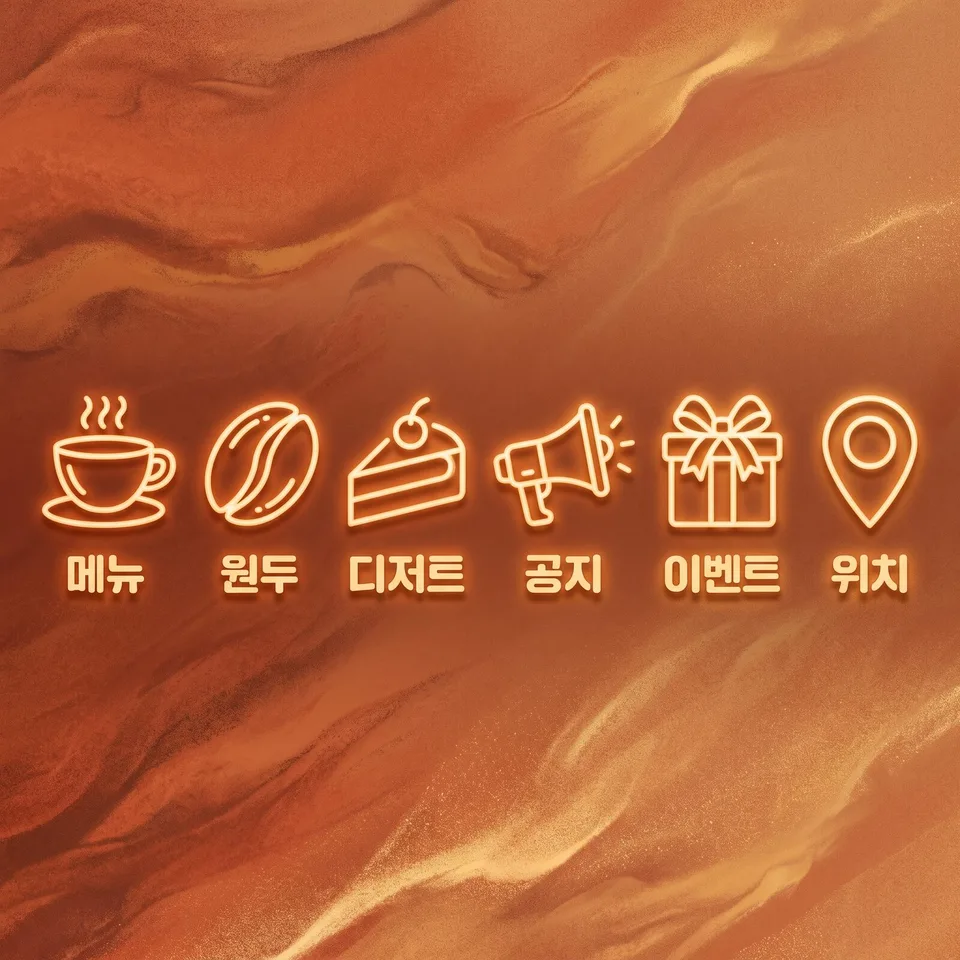 Highlight · icon setsExample for this use case
Planners · checklists
Days and boxes stay the same; a printable form in ten decorative styles. For weekly planners and checklists.
Create ten images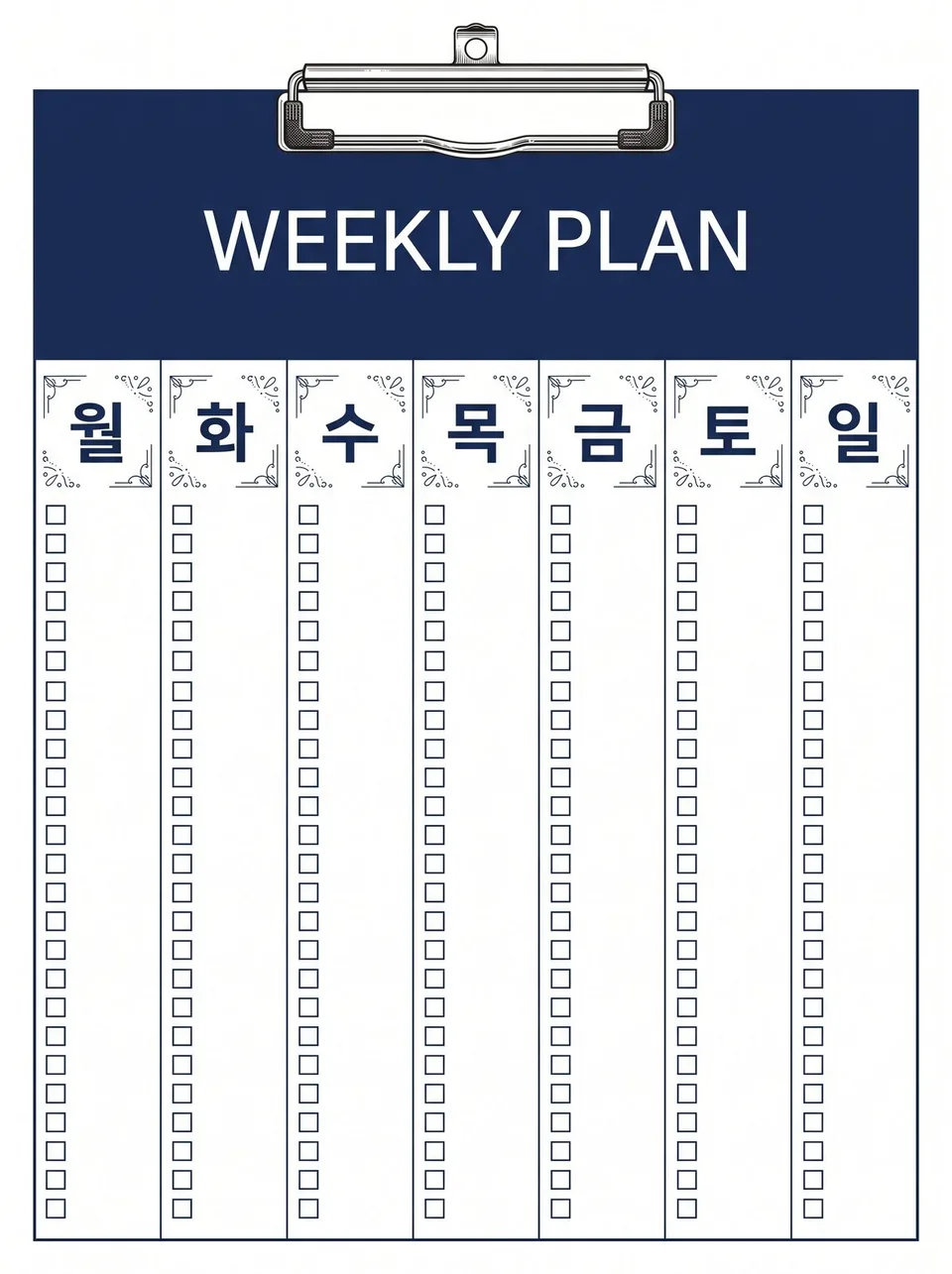 Planners · checklistsExample for this use case
Portfolio covers
A first page made from just your name and field, ten ways. Pick a portfolio cover for artists, designers and craft studios.
Create ten images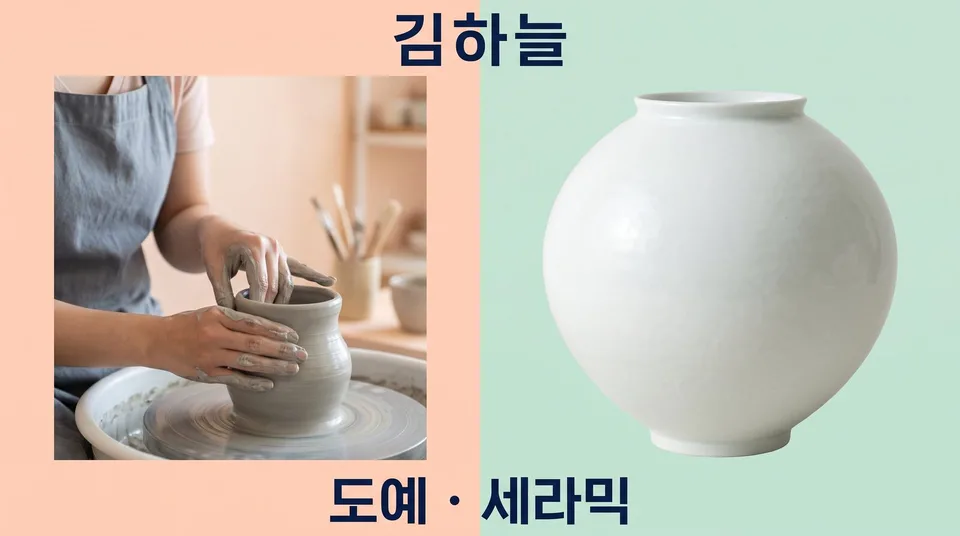 Portfolio coversExample for this use case
Makeup look drafts
Ten looks on one face. The face and hair stay the same and only the makeup changes, so clients can choose before their appointment.
Create ten images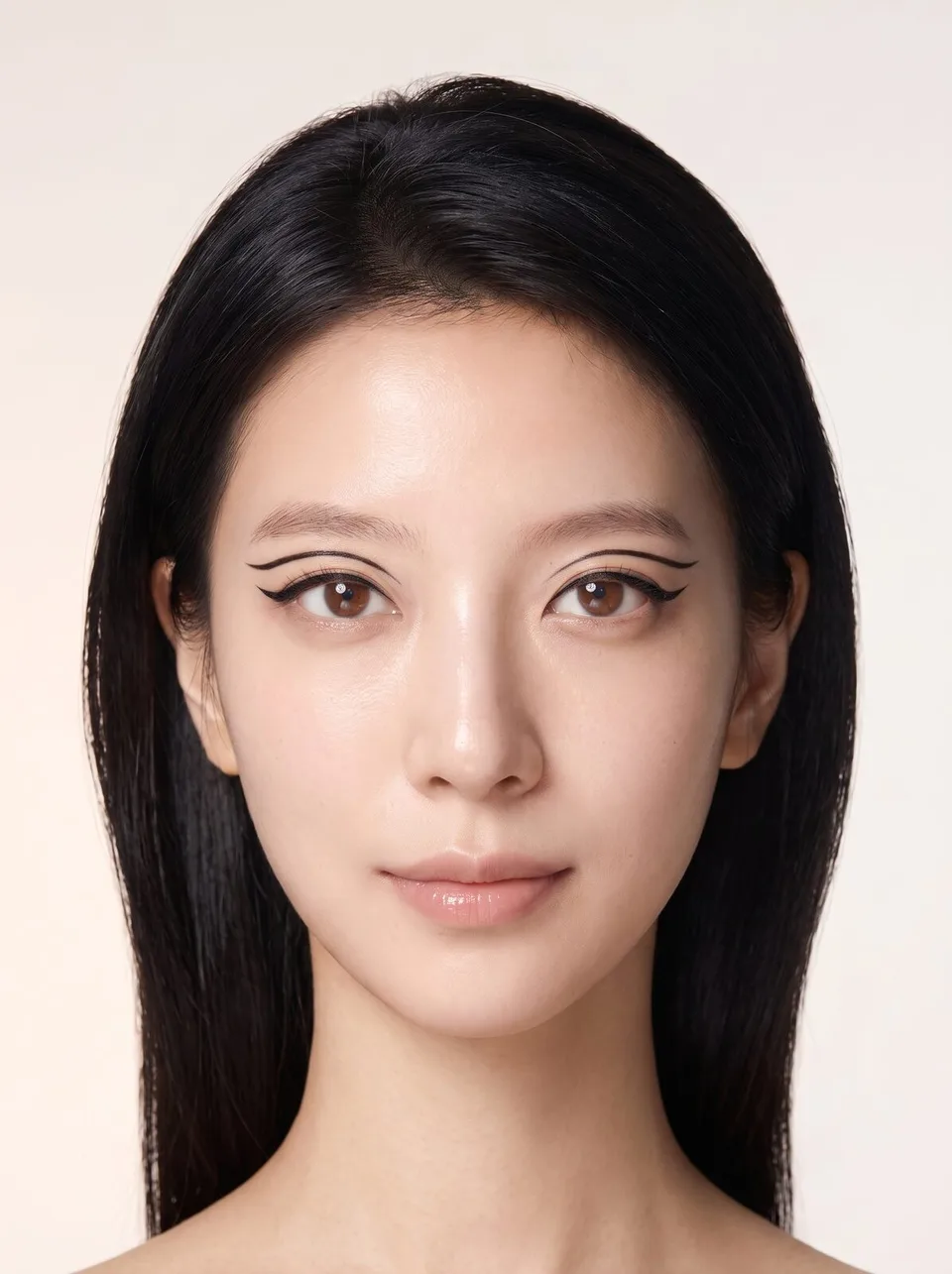 Makeup look draftsExample for this use case
Glasses · sunglasses on-model shots
Ten frames on one face. The face stays the same; only the frames change. No made-up logos on lenses or frames.
Create ten images Glasses · sunglasses on-model shotsExample for this use case
Jewelry on-model shots
Earrings, necklaces and rings on one model, ten ways. Framed so the ears, neck and hands wearing the pieces aren't covered.
Create ten images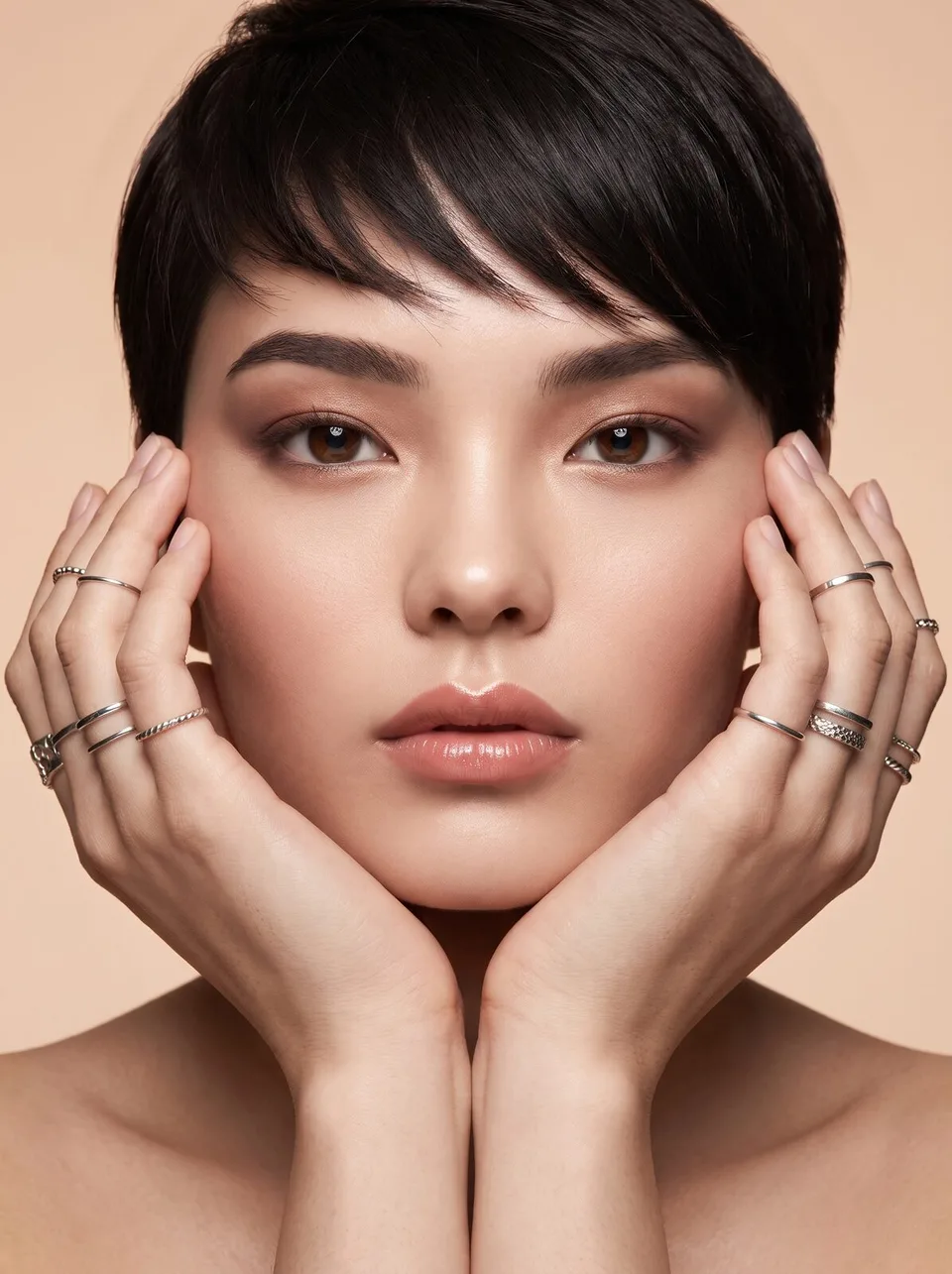 Jewelry on-model shotsExample for this use case
Group apparel · uniform drafts
Try them on before you order. Ten café, clinic or club uniforms on one person, with face and body type unchanged.
Create ten images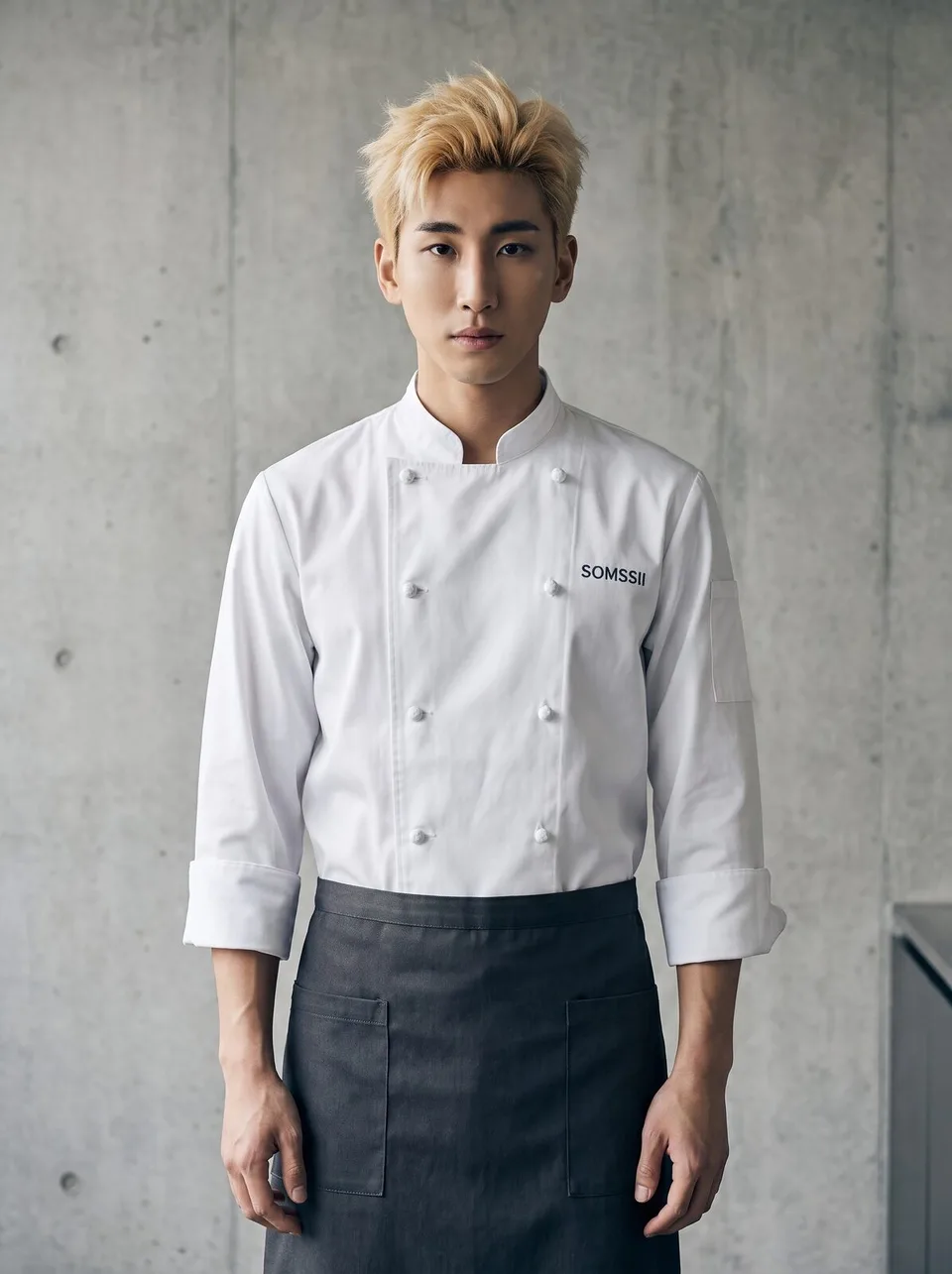 Group apparel · uniform draftsExample for this use case
Nail art drafts
This month's designs, ten ways. Five fingers and natural-looking joints, ready to post on your nail salon's board.
Create ten images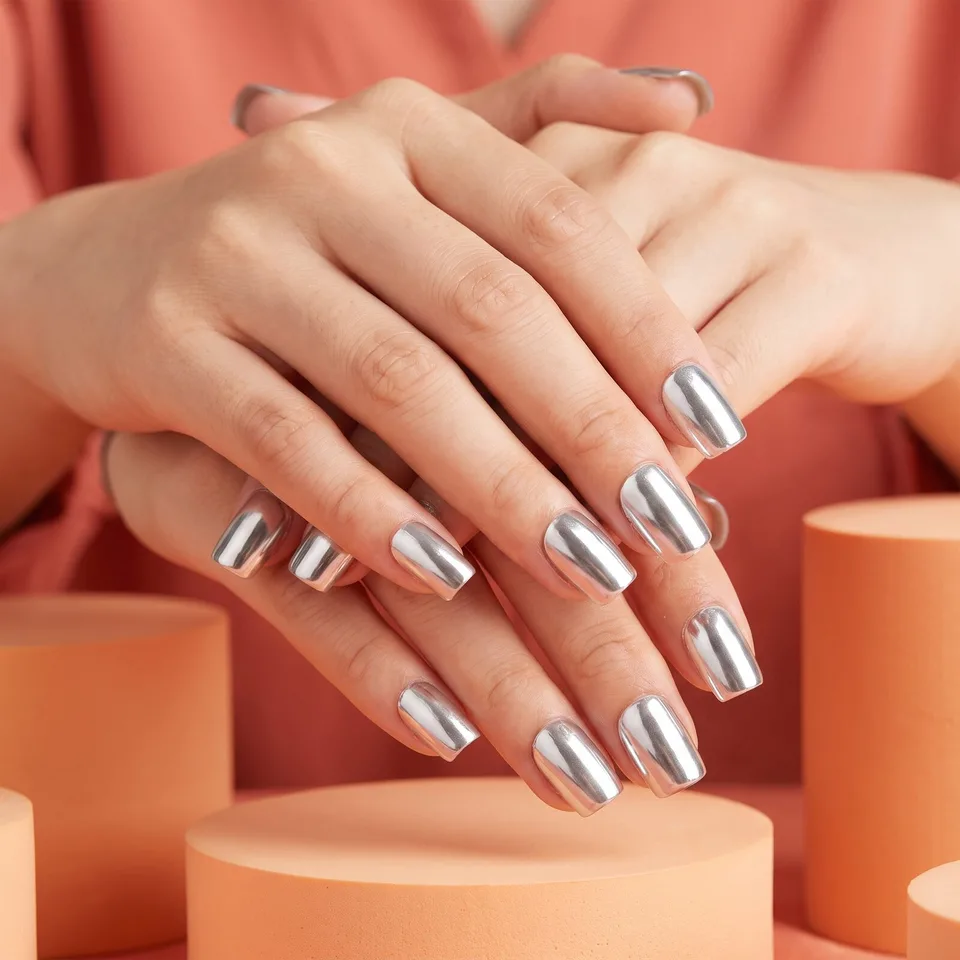 Nail art draftsExample for this use case
Custom cake drafts
Design first, before taking the order. Cream lettering exactly as written, and no made-up text on candles or toppers.
Create ten images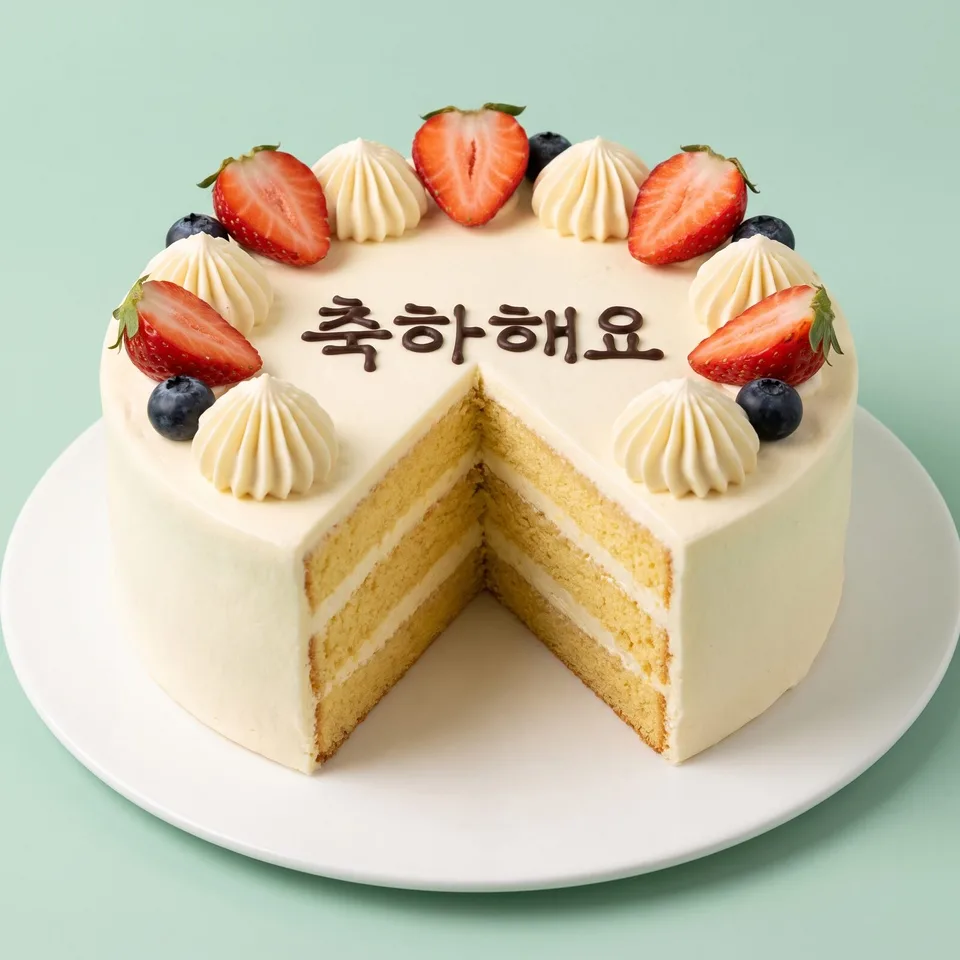 Custom cake draftsExample for this use case
Bouquets · floral drafts
Bouquets, baskets, boxes, vases and wreaths — the same flowers in ten arrangements. Show them as is in anniversary order consultations.
Create ten images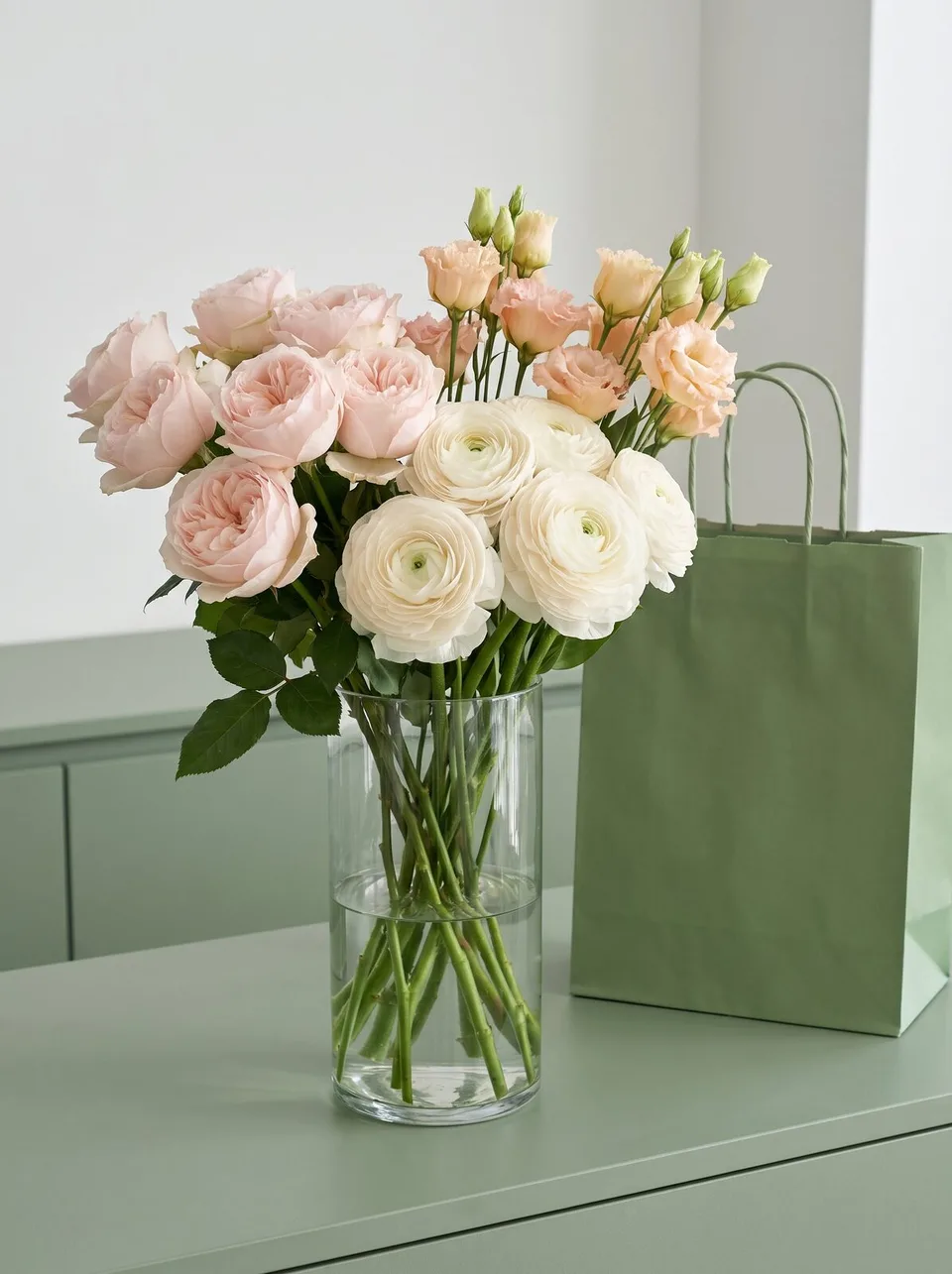 Bouquets · floral draftsExample for this use case
Gift set composition drafts
What goes in and how, ten ways. See the contents and packaging of holiday and thank-you gift sets before you sell them.
Create ten images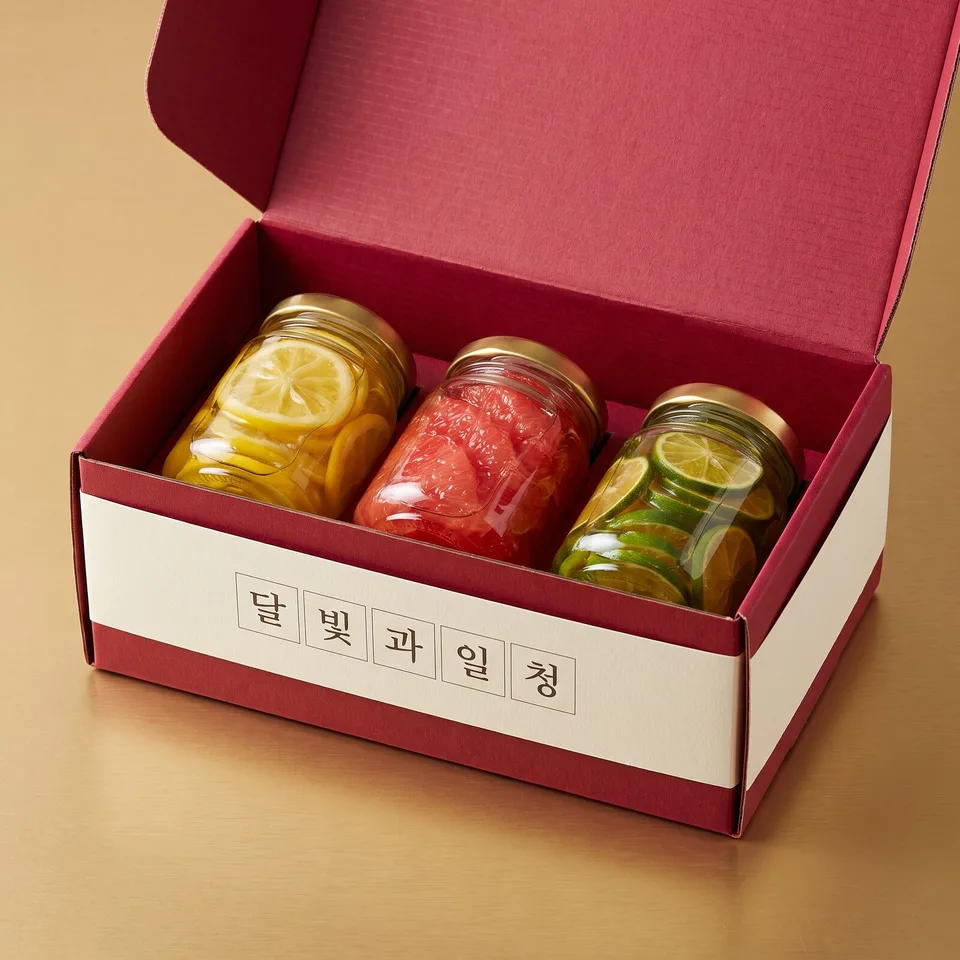 Gift set composition draftsExample for this use case
Photo zones · space styling drafts
Stand in it before it's installed. Café and pop-up store photo zones, ten ways, changing only the styling.
Create ten images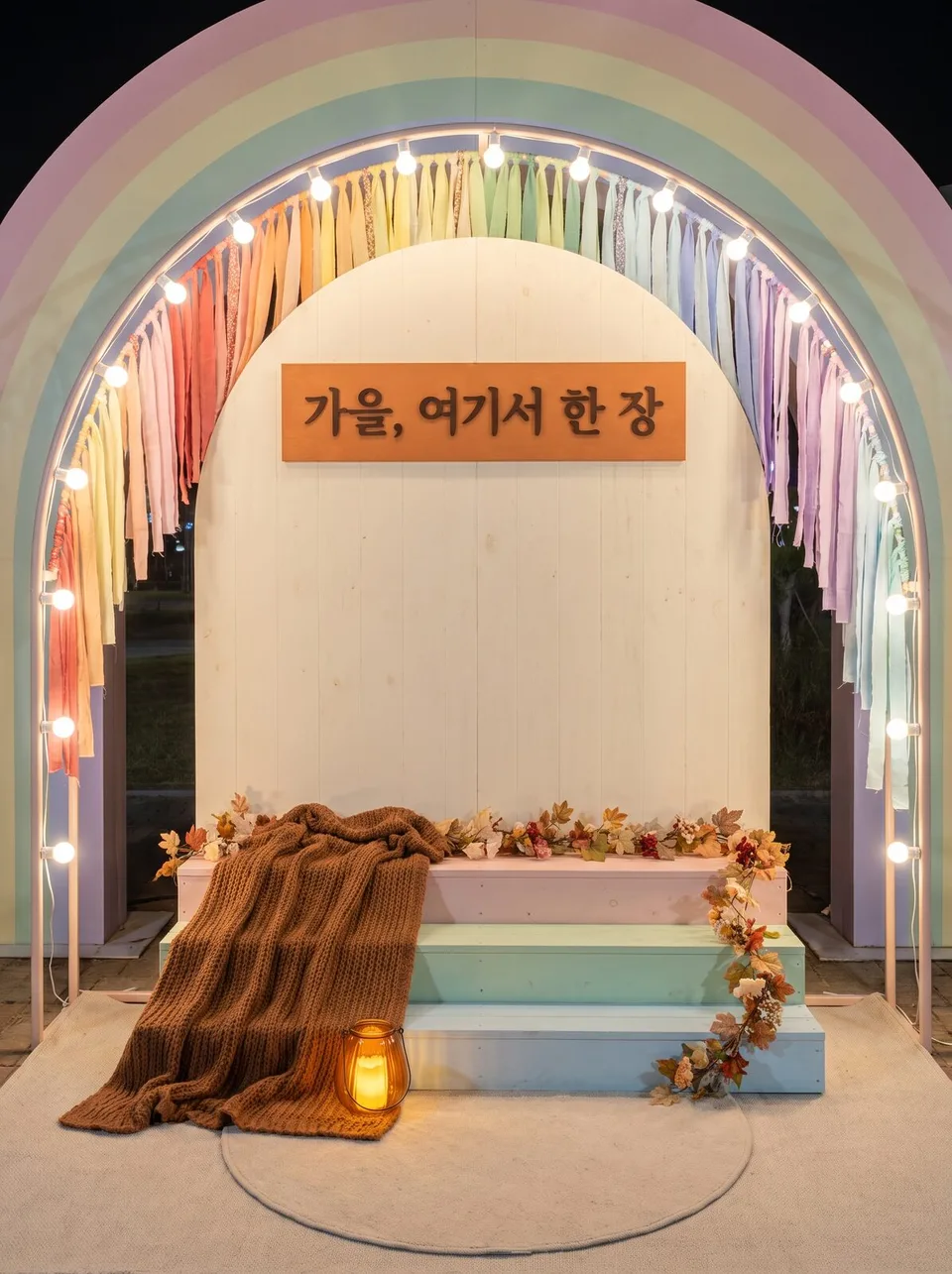 Photo zones · space styling draftsExample for this use case
Vehicle wrap drafts
Ten graphics to wrap food trucks, delivery vans and company cars. Only the text you write, and manufacturer emblems are removed.
Create ten images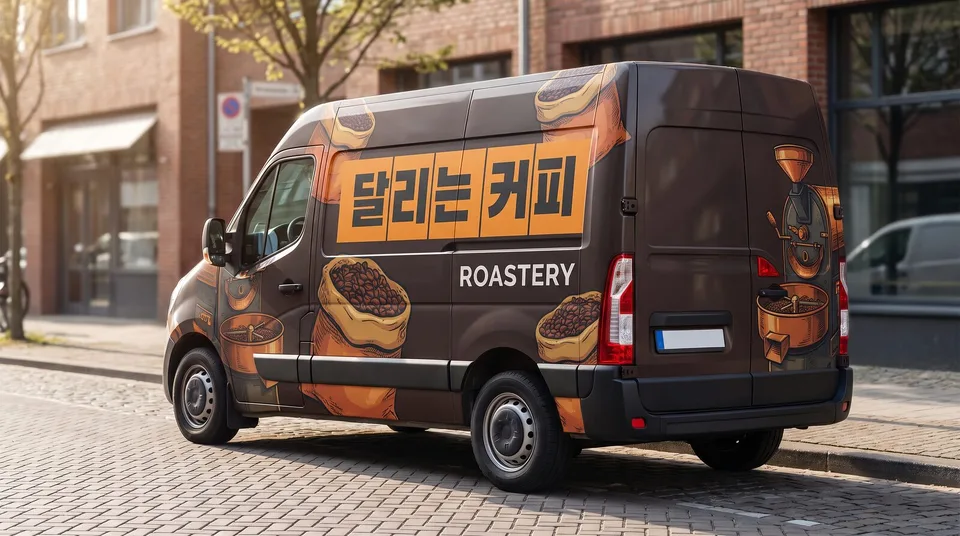 Vehicle wrap draftsExample for this use case
Food sizzle shots
The moment that makes you want to eat it right now. Steam, flames, sauce, glossy sheen — the same dish in ten scenes where you can see the flavor.
Create ten images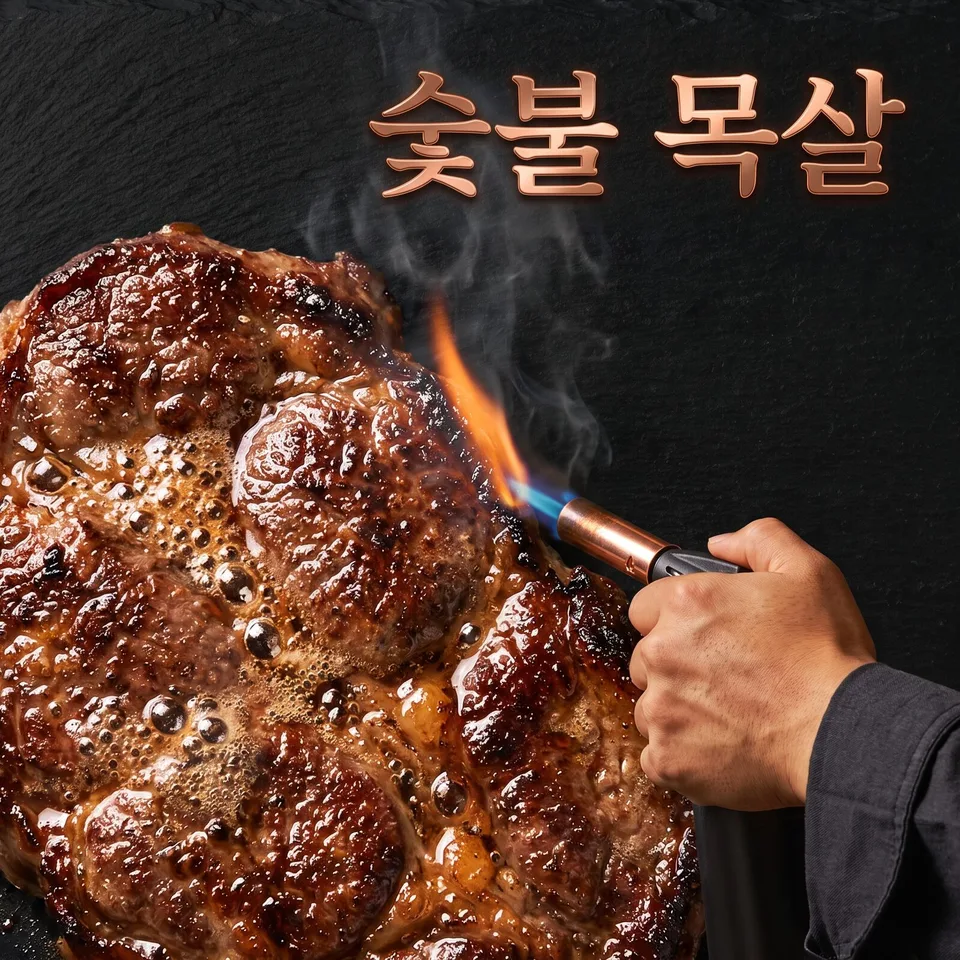 Food sizzle shotsExample for this use case
Beverage splash shots
A drink leaping out of the glass. Crown splashes, falling ice, pouring arcs — ten new-menu shots that look refreshing.
Create ten images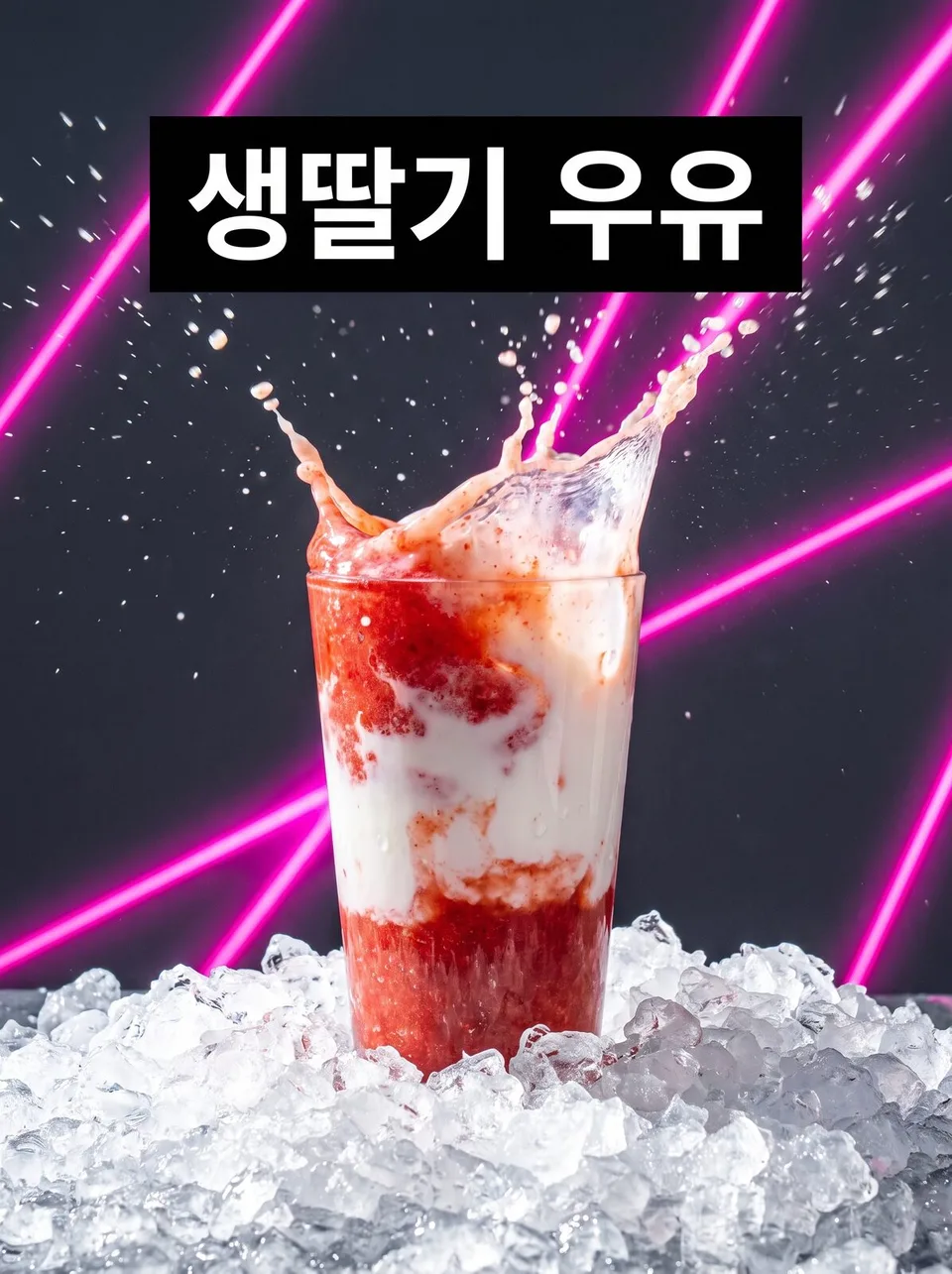 Beverage splash shotsExample for this use case
Scent · perfume mood shots
Making an invisible scent visible. Ingredients, smoke, mist and refracted light capture the scent of a perfume or diffuser in a single image.
Create ten images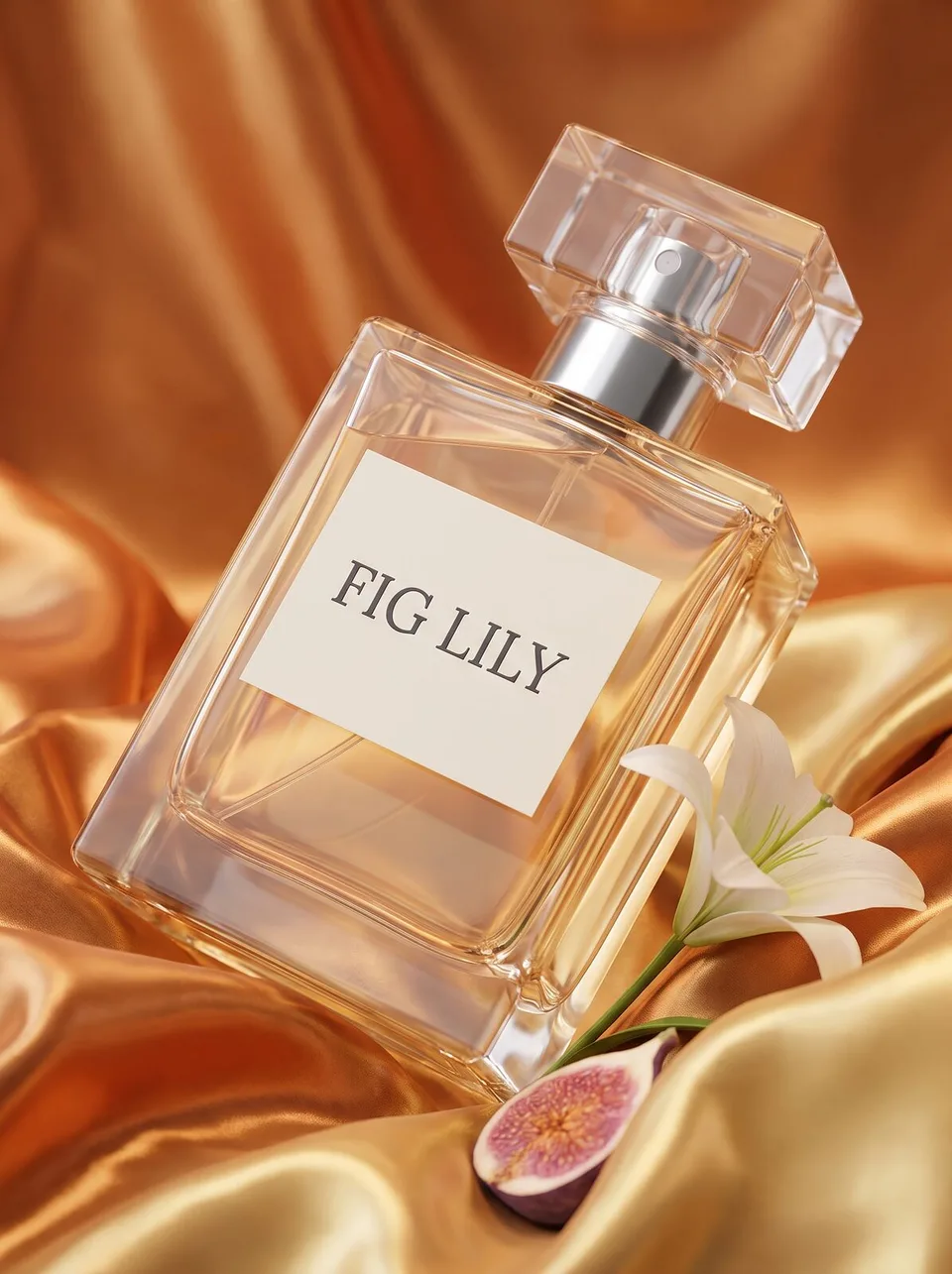 Scent · perfume mood shotsExample for this use case
Formula texture shots
A texture you can feel before touching it. Swatches, spatulas, application on the back of a hand — one jar of cream as ten product detail page shots.
Create ten images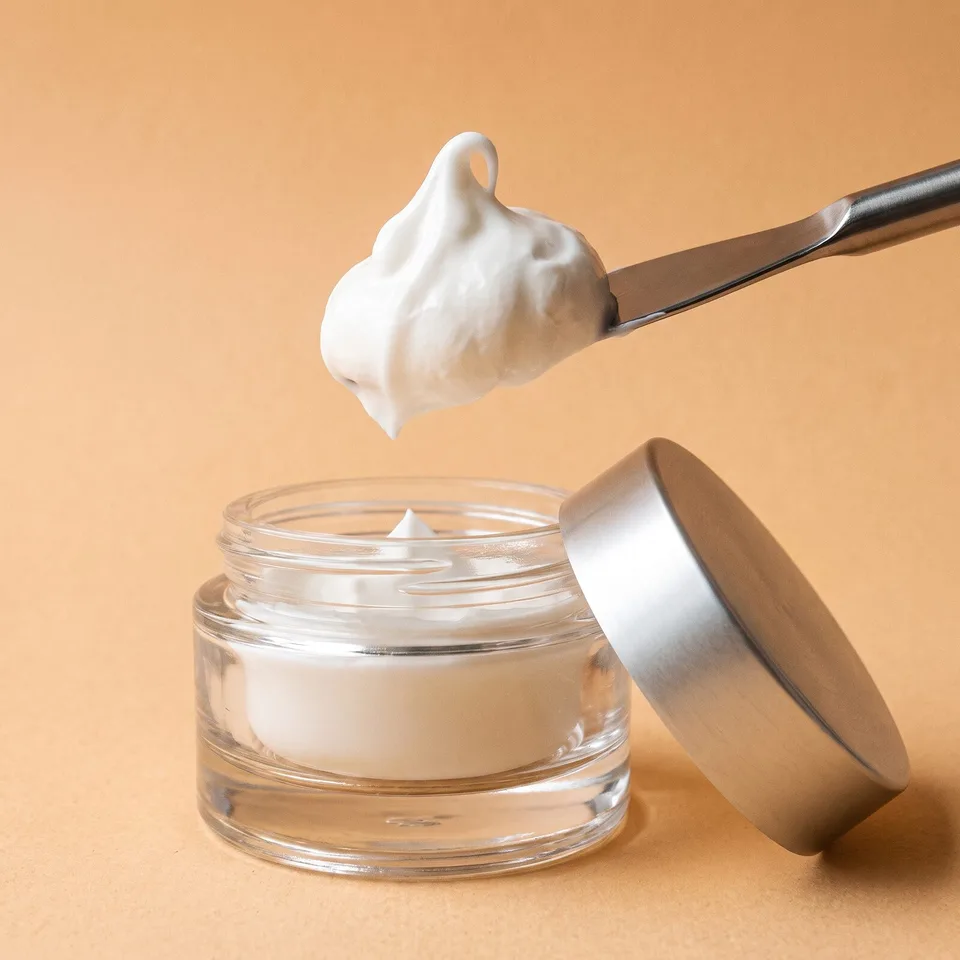 Formula texture shotsExample for this use case
Fabric · material swatch shots
Is it soft? Sheer? Stretchy? Shows one fabric through its grain, folds and the way light passes through it.
Create ten images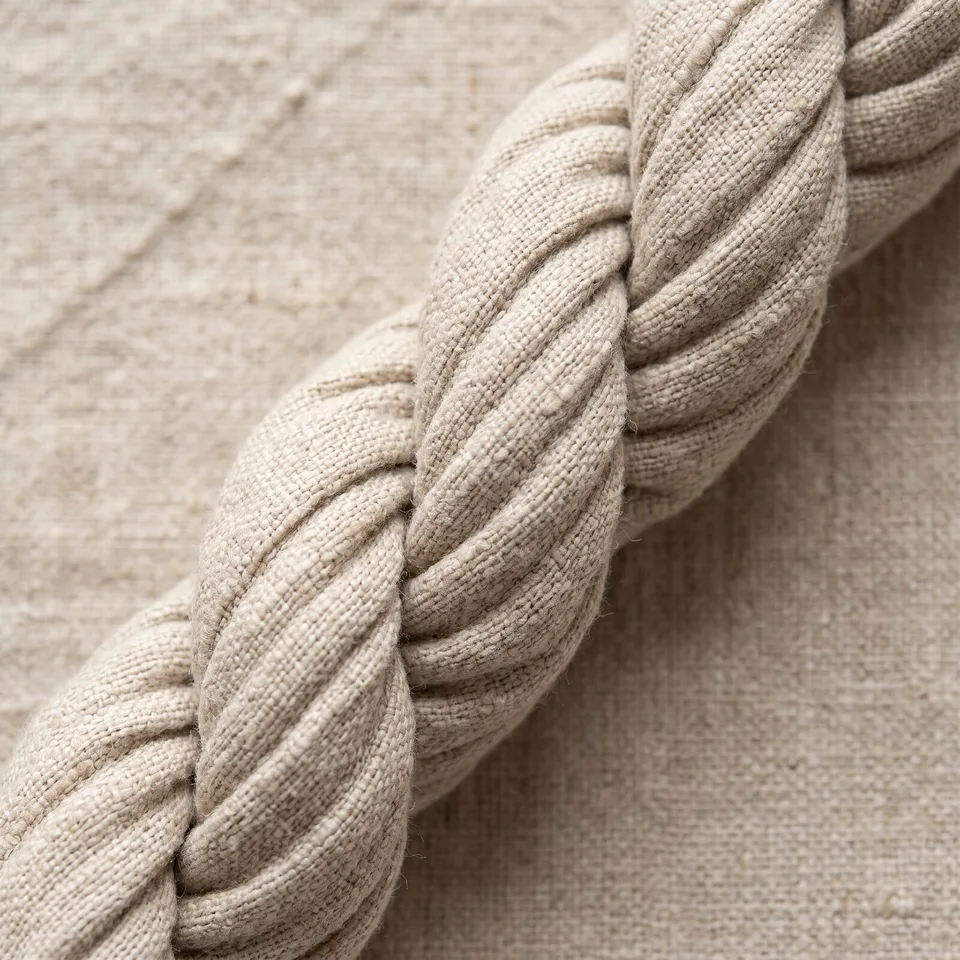 Fabric · material swatch shotsExample for this use case
Cooling · warming feature shots
Making cold and warmth visible. Frost, steam, ice and breath show the feature, with only the figures you provide.
Create ten images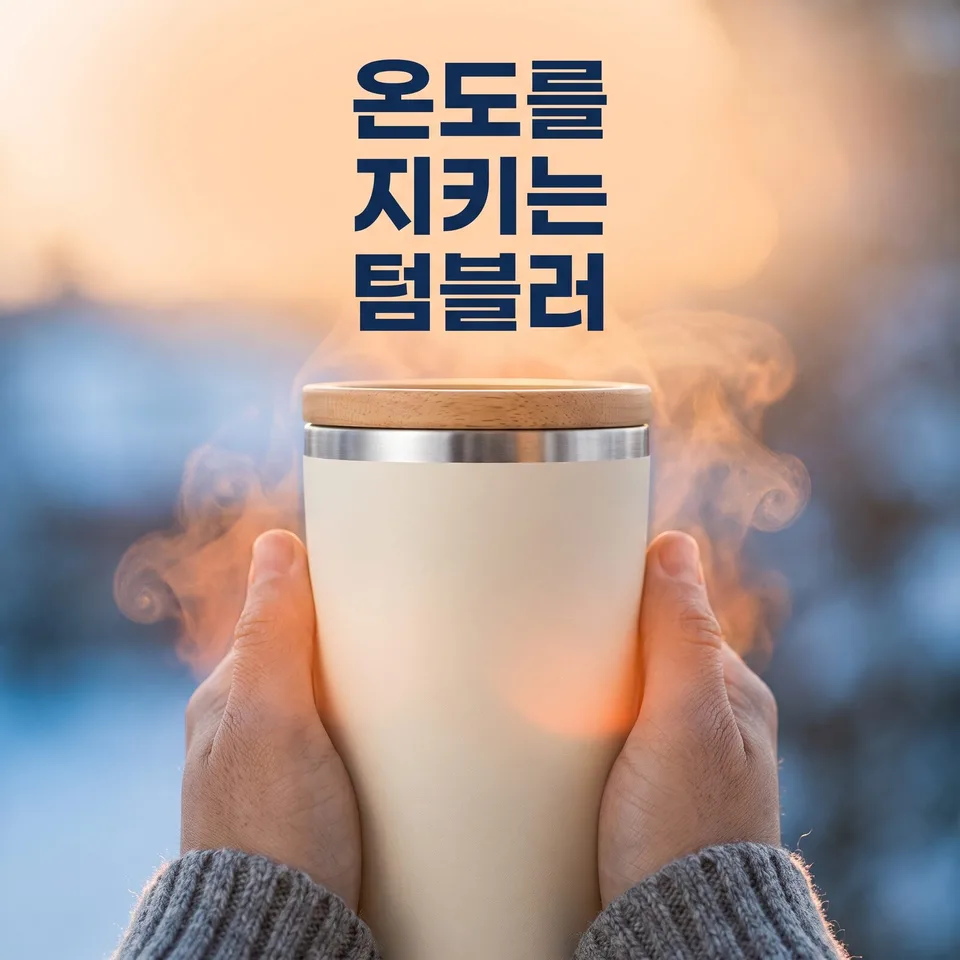 Cooling · warming feature shotsExample for this use case
Levitating product shots
A weightless, floating hero shot. One product floated ten different ways, with no hanging strings.
Create ten images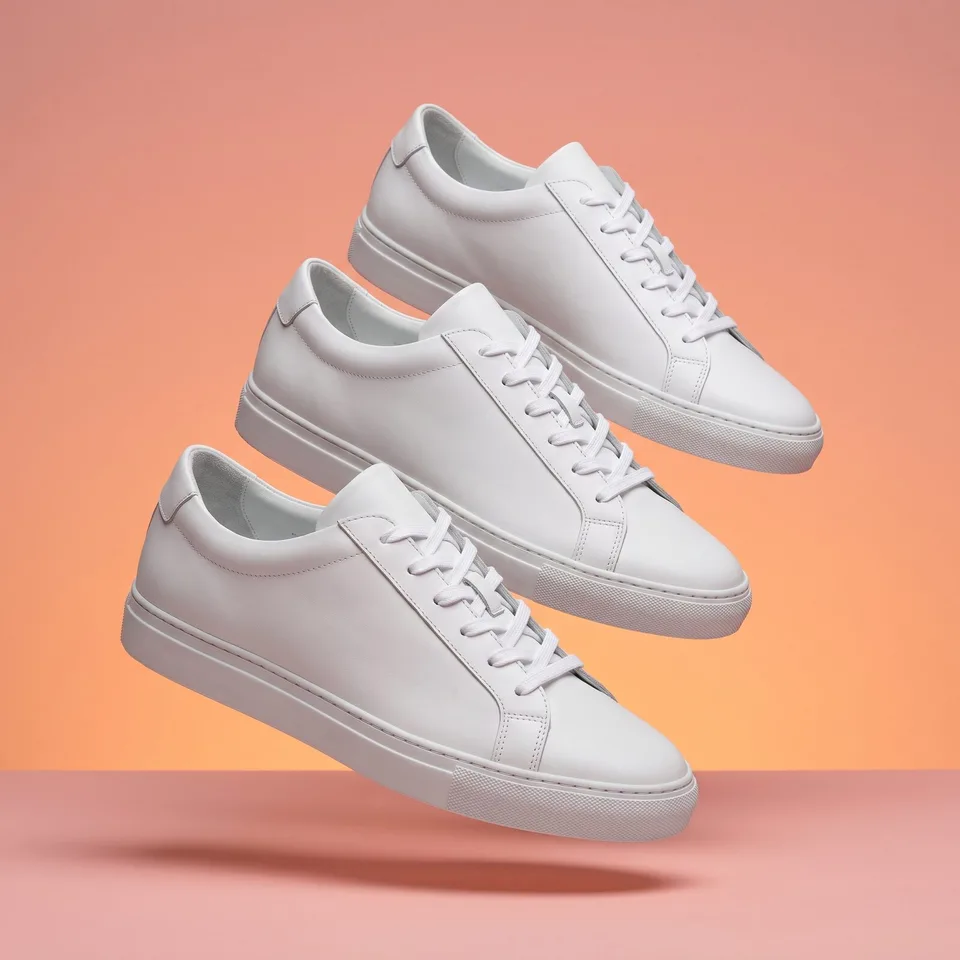 Levitating product shotsExample for this use case
Mood boards
«This kind of feel» in one image, before you start designing. Only the way photos, color chips and material swatches are gathered changes, ten ways.
Create ten images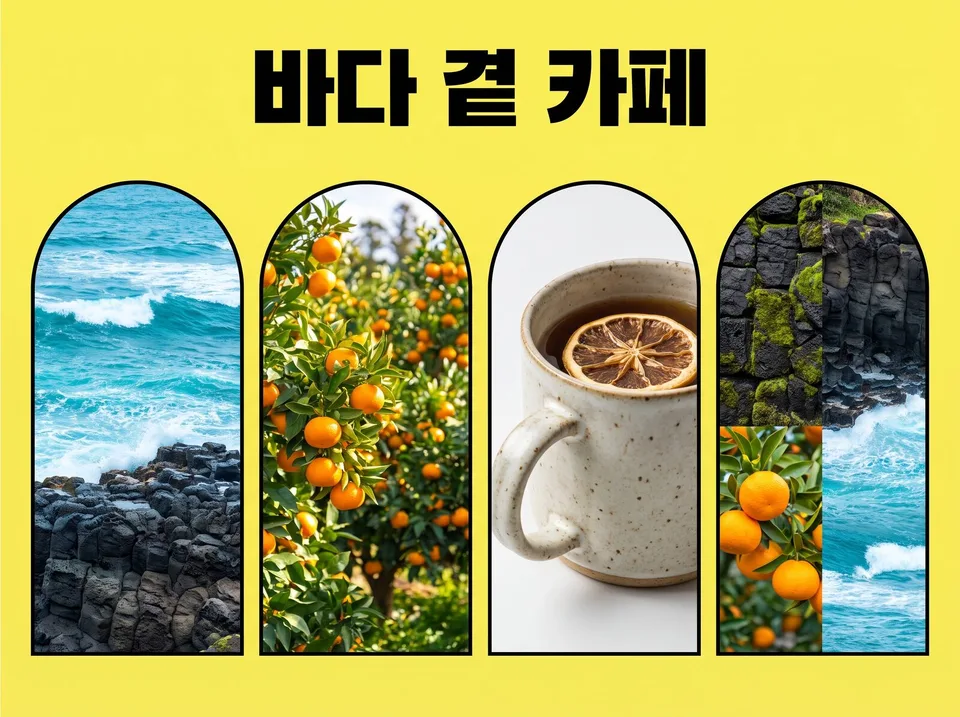 Mood boardsExample for this use case
Playlist covers
Making the mood of a sound visible. Place one person by a rainy window, in a field or on a night street to make ten playlist thumbnails.
Create ten images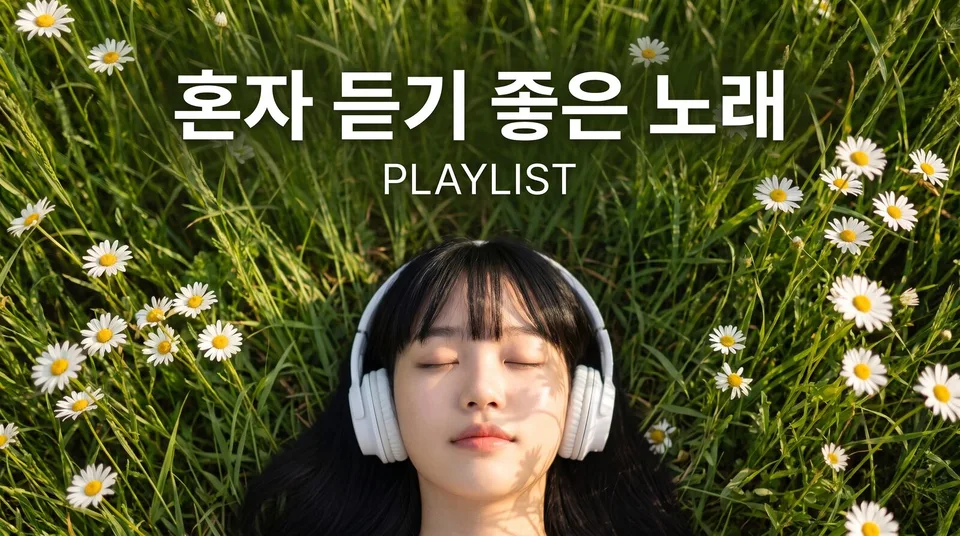 Playlist coversExample for this use case
Light-styled portraits
Same face, ten kinds of light. Leaf shadows, blinds, neon and candlelight for a complete portrait shoot.
Create ten images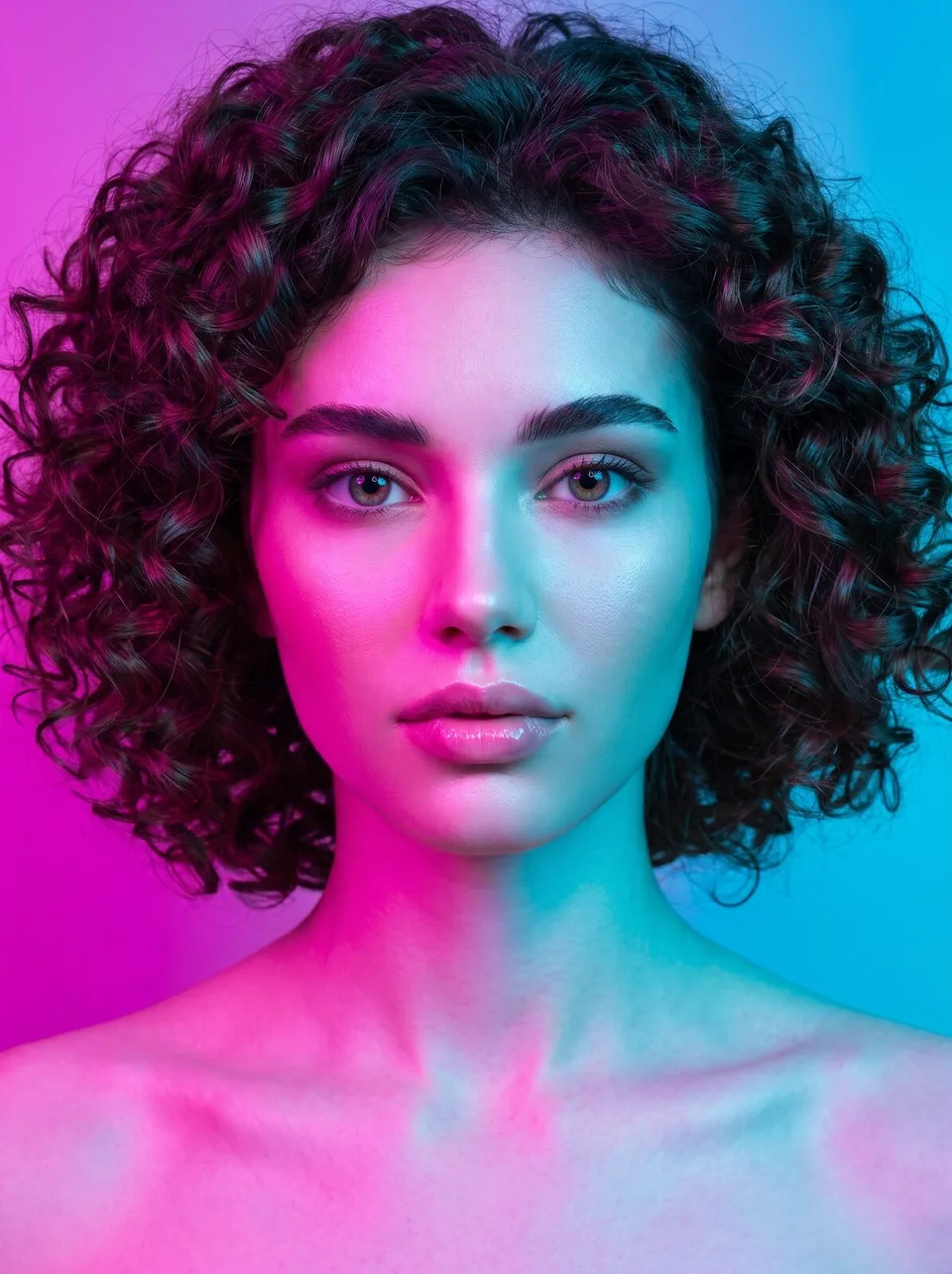 Light-styled portraitsExample for this use case
Paper-cut art
Paper cut out and layered into depth. The same story cut ten ways, including layered depth, pop-up books and shadow boxes.
Create ten images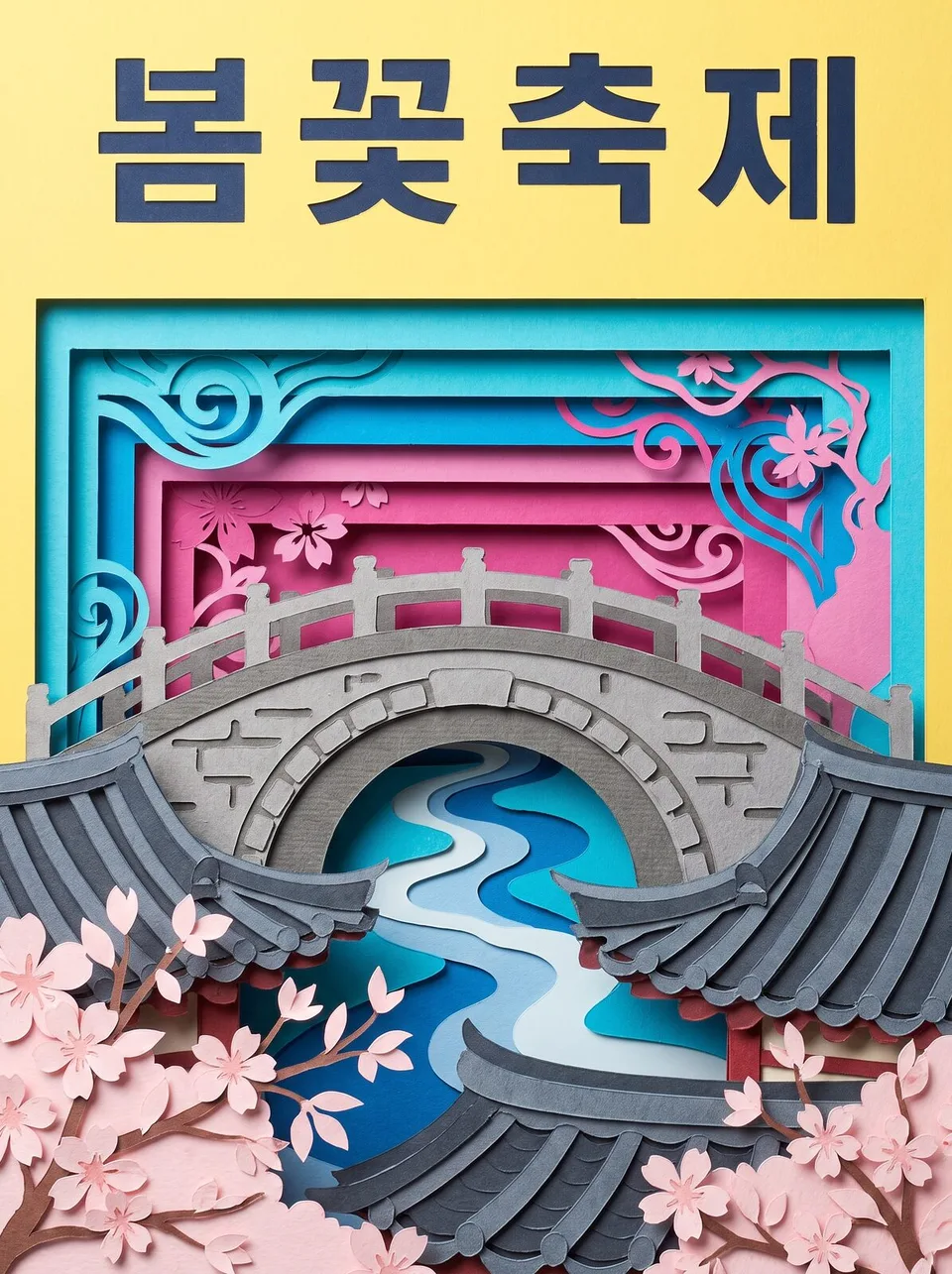 Paper-cut artExample for this use case
Clay art
Hand-molded, rounded 3D forms. Turn brand characters and seasonal ads into clay figures and stop-motion scenes.
Create ten images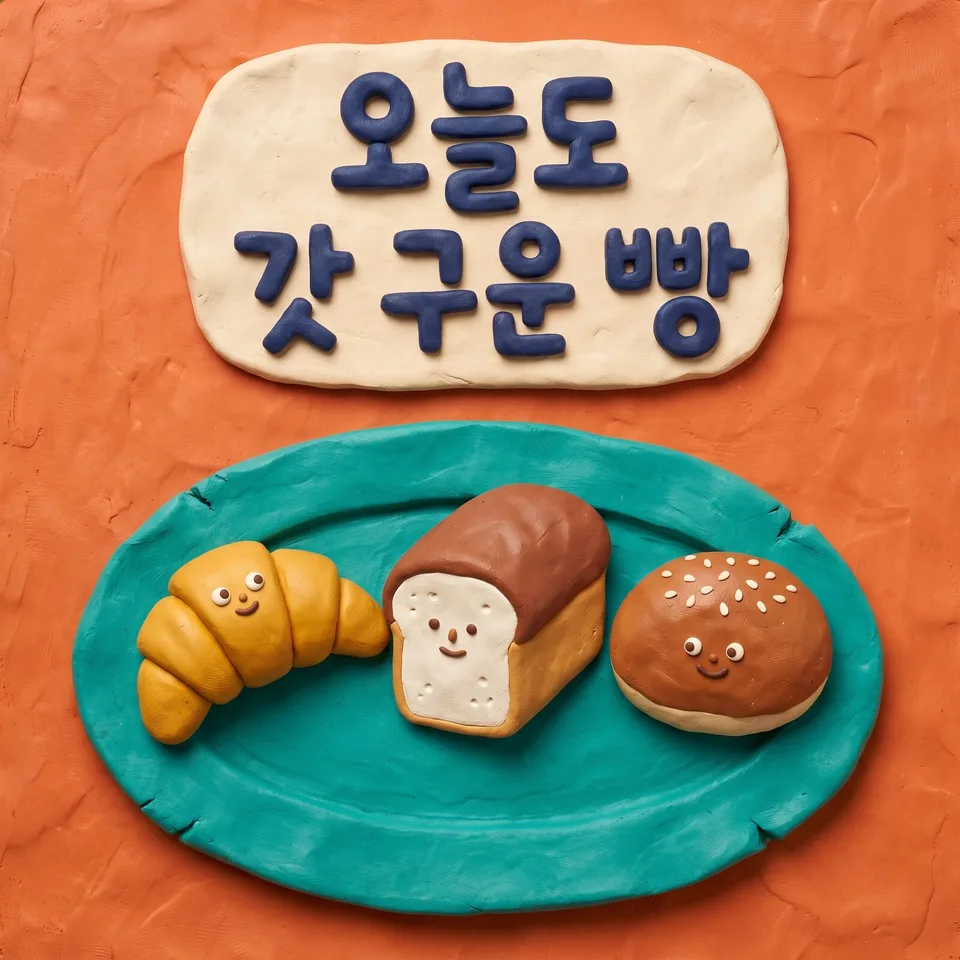 Clay artExample for this use case
Pixel art
Retro game screens built from square dots. Make event banners as title screens, side-scrollers and inventories — with no made-up score numbers.
Create ten images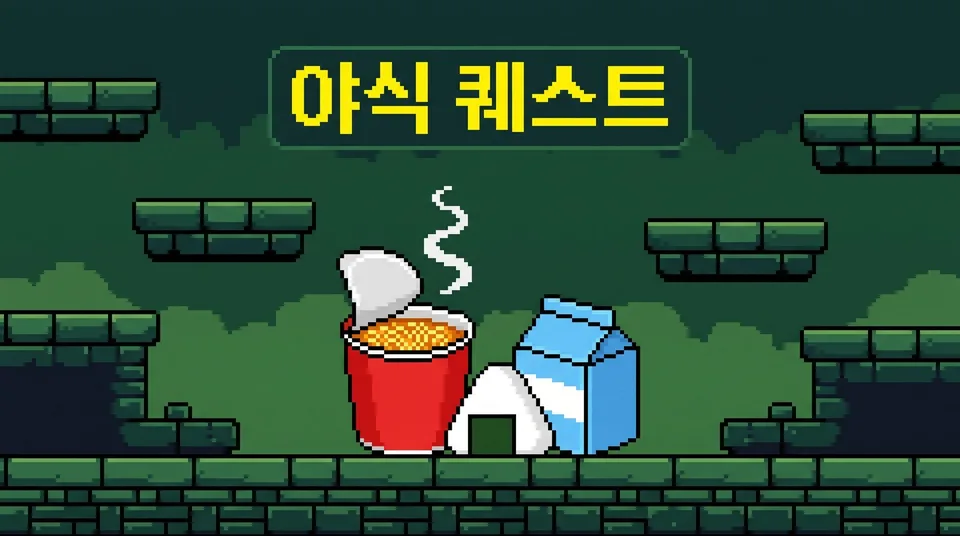 Pixel artExample for this use case
Isometric illustrations
A tiny 3D world seen from above at an angle. Show space guides and service intros as room cutaways, floating islands and exploded floors.
Create ten images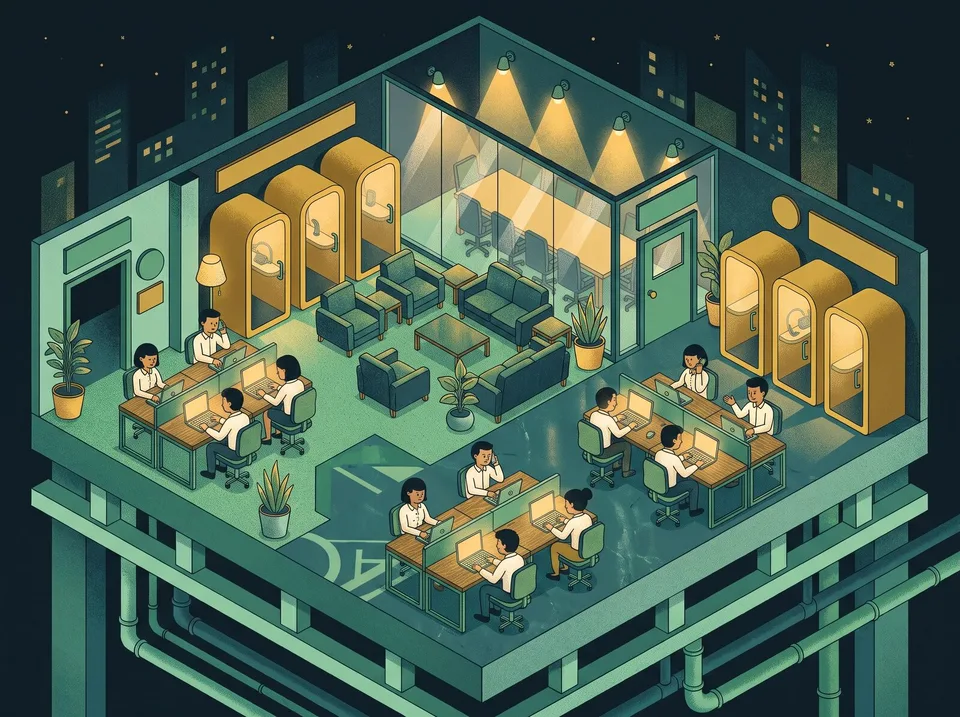 Isometric illustrationsExample for this use case
Watercolor illustrations
Hand-painted art with bleeding paint. Ten illustrations for postcards, wedding invitations and café menus, changing only the bleed, the pen lines and the use of white space.
Create ten images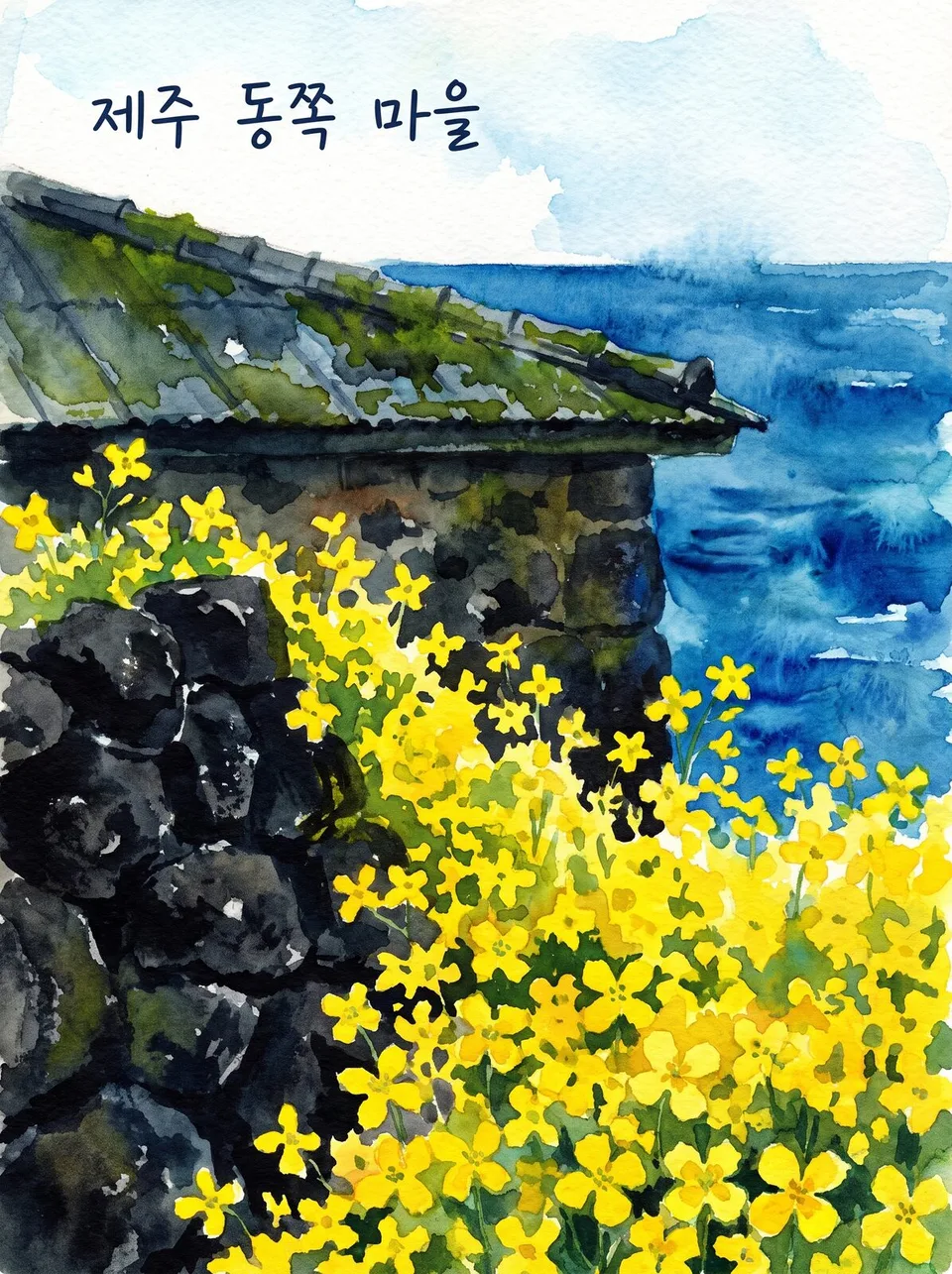 Watercolor illustrationsExample for this use case
Prints · linocuts
Bold lines carved and printed. Print posters and labels for handmade brands as single black-and-white prints, two-color overprints and radiating sunbursts.
Create ten images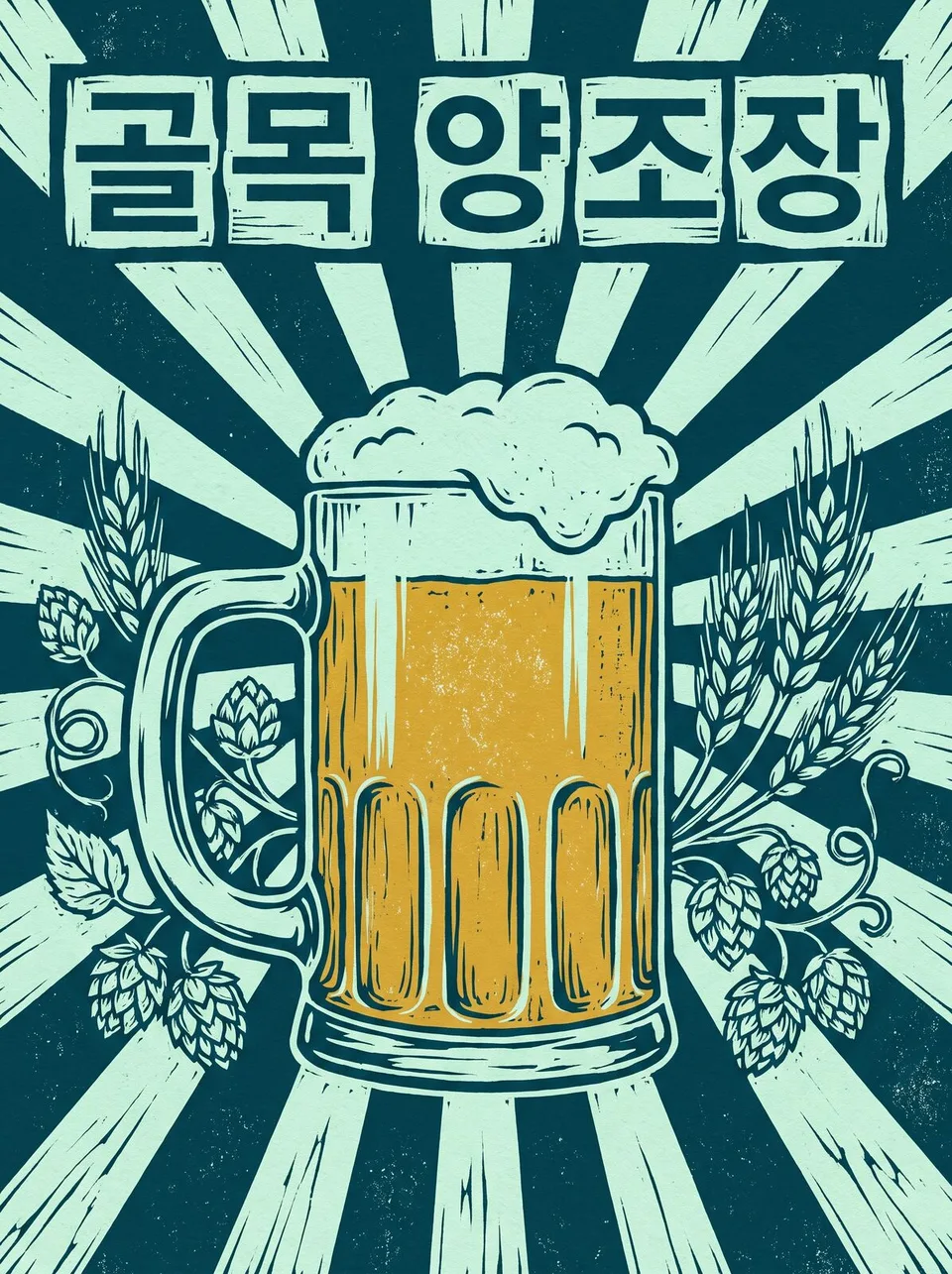 Prints · linocutsExample for this use case
Minhwa-style illustrations
The style of old Korean folk paintings made to wish for good fortune. Draw holiday cards and traditional merchandise with folding screens, chaekgeori (scholar's objects) and cloud borders.
Create ten images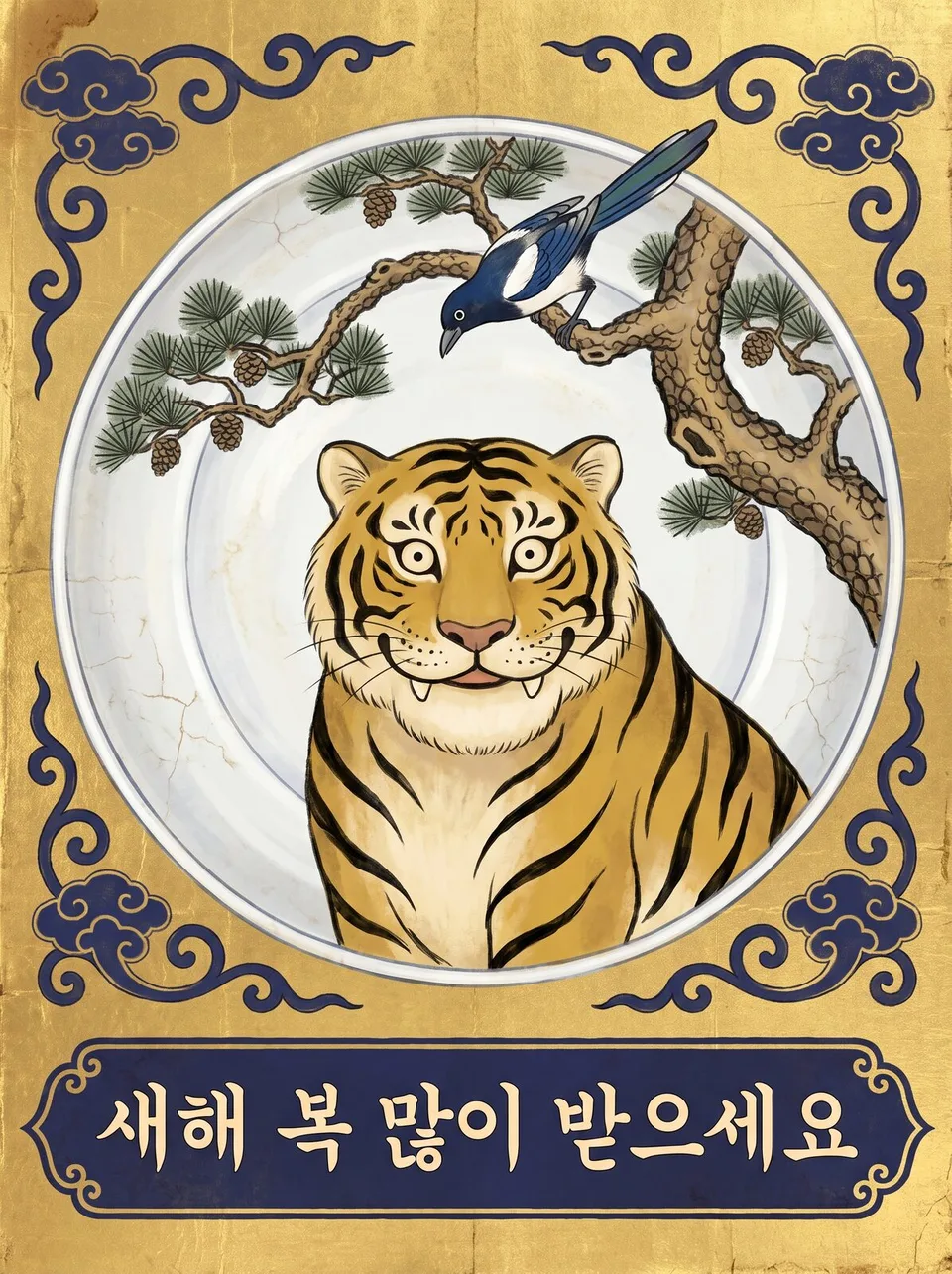 Minhwa-style illustrationsExample for this use case
Miniature dioramas
A tiny world that fits in your palm. Show stores and spaces like toys — under a glass dome, on a palm or in tilt-shift.
Create ten images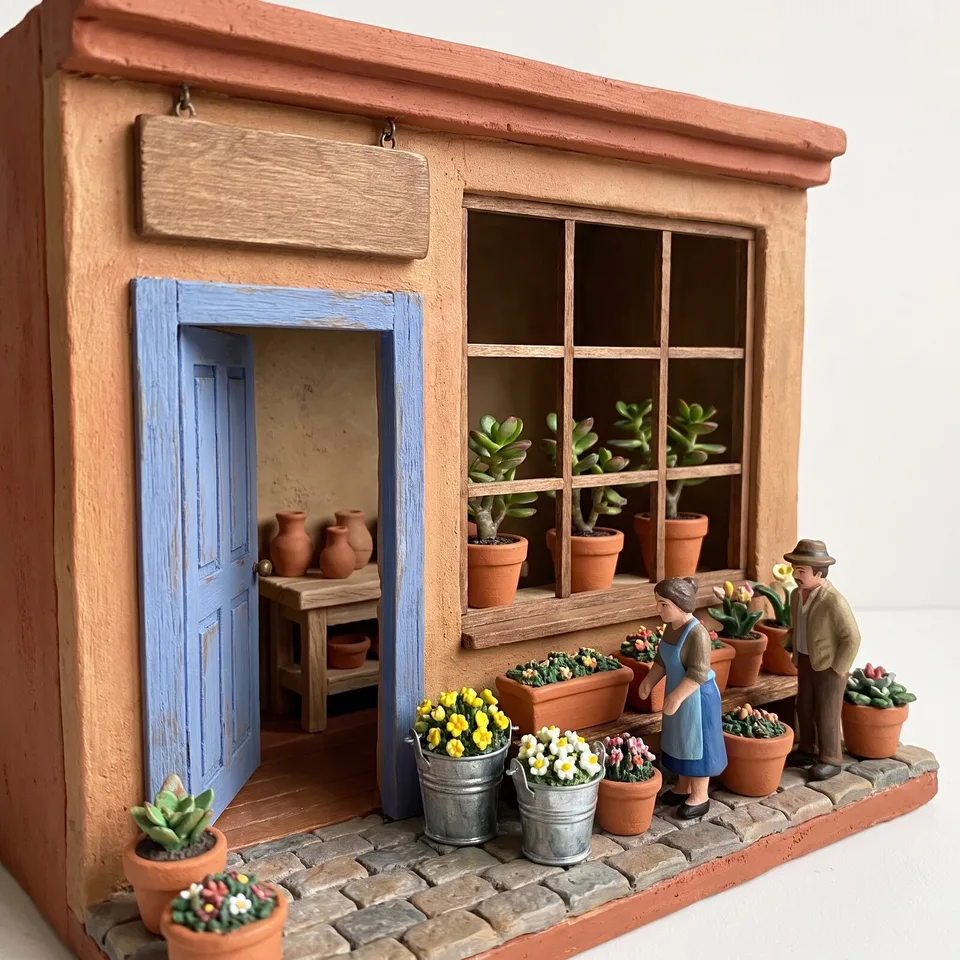 Miniature dioramasExample for this use case
Chalkboard art
Café sandwich boards and today's menu. Decorated with chalk lettering and drawings, with only the menu items and prices you write.
Create ten images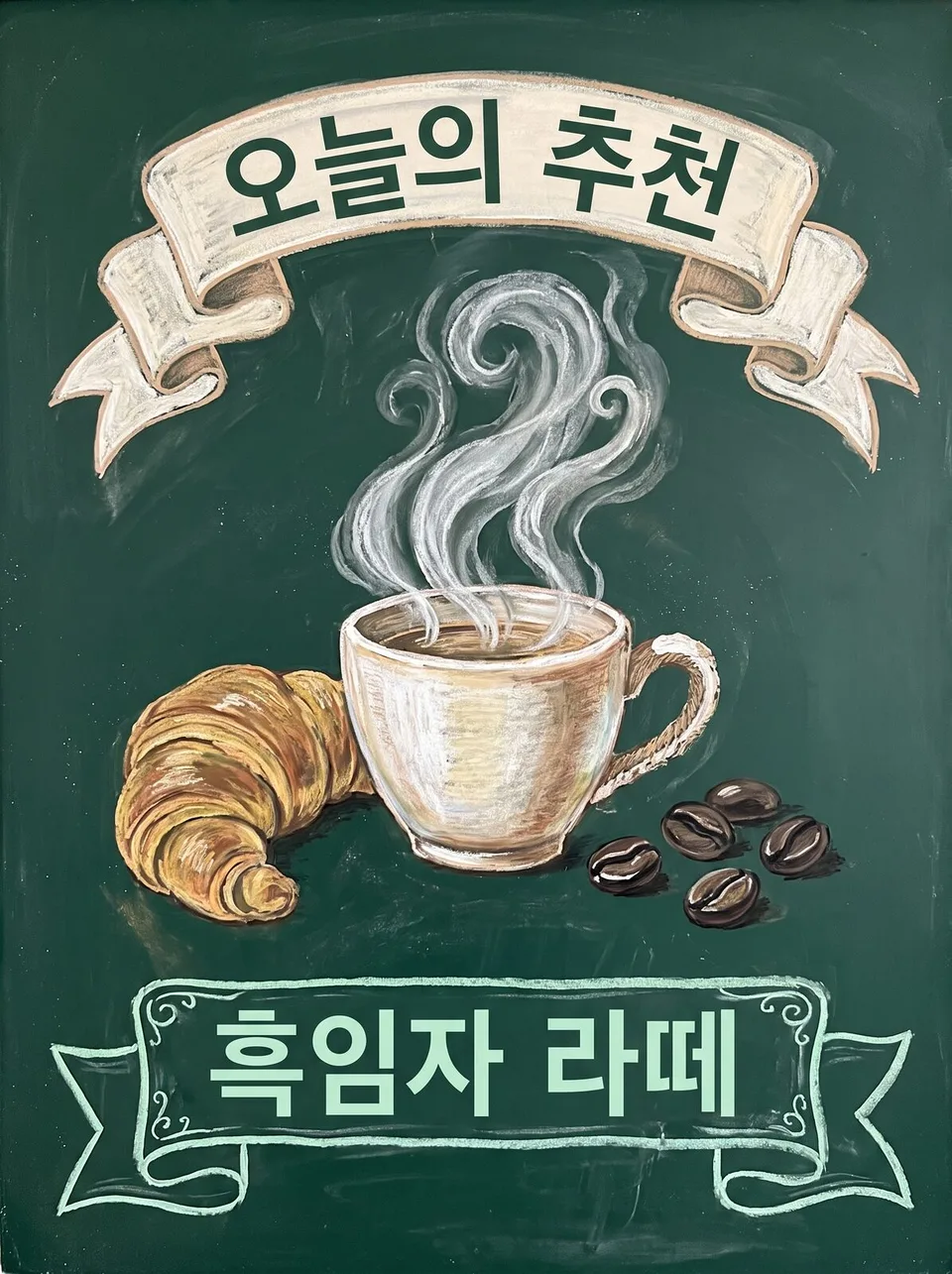 Chalkboard artExample for this use case
Embroidery · patch art
Pictures stitched in thread. Show club patches and merch labels ten ways, including in an embroidery hoop, on an eco bag and as a stitch macro.
Create ten images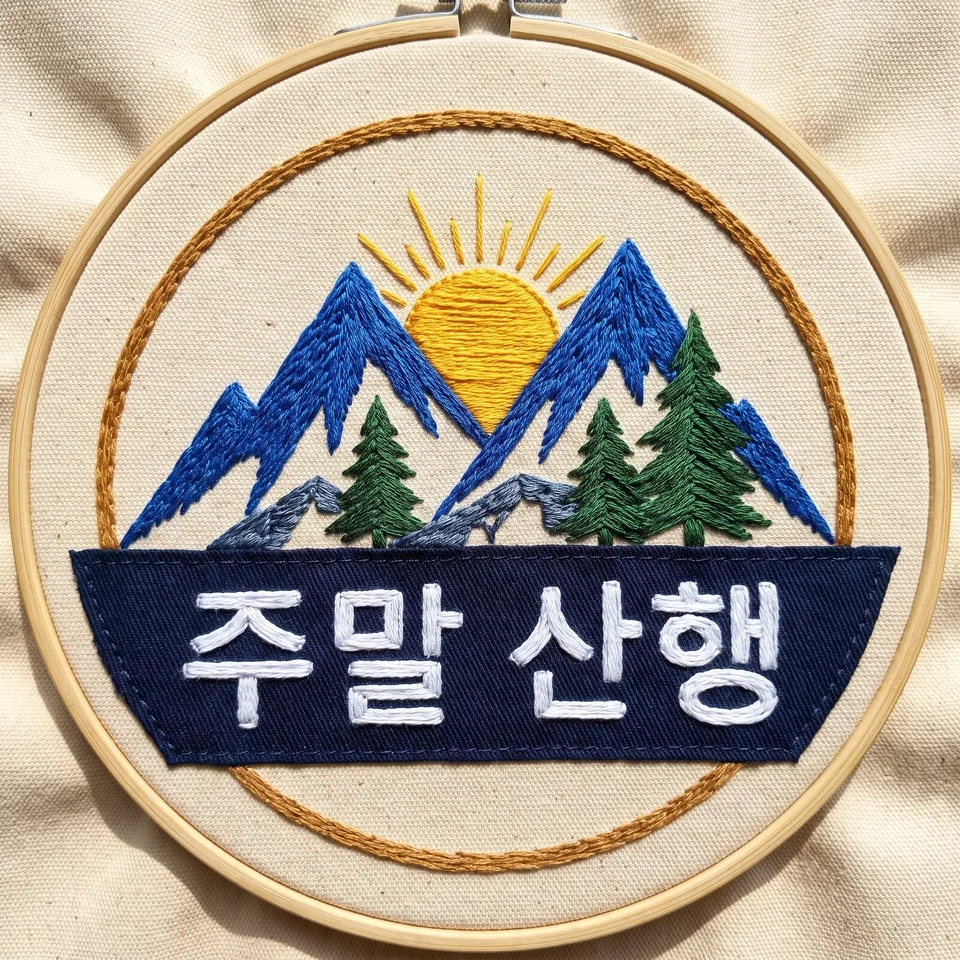 Embroidery · patch artExample for this use case
Subway ad mockups
Here's how it'll look in the station. From platform lightboxes to the ticket gates to inside the train — hang one ad in ten places before it runs.
Create ten images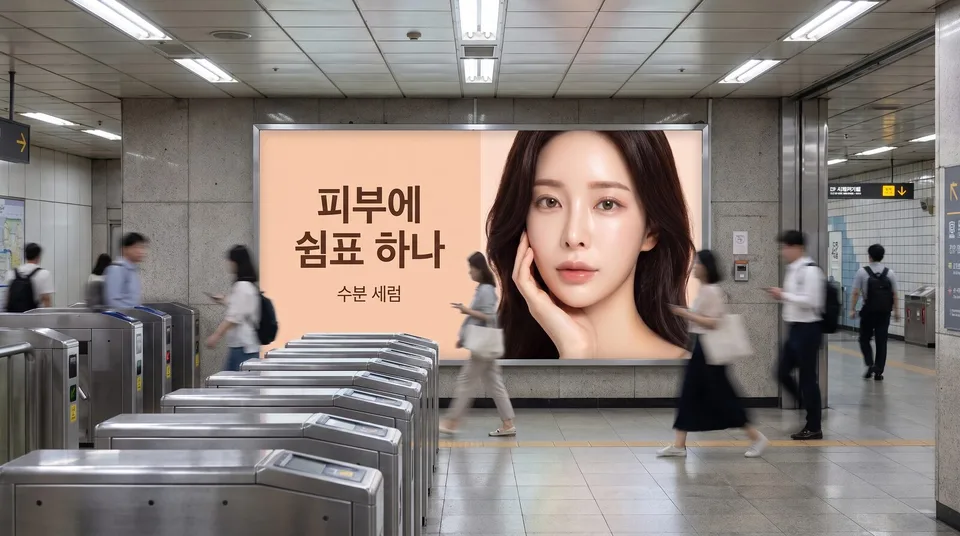 Subway ad mockupsExample for this use case
Outdoor billboard · digital signage mockups
A giant billboard above the street. Preview the scale and sense of place — beside a highway, on an intersection screen, on a rooftop.
Create ten images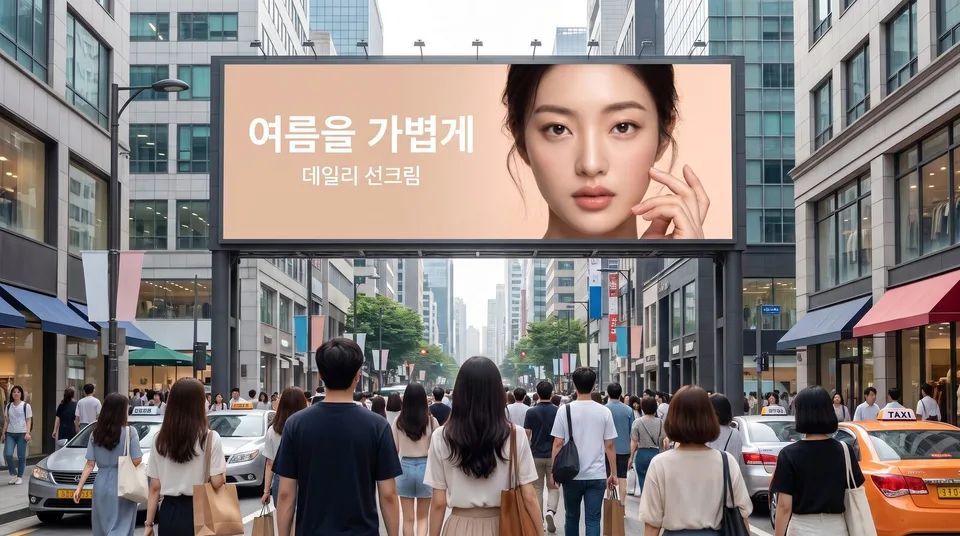 Outdoor billboard · digital signage mockupsExample for this use case
Bus shelter ad mockups
Bus stop ads for neighborhood stores, academies and clinics. Shown on a rainy night, with people waiting, or through a bus window.
Create ten images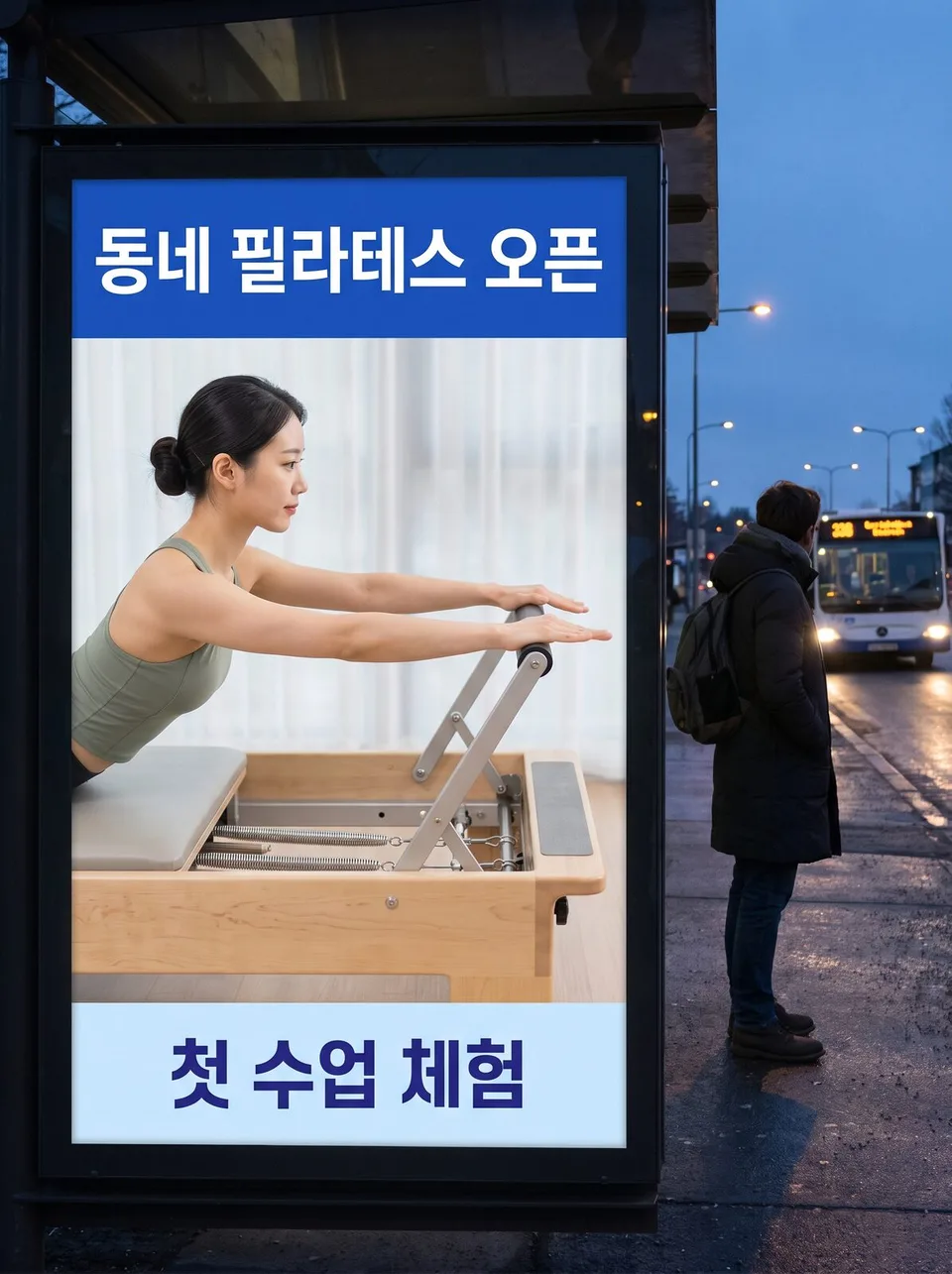 Bus shelter ad mockupsExample for this use case
Elevator · apartment monitor ads
The small screen residents see every day. Try it on the monitor by the door or in the frame beside the mirror — with no made-up button numbers.
Create ten images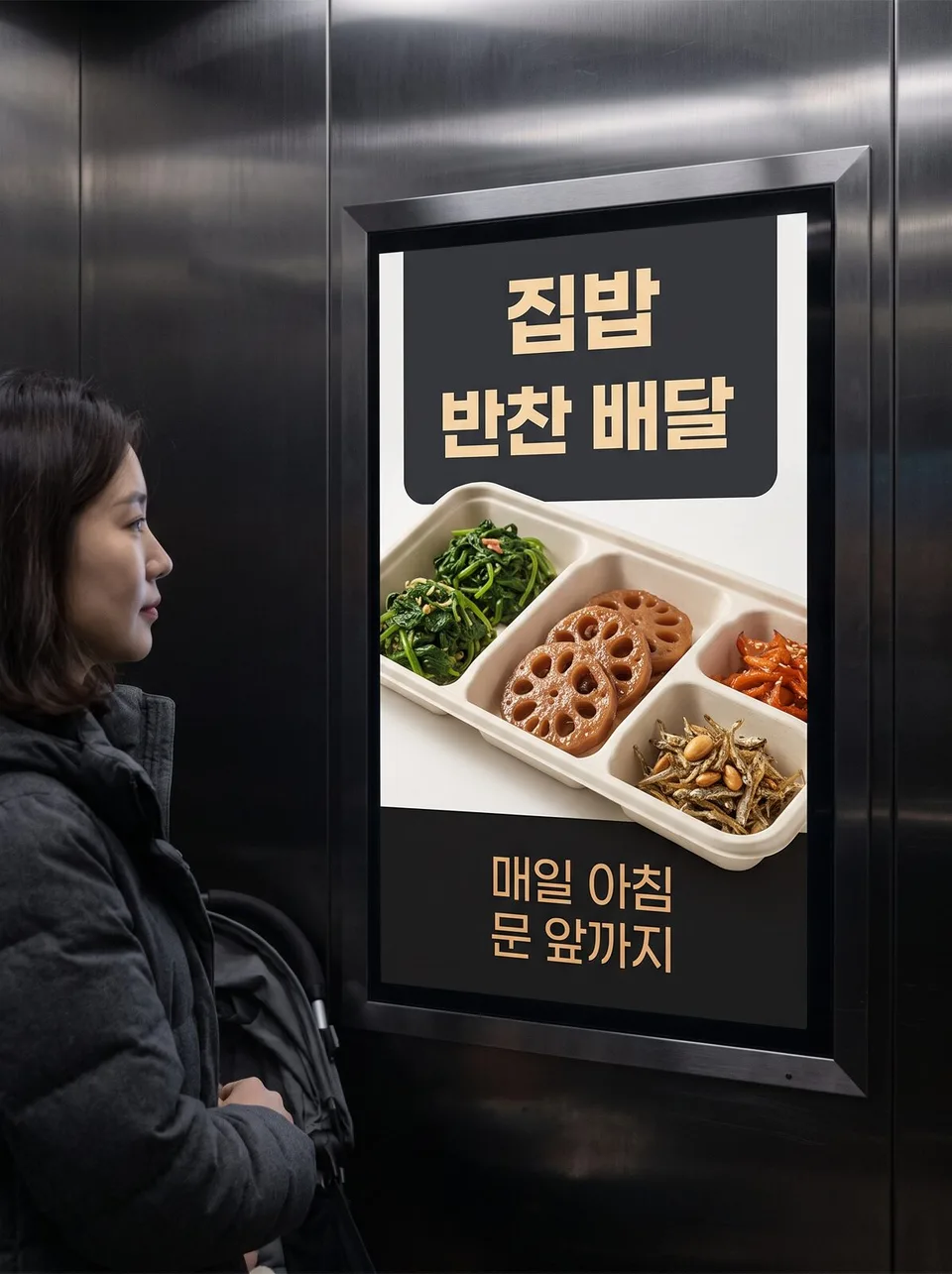 Elevator · apartment monitor adsExample for this use case
Media facade · building LED mockups
An entire building exterior as a screen. Pitch your campaign at city scale with corner anamorphic illusions, plazas and views from across the river.
Create ten images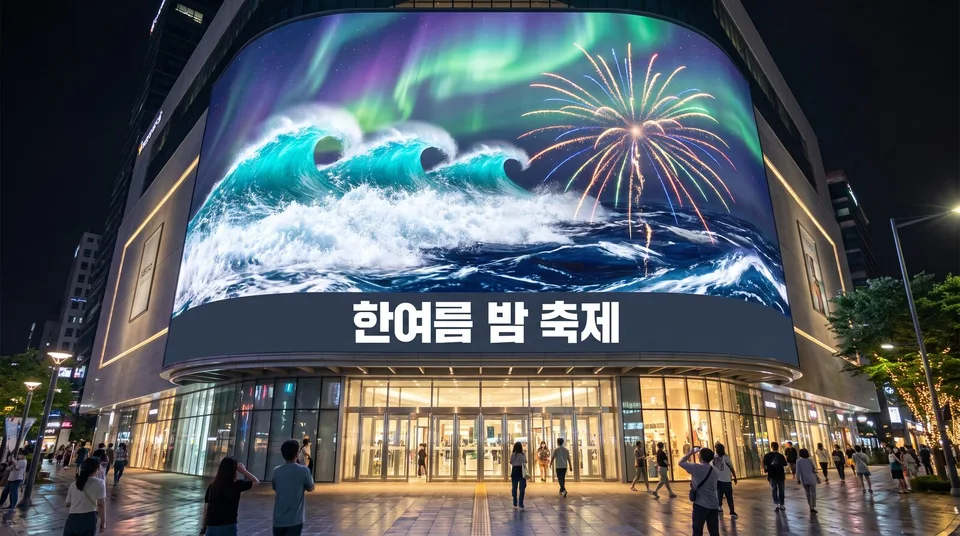 Media facade · building LED mockupsExample for this use case
Cup sleeve · takeout cup mockups
Hold it in your hand before ordering production. Seasonal cup sleeves in ten scenes, from carriers to window seats to cups in hand.
Create ten images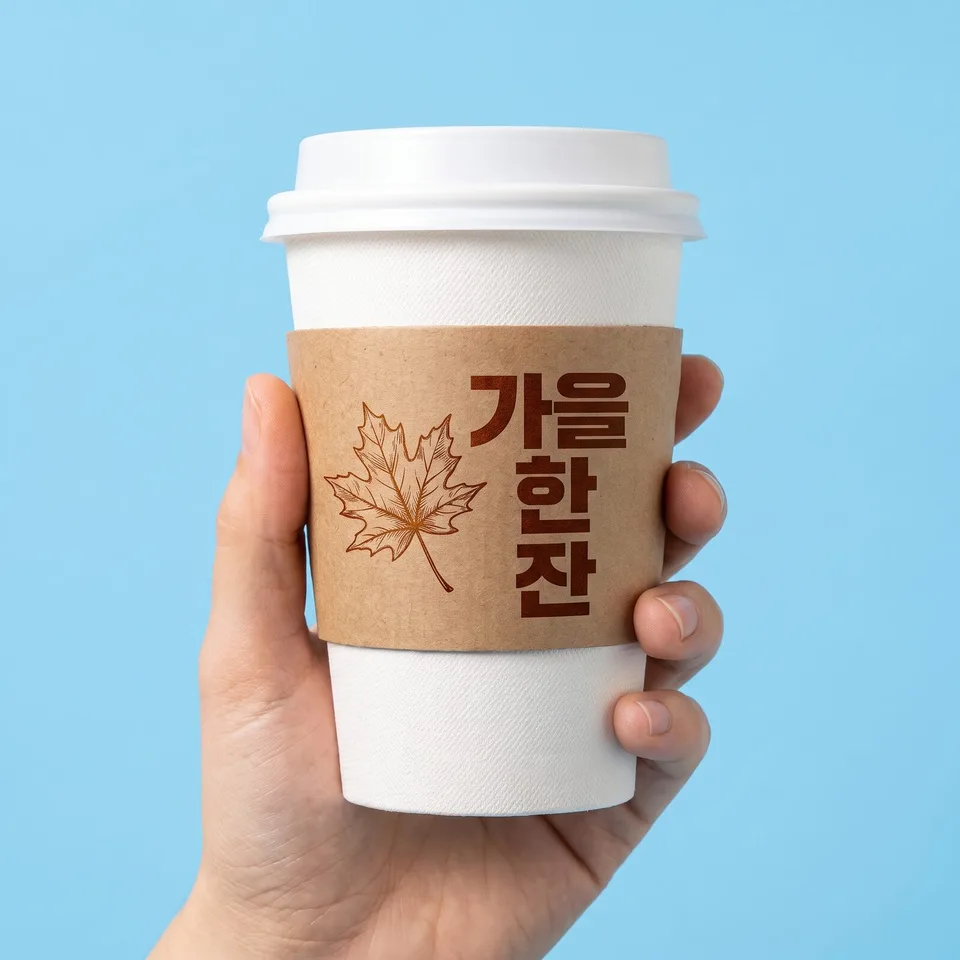 Cup sleeve · takeout cup mockupsExample for this use case
Table tents · in-store POP
Small standing ads on tables and counters. Set up new menus and promotions as triangle tents, acrylic stands and showcards.
Create ten images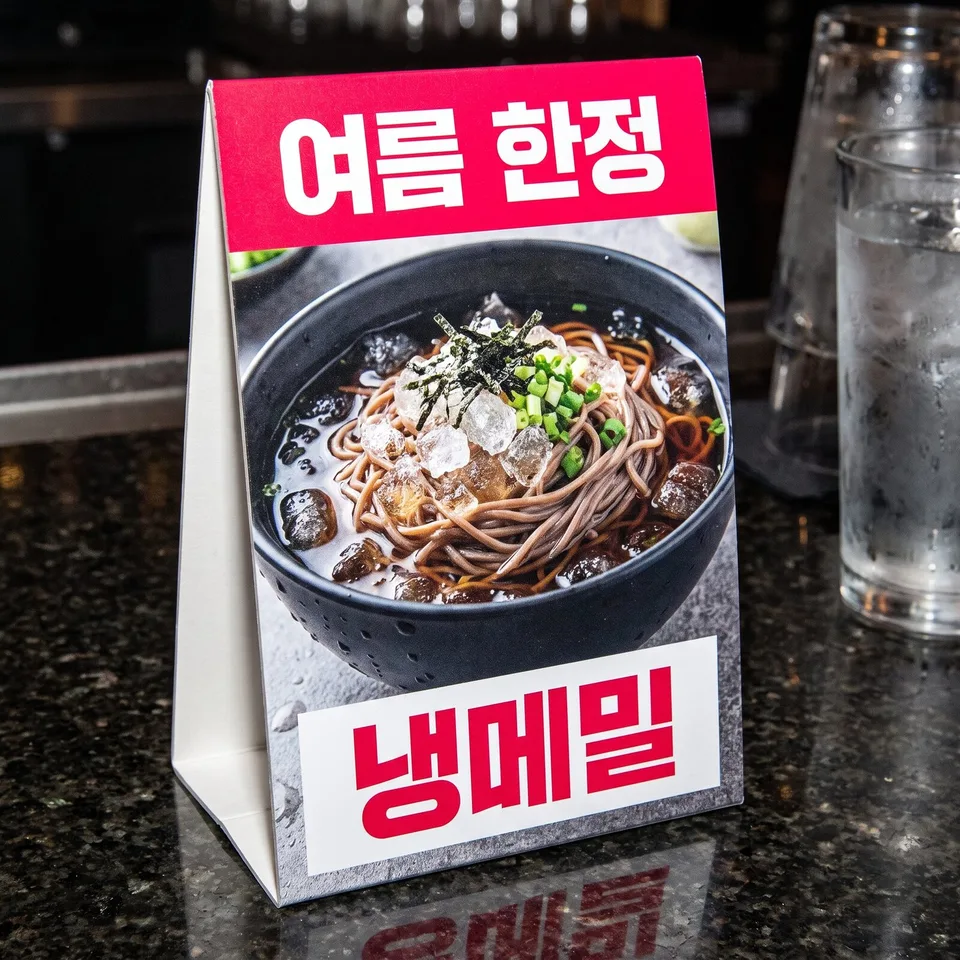 Table tents · in-store POPExample for this use case
Flyer · leaflet mockups
Hold it in your hand before printing. Shown as flyers, tri-fold leaflets and door hangers — with no made-up phone numbers or prices.
Create ten images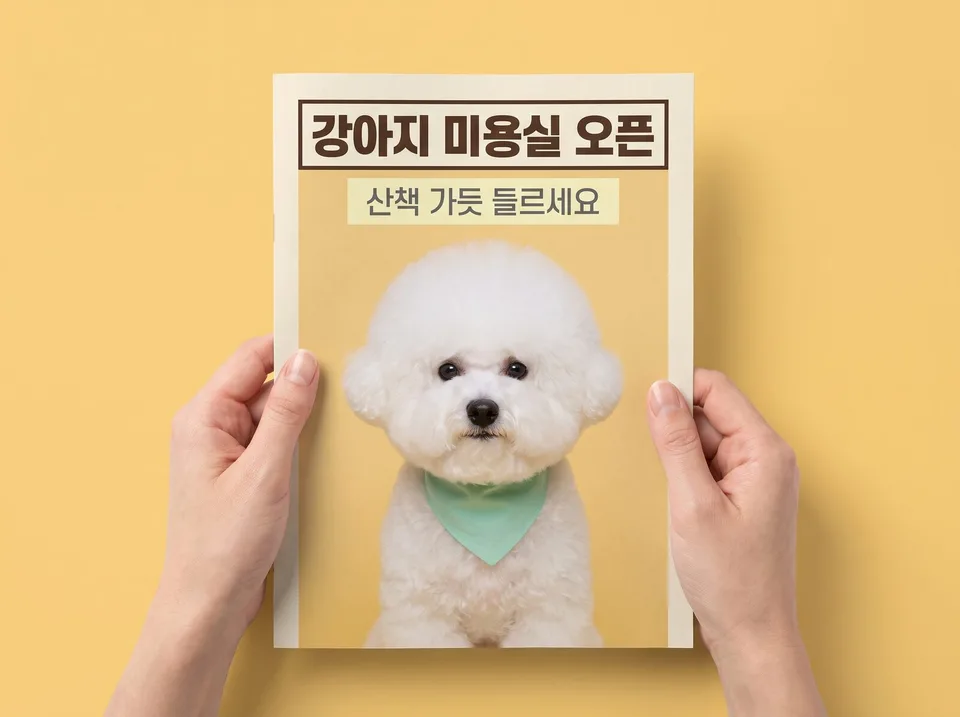 Flyer · leaflet mockupsExample for this use case
Magazine · newspaper ad mockups
Here's how it looks when opened. Full-page, spread and bottom-of-page newspaper ads, with neighboring articles shown only as gray lines.
Create ten images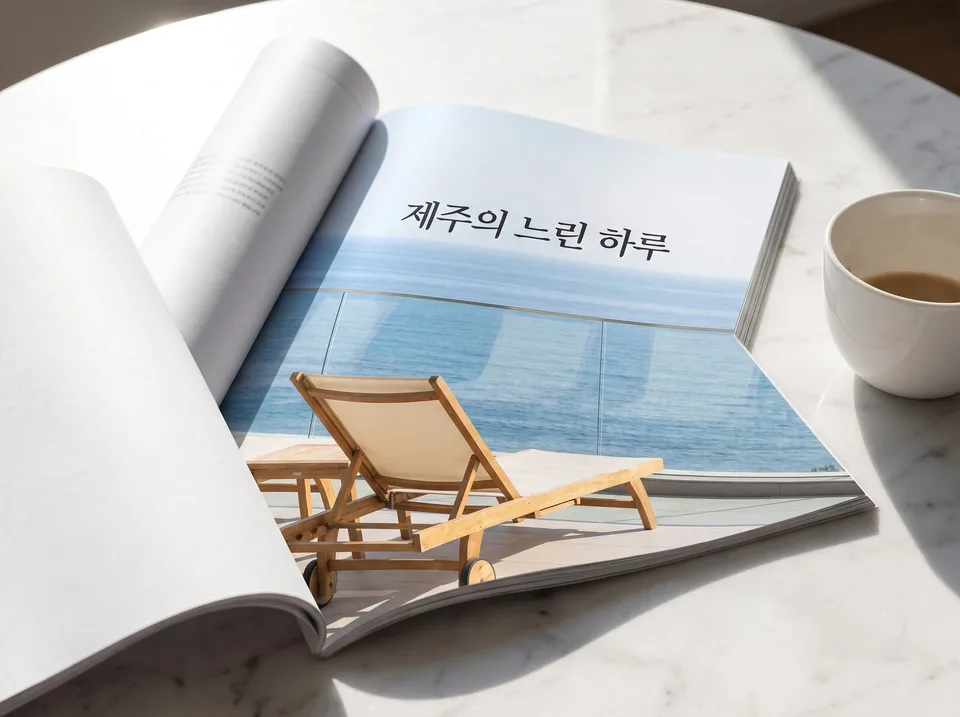 Magazine · newspaper ad mockupsExample for this use case
Social feed ad mockups
Here's how it looks in the feed. Ad posts displayed on phone and laptop screens, without account names or like counts.
Create ten images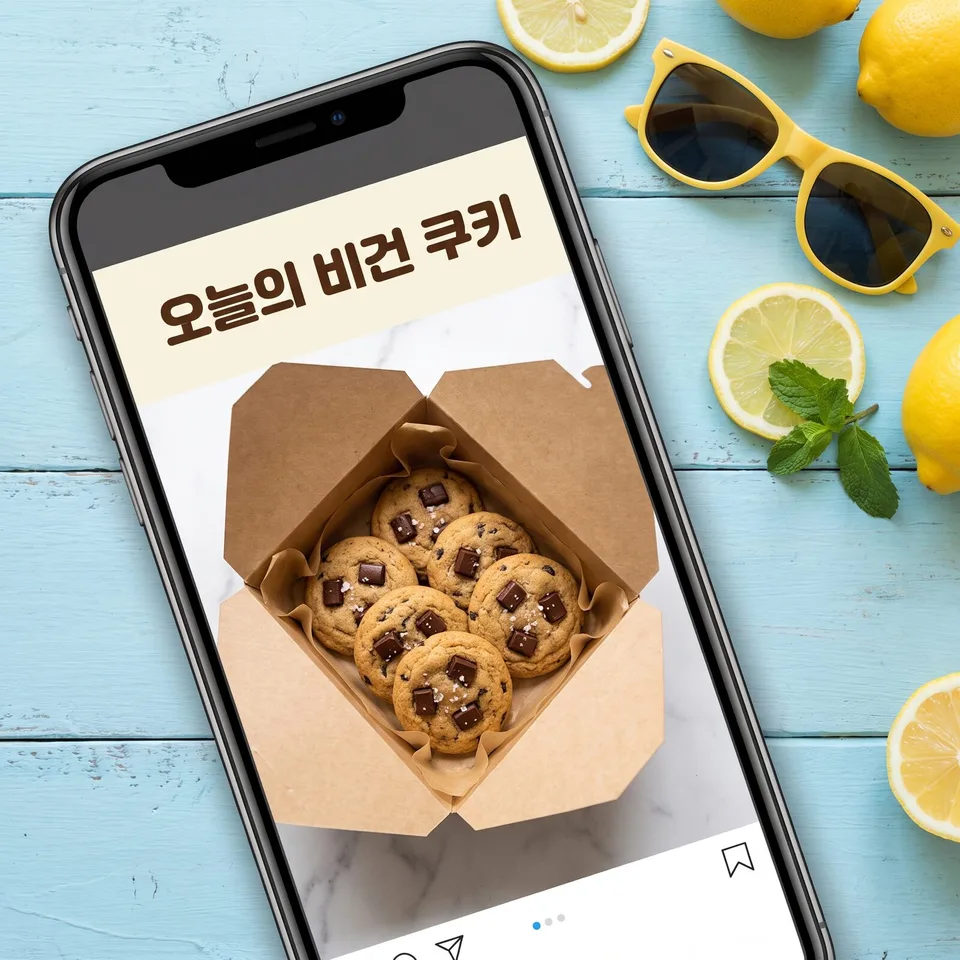 Social feed ad mockupsExample for this use case
Movie poster style
Present a brand film or campaign like a movie release. No made-up credits, release dates or ratings — just the title and copy.
Create ten images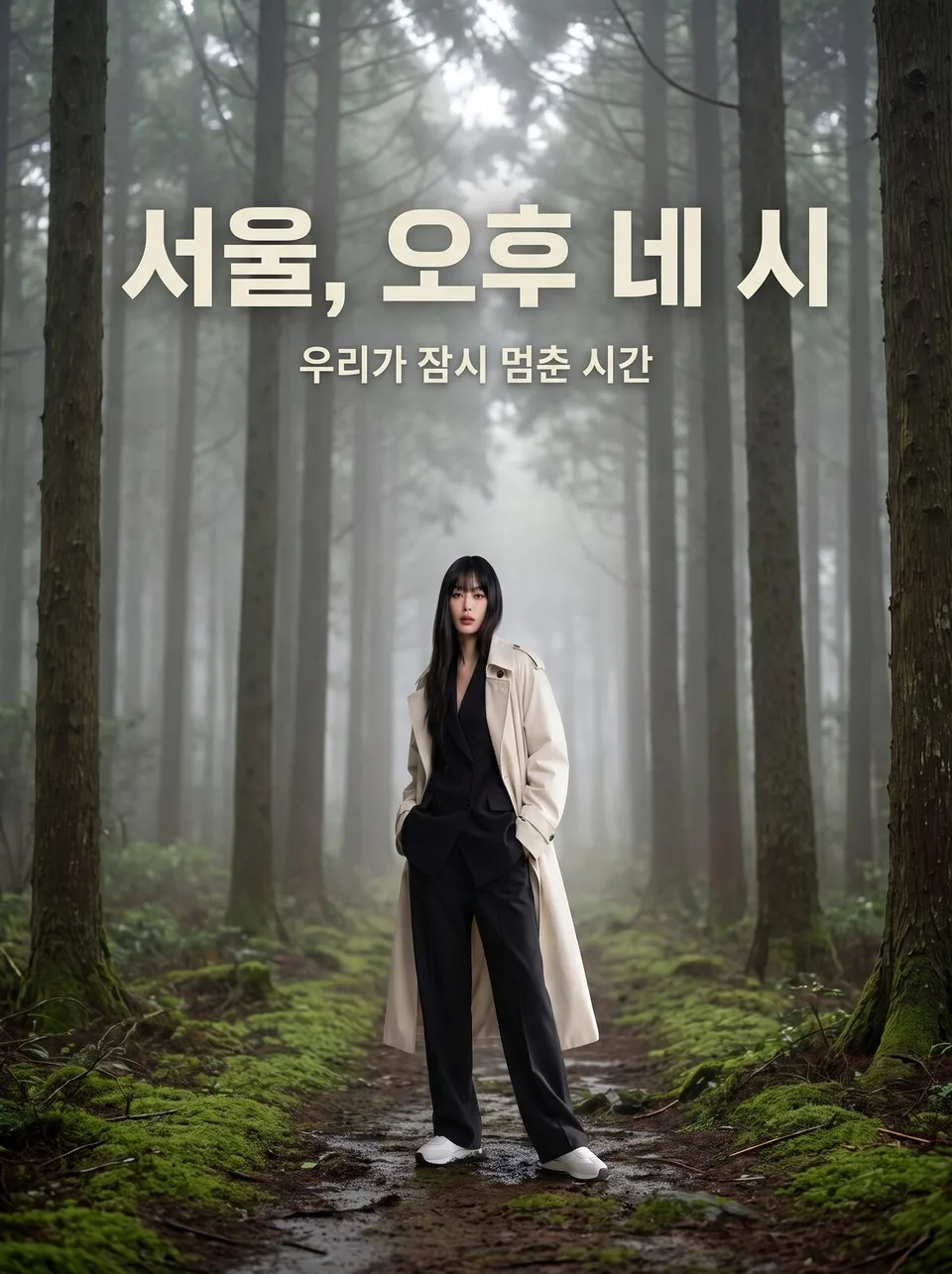 Movie poster styleExample for this use case
Photo cards · trading cards
A small card you'll want to collect. Show ambassador and fan merch in toploaders, binders and holographic finishes.
Create ten images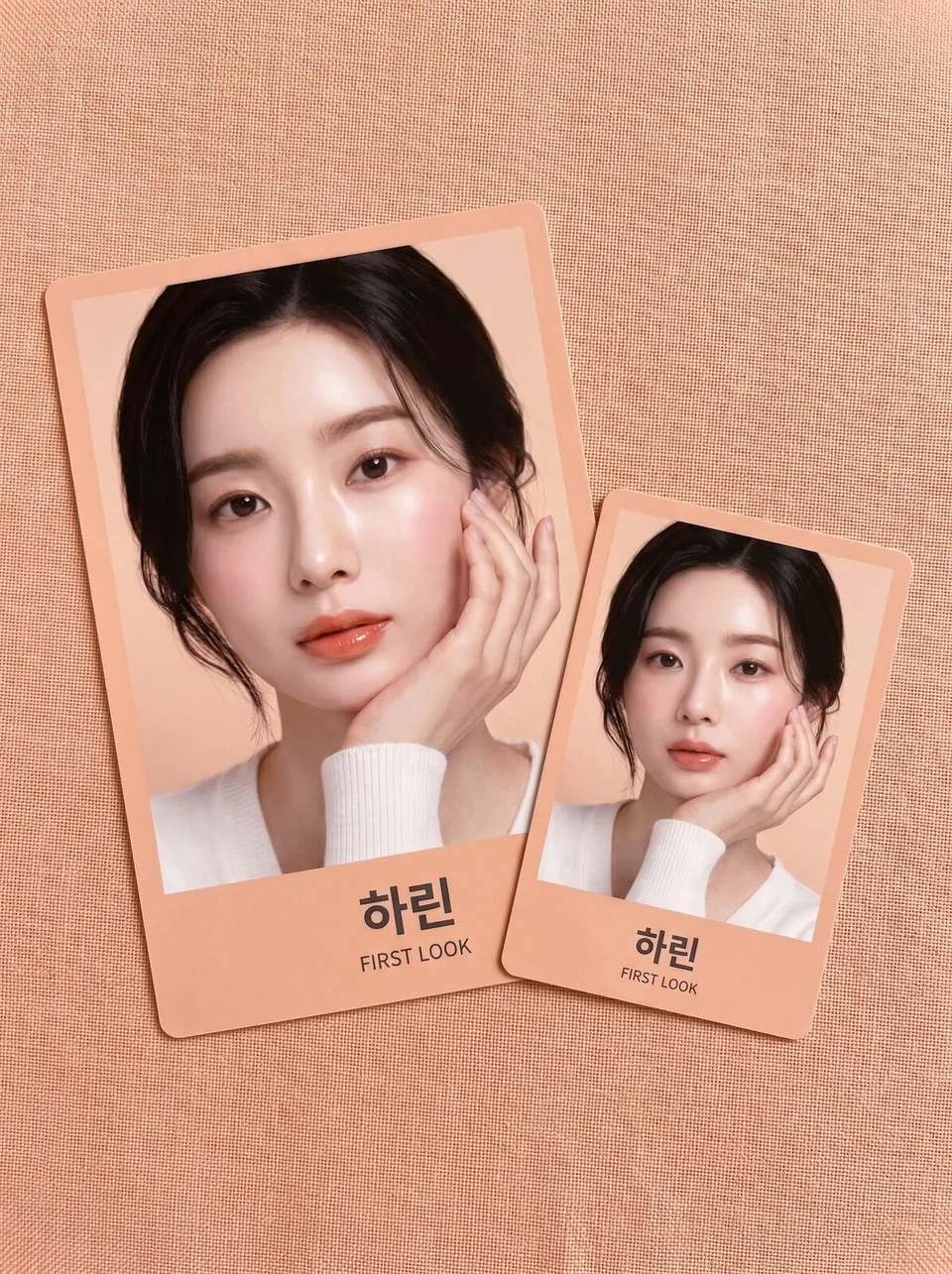 Photo cards · trading cardsExample for this use case
Commemorative stamp designs
A small picture inside perforated edges. Give regional promotions and anniversaries the formality of a postage stamp, with the face value left blank.
Create ten images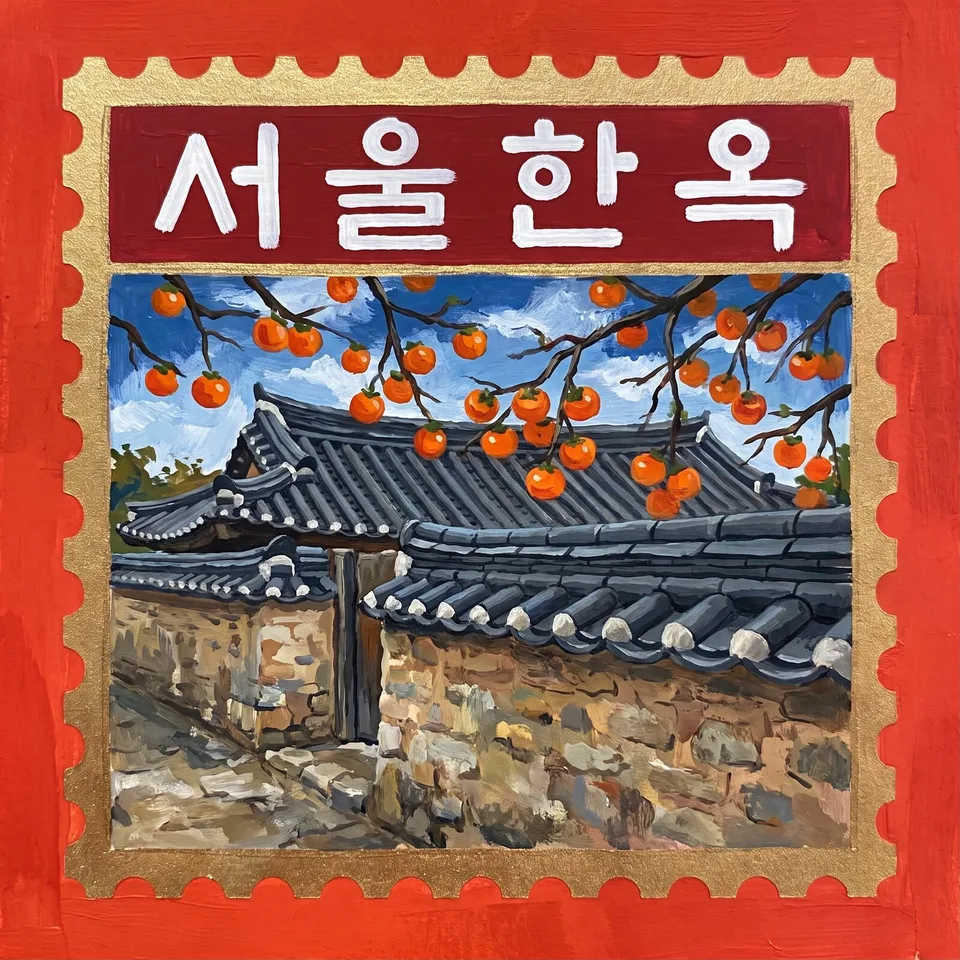 Commemorative stamp designsExample for this use case
Concert · exhibition tickets
An admission ticket you hold in your hand. No made-up seat numbers, prices or barcode digits — just a crisp title.
Create ten images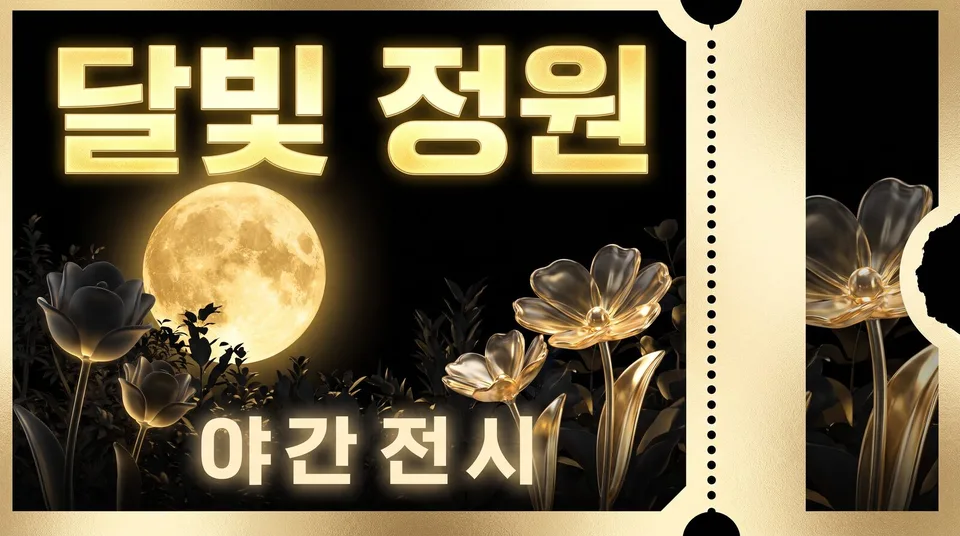 Concert · exhibition ticketsExample for this use case
Field guide · natural history illustrations
Ingredients and product lineups in the style of an old natural history guide. No scientific names or numbers; name labels are left as blank lines.
Create ten images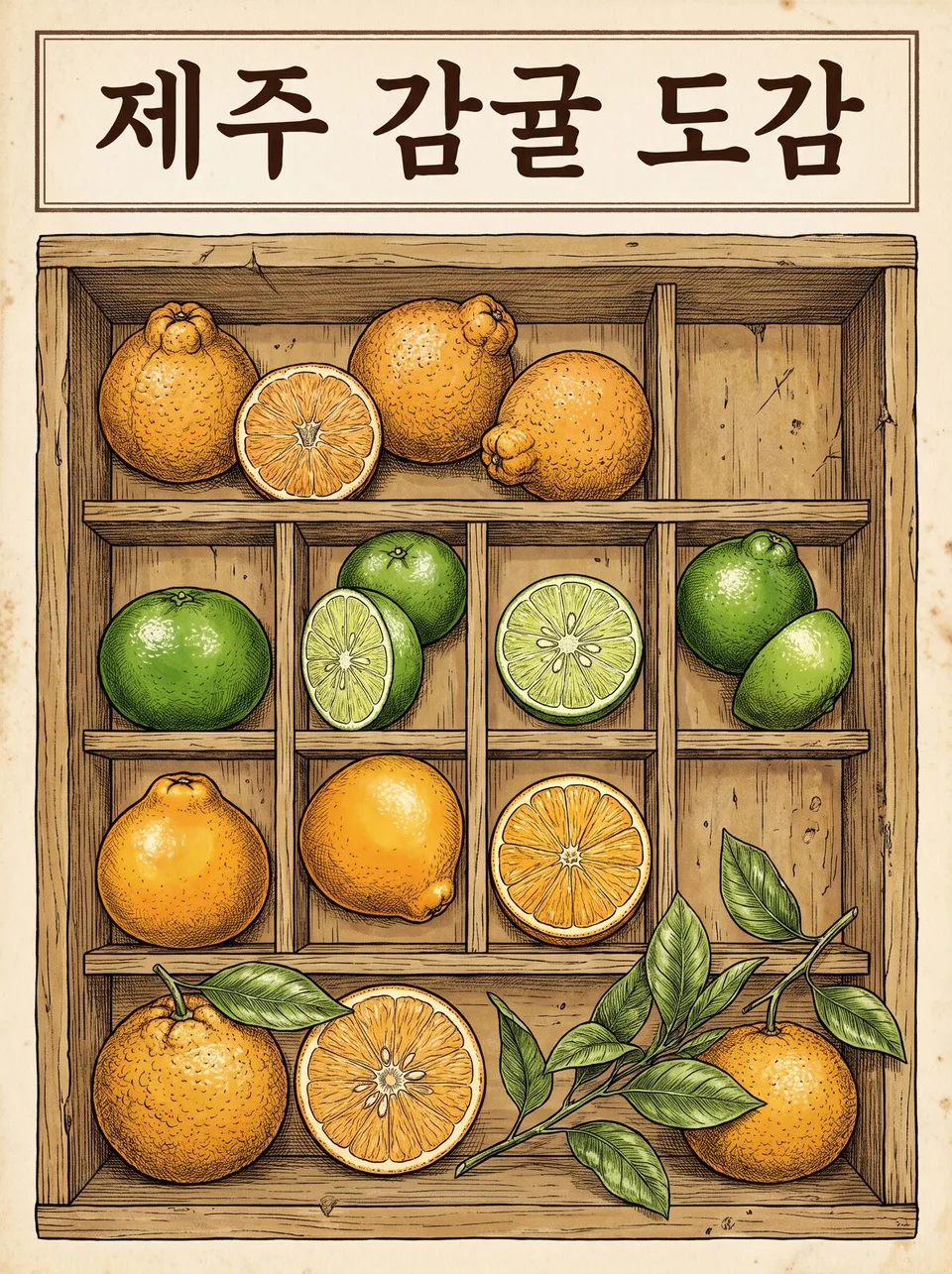 Field guide · natural history illustrationsExample for this use case
Illustrated instructions
Steps explained with pictures alone, no text. Usage, assembly and care shown as four panels, exploded views, and do's and don'ts.
Create ten images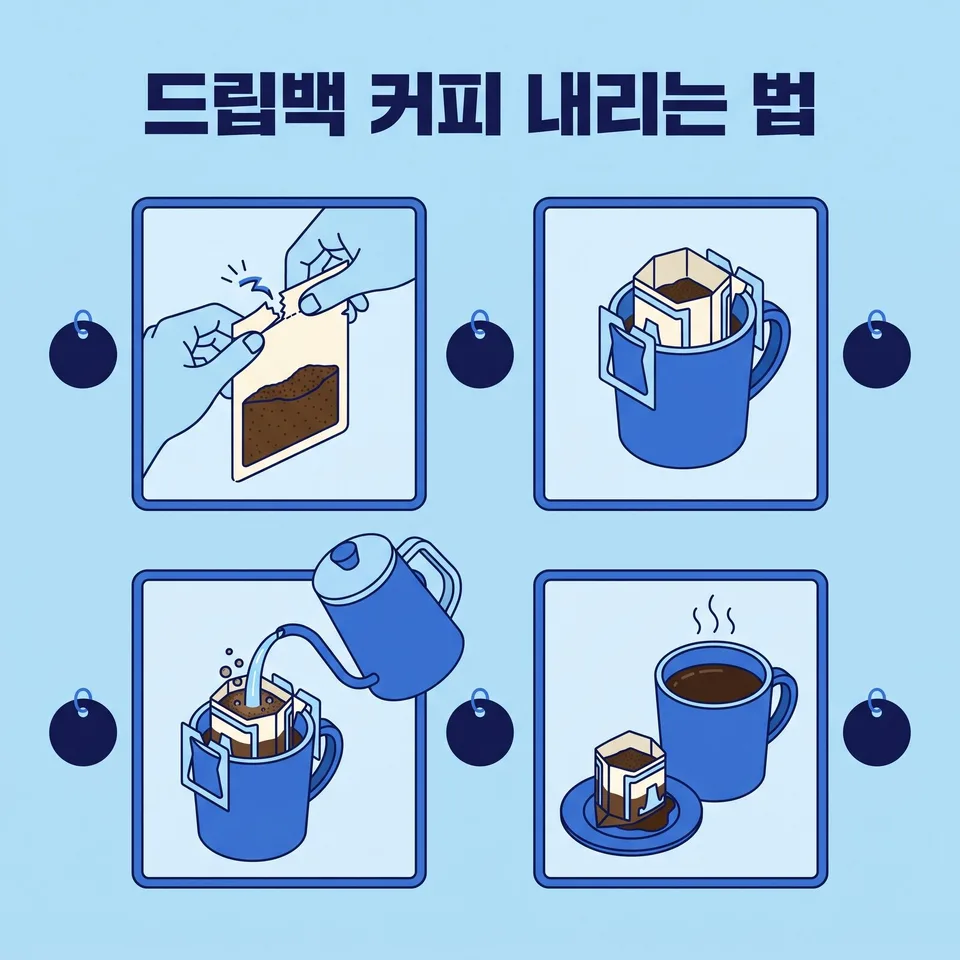 Illustrated instructionsExample for this use case
Museum exhibit styling
Treat your signature item like an artifact. Elevate it with a glass display case, a pedestal and a single beam of light.
Create ten images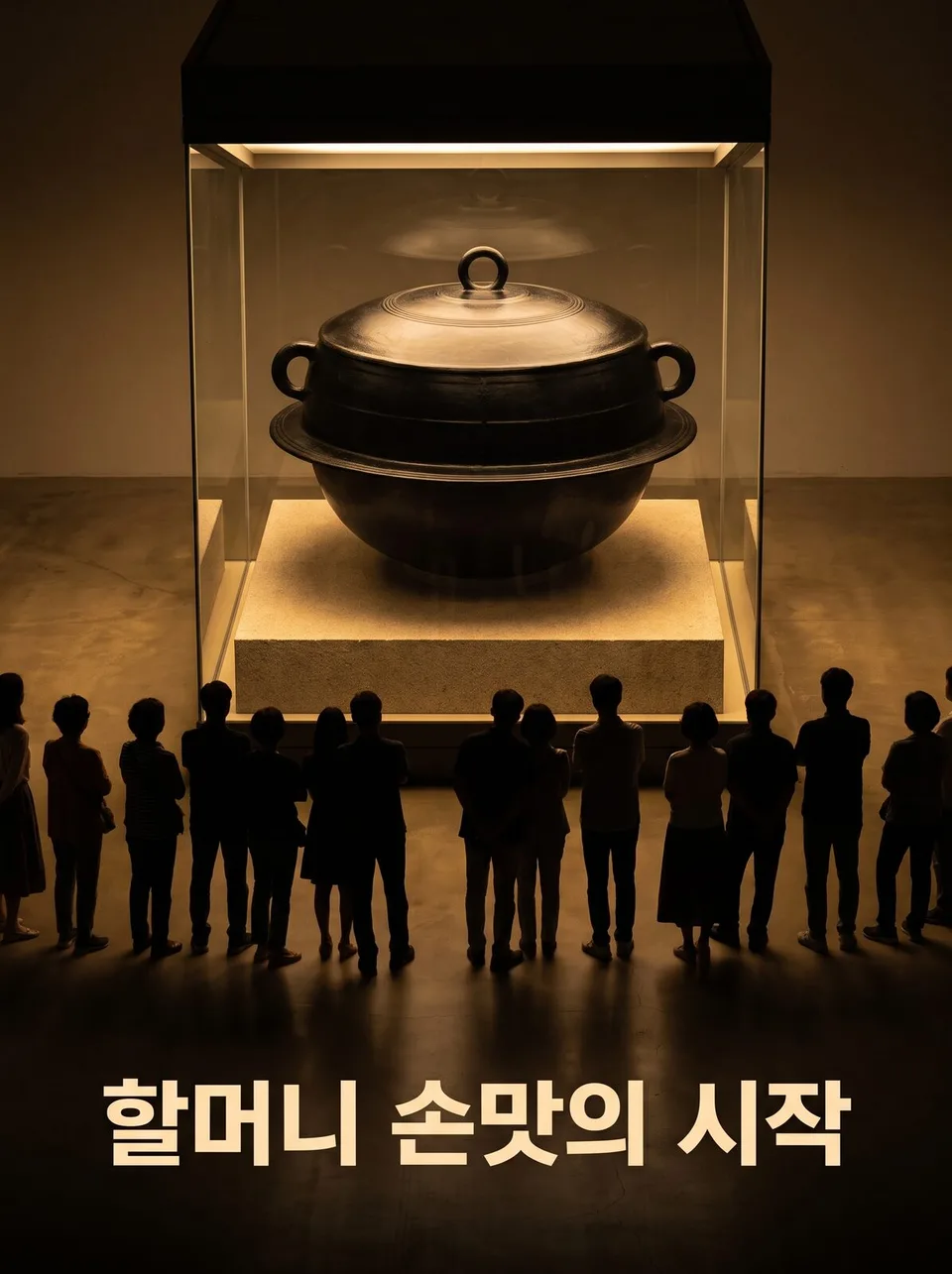 Museum exhibit stylingExample for this use case
Retro era ads
Today's store as a vintage ad. Create a newtro image using the ad conventions of eras from the '60s to Y2K.
Create ten images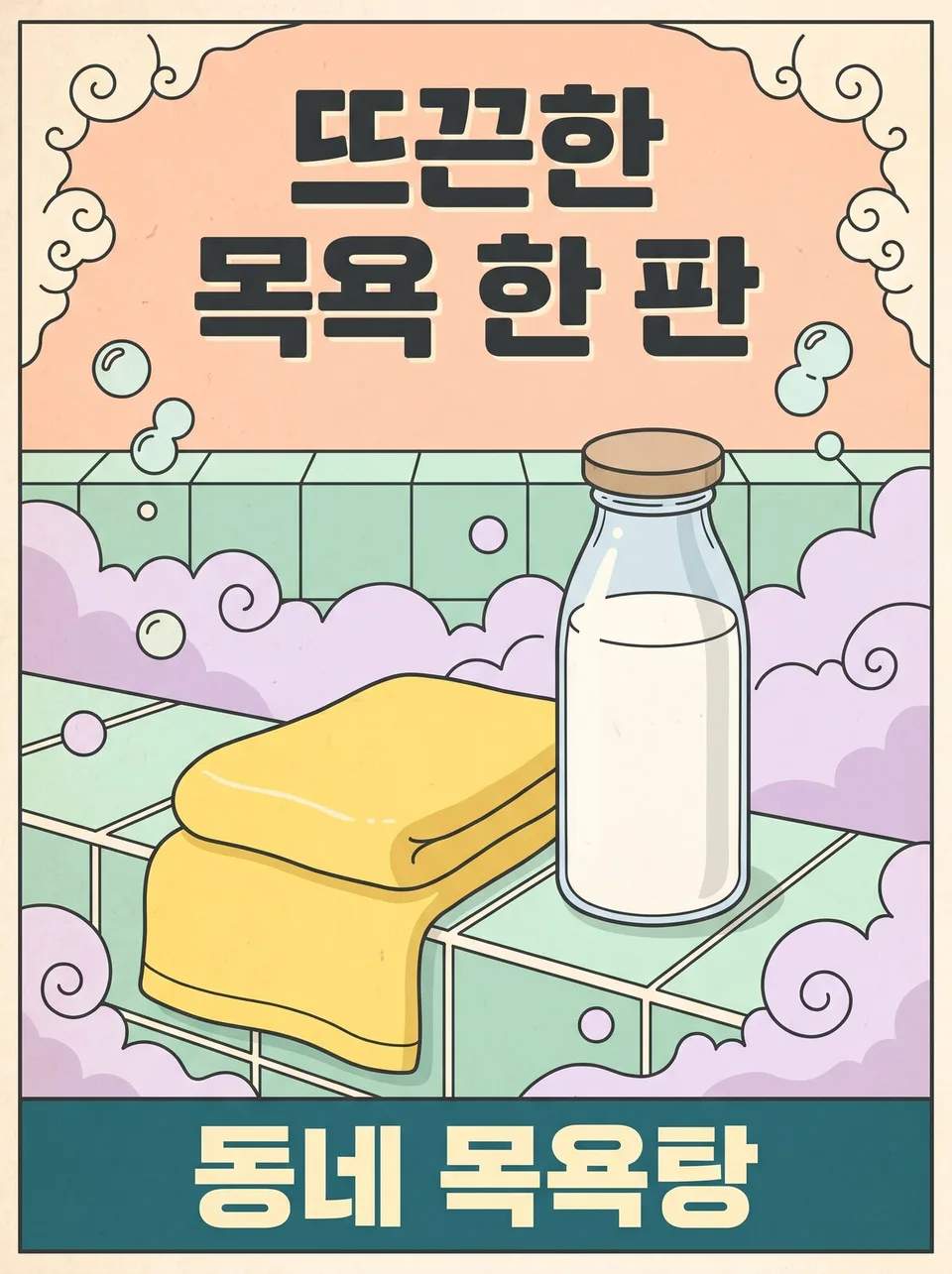 Retro era adsExample for this use case
Picture book spreads
Your brand story as a scene from a picture book. Told the picture-book way — a full two-page spread, or text on one page and art on the other.
Create ten images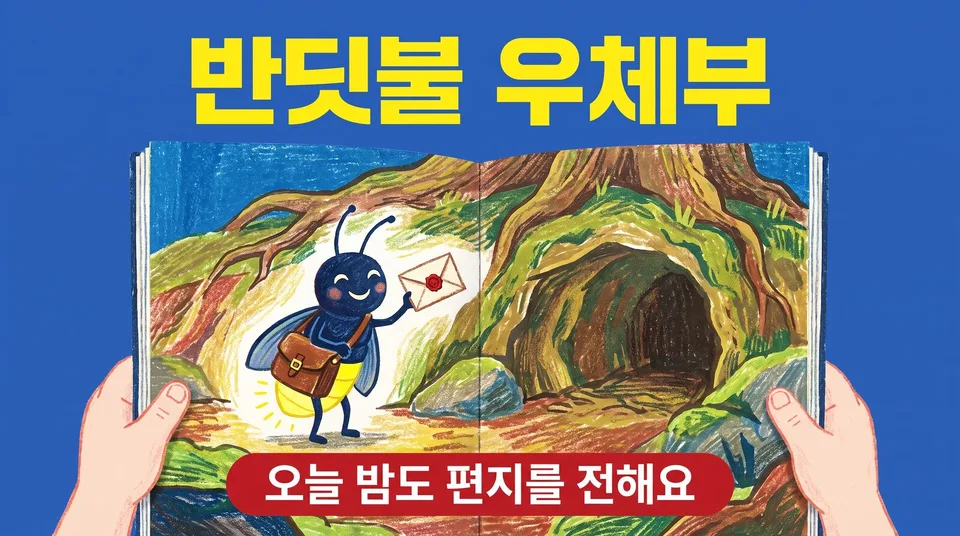 Picture book spreadsExample for this use case
Die-cut sticker packs
A set of stickers cut to shape. Shown as merch, stuck on laptops, water bottles and diaries.
Create ten images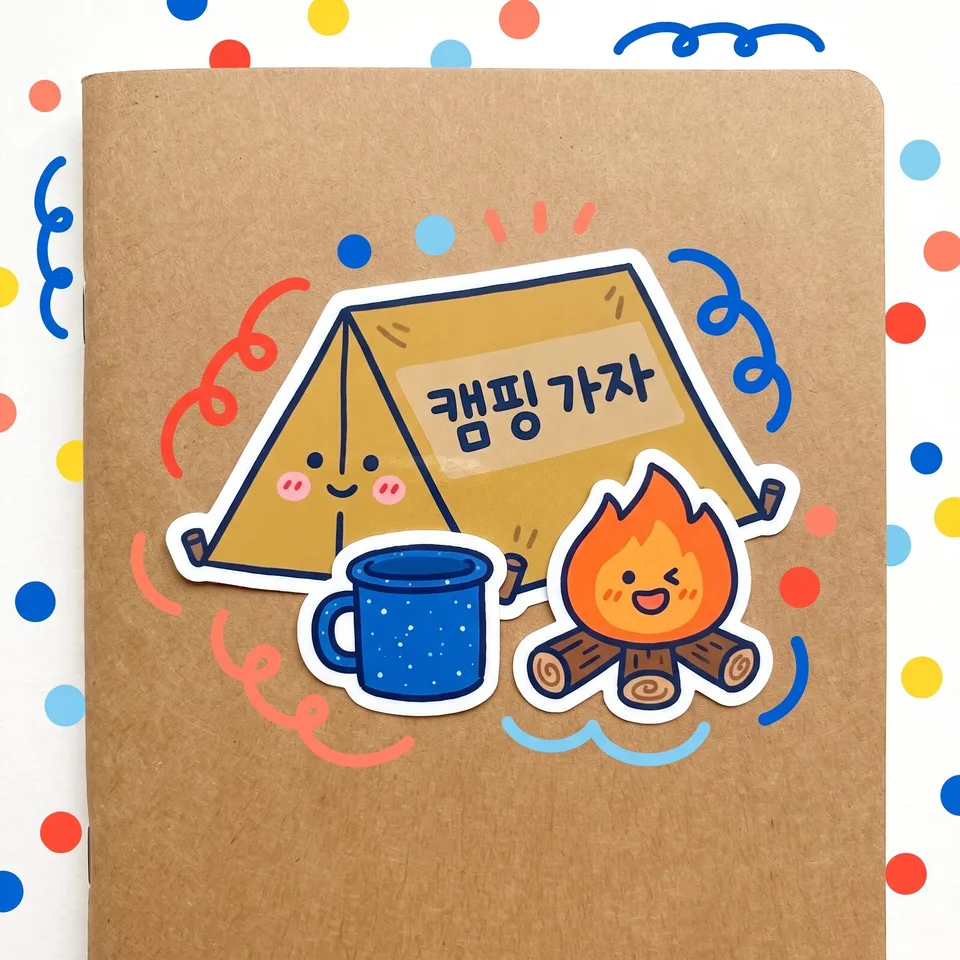 Die-cut sticker packsExample for this use case
Seasonal variations
One shot, from spring through the year-end. The people and the store stay the same; only the season and time of year change, for a year's worth of seasonal banners.
Create ten images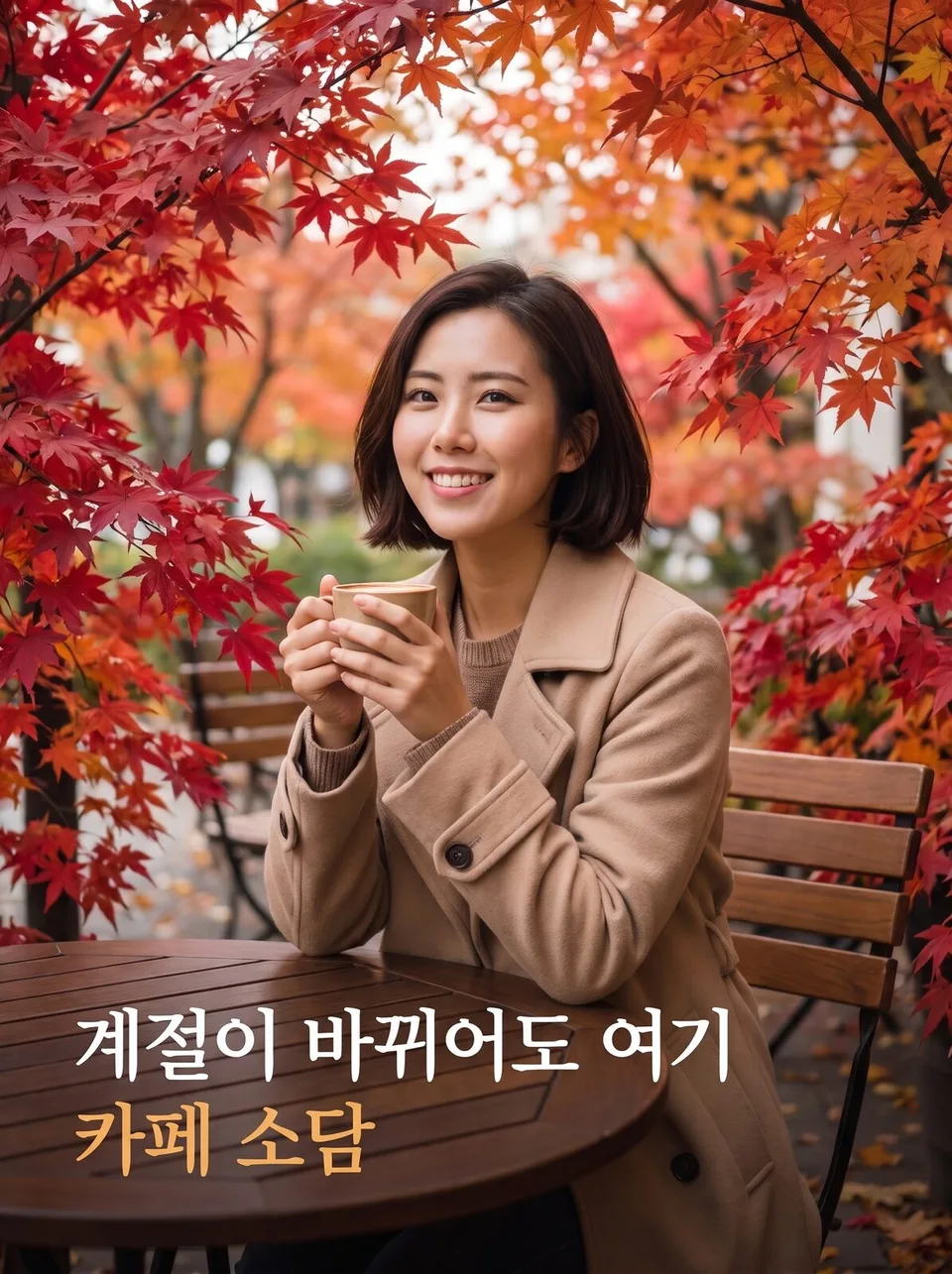 Seasonal variationsExample for this use case
Times of day
Only the light changes, from dawn to late night. Ten images showing how the same space or person looks different at each hour.
Create ten images Times of dayExample for this use case
Process · making-of shots
Moments of something being made. Prepping ingredients, handiwork at the fingertips, half-finished pieces — product detail page shots that show the care involved.
Create ten images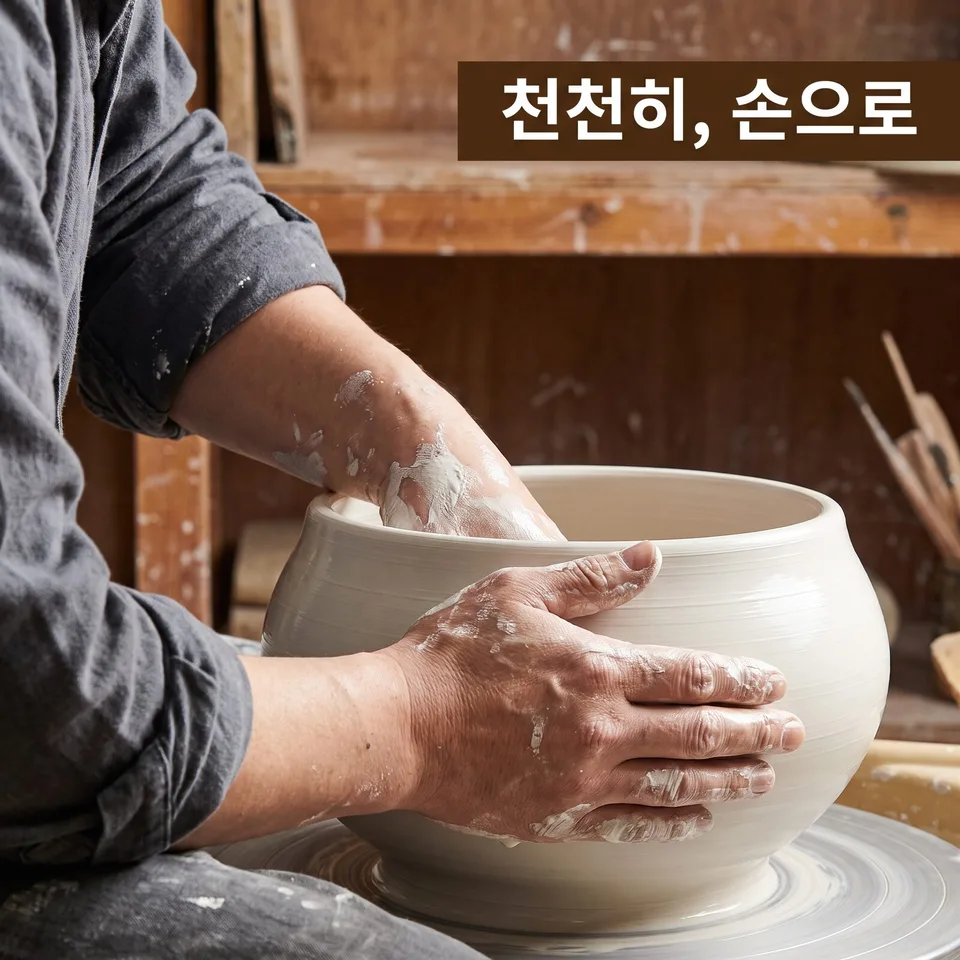 Process · making-of shotsExample for this use case
Teasers · launch previews
One image that doesn't show it all yet. Build curiosity for a new product with a cloth cover, a silhouette or a keyhole — with no made-up dates.
Create ten images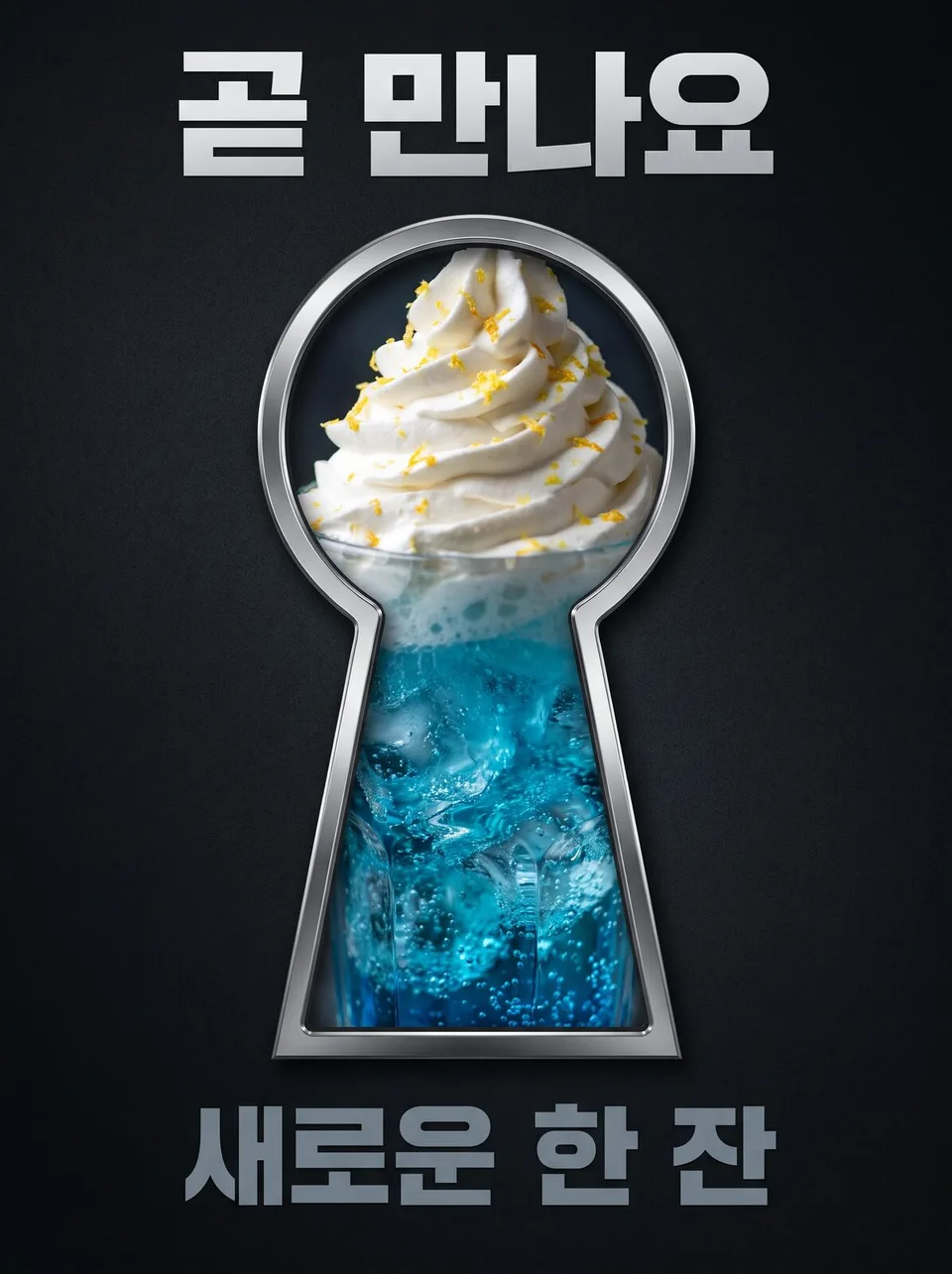 Teasers · launch previewsExample for this use case
Cleaning · repair before and after
The difference made by cleaning, organizing and repairs, in the same spot and the same light. No percentage figures.
Create ten images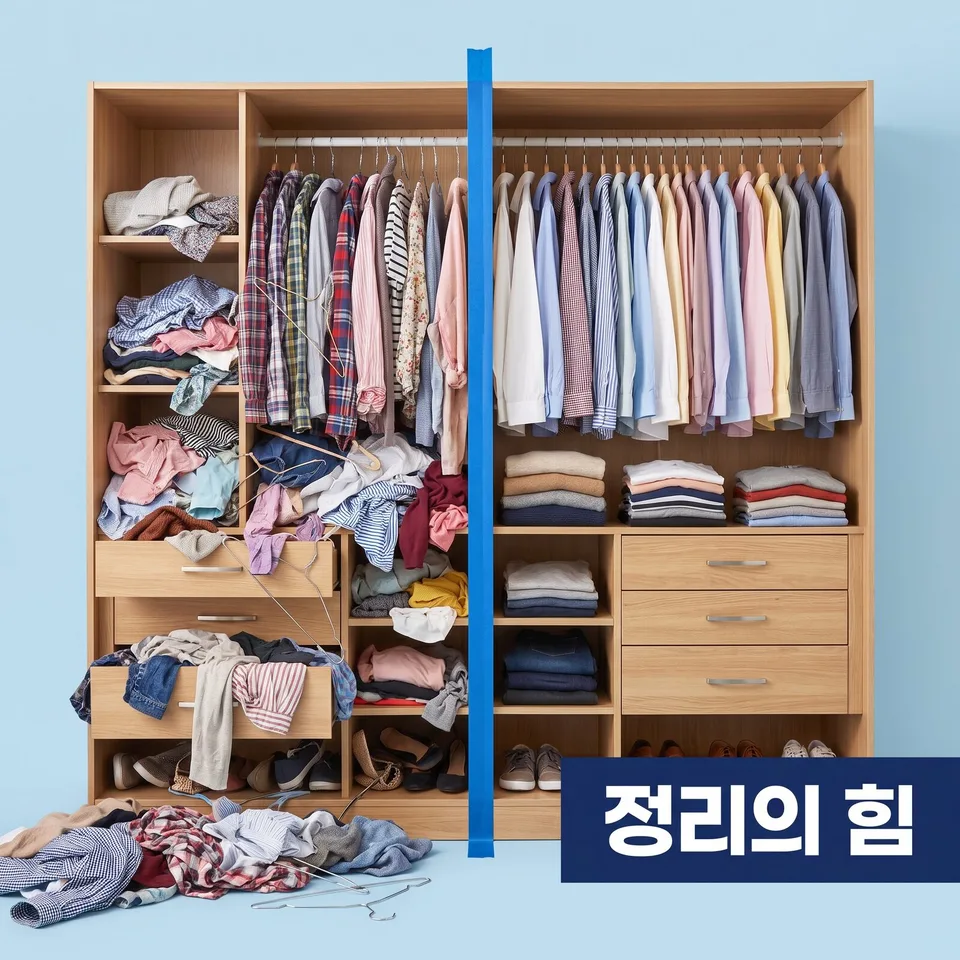 Cleaning · repair before and afterExample for this use case
Long exposure · time-lapse in one shot
Time stacked into a single image. Light trails, crowd afterimages and star trails show a space's night and flow.
Create ten images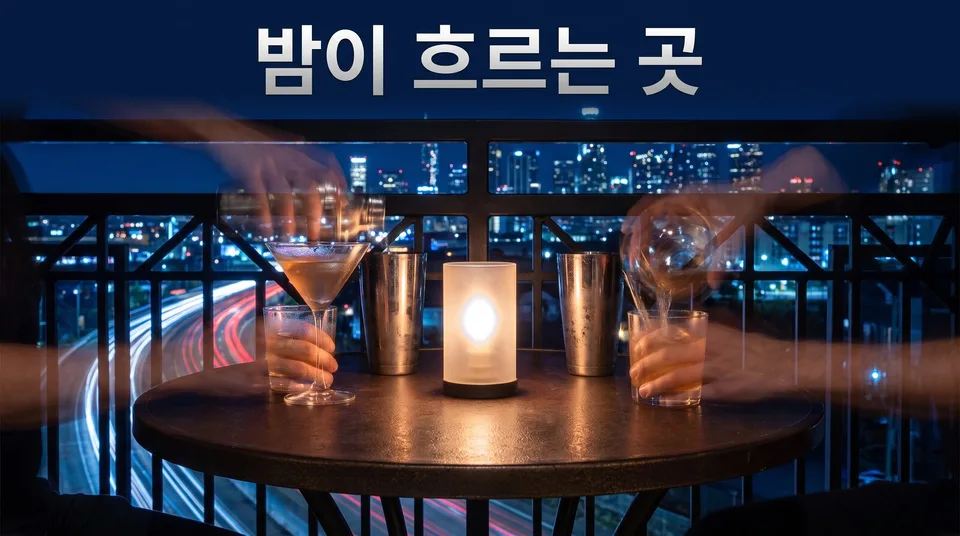 Long exposure · time-lapse in one shotExample for this use case
Anniversary · milestone cards
One image celebrating the time that's passed. Just the one number you give, with ten kinds of celebration — string lights, balloons, flowers, cake.
Create ten images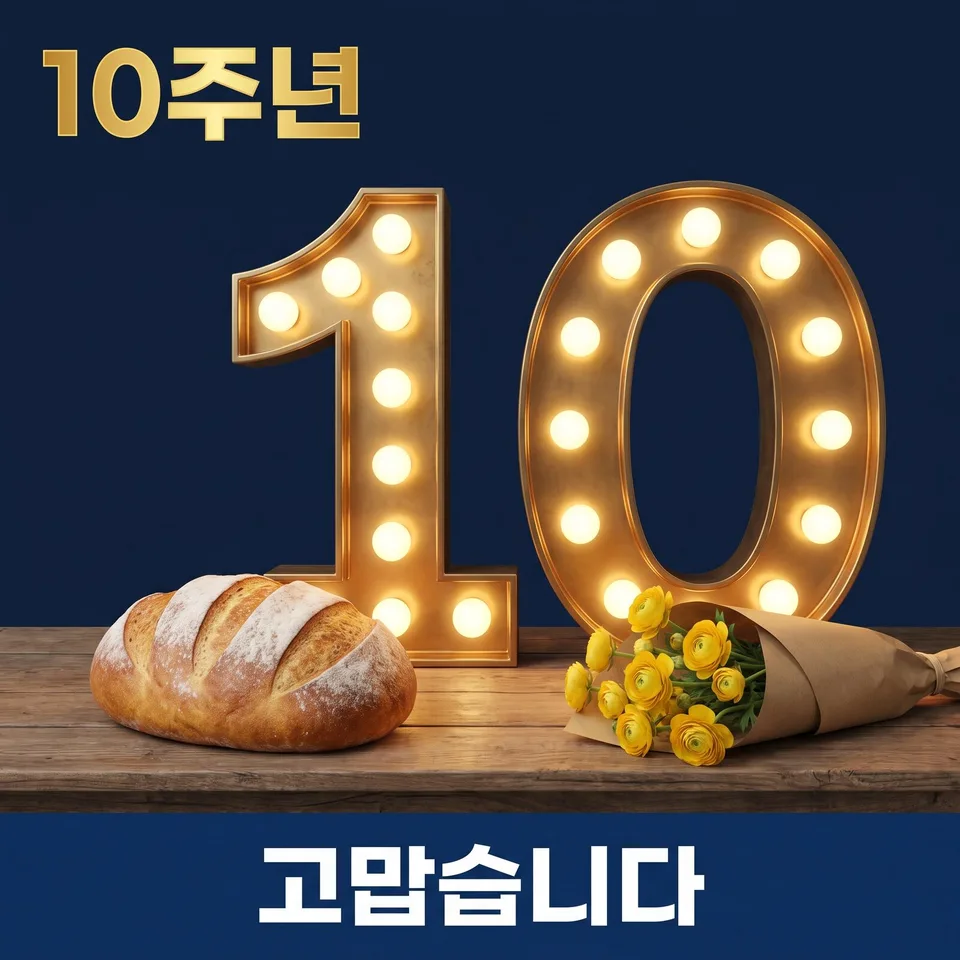 Anniversary · milestone cardsExample for this use case
Then and now
The same store, past and present. A faded photo held up and overlaid — with no made-up years.
Create ten images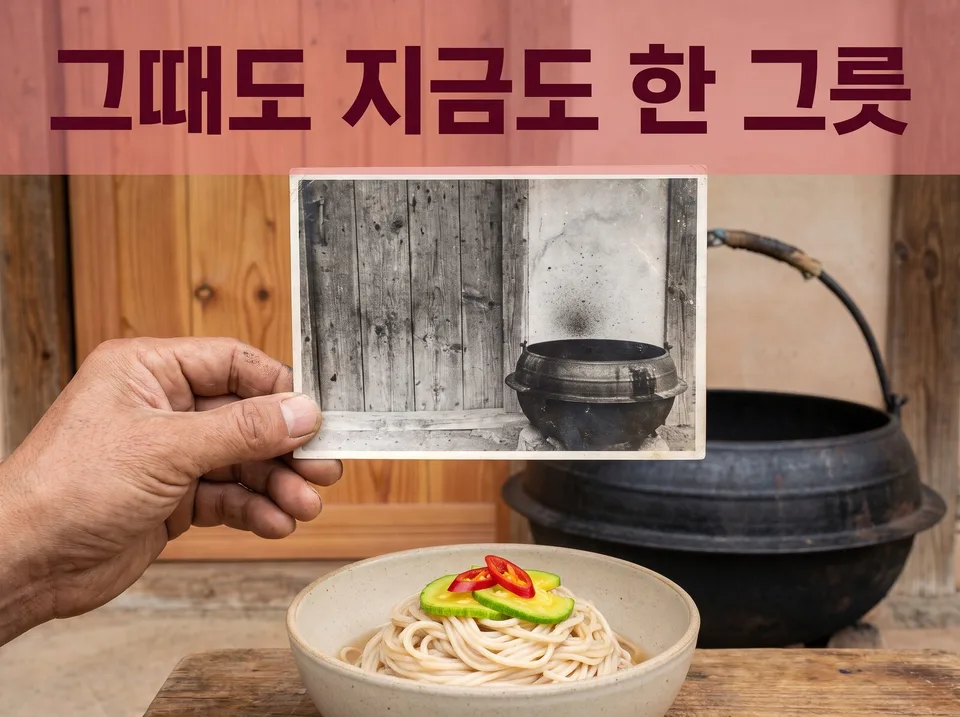 Then and nowExample for this use case
Future version drafts
Today's store as it might look in the distant future. Glass domes, sky gardens and holograms paint your vision in a single image.
Create ten images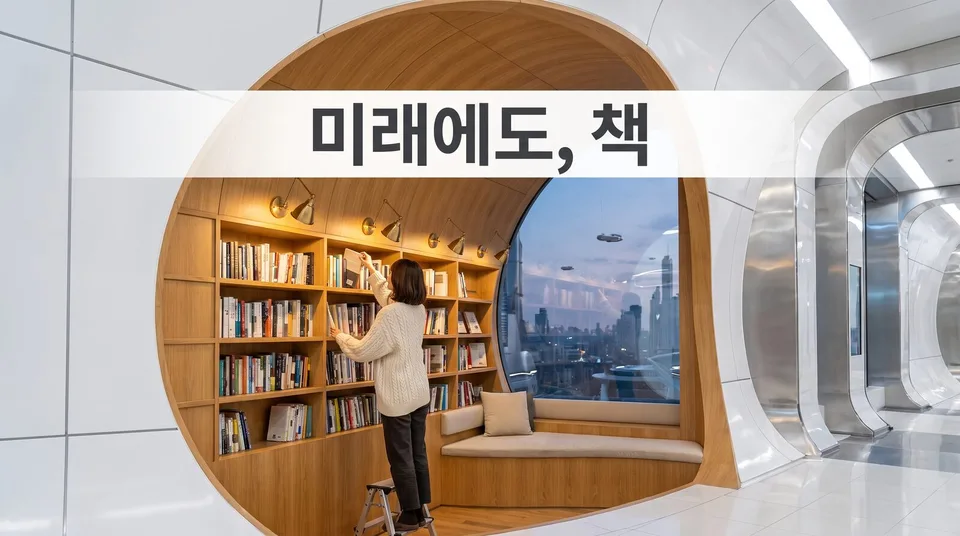 Future version draftsExample for this use case
Brand history timelines
The road you've traveled, at a glance. Only the years and lines you give, drawn as stairs, spirals, mountain paths or film strips.
Create ten images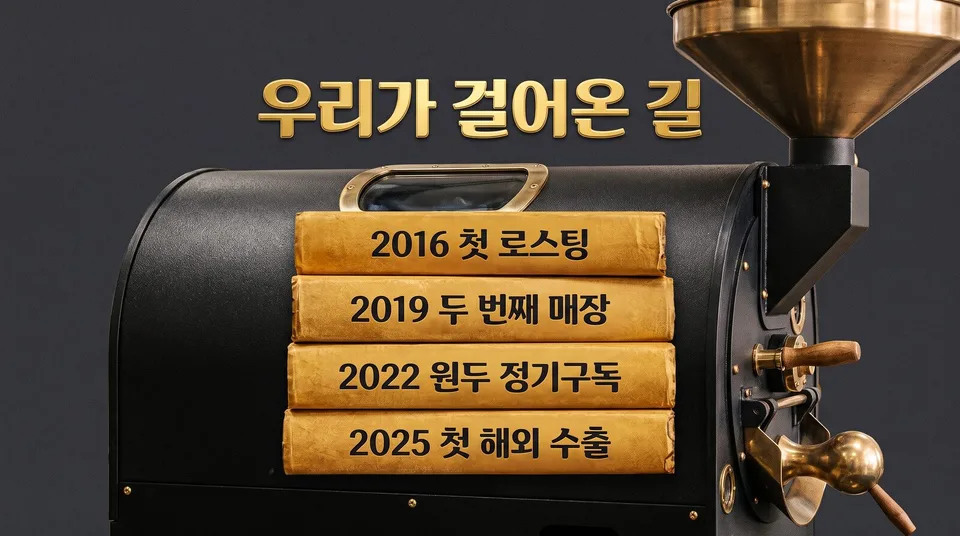 Brand history timelinesExample for this use case
Upload, pick, download
This used to be a designer's job: take one image and churn out drafts in different tones. Somssii locks in ten compositions and styles up front, and the AI studies your original, writes a different instruction for each image, and generates them all at once.
Upload one image
Upload one JPG, PNG or WebP and pick a concept pack and output ratio. A set (10 images) costs 10 credits.
AI concept planning
AI reads your original to identify the subject and text, then writes ten generation instructions matched to the assigned composition and style (20–90 seconds).
Ten images generated & delivered
All ten images are generated at once and collected on the set page. Download them one by one or as a ZIP, or remake any image — we'll email you when it's done.
What Somssii keeps and what it changes
Subject & text stay intact
Products, people, brand marks and visible text stay exactly as in the original. Only composition, color palette and mood change.
Mix of 3 ingredients
Composition, color palette and style are freshly mixed every time. Each use (banner, product, social, thumbnail, poster) has its own ingredients, so the ten images never overlap.
AI-tailored instructions
AI looks at your original and writes a new generation instruction for each variation. Add one extra line of instruction and it applies to all ten images.
Parallel generation · auto-retry
All ten images go into the generation queue at once and are done in minutes. Failed images are retried automatically, and any image we couldn't make is refunded.
Sets completed
Result images completed
Finished Shorts shared
Composition · Palette · Style · Mix
Average time from submission to ten finished images
Frequently asked questions
What does Somssii do?
Upload one image and we make ten images, each with a different composition, color palette and mood, while keeping the subject, product, brand marks and visible text as they are. Use them as drafts for banners, product photos, social content, thumbnails and posters.
How do I make Shorts & Reels?
In the Shorts/Reels menu, pick a topic — shopping, business promotion, Instagram, YouTube highlights or live — and write one line about what you want to make and how it should feel. We handle everything from planning to captions, music and narration, and deliver a 9:16 vertical video (MP4). Planning takes 20–40 minutes and each video 25–90 minutes; creation continues even if you close the window.
How many credits do Shorts cost?
25 credits (₩2,500) per video. Credits for any video we couldn't make are returned automatically.
How do I choose the length and number of Shorts?
Choose a length of 15, 30, 45 or 60 seconds, and make up to 10 videos at a time. Credits are charged per video.
What should I put in the Shorts reference URLs?
You can add official websites, product pages and YouTube video/channel URLs, one per line, up to 20. Please fill in at least one of the request text or the reference URLs. We don't cut up the source video; we create a new one based on its content.
Can I add a voice to my Shorts?
On the create screen you can choose narration from 30 voices, or make the video with captions and music only, without narration.
Where can I see my finished Shorts?
Open “Shorts & Reels” in My Workspace and each video plays right away. For videos you made, you can fix captions and scenes in the editor and decide whether to publish them to the gallery.
Can I edit a finished Shorts video?
Yes. On the Shorts result page, click ✏️ Edit on any video to open the editor. There are four modes — Beginner (change text, voice, music and color with cards, or edit by asking), Intermediate (cut, add text, effects and transitions on a timeline), Advanced (color, audio, captions and checks) and Developer (directly edit the code that made the video). When you're done, Make MP4 replaces the Shorts video with the new one. Editing and re-making MP4s don't use any credits.
How can I learn video editing?
There's a Video Editing Guide that explains each step with screenshots of real Shorts. Pick a guide below for each mode, making MP4s and reverting, or fixes for specific error messages. Inside the editor, ⋯ → Help opens the guide for your current mode.
What is the short-form storyboard?
From one line, we make a shooting storyboard as a PDF for your shorts, reels or video ad: a cover page (request, terms, a timeline of scene lengths and the story arc), then camera, action, captions, sound and notes for every scene, with cut sketches showing the shot and caption. Hand it to whoever shoots and edits, or shoot it yourself. Create a storyboard
How many credits does a storyboard cost?
It depends on the video length — 15 sec (12 cuts) 30 credits, 30 sec (18 cuts) 50 credits, 60 sec (27 cuts) 90 credits. It is usually ready in 5–10 minutes and keeps going if you close the window. If a cut cannot be drawn, that frame is left blank in the PDF and its share of credits comes back; if no cut can be drawn, you get everything back.
How much does a set cost?
1 credit is ₩100, and each set (10 images) uses 10 credits (₩1,000). You get 30 free credits (enough for 3 sets) when you sign up, and credits never expire.
How long does it take?
After you submit, AI plans ten concepts (20–90 seconds) and generates all ten images at once. It's usually done in 3–6 minutes; creation continues even if you close the window, and we'll email you when it's finished.
How are the concept packs different?
Mix pairs compositions with styles so all ten images are different; Style keeps the original composition and changes only the color palette, texture and mood; Composition keeps the mood and changes only the layout and framing; Season · Campaign makes themed versions such as spring, summer, Christmas and Black Friday. Every pack preserves the subject and text.
Will the text change or get garbled?
AI extracts the text from your original verbatim, includes it in every variation instruction, and requires Korean to be drawn as complete syllables. Even so, due to the nature of generative models, text can occasionally come out wrong — in that case you can remake that image with the same concept for 1 credit.
What if not all ten images are made?
Failed images are automatically retried up to 3 times. For any images still not made, credits are refunded automatically in proportion.
What size and format are the result images?
Results are saved as 2K-resolution JPGs, matched to the original's aspect ratio (or a ratio you choose). You can download them one by one, or all at once as a ZIP together with the original.
What kinds of images can I upload?
One JPG, PNG or WebP image, up to 25 MB. You can upload a file, enter an image URL or paste from the clipboard. For works or portraits belonging to others, please secure the rights before uploading.
Who can see the images I make?
They're private by default, visible only to you. Click “Publish to gallery” on the set page to let other visitors see them; you can take them down anytime.
How do payments and refunds work?
Pay by card or bank transfer via Toss Payments; credit packs are one-time purchases. Refunds follow our Refund Policy, and credits for images we couldn't make are restored automatically regardless of the policy.
More from the blog
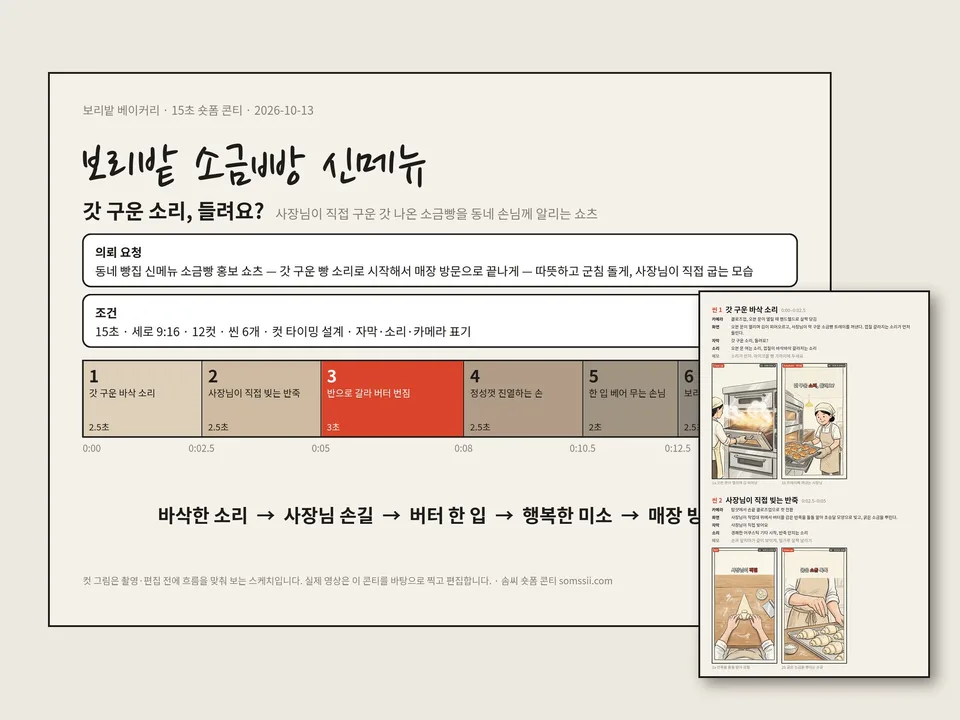
Short-form storyboards, now as a PDF on Somssii — scenes, camera, captions and cut sketches from one line
Make the storyboard you need before shooting a short, reel or video ad from one line: a co…
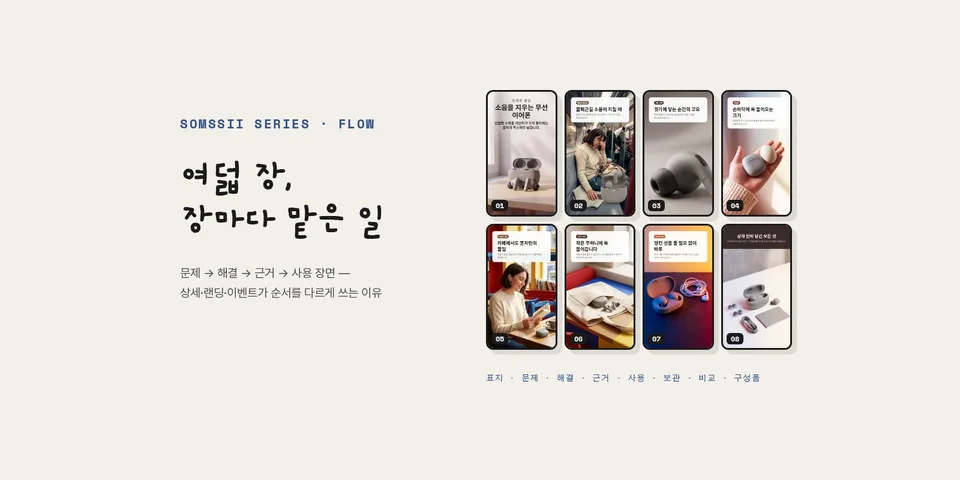
Eight Pages of a Product Detail Page, Each with Its Own Job — The Order of Detail, Landing and Event Pages
Give the same instruction eight times and you get eight similar shots. Using real results,…
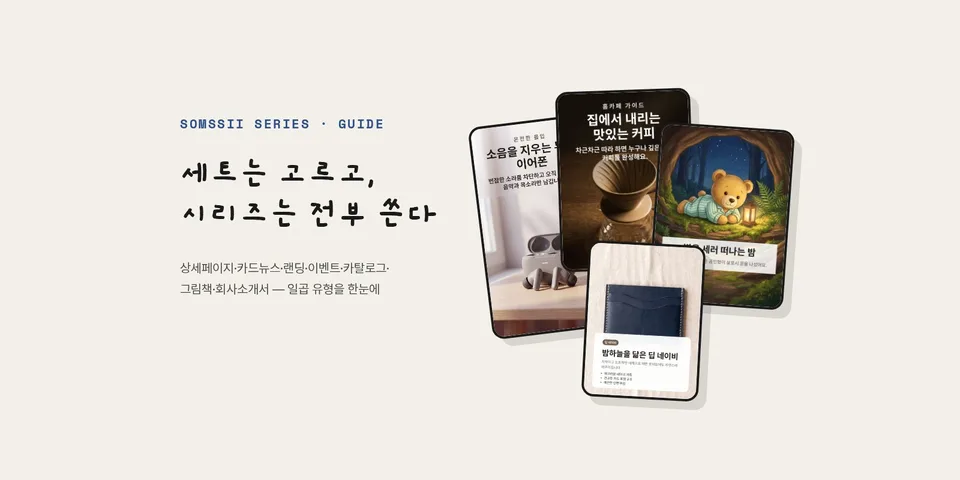
You Pick from a Set, You Use All of a Series — The Seven Somssii Series Types
Unlike a set, where you pick from ten images, a series uses every page it makes, in sequen…
Made by WebGift
Business registration no. 308-34-01096 · [06305] 123, 265 Gaepo-ro (Gaepo-dong), Gangnam-gu, Seoul, Republic of Korea · 010-3834-6214 · seossine@gmail.com