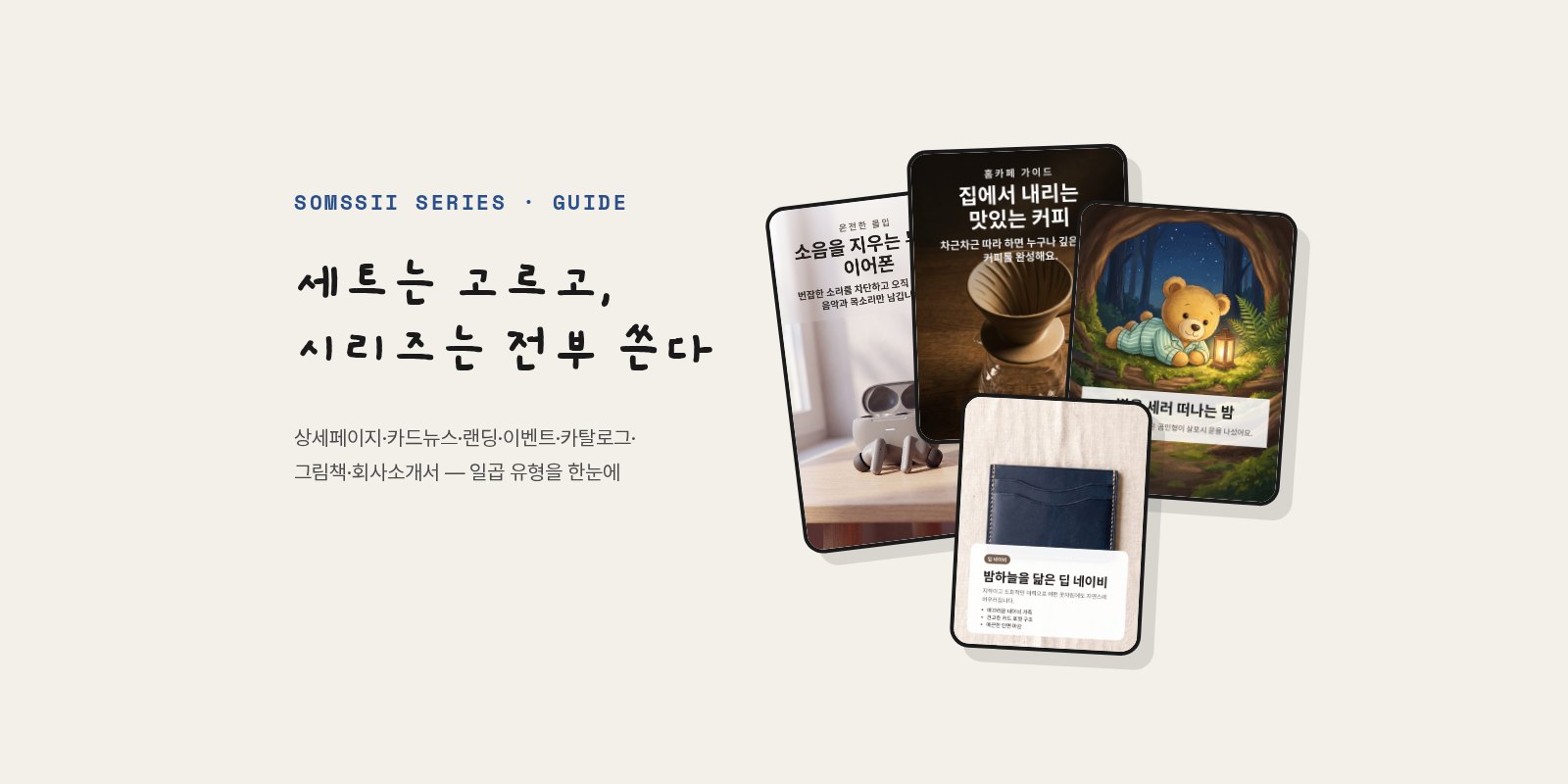
Somssii produces two kinds of image output. A set (10 images) takes one photo and makes ten images with different composition, color palette and mood, and you pick the ones you like. A series is the opposite. Because multiple pages form one finished piece, you use every page it makes. Just as you wouldn't post only the third slide of a carousel, or drop a single section from the middle of a product detail page.
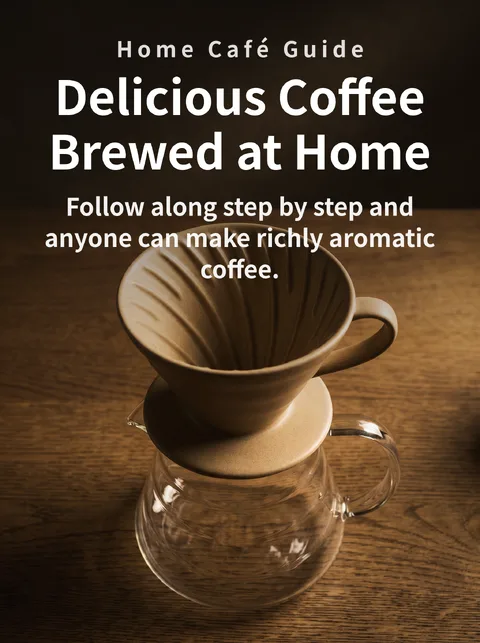
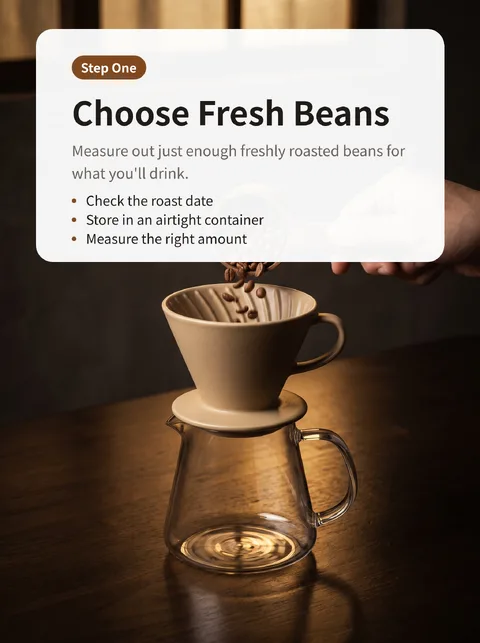

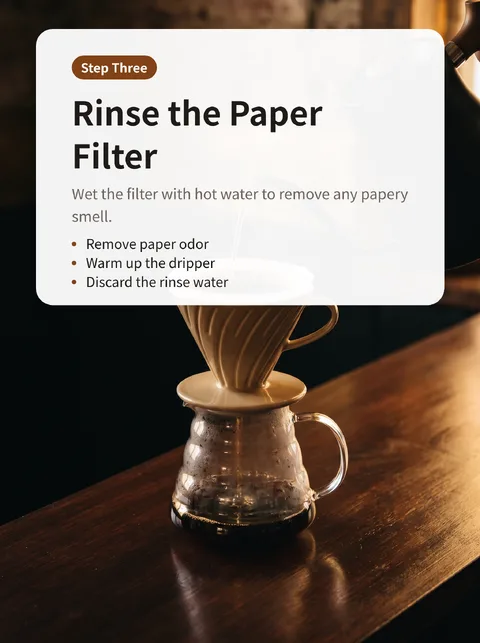
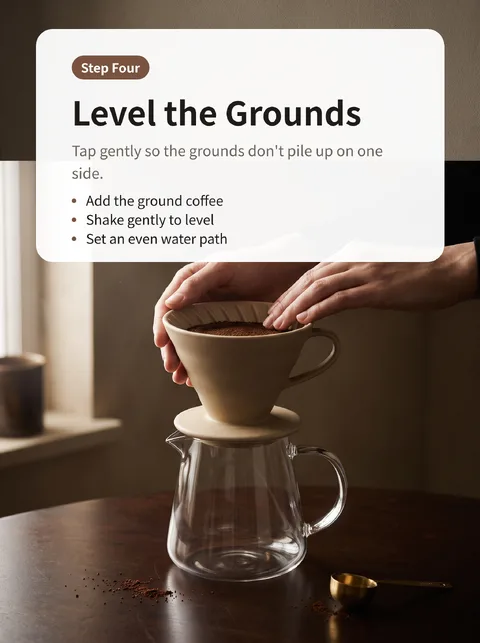
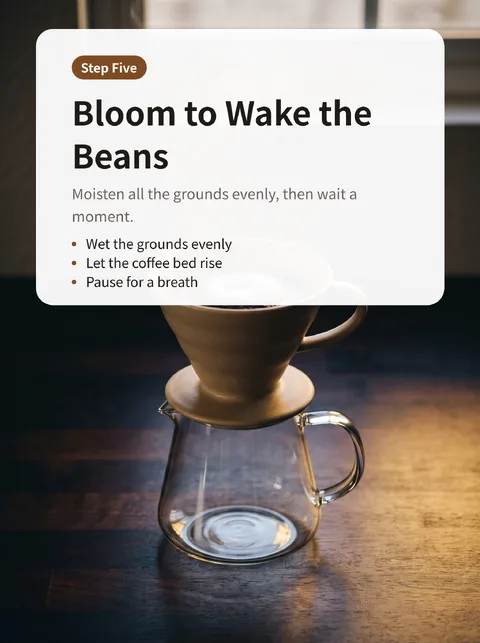
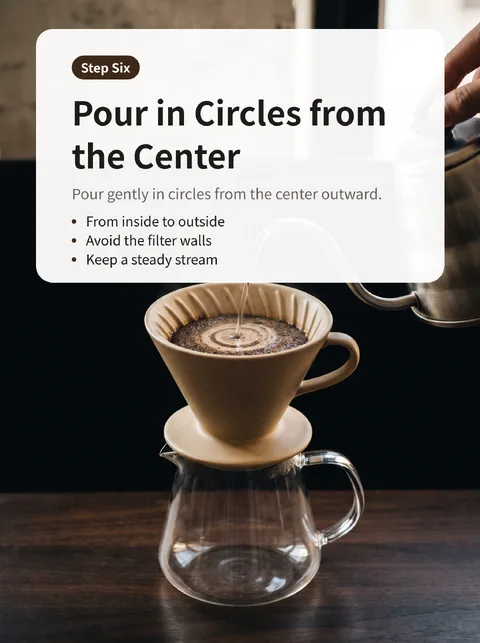
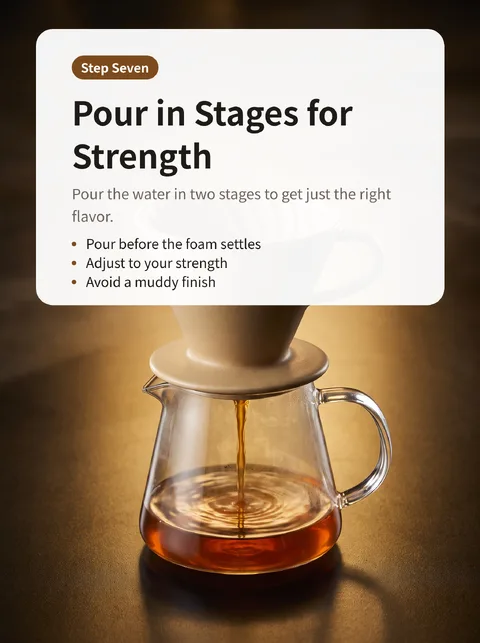
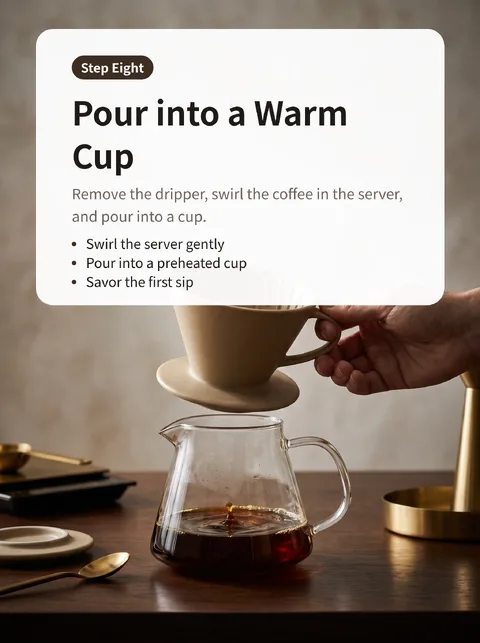
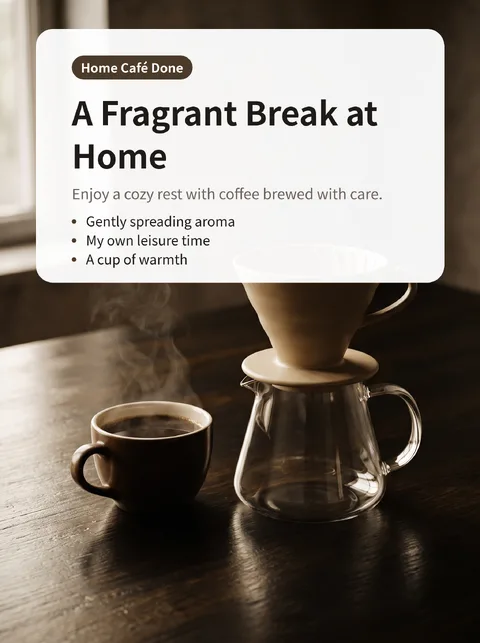
Seven types, three ways of bundling
Series types are grouped by the shape of the final output.
- One vertically stitched image — product detail page (4–8 pages), landing page (3–5 pages), event page (3–5 pages). The 9:16 sections are joined top to bottom and delivered as one long image, ready to drop straight into an online store's product listing or an event announcement.
- Individual slides — carousel (card news) (3–10 pages, 3:4). The slides themselves are the output, so they're delivered in order without bundling. Just post them one after another on Instagram or a blog.
- PDF — catalog, picture book, company profile · proposal (4–10 pages each, 3:4). Bundled into a single file that's easy to print or attach to an email.
On the completion screen, “Download final” gives you the stitched image or the PDF, and “Download all (ZIP)” gives you every individual page.
Making pages connect — same world, different jobs
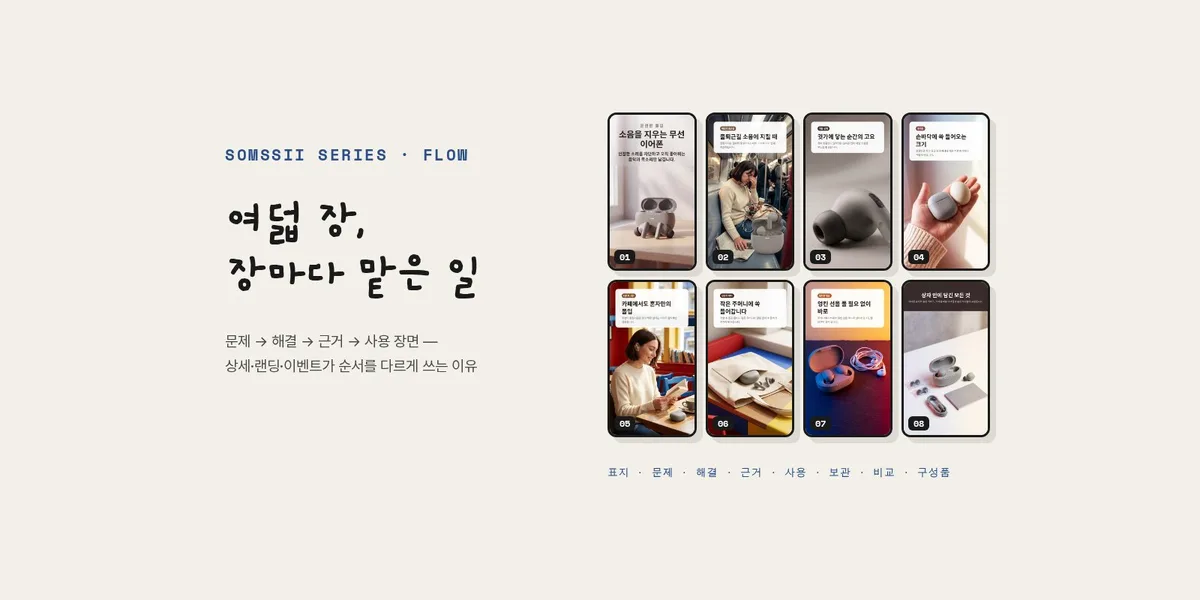
If you make several pages separately, the color and lighting differ from page to page and they don't read as one set. A series plans the whole flow at once up front and has every page stick to the same world (the same product, the same lighting and finish). Each page's job, however, is different — the first page is the cover, the last is the closing, and those in between are the body.
A catalog, by contrast, needs to show a different item on each page. So it changes only the item while keeping the same brand mood. The card wallet catalog below shows four colors, one per page, between the cover and the closing.
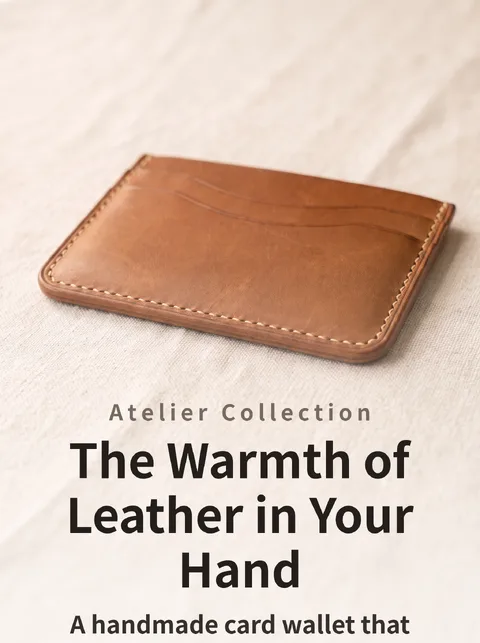

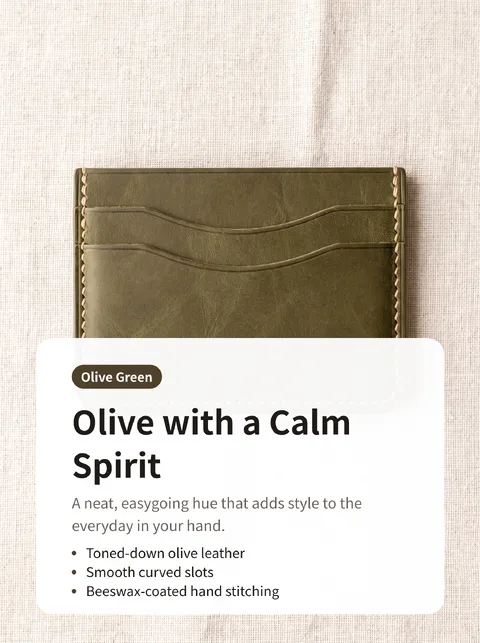
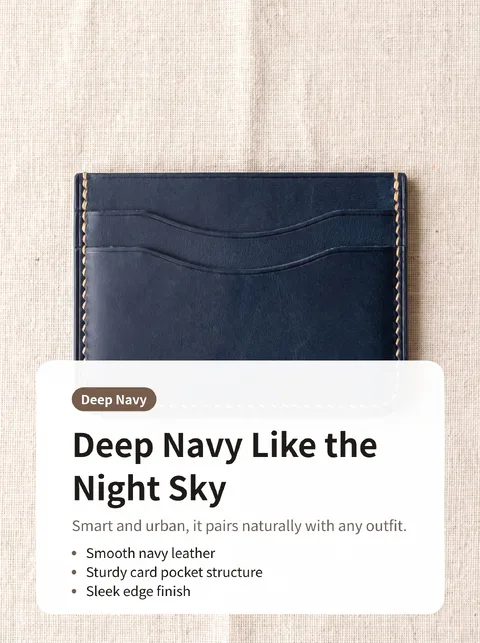
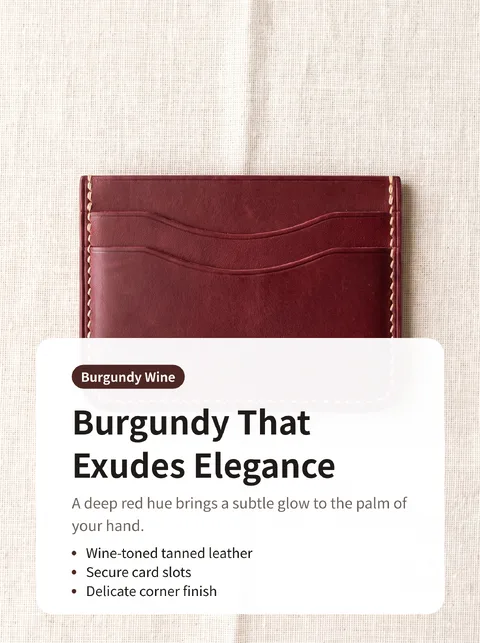
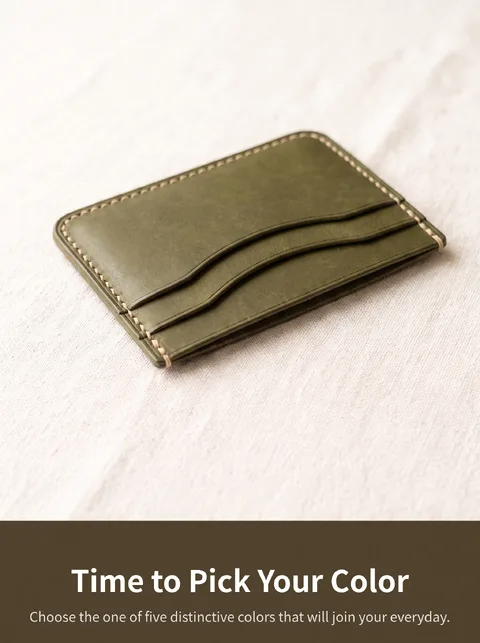
Text isn't drawn into the image — it's laid on afterwards
Text drawn by image models is unreliable. Even in an otherwise great image, small text often gets mushed beyond recognition. So a series first writes a one-line title (up to 18 characters) and a short description for each page, has the image leave room for the text, and then lays the text separately on top of the finished image. Korean text never gets garbled. The text area is fixed for each type — at the top for product detail pages, carousels, landing pages and event pages, and below the image for catalogs, picture books and company profiles.
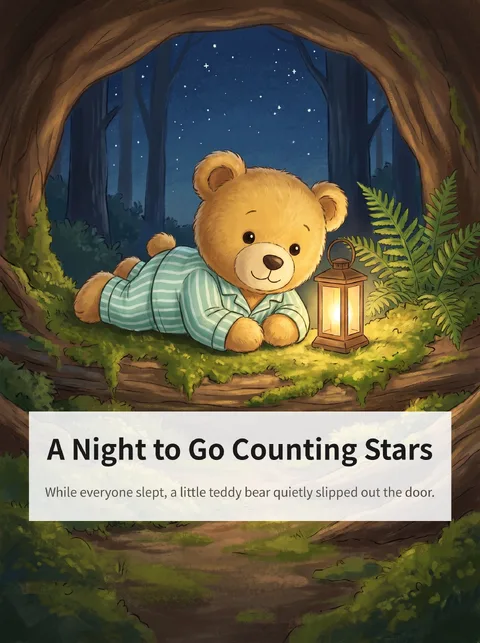

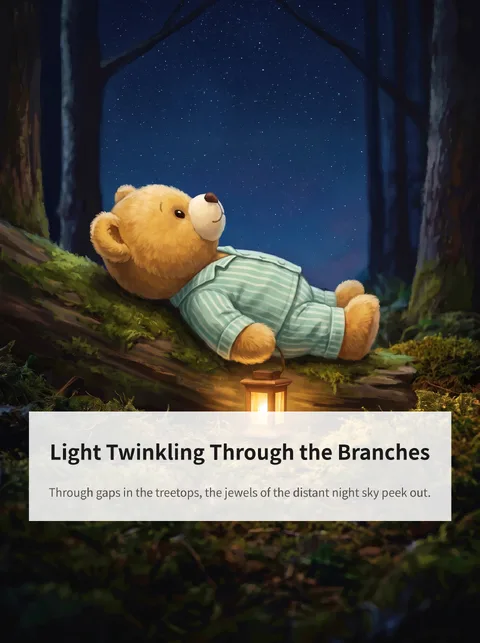
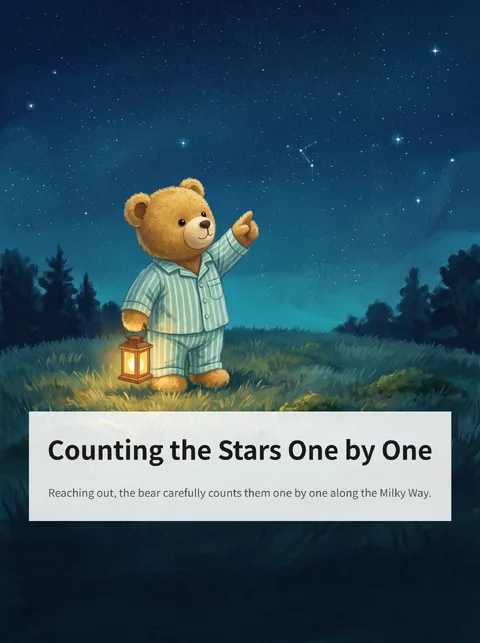
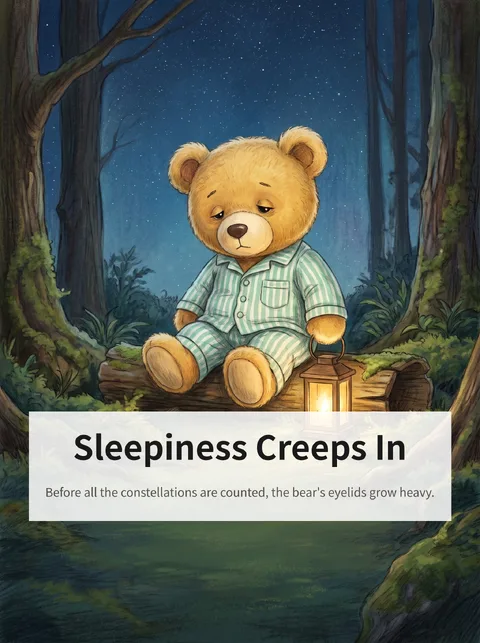

If even one page is missing, nothing is bundled — and that page is refunded
With a set, even if only nine of the ten images come out, there's still plenty to choose from, so we refund the missing image and deliver the rest as is. A series is different. If one section in the middle of a product detail page is missing, the remaining pages are unusable too. That's why a series has no ‘partially complete’ state. Failed pages are automatically remade (up to 3 times per page), and if any page is still missing, we don't assemble the series and refund credits for the pages we couldn't make.
Priced per page — the same rate as a set
A series costs 1 credit per page. That's the same rate as a set (10 credits for 10 images), so a 6-page carousel is 6 credits and an 8-page product detail page is 8 credits. You choose the number of pages within the range set for each type (3–10 pages).
What you start with — one line of topic, photo optional
Pick a type and write a one-line topic in the “What is it about?” field — for example, “Eight steps to brewing great coffee at home.” A source photo is optional — upload one and the series is built around its subject; skip it and the series is made from the topic alone. You can also paste an image URL or reuse a photo from My originals, and leave anything else you'd like as a one-line note.