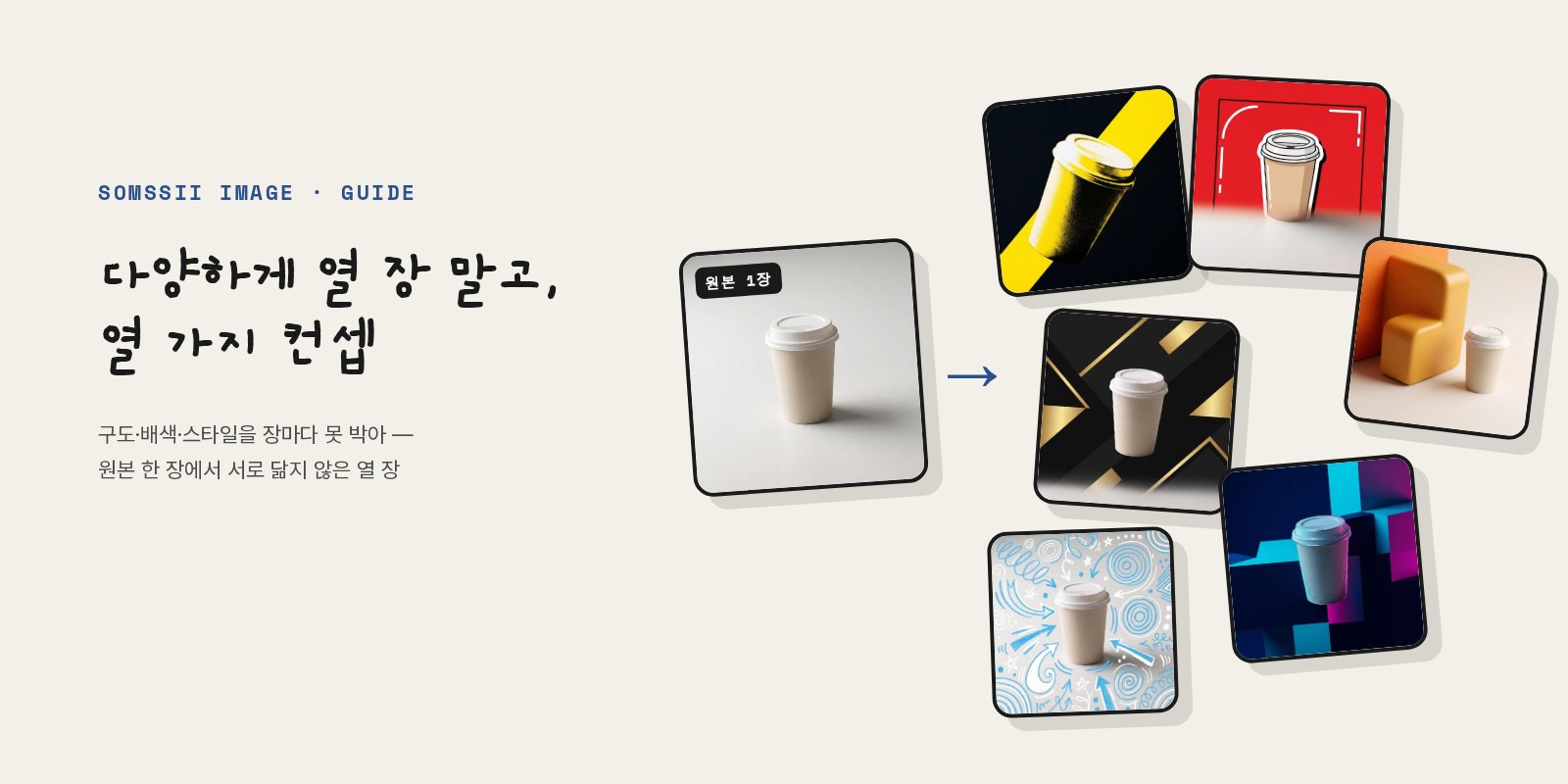
What happens if you tell an image generation model, “Make 10 varied versions of this banner”? Most of the time you get ten similar images. The model has no standard for interpreting “varied,” so it converges on the single most plausible direction.
Below are the ten images we actually got by putting one photo of a cup into Somssii. It's the same cup, yet none of the ten look alike.
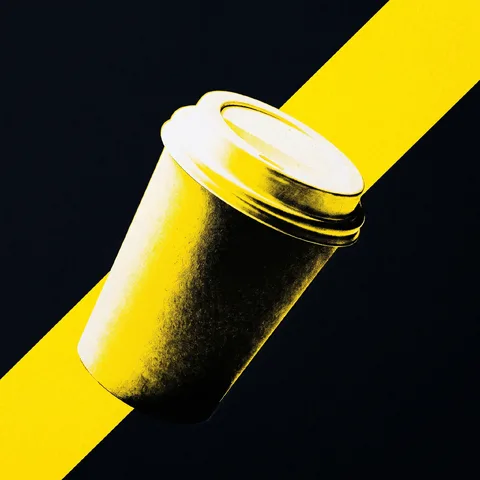 01 Diagonal ribbon · High-contrast black · Paper print
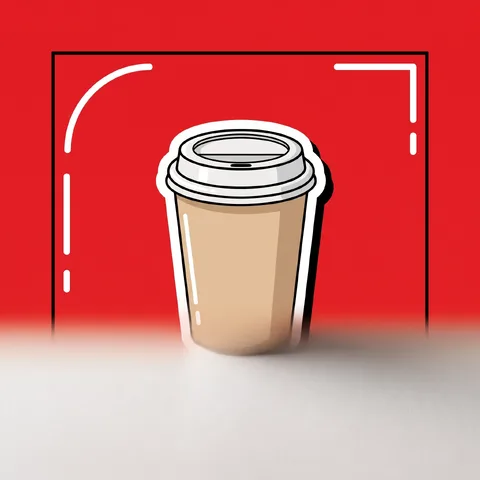 02 Inner frame · Brand red · Sticker pop
 03 Side by side · Soft pastel · Glossy ad
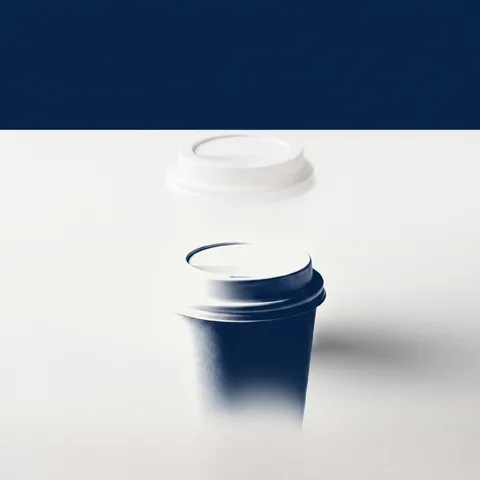 04 Top band headline · Duotone · Minimal ad
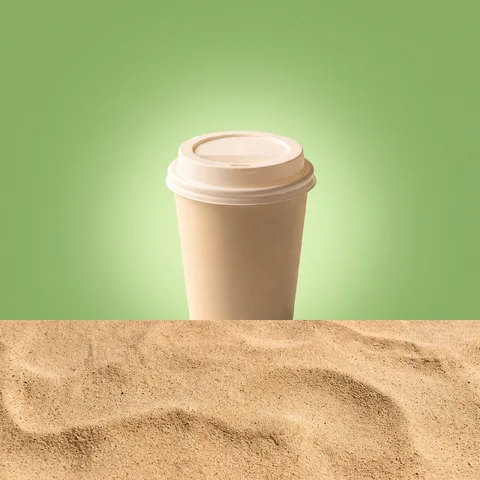 05 Top-bottom halves · Natural green · Gradient glow
 06 Hero front view · Premium black · Flat graphic
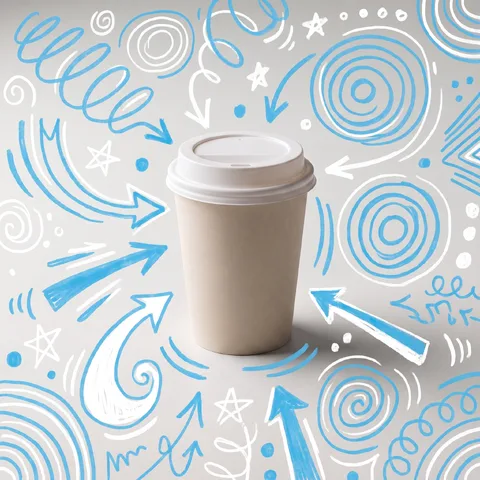 07 Corner offer badge · Fresh blue · Hand-drawn accents
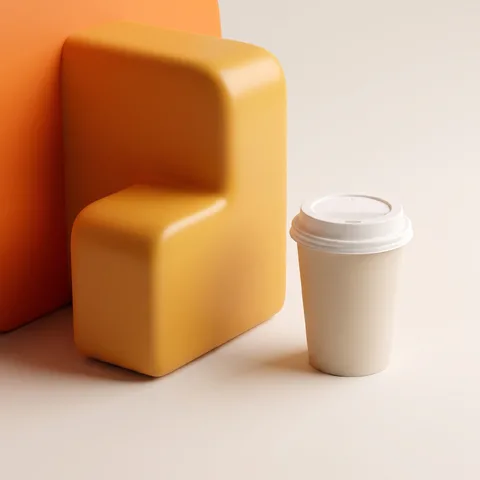 08 Big number · Warm sale orange · 3D render
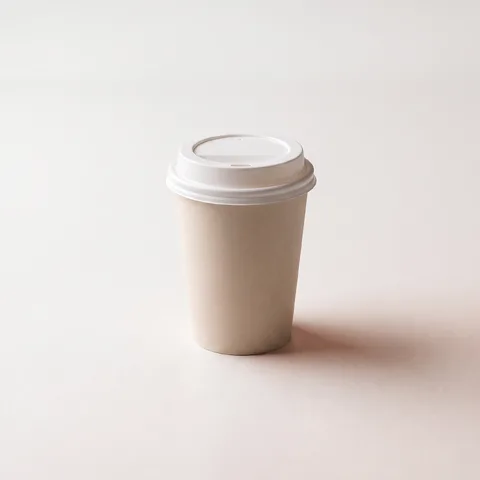 09 Center stack · Clean white · Photoreal
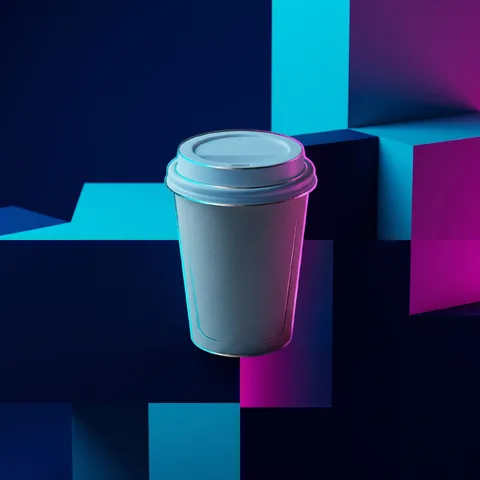 10 Cutout overlap · Night neon · Luxury foil
Rule 1 — Split the axes
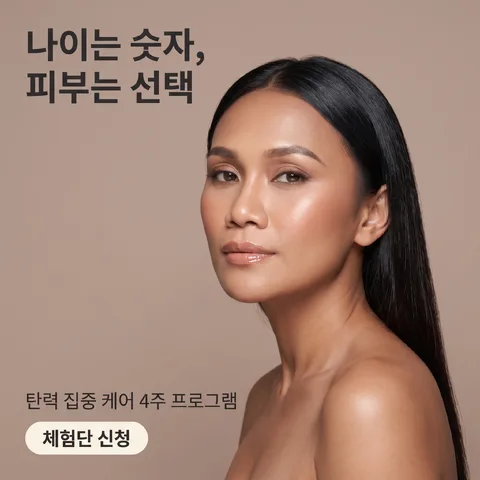
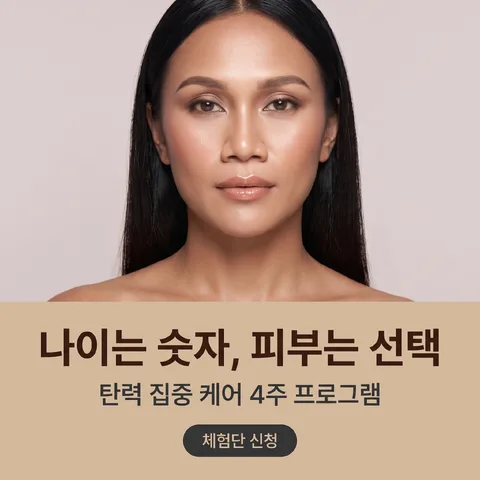
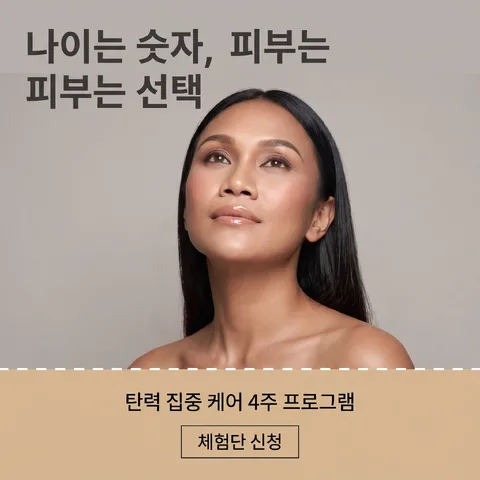
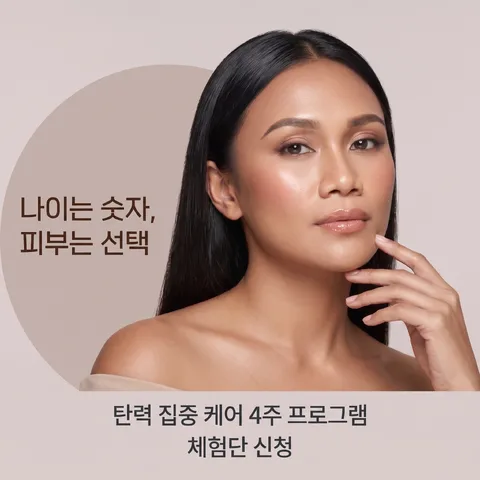
Somssii splits what can change into three axes: composition (what goes where), color palette (color combinations) and style (texture, lighting, typography treatment). A pack is a combination of these axes. The Mix pack mixes all three, while the palette, composition and style packs change just one axis and keep the rest as in the original. Below is a set where only the composition changed, with color and style left as they were.

Rule 2 — Nail down each image
We first create an assignment table with no overlaps — e.g. #1 “text left · clean white,” #2 “subject on top · dark gold” — then write a different instruction for each image according to that table. Because the choice isn't left to the model, the ten images don't resemble each other.
The labels on the ten images below are that very assignment table — the same concert poster, made with a different composition and style nailed down for each image.
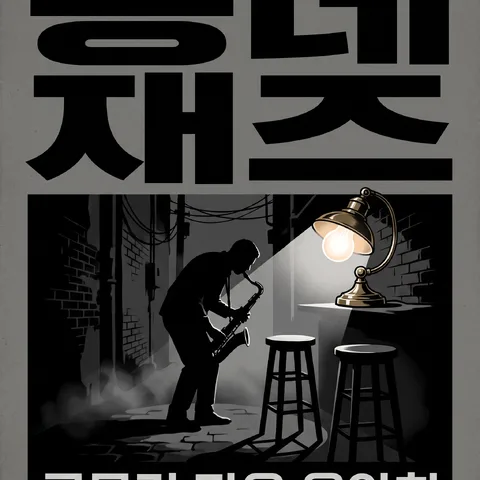 01 Title stack · Monochrome gray · Bold poster
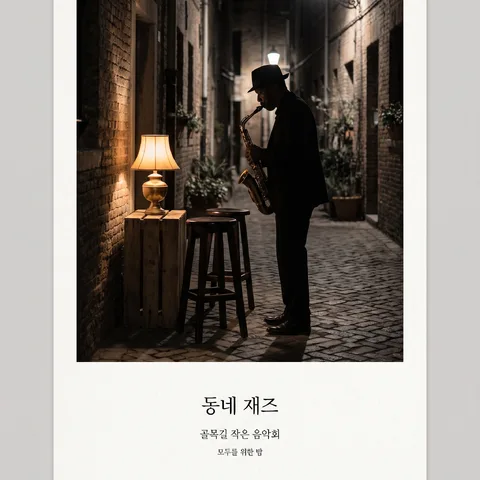 02 Print margin · Ink black · Art gallery
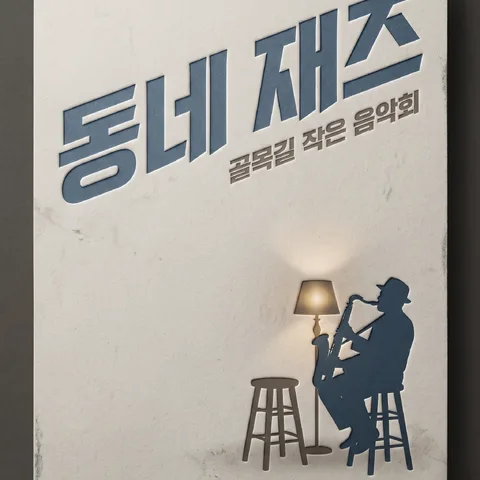 03 Diagonal type · Blue gray · Letterpress
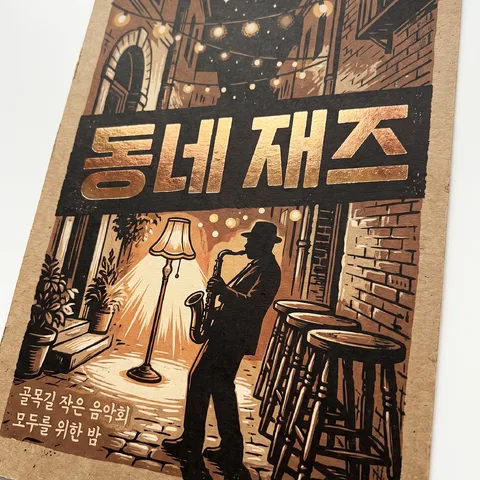 04 Date · Kraft brown · Foil stamp
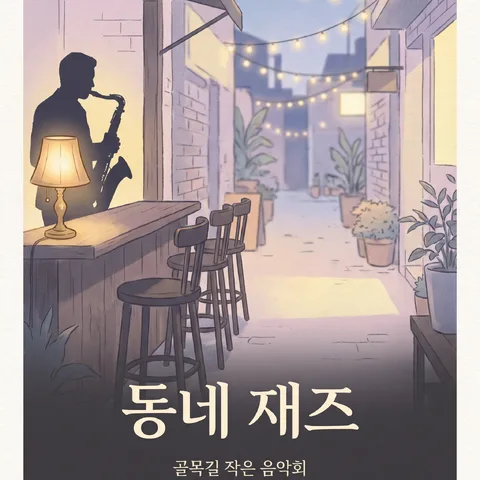 05 Full bleed · Pastel print · Editorial
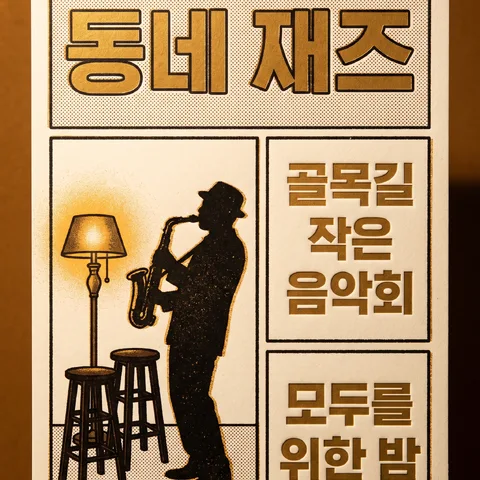 06 Grid system · Gold emboss · Risograph
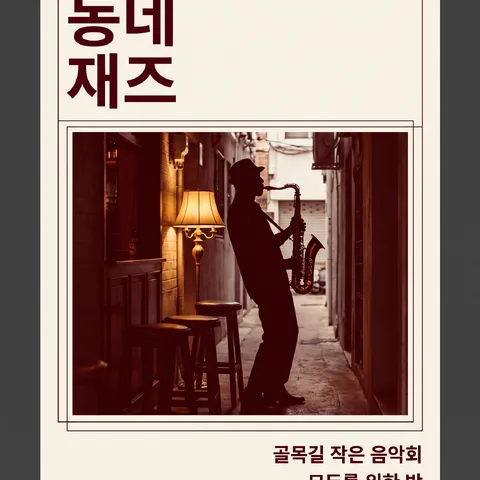 07 Framed plate · Deep red · Swiss grid
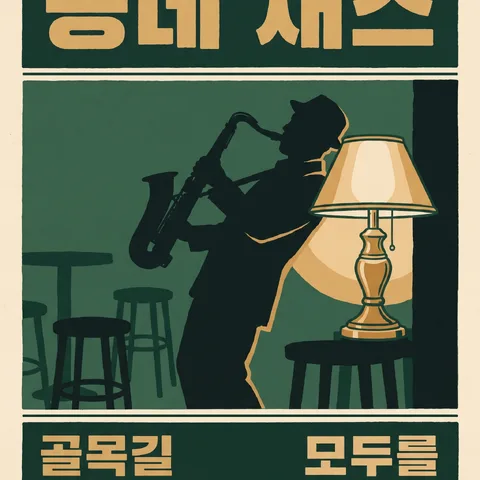 08 Horizontal band split · Forest ink · Silkscreen
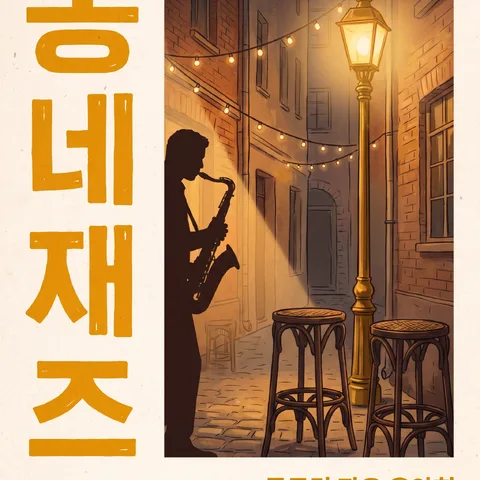 09 Vertical typesetting · Sun orange · Paper texture
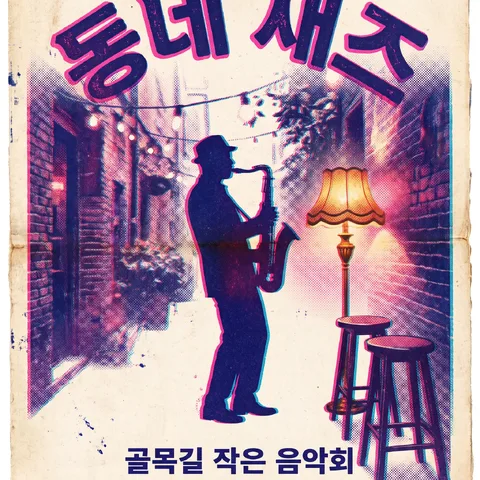 10 Center symmetry · Riso duotone · Vintage print
Rule 3 — Write down what to keep first
More important than what changes is what doesn't. AI reads the original and extracts the subject, product, brand marks and visible text verbatim, then adds “keep this text as is, draw Korean as complete syllables” to every instruction. That's why prices, treatment names and hashtags don't change.
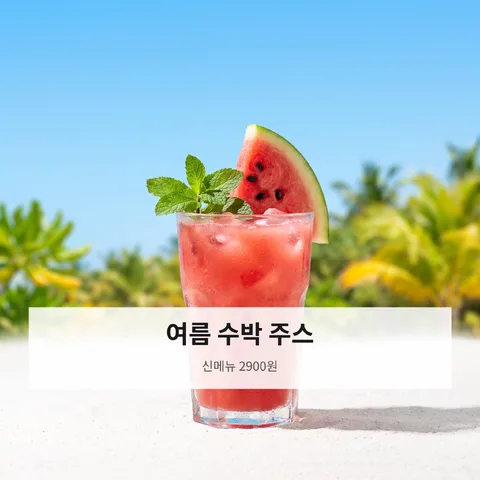 01 Hero front view · Fresh blue · Photoreal
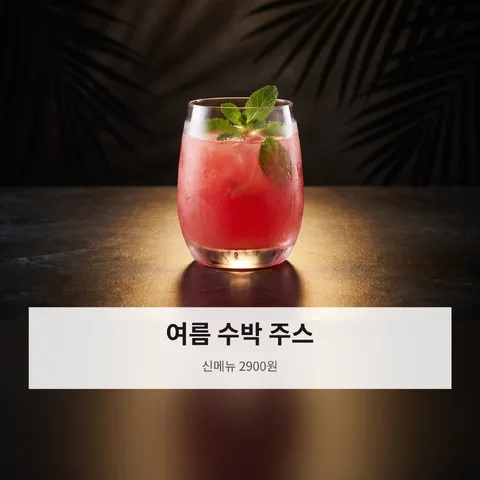 02 Center stack · Premium black · Glossy ad
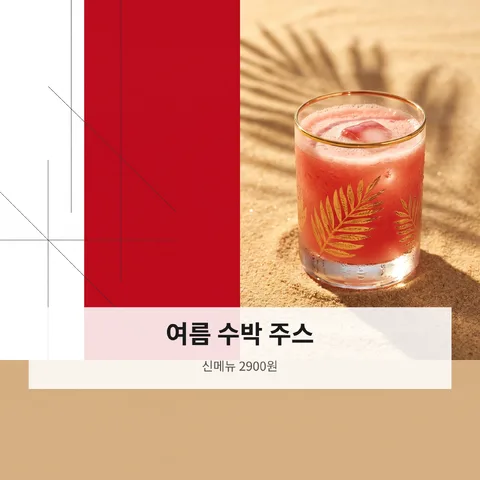 03 Side by side · Brand red · Luxury foil
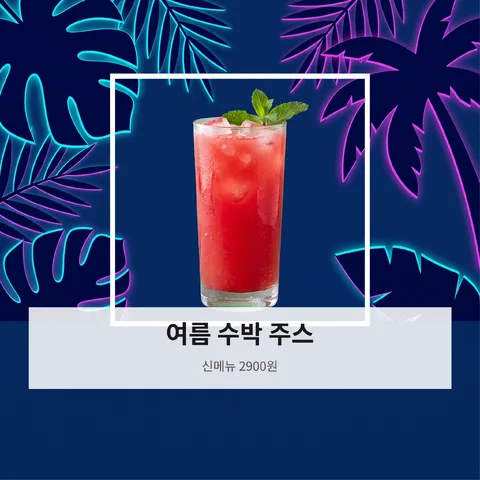 04 Inner frame · Night neon · Flat graphic
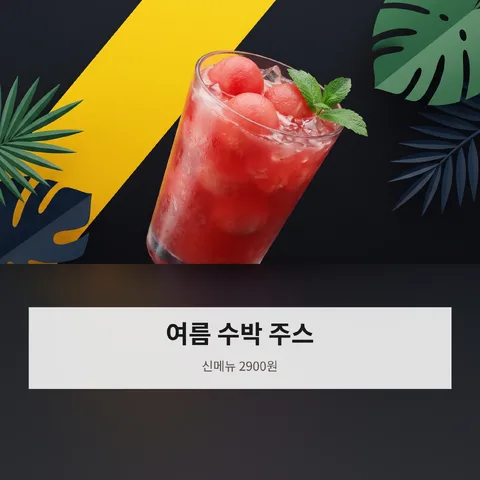 05 Diagonal ribbon · High-contrast black · 3D render
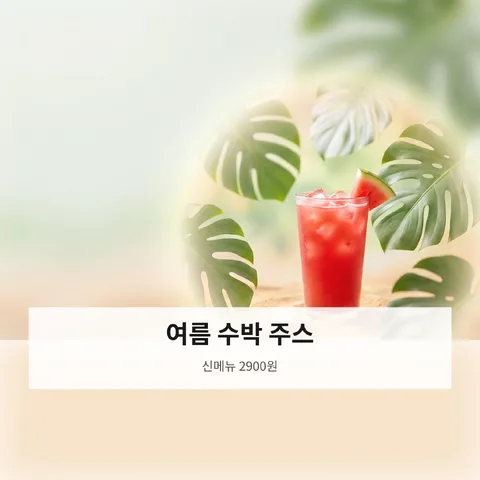 06 Corner offer badge · Natural green · Gradient glow
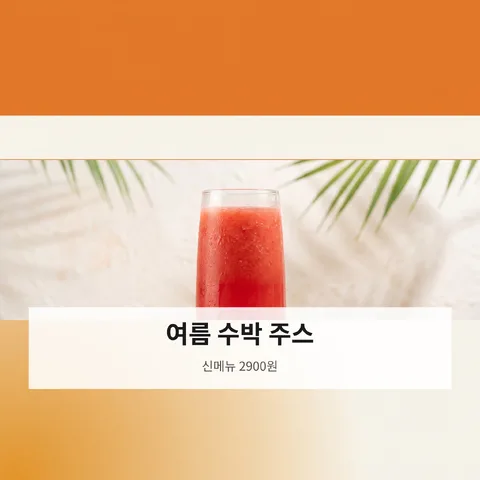 07 Top band headline · Warm sale orange · Minimal ad
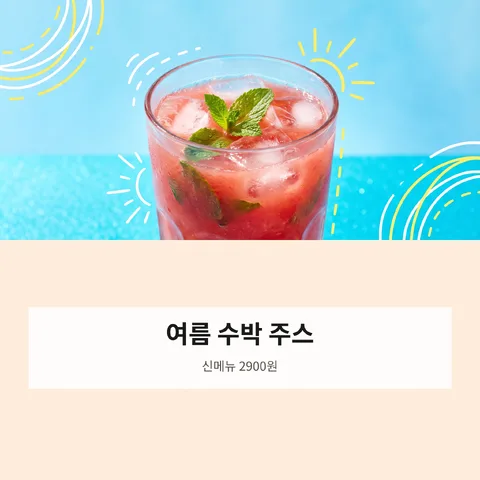 08 Top-bottom halves · Soft pastel · Hand-drawn accents
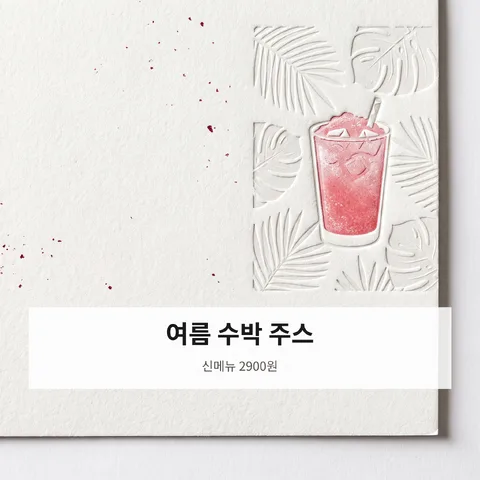 09 Big number · Clean white · Paper print
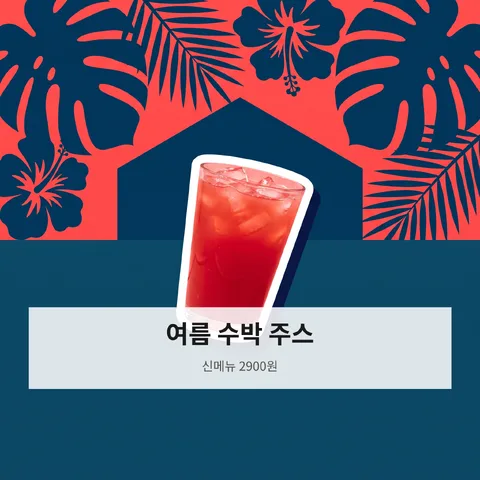 10 Cutout overlap · Duotone · Sticker pop
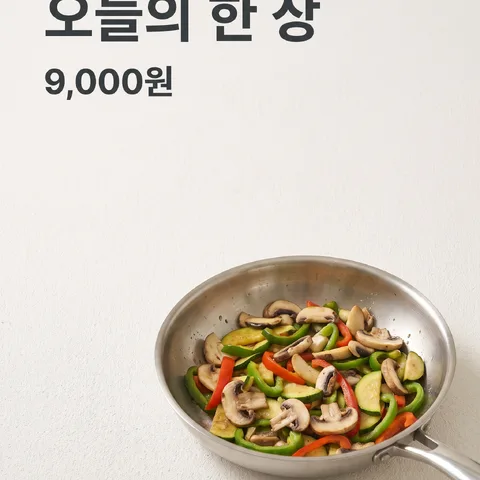
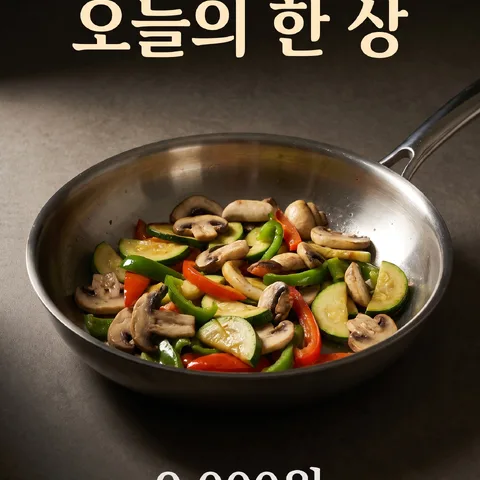
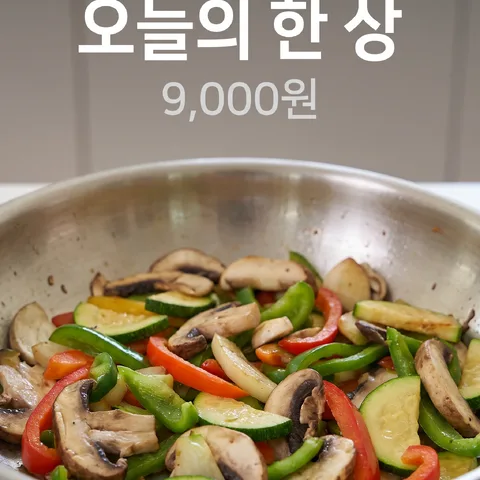
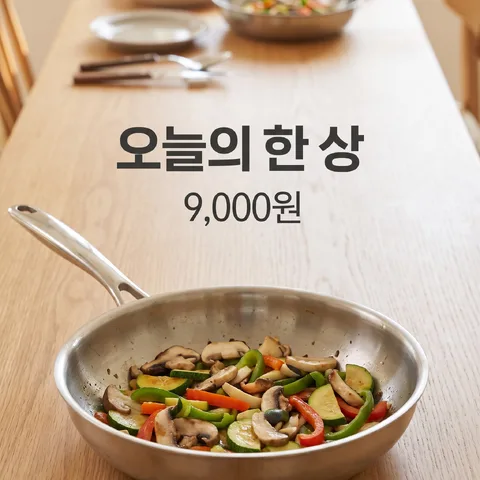
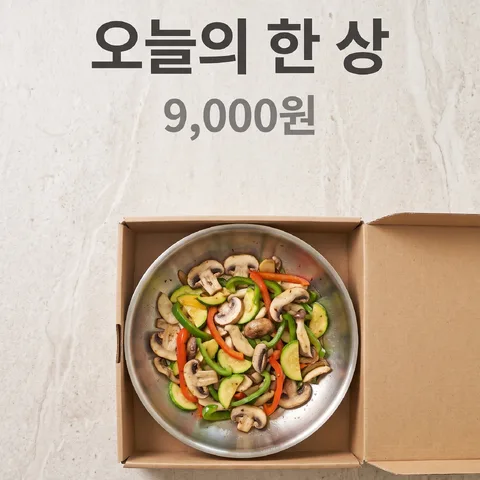
Fixed text such as menu names and prices also appears unchanged in all ten images.
Rule 4 — All at once, then again
All ten images enter the generation queue at the same time. That's 4–5 times faster than generating them one by one, and failed images are retried automatically. If there's still an image you don't like, just remake that one with a different concept for 1 credit.